
JukeboxPlayer
Mod that adds a feature to play songs in the game
Screenshots
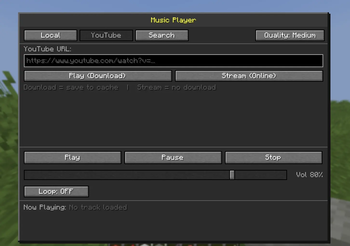
About this Mod
What is this?
A simple in-game music streaming mod that allows players to listen to audio directly inside Minecraft.
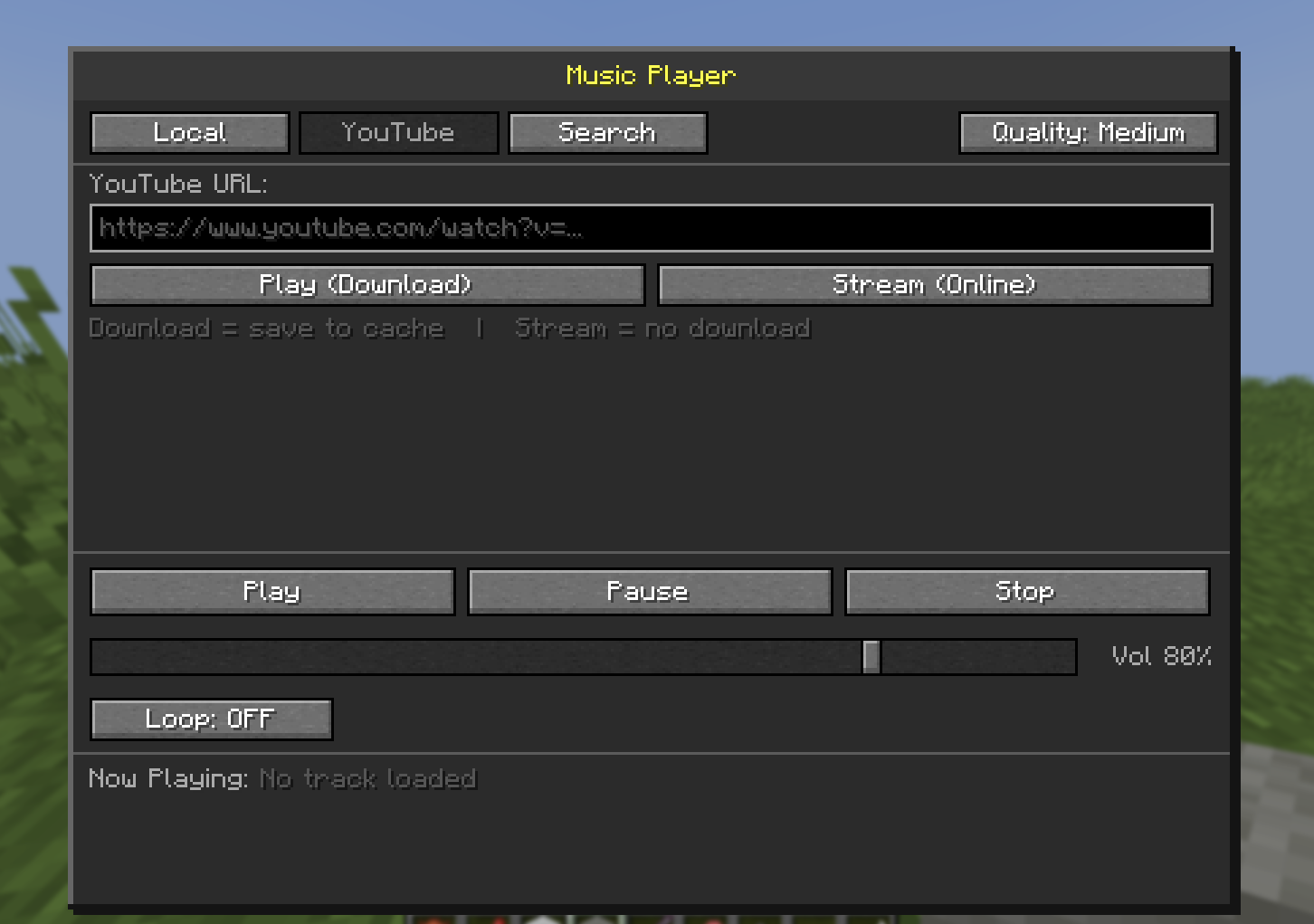
This mod works on both client and server, enabling a seamless experience in singleplayer and multiplayer environments. Players can stream music from external sources or play audio from local files, creating a more immersive and customizable gameplay atmosphere.
How to use?
Press F9 to open the GUI.
Features
- Stream audio from online sources
- Play music from local files
- Optional downloading for offline playback
- Works in both singleplayer and multiplayer
- Lightweight and easy to use
- Supports client-server interaction
Notes
- This mod requires an internet connection for streaming features
- Users are responsible for the content they access or download
- Make sure you have the rights to use any audio content
- On first use, the mod may automatically download external dependencies such as FFmpeg and yt-dlp to enable audio streaming functionality
- Some streaming sources may not work in certain regions or may depend on third-party services
Multiplayer Support
This mod supports multiplayer environments. Audio playback and streaming features can work across client-server setups depending on server configuration.
Disclaimer
This project is not affiliated with Mojang, Microsoft, FFmpeg, or yt-dlp.
Users are responsible for complying with the terms of service and copyright laws related to the content they stream or download.
Source Code
Available Versions
How to Install JukeboxPlayer on Your Server
Order Server
Order a Minecraft Java server with at least 3 GB RAM (4 GB recommended).
Set fabric Loader
In the panel under "Egg", select the fabric loader and matching Minecraft version (1.21.11).
Install Mod
Open the mod browser in the dashboard and search for "JukeboxPlayer". Click "Install" – done! Alternatively, upload the .jar via SFTP to the /mods folder.
Compatibility
Mod Loaders
Minecraft Versions
1.21.11
Server-side
✓ RequiredRecommended RAM
4 GB(min. 3 GB)Frequently Asked Questions
JukeboxPlayer server crashes on startup – what to do?
Most common cause: wrong fabric version or insufficient RAM. Check the server log (latest.log) for "OutOfMemoryError" or "Mixin" errors. With Mado Hosting: ensure at least 3 GB RAM is allocated and the loader matches the mod version (1.21.11). You can switch loaders with one click in the panel.
Is JukeboxPlayer compatible with fabric?
JukeboxPlayer officially supports fabric for Minecraft 1.21.11. The Mado dashboard automatically detects incompatible loader combinations.
Server lagging with JukeboxPlayer – how to optimize performance?
Recommended RAM: 4 GB (per 8 players). Use /spark profiler to check if JukeboxPlayer consumes the most tick time. Common fixes: reduce server view-distance to 8-10, install "performant" or "starlight" as supplementary mods on Forge. With Mado Hosting, your server runs on NVMe SSDs with dedicated CPU cores for minimal latency.
Similar Mods





Rent Modded Server
Install JukeboxPlayer with just one click on your server.