
Klsts' Nether Utilities
Adds biome-specific features to Nether Biomes
Screenshots
About this Mod
Have you ever felt the Nether Biomes don't have much things to do once you explore them once? No reaseon to revisit them?
This mods aims to make the Nether expirience more enjoyable by adding cool resources and features to Nether biomes.
There 3 new resources, which can only be found in their respective biome and can't be placed anywhere else (like Budding Amethyst) . This resources are:
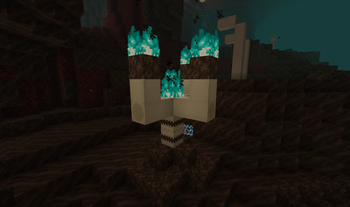
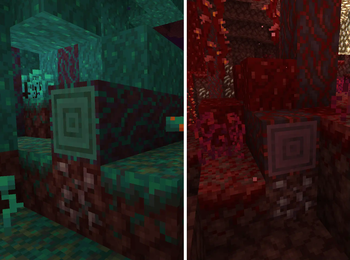
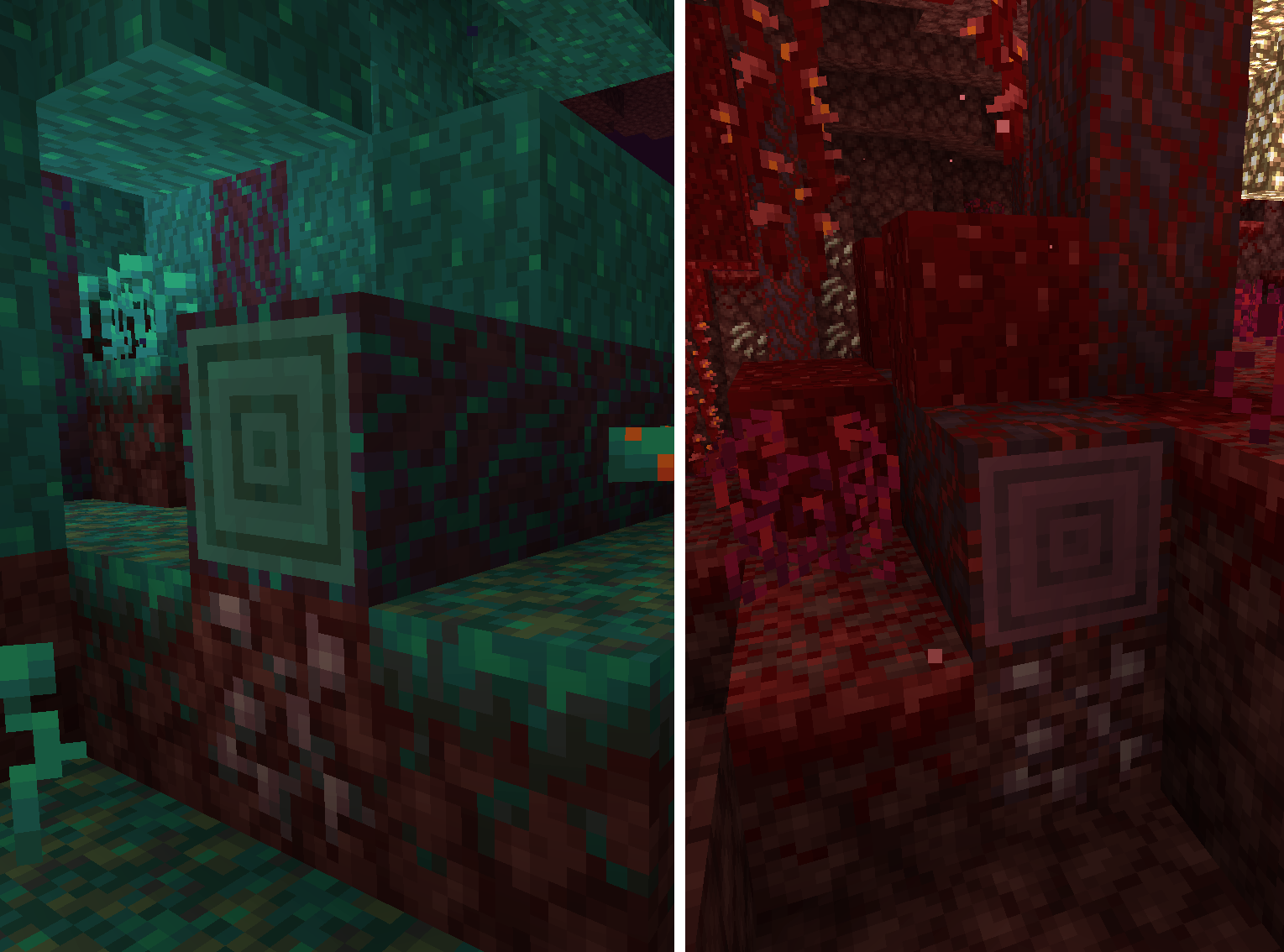
Crimson Truffles. Found on fallen fungi on Crimson Forests. When eaten will extinguis the player.
Warped Truffles. Found on fallen fungi on Warped Forests. When eaten will despawn nearby Endermen.
Ignite. Found on Ignite Crystals on Basalt Deltas. Has many uses, such as creating a block which crystallices lava nearby!
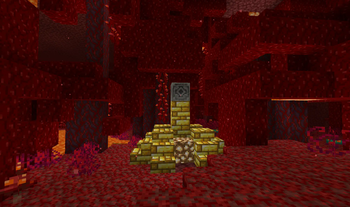
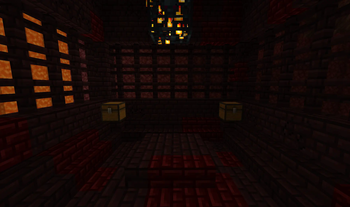
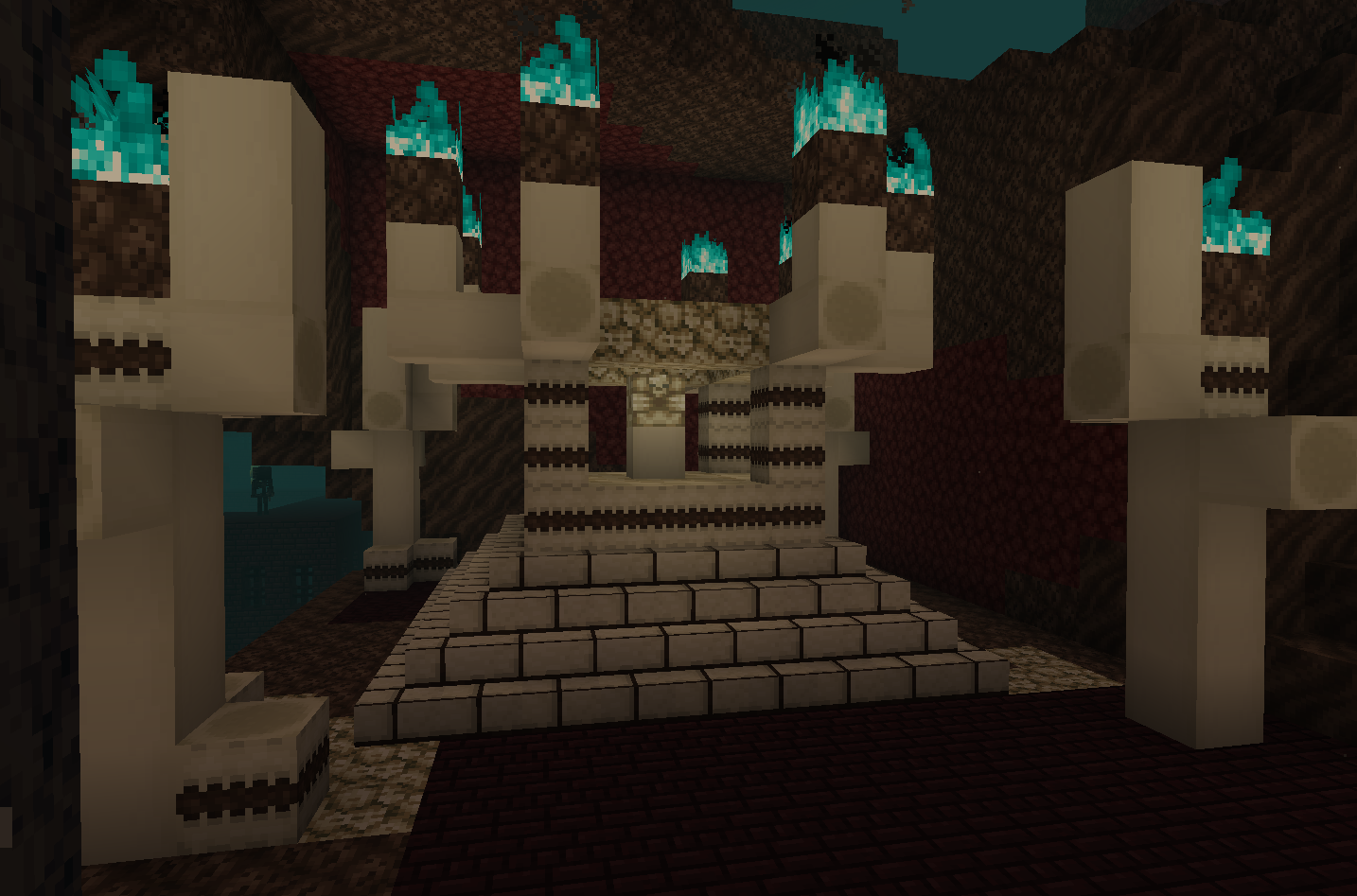
Also there is a new structure called the Bone Temple, which has a Bone Vault that spawns loot multiple times when feeding it bones.
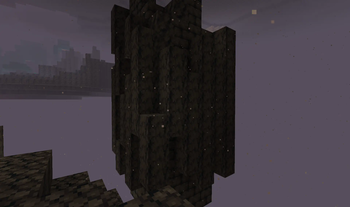
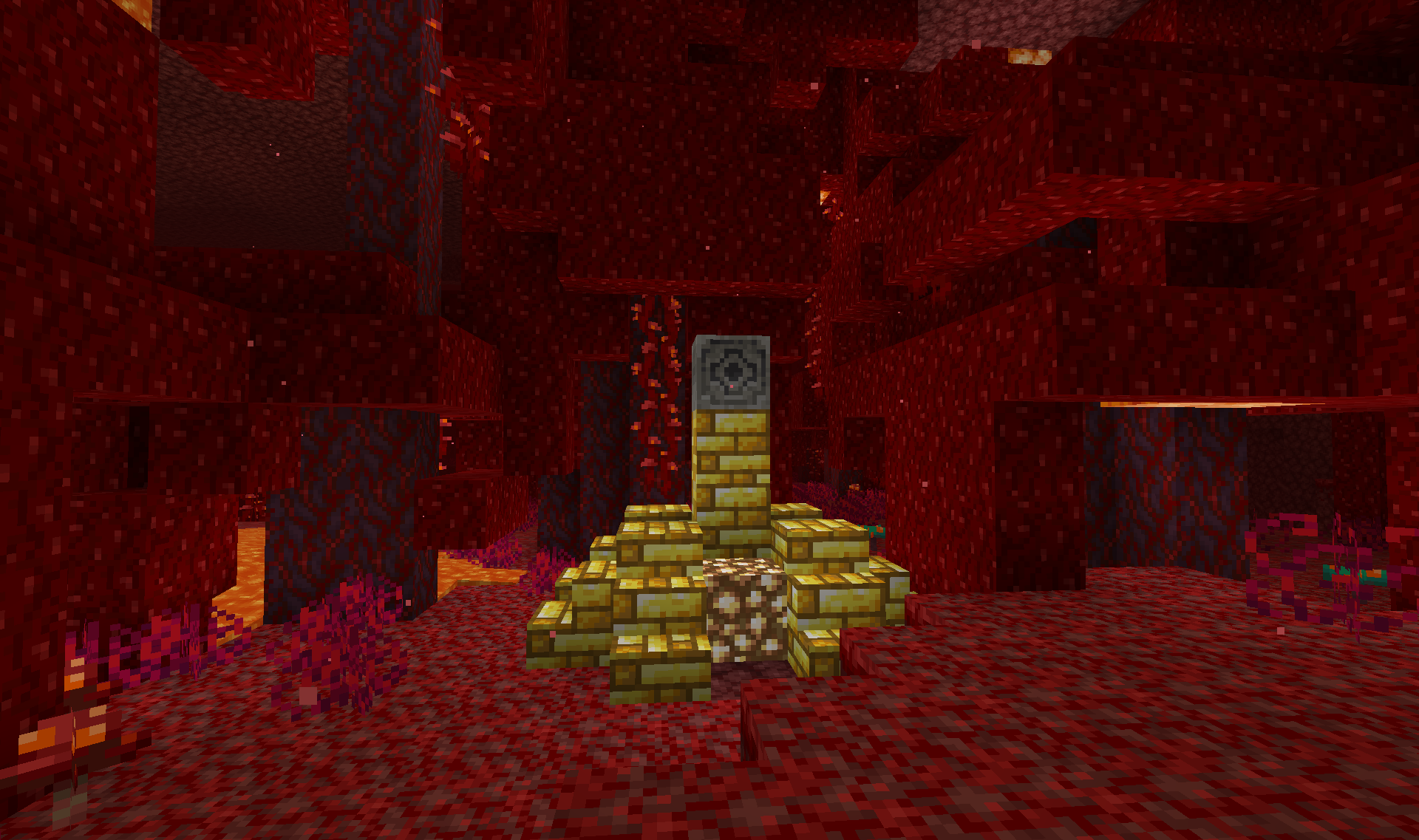
There are other features which generate in all the Nether, to make it more fun to explore (some of them also have loot!).
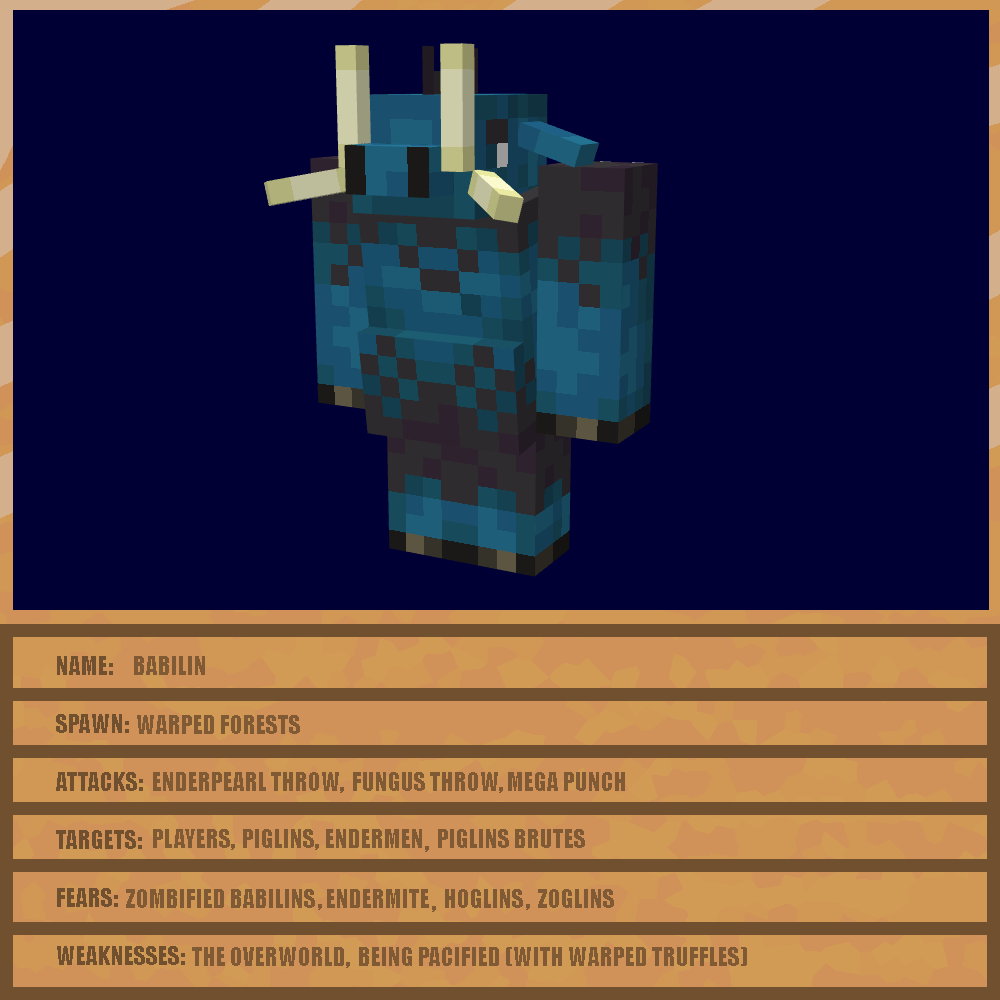
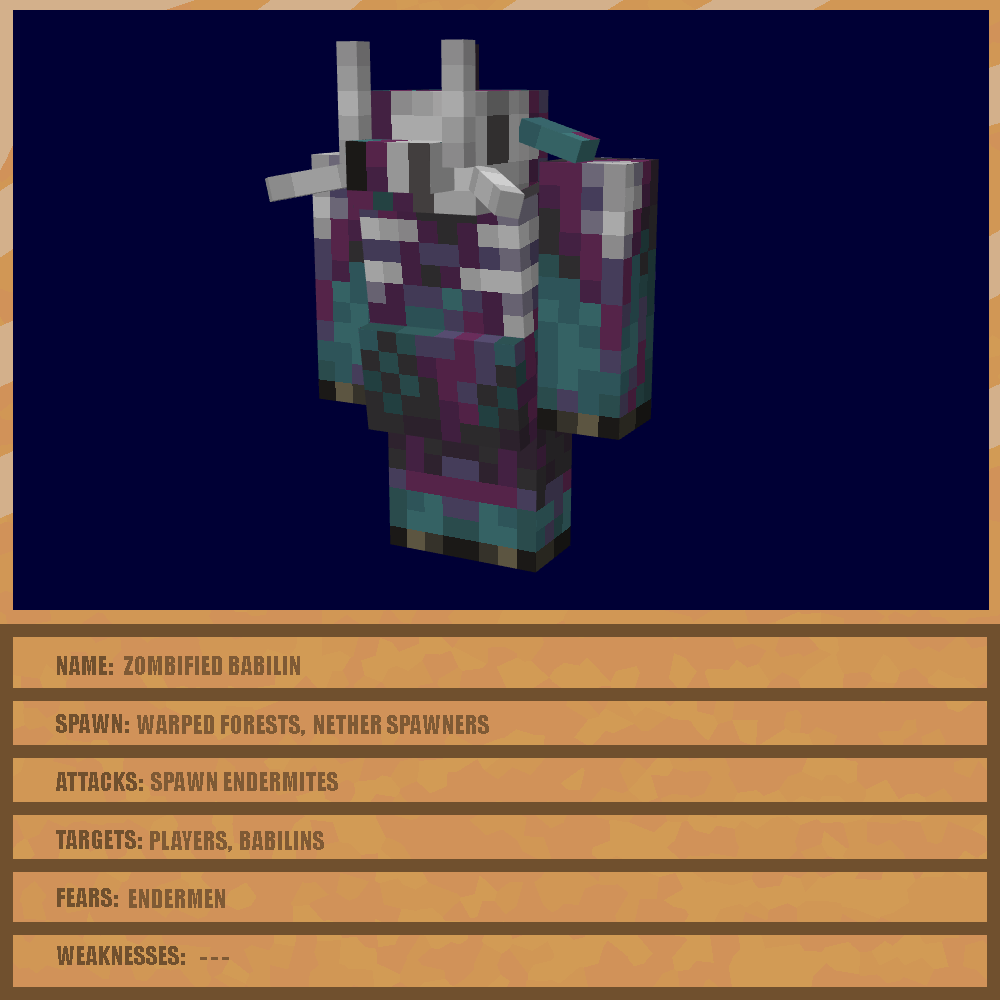
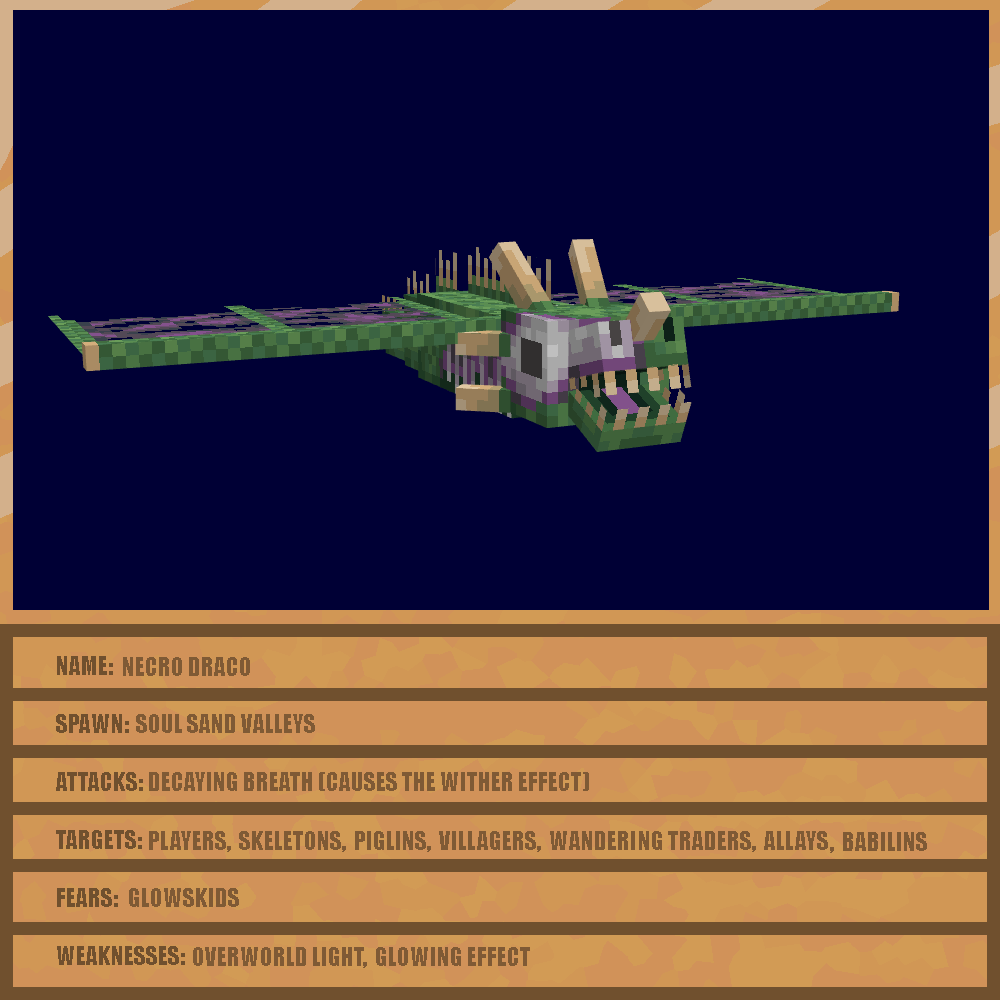
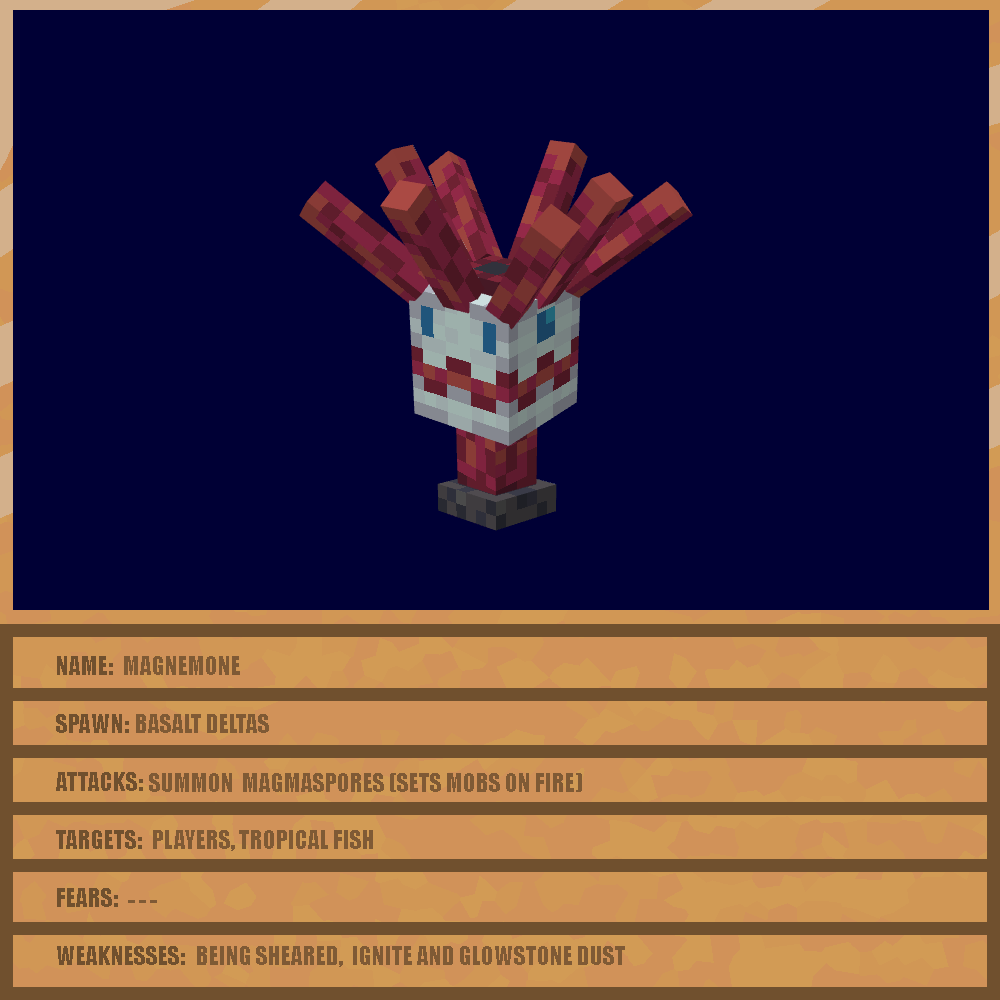
And finally there are new biome specific mobs, to enhance the atmosfere of the biomes. Theese are:
Also other important changes:
- Piglins can now barter Netherites Hoes (1 in 500) and other items of the mod
- Added some items of the mod to Nether Fortresses loot
I hope you like the mod! Any feedback is apreciated!
This mod is made using Mcreator.
Available Versions
How to Install Klsts' Nether Utilities on Your Server
Order Server
Order a Minecraft Java server with at least 4 GB RAM (6 GB recommended).
Set neoforge Loader
In the panel under "Egg", select the neoforge loader and matching Minecraft version (1.21.1).
Install Mod
Open the mod browser in the dashboard and search for "Klsts' Nether Utilities". Click "Install" – done! Alternatively, upload the .jar via SFTP to the /mods folder.
Compatibility
Mod Loaders
Minecraft Versions
1.21.1
Server-side
✓ RequiredRecommended RAM
6 GB(min. 4 GB)Frequently Asked Questions
Klsts' Nether Utilities server crashes on startup – what to do?
Most common cause: wrong neoforge version or insufficient RAM. Check the server log (latest.log) for "OutOfMemoryError" or "Mixin" errors. With Mado Hosting: ensure at least 4 GB RAM is allocated and the loader matches the mod version (1.21.1). You can switch loaders with one click in the panel.
Is Klsts' Nether Utilities compatible with neoforge?
Klsts' Nether Utilities officially supports neoforge for Minecraft 1.21.1. The Mado dashboard automatically detects incompatible loader combinations.
Server lagging with Klsts' Nether Utilities – how to optimize performance?
Recommended RAM: 6 GB (per 5 players). Use /spark profiler to check if Klsts' Nether Utilities consumes the most tick time. Common fixes: reduce server view-distance to 8-10, install "performant" or "starlight" as supplementary mods on Forge. With Mado Hosting, your server runs on NVMe SSDs with dedicated CPU cores for minimal latency.
Similar Mods




Rent Modded Server
Install Klsts' Nether Utilities with just one click on your server.