
Lachryvisions
A 1.7.10 Enhancement Mod, with the goal of making a better version of the game. Includes Editable Signs, Better Boats and more.
Screenshots
About this Mod
Lachryvisions for 1.7.10




Lachryvisions (pronounced Lack-REVISIONS, name has multiple meanings, Revisions and Vision)
is a mod for 1.7.10 that aims to extend the functionality of the Minecraft version 1.7.10
with new features and certain backported features that are designed to maintain the look and feel of Vanilla Minecraft,
whilst also making the game better.
TLDR: I HATE MICROSOFT.
1.9+ are the worst versions of the game, especially 1.19 and 1.20. In my eyes, there is just so much bloat
that doesn't need to be in the game, and Microsoft's acquisition of Minecraft aswell as annexing of Notch and kicking him
out from events, made me resent Microsoft even more. Even with Account Migration and 1.19 "Online Safety Features" it's just...
It's not Minecraft anymore.
So I made a mod that allows me to modify Minecraft... well...
however I envision! I also really wanted to get into Java and modding so this is how I was gonna do that. This mod exists so I can play Minecraft the way I intend to play it.
And Microsoft cannot stop me.
Features
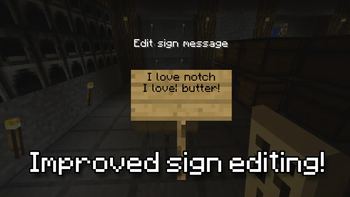
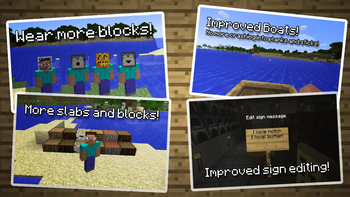
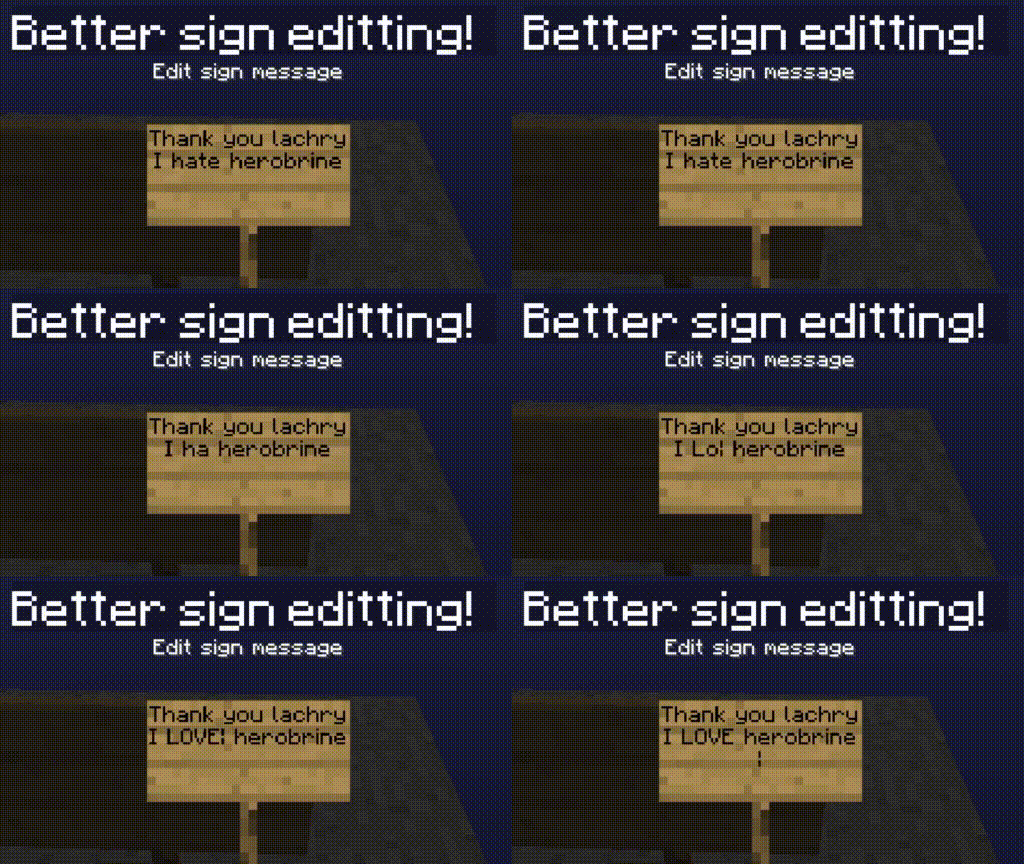
- Improved Sign Editing
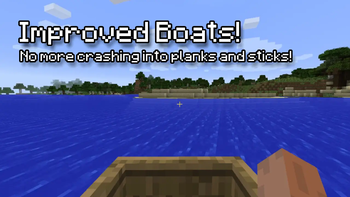
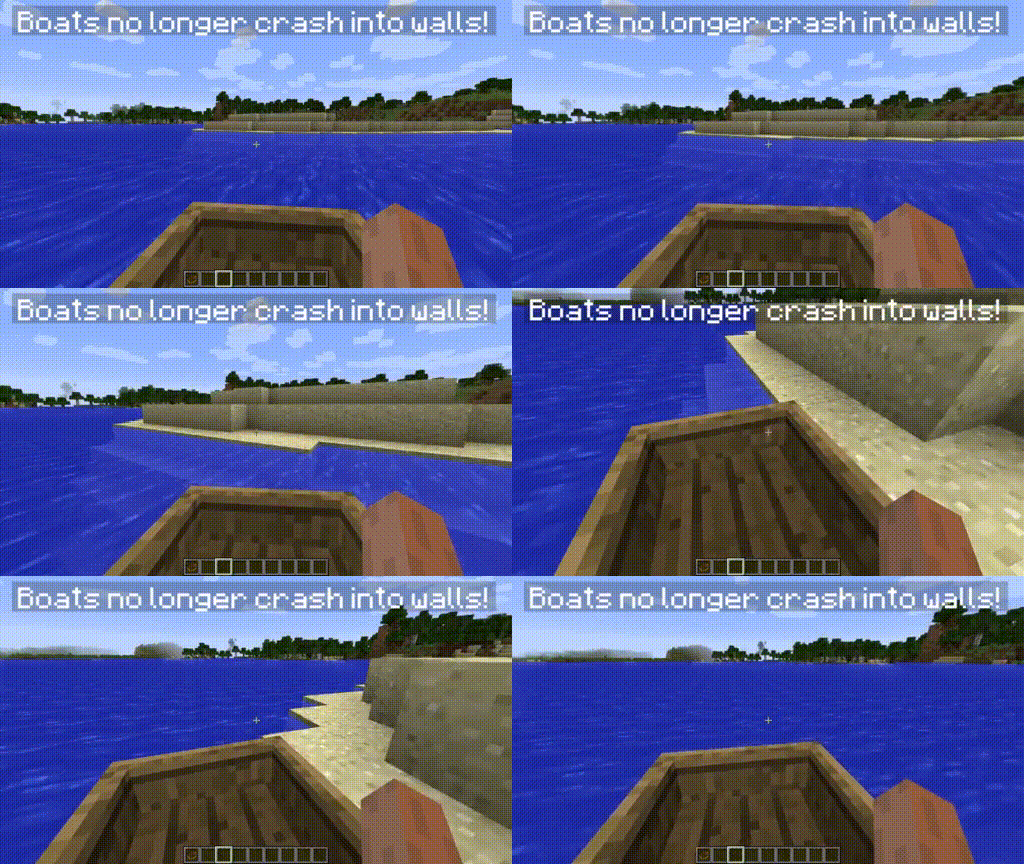
- Boats no longer crash into planks and sticks
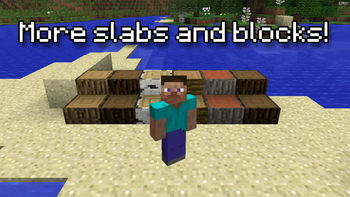
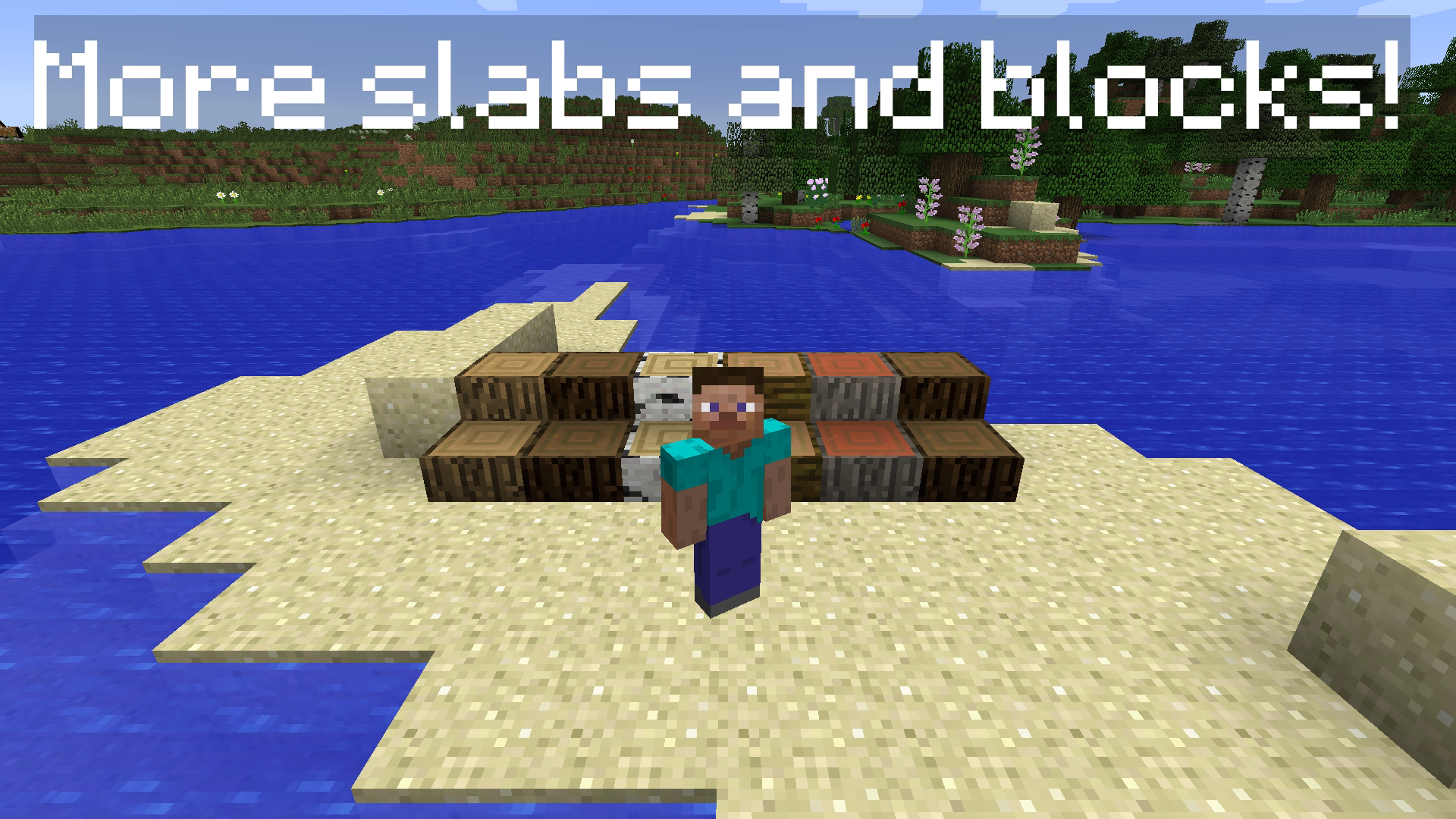
- More blocks and slabs
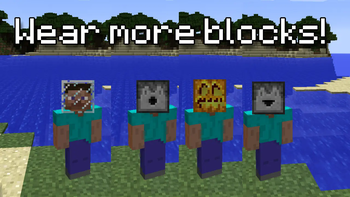
- More wearable blocks, place a Dispenser on your head!
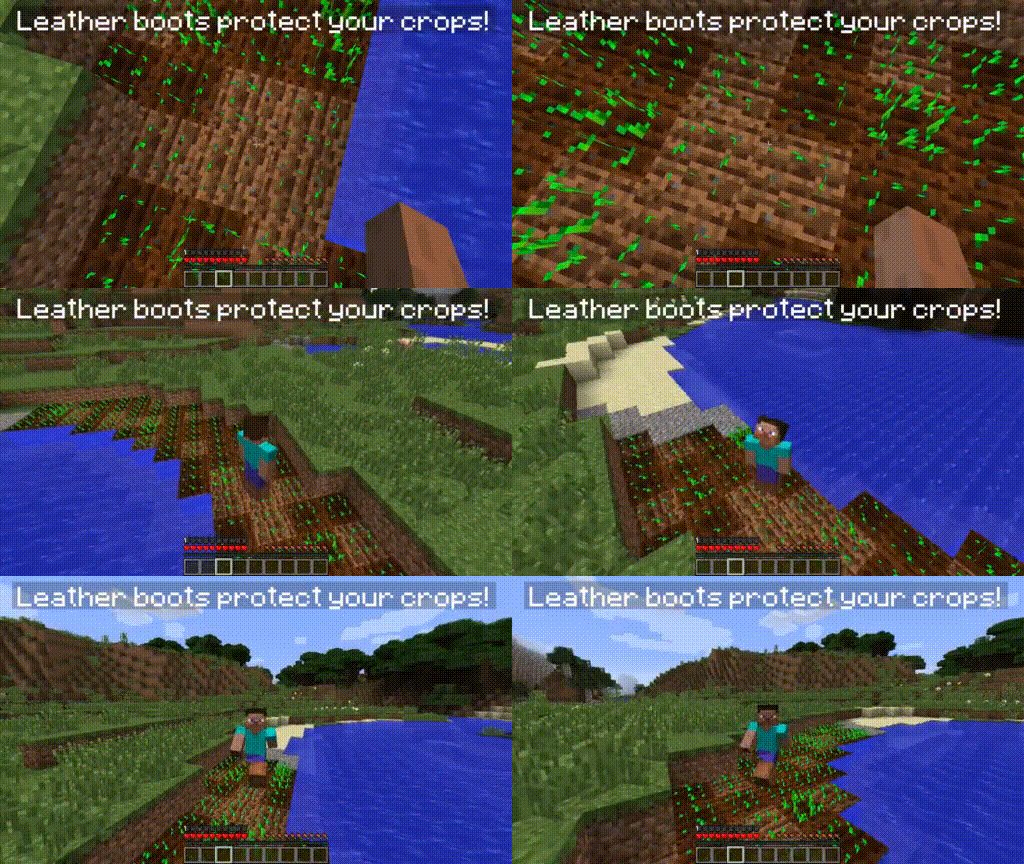
- Leather boots allow you to avoid trampling on your crops!
- More commands, like /gmc, /gms, /gma
- Improved stack limits of items that are limited to 16, to 64.
Roadmap / Todo
- Backport good features from new versions (according to my personal tastes)
- Fix bugs and annoyances in 1.7.10
- Add Vanilla items that respect the artstyle of the game.
Will you port to 1.9+?
No! Although I'm down for making a similar mod for 1.8.9 but removing stuff is harder than adding.
Installation
Lachryvisions requires Unimixins to load mixins and operate correctly. Once you have both mods downloaded, simply
drag and drop them into your mods folder. You must be using the latest version of 1.7.10 Forge.
License
This mod extends off of the Unimixins Example Mod and is licensed under the
MIT license.
Available Versions
How to Install Lachryvisions on Your Server
Order Server
Order a Minecraft Java server with at least 3 GB RAM (4 GB recommended).
Set forge Loader
In the panel under "Egg", select the forge loader and matching Minecraft version (1.7.10).
Install Mod
Open the mod browser in the dashboard and search for "Lachryvisions". Click "Install" – done! Alternatively, upload the .jar via SFTP to the /mods folder.
Compatibility
Mod Loaders
Minecraft Versions
1.7.10
Server-side
✗ UnsupportedRecommended RAM
4 GB(min. 3 GB)Frequently Asked Questions
Lachryvisions server crashes on startup – what to do?
Most common cause: wrong forge version or insufficient RAM. Check the server log (latest.log) for "OutOfMemoryError" or "Mixin" errors. With Mado Hosting: ensure at least 3 GB RAM is allocated and the loader matches the mod version (1.7.10). You can switch loaders with one click in the panel.
Is Lachryvisions compatible with forge?
Lachryvisions officially supports forge for Minecraft 1.7.10. The Mado dashboard automatically detects incompatible loader combinations.
Server lagging with Lachryvisions – how to optimize performance?
Recommended RAM: 4 GB (per 8 players). Use /spark profiler to check if Lachryvisions consumes the most tick time. Common fixes: reduce server view-distance to 8-10, install "performant" or "starlight" as supplementary mods on Forge. With Mado Hosting, your server runs on NVMe SSDs with dedicated CPU cores for minimal latency.
Similar Mods



![[TaCZ] Timeless and Classics Zero](https://cdn.modrinth.com/data/SzzJttH8/fd27766d2bb8390d284696b1dbd358f87e081439_96.webp)


Rent Modded Server
Install Lachryvisions with just one click on your server.