
LAirHisson's Armor
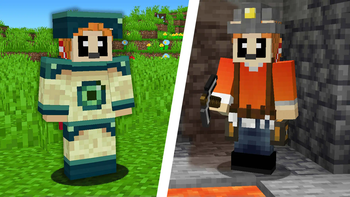
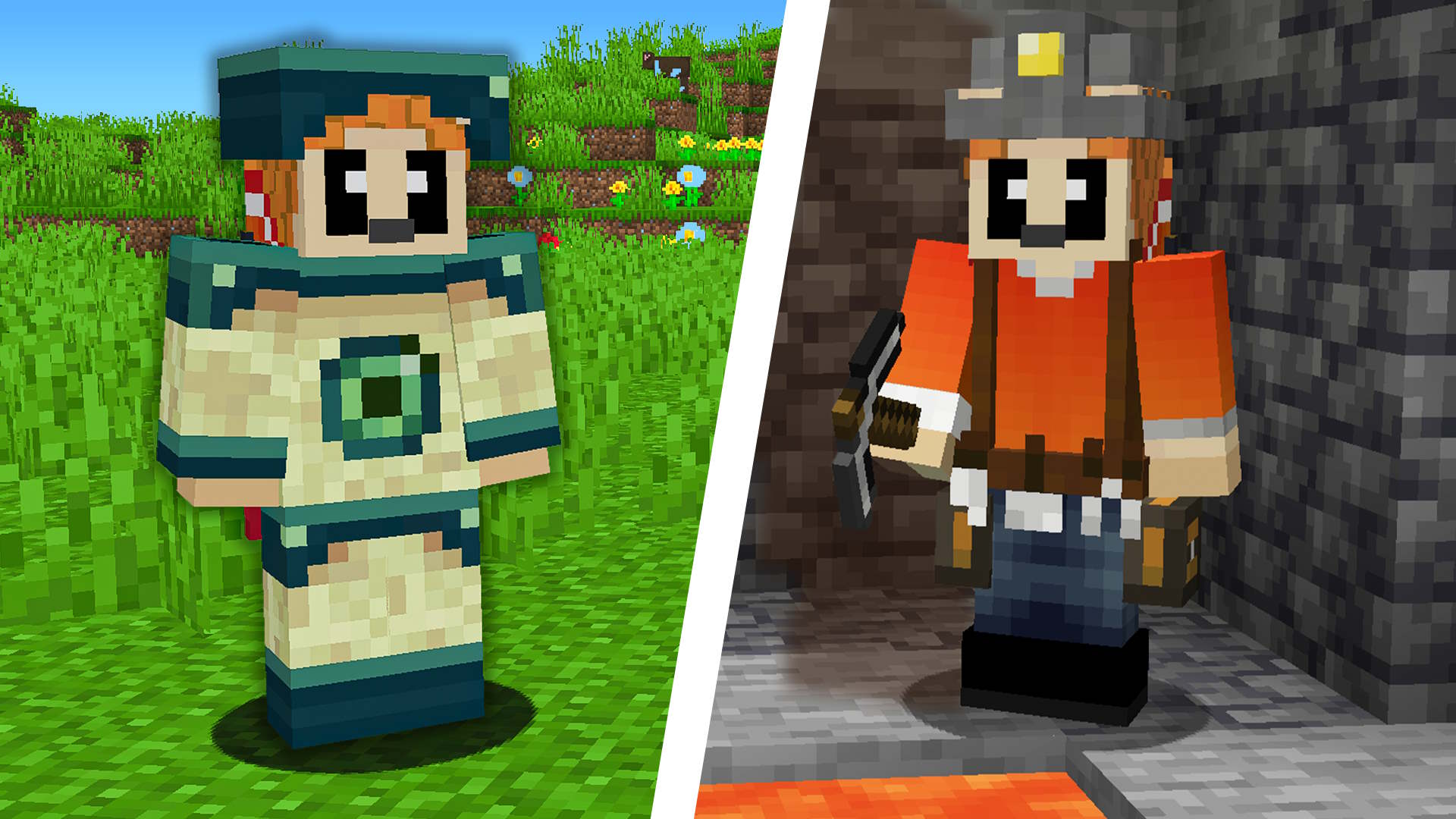
A mod that adds 2 new armors to the game : -The End Armor -The Miner Armor
Screenshots
About this Mod
Minecraft Mod: New Armors
This mod introduces two exciting new armor sets to Minecraft, each with unique abilities tailored for specific scenarios.
End Armor
Inspired by the End dimension and Ender Pearls, this armor grants special abilities to enhance your gameplay. Each piece comes with a unique function:
Ender Boots: Protect yourself from falling into the void by activating a levitation effect just in time.
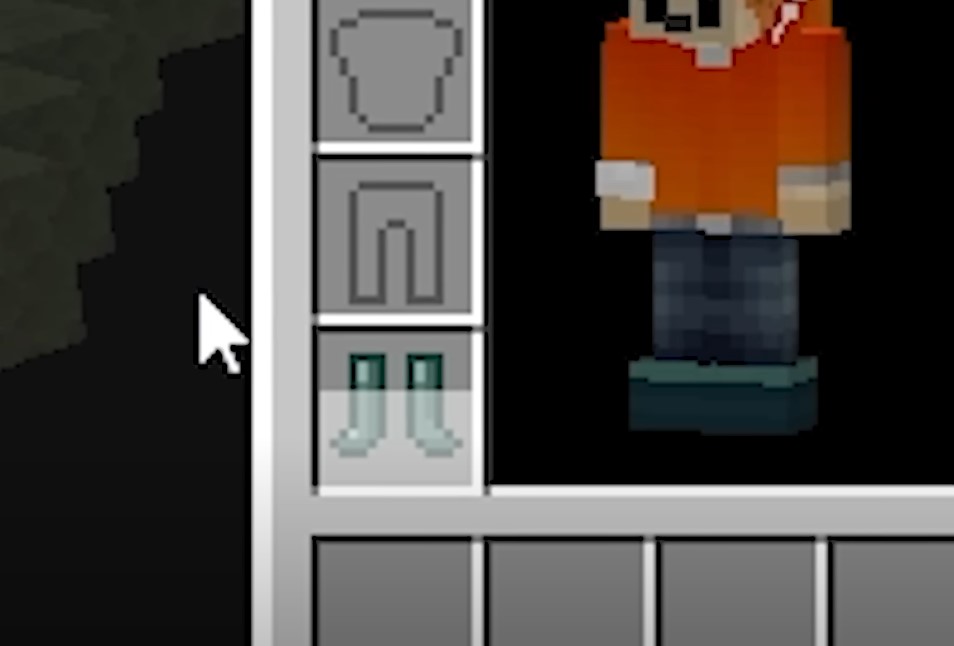
Ender Helmet: Allows you to launch Ender Pearls with a cooldown.

Miner Armor
Designed to aid players exploring underground caves, this armor enhances mining efficiency and safety.
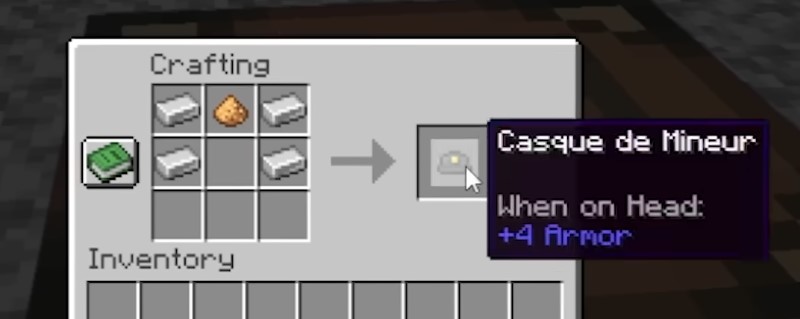
Miner Helmet: Grants night vision to illuminate the darkest tunnels. It is crafted using glowstone.
Miner Boots: Enable you to walk over lava by creating temporary "lava ice" blocks beneath your feet, which break after a few seconds.
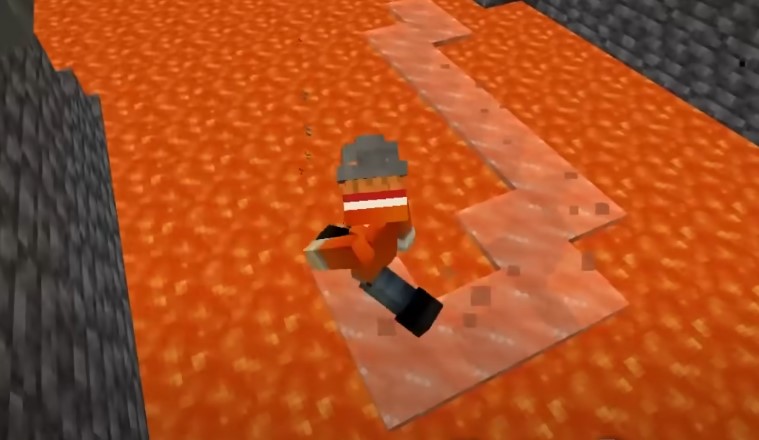
Learn how I created this mod and see it in action in my YouTube video, where I provide a more in-depth walkthrough:
Available Versions
How to Install LAirHisson's Armor on Your Server
Order Server
Order a Minecraft Java server with at least 3 GB RAM (4 GB recommended).
Set forge Loader
In the panel under "Egg", select the forge loader and matching Minecraft version (1.20.4).
Install Mod
Open the mod browser in the dashboard and search for "LAirHisson's Armor". Click "Install" – done! Alternatively, upload the .jar via SFTP to the /mods folder.
Compatibility
Mod Loaders
Minecraft Versions
1.20.4
Server-side
✓ RequiredRecommended RAM
4 GB(min. 3 GB)Frequently Asked Questions
LAirHisson's Armor server crashes on startup – what to do?
Most common cause: wrong forge version or insufficient RAM. Check the server log (latest.log) for "OutOfMemoryError" or "Mixin" errors. With Mado Hosting: ensure at least 3 GB RAM is allocated and the loader matches the mod version (1.20.4). You can switch loaders with one click in the panel.
Is LAirHisson's Armor compatible with forge?
LAirHisson's Armor officially supports forge for Minecraft 1.20.4. The Mado dashboard automatically detects incompatible loader combinations.
Server lagging with LAirHisson's Armor – how to optimize performance?
Recommended RAM: 4 GB (per 8 players). Use /spark profiler to check if LAirHisson's Armor consumes the most tick time. Common fixes: reduce server view-distance to 8-10, install "performant" or "starlight" as supplementary mods on Forge. With Mado Hosting, your server runs on NVMe SSDs with dedicated CPU cores for minimal latency.
Similar Mods



![[TaCZ] Timeless and Classics Zero](https://cdn.modrinth.com/data/SzzJttH8/fd27766d2bb8390d284696b1dbd358f87e081439_96.webp)


Rent Modded Server
Install LAirHisson's Armor with just one click on your server.