
Land Developer
Terrain Protection, Management and More
Screenshots
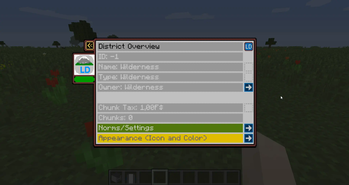
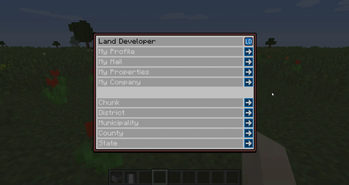
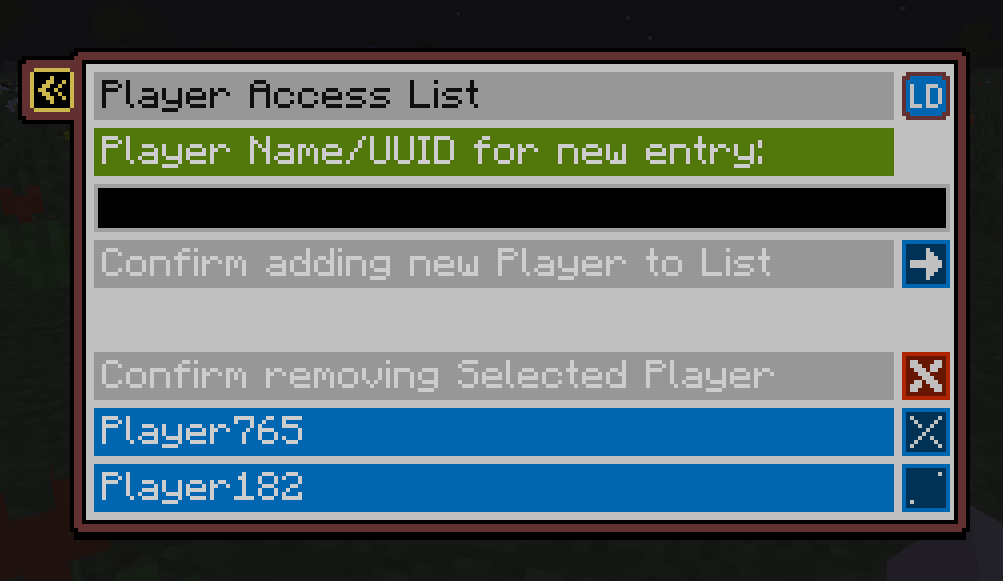
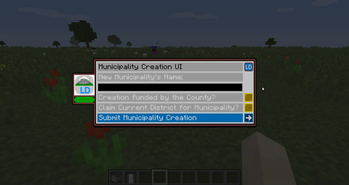
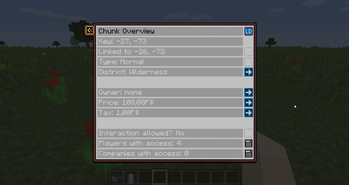
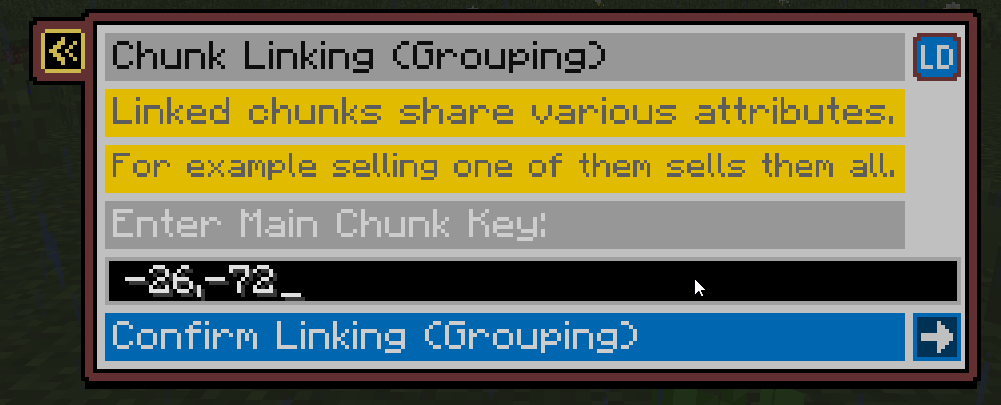
About this Mod
LAND DEVELOPER
Another land protection mod in the Fexcraft series of terrain protection mods.
The mod is still somewhat WIP, but usable!
Features
- Multiple protection layers and access options.
- Chunk - > District -> (Municipality/Town) -> County -> Region
- each layer can be sold/bought and traded
- each chunk can be owned by any of the layers, players or companies
- option to disable explosions on district basis
- Districts, Municipalities, Counties and Regions can have custom icons/colors
- integrated money system with FSMM
- chunks and players are taxable (wip)
- and more...
- Easy to use ingame interface (GUI) instead of countless commands with arguments.
- Default Chat override with color support and nicknames (optional)
- Discord Bot Integration (optional)
- Dynmap integration for the various layers (optional)
Planned Features
- in-chunk properties, for example to rent apartments in a building
- 'online-store' to buy buildings to speed up land development
- companies led by players
- configurable resource spawns and processing plants to create goods circulation
- and more!
More?
If you have suggestions or ideas you can share them on my discord here!
FaQ
Q: All this County and Region stuff sounds so complicated! Do I have to use it?
A: No, all above Municipality is completely optional, you can ignore it at begin and use it once your server/world is more populated.
Q: After installing I get "no permission" when trying to break/place block, what to do?
A: By default wilderness (unclaimed land) is protected, this is a config setting which can be changed. Alternatively, just claim land!
Q: How do I get money?
A: This mod is mainly intended for servers (although it works in singleplayer too). Each server may want to setup their economy differently.
You can use other mods like FSMM-Shop, CustomNPCs, pCMDs, etc to setup the optimal way for your project.
Q: How to I start out?
A: At complete begin, use "/mun create" to create a municipality ("town/settlement"). You need money for that, the fee can be seen using "/ld fees".
Creating a municipality also creates a district. Use "/dis" to access district UI, "/mun" for municipality and "/ck" for chunk.
Q: How do I claim?
A: Use "/ck claim" if you stand in your claimed area, otherwise, use "/ck claim
Q: How do I access mail?
A: Use the "/ld" command and go to "Mailbox". To access Municipality mail, access it via "/mun", it can only be read by mayor, or staff that has the "read mail" permission.
Q: How do I deposit money into my Municipality?
A: In the main screen of the ATM, click the button to change Account, from there select your Municipality's Account (Mayor and council members with the according perm can access it), from there do a deposit as usual, the money will go into your Municipality Account directly.
Q: Is there an admin mode?
A: /ld admin - note it toggles off on relogin, also use the command again to toggle off
Q: How to disable the creation of Municipalities?
A: Disable it in the Wilderness County's Norms (you may have to activate admin mode), then only players with a permit can create a Municipality (note: permits are WIP)
Q: Where do I get the discord bot from?
A: You can ask on our discord to get an invite link to the official one hosted by fexcraft.net or get the jar to host your own.
Q: I have more questions!
A: You can ask on our discord :] (please note it's a discord for multiple mods, so ask in the landdev channel).
Previews
BiliBili
https://www.bilibili.com/video/BV1L8411y7oe
https://space.bilibili.com/2104691318
Dependencies
Available Versions
How to Install Land Developer on Your Server
Order Server
Order a Minecraft Java server with at least 3 GB RAM (4 GB recommended).
Set fabric Loader
In the panel under "Egg", select the fabric loader and matching Minecraft version (26.1.2).
Install Mod
Open the mod browser in the dashboard and search for "Land Developer". Click "Install" – done! Alternatively, upload the .jar via SFTP to the /mods folder.
Compatibility
Mod Loaders
Minecraft Versions
26.1.2, 26.1.1, 26.1 (+4 more)
Server-side
✓ RequiredRecommended RAM
4 GB(min. 3 GB)Frequently Asked Questions
Land Developer server crashes on startup – what to do?
Most common cause: wrong fabric version or insufficient RAM. Check the server log (latest.log) for "OutOfMemoryError" or "Mixin" errors. With Mado Hosting: ensure at least 3 GB RAM is allocated and the loader matches the mod version (26.1.2). You can switch loaders with one click in the panel.
Is Land Developer compatible with fabric and forge?
Land Developer officially supports fabric, forge for Minecraft 26.1.2, 26.1.1, 26.1. Note: Forge and Fabric mods are NOT cross-compatible – pick one loader and stick with it. The Mado dashboard automatically detects incompatible loader combinations.
Server lagging with Land Developer – how to optimize performance?
Recommended RAM: 4 GB (per 8 players). Use /spark profiler to check if Land Developer consumes the most tick time. Common fixes: reduce server view-distance to 8-10, install "performant" or "starlight" as supplementary mods on Forge. With Mado Hosting, your server runs on NVMe SSDs with dedicated CPU cores for minimal latency.
Similar Mods




![CobbleDollars [Cobblemon Addon]](https://cdn.modrinth.com/data/s7N7AsqL/684040a264fc1d7f9b856ec5d2da39767398c7ad.png)
Rent Modded Server
Install Land Developer with just one click on your server.