
Lazy Tools
This mod adds a few items that are useful in a Minecraft adventure, keeping with the vanilla spirit of the game.
Screenshots
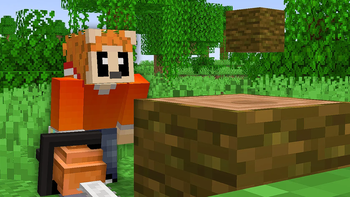
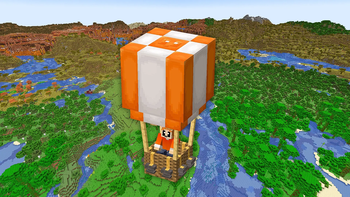
About this Mod
Lazy Tools Mod
This mod adds a variety of small but useful features that enhance different parts of a typical Minecraft playthrough.
It was created as part of my “100 Days but I Can Code Mods” YouTube video, where I showcase both the development process and the features.
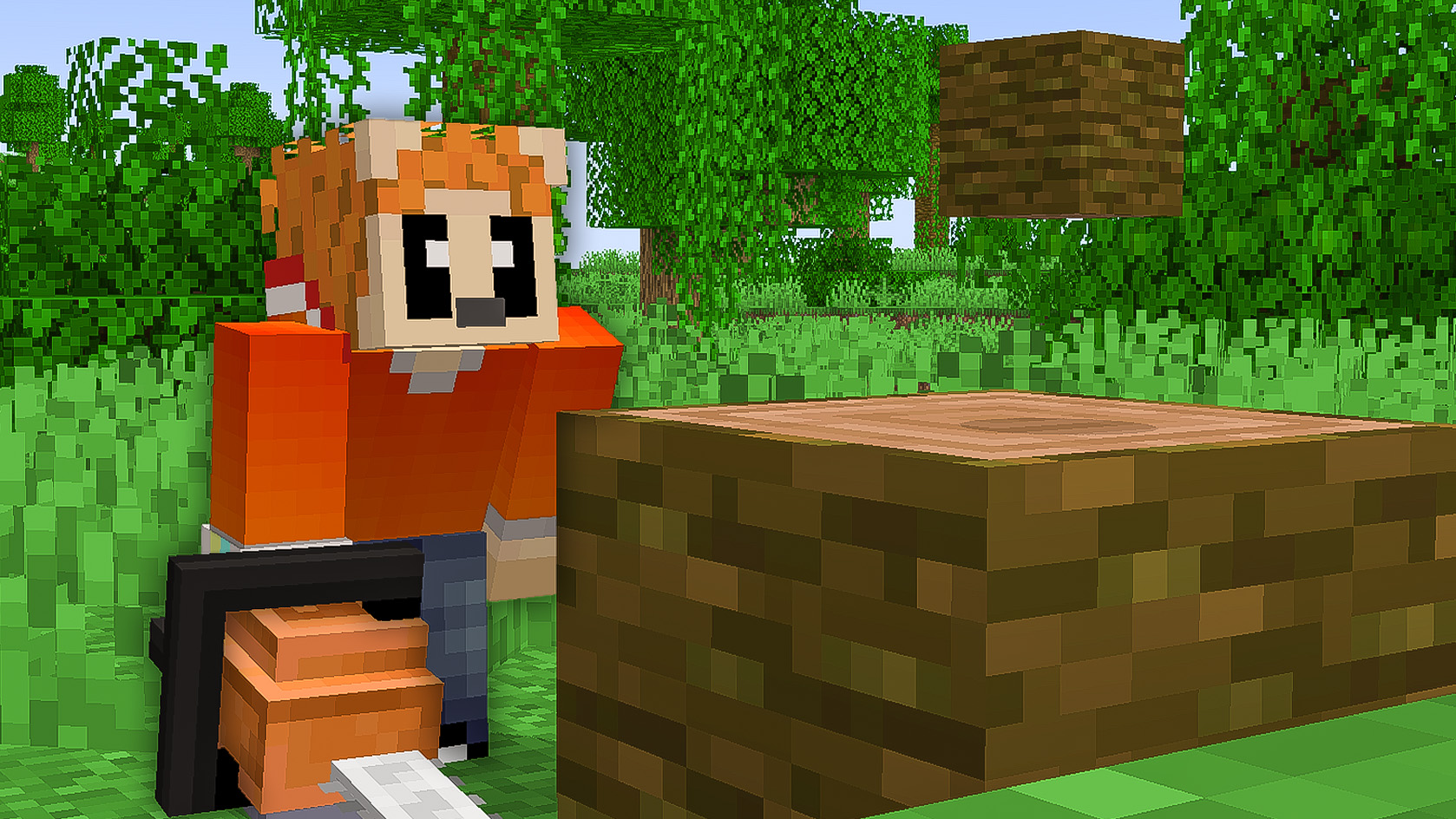
🪚 Chainsaw
The Chainsaw was the first tool I implemented.
It works similarly to the Lumberjack mechanic from UHC: when you right-click a log, an animation starts, and after a few seconds, the entire tree is cut down.
Perfect for clearing forests in no time!
🔦 Torch Golem
Found underground as statues, the Torch Golem can be brought back to life using flint and steel.
Once revived, it can be tamed with coal and will follow you like a wolf.
The golem automatically places torches in dark areas, using coal as fuel.
The torches on its chest act as a battery indicator—when empty, it stops working.
🎈 Air Balloon
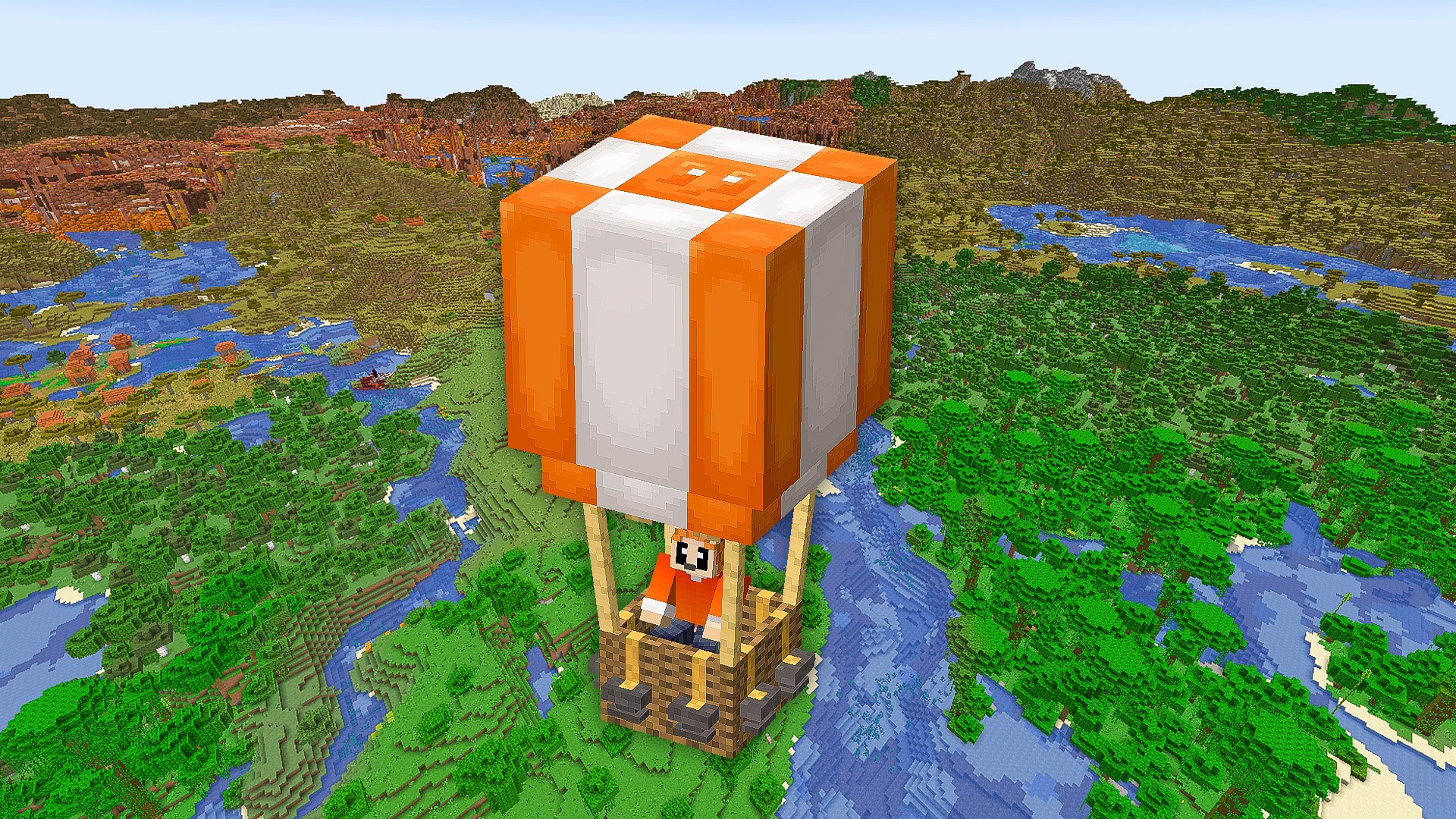
Before obtaining Elytra, traveling long distances can be difficult — that’s where the Air Balloon comes in!
However, flying it requires anvils:
- 4 anvils → stable flight
- More than 4 → descent
- Less than 4 → ascent
Be careful not to forget your anvils… or your balloon might float away on its own!
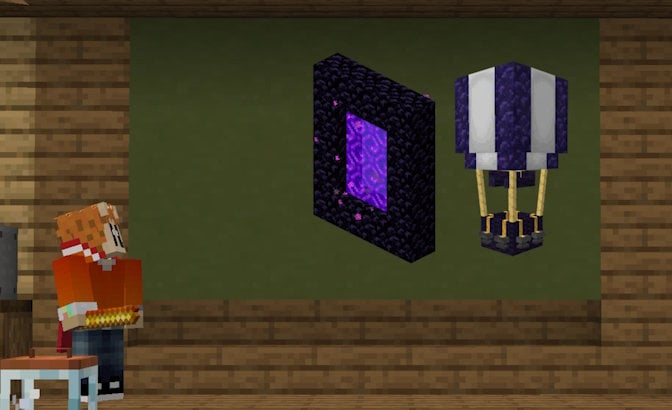
In the Nether, the balloon automatically transforms into an obsidian variant, making it fire-resistant.
🌿 End Bushes
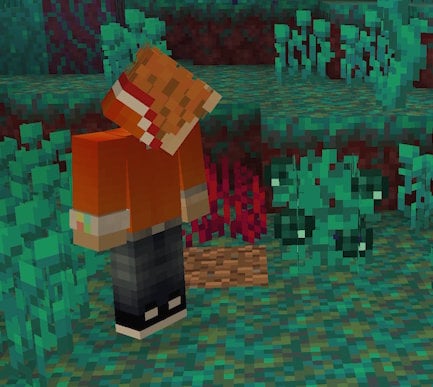
Farming Ender Pearls can be boring, especially in warped forests.
The End Bush solves this problem by acting like a crop that grows Ender Pearls.
It can only be planted on Warped Netherrack, making it farmable.
🕒 Clock Pearl
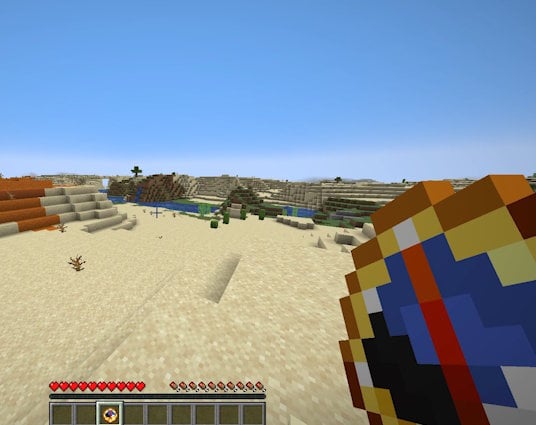
Crafted using a clock and an Ender Pearl, the Clock Pearl works like a normal pearl — with a twist.
After 5 seconds, you are teleported back to your original position.
The cooldown reflects the time before the return, allowing for quick movement and escapes.
🛏️ Bed Launcher
Ever dreamed of a slingshot that shoots beds? I did.
The Bed Launcher is extremely useful for mining Netheriteand defeating the Ender Dragon
It doesn’t have a use in the Overworld yet… but maybe in a future update
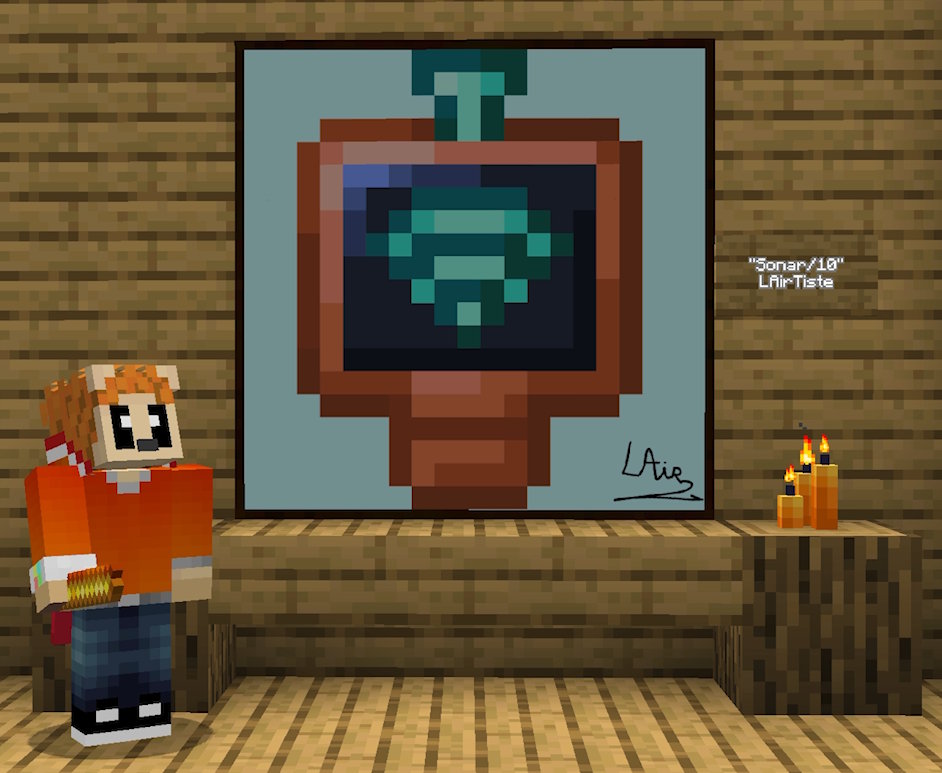
💎 Diamond sonar
The diamond sonar is a legit alternative to x-rays since it will show with an indicator how far you are from the nearest diamond ores. Right clicking it displayhs the exact amount of blocks between you and the diamonds, but it will damage the item...
Available Versions
How to Install Lazy Tools on Your Server
Order Server
Order a Minecraft Java server with at least 3 GB RAM (4 GB recommended).
Set neoforge Loader
In the panel under "Egg", select the neoforge loader and matching Minecraft version (1.21.1).
Install Mod
Open the mod browser in the dashboard and search for "Lazy Tools". Click "Install" – done! Alternatively, upload the .jar via SFTP to the /mods folder.
Compatibility
Mod Loaders
Minecraft Versions
1.21.1
Server-side
✓ RequiredRecommended RAM
4 GB(min. 3 GB)Frequently Asked Questions
Lazy Tools server crashes on startup – what to do?
Most common cause: wrong neoforge version or insufficient RAM. Check the server log (latest.log) for "OutOfMemoryError" or "Mixin" errors. With Mado Hosting: ensure at least 3 GB RAM is allocated and the loader matches the mod version (1.21.1). You can switch loaders with one click in the panel.
Is Lazy Tools compatible with neoforge?
Lazy Tools officially supports neoforge for Minecraft 1.21.1. The Mado dashboard automatically detects incompatible loader combinations.
Server lagging with Lazy Tools – how to optimize performance?
Recommended RAM: 4 GB (per 8 players). Use /spark profiler to check if Lazy Tools consumes the most tick time. Common fixes: reduce server view-distance to 8-10, install "performant" or "starlight" as supplementary mods on Forge. With Mado Hosting, your server runs on NVMe SSDs with dedicated CPU cores for minimal latency.
Similar Mods




![[TaCZ] Timeless and Classics Zero](https://cdn.modrinth.com/data/SzzJttH8/fd27766d2bb8390d284696b1dbd358f87e081439_96.webp)

Rent Modded Server
Install Lazy Tools with just one click on your server.