
Legacy Terrain
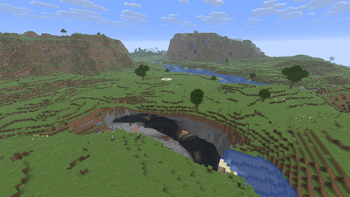
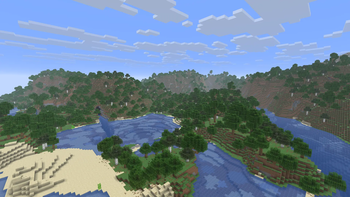
Brings the nostalgic terrain generation of old Minecraft into the modern game with Legacy, Alpha, Beta, Console, and Amplified-inspired world presets.
Screenshots
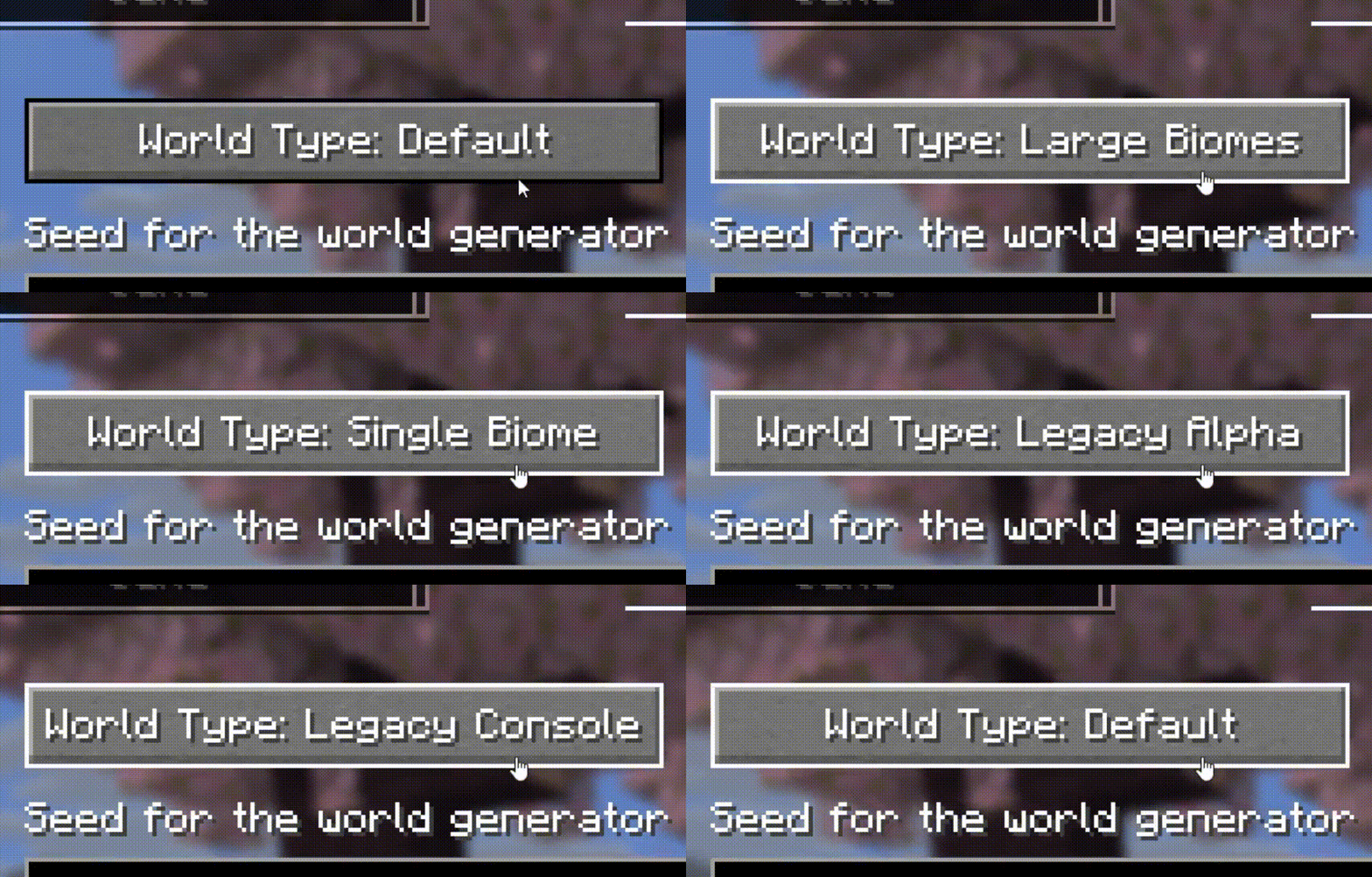
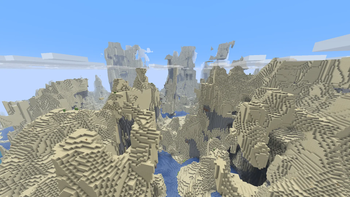
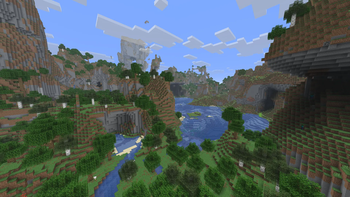
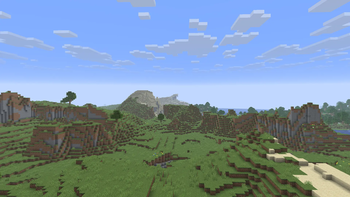
About this Mod

Legacy Terrain - Modern gameplay, nostalgic worlds!
Legacy Terrain brings the atmosphere of old Minecraft terrain generation into the modern game. Explore classic-style landscapes while keeping modern blocks, mobs, and gameplay features.
✨ Features
- Five nostalgic world presets:
- Legacy Terrain - a balanced classic-style experience
- Legacy Alpha - rough and unpredictable Alpha-inspired landscapes
- Legacy Beta - smoother rolling hills, forests, beaches, and classic coastlines
- Legacy Console - inspired by the terrain style of classic console editions
- Legacy Amplified - dramatic elevated terrain with a nostalgic touch
- Classic-style beaches and coastlines
- Familiar biome layouts with forests, plains, hills, deserts, oceans, and snowy regions
- Modern Minecraft blocks and mobs
- Modern gameplay features remain available
- Singleplayer and multiplayer support
- No configuration required
🌍 World presets
- Legacy Terrain: recommended for a balanced nostalgic world
- Legacy Alpha: ideal for rougher old-school landscapes
- Legacy Beta: ideal for rolling hills and classic coastlines
- Legacy Console: inspired by the familiar feel of classic console worlds
- Legacy Amplified: ideal for larger and more dramatic landscapes
🔧 Requirements
- Loaders:
- Fabric Loader 0.19.2+ and Fabric API
- Quilt (planned)
- Forge (planned)
- NeoForge (planned)
- Java: 25+
- Environment: Client and server
📖 Usage
- Install Fabric Loader, Fabric API, and Legacy Terrain.
- Open the Create New World screen.
- Select one of the Legacy Terrain world presets.
- Create your world and start exploring.
💡 Create a new world after installing the mod. Existing chunks will not be regenerated automatically.
⬇️ Download






Quilt, Forge, and NeoForge versions are planned but are not available yet.
📜 License and permissions
- License: All Rights Reserved (ARR)
- Standalone redistribution and re-uploads are not allowed without permission
- Modpacks are allowed when the original mod is unmodified, credited as Legacy Terrain by Zynwro, and linked back to the official project page
🤝 Credits
- Author: Zynwro
- Contact: linktr.ee/zynwro
- Donate: linktr.ee/zynwrodonate
Available Versions
How to Install Legacy Terrain on Your Server
Order Server
Order a Minecraft Java server with at least 4 GB RAM (6 GB recommended).
Set fabric Loader
In the panel under "Egg", select the fabric loader and matching Minecraft version (26.1.2).
Install Mod
Open the mod browser in the dashboard and search for "Legacy Terrain". Click "Install" – done! Alternatively, upload the .jar via SFTP to the /mods folder.
Compatibility
Mod Loaders
Minecraft Versions
26.1.2, 26.1.1, 26.1
Server-side
✓ RequiredRecommended RAM
6 GB(min. 4 GB)Frequently Asked Questions
Legacy Terrain server crashes on startup – what to do?
Most common cause: wrong fabric version or insufficient RAM. Check the server log (latest.log) for "OutOfMemoryError" or "Mixin" errors. With Mado Hosting: ensure at least 4 GB RAM is allocated and the loader matches the mod version (26.1.2). You can switch loaders with one click in the panel.
Is Legacy Terrain compatible with fabric?
Legacy Terrain officially supports fabric for Minecraft 26.1.2, 26.1.1, 26.1. The Mado dashboard automatically detects incompatible loader combinations.
Server lagging with Legacy Terrain – how to optimize performance?
Recommended RAM: 6 GB (per 5 players). Use /spark profiler to check if Legacy Terrain consumes the most tick time. Common fixes: reduce server view-distance to 8-10, install "performant" or "starlight" as supplementary mods on Forge. With Mado Hosting, your server runs on NVMe SSDs with dedicated CPU cores for minimal latency.
Similar Mods




Rent Modded Server
Install Legacy Terrain with just one click on your server.