
Let Me Sleep
Monsters keeping you awake? Customize sleeping, waking, and bed mechanics freely.
Screenshots

About this Mod









Let Me Sleep gives you full control over Minecraft's sleeping experience. 🌙 From bedtime restrictions to waking up refreshed, nearly every part of sleeping can be customized to better fit your world and playstyle.
Trouble finding the monster keeping you awake? Beds refusing to work when they should? Want sleeping to heal, clear effects, or simply feel smoother? This mod makes nights more flexible, less frustrating, and far more configurable. ✨

- 🌙 Smarter Sleeping: Sleep during rain, wake up instantly, and enjoy a smooth falling asleep animation.
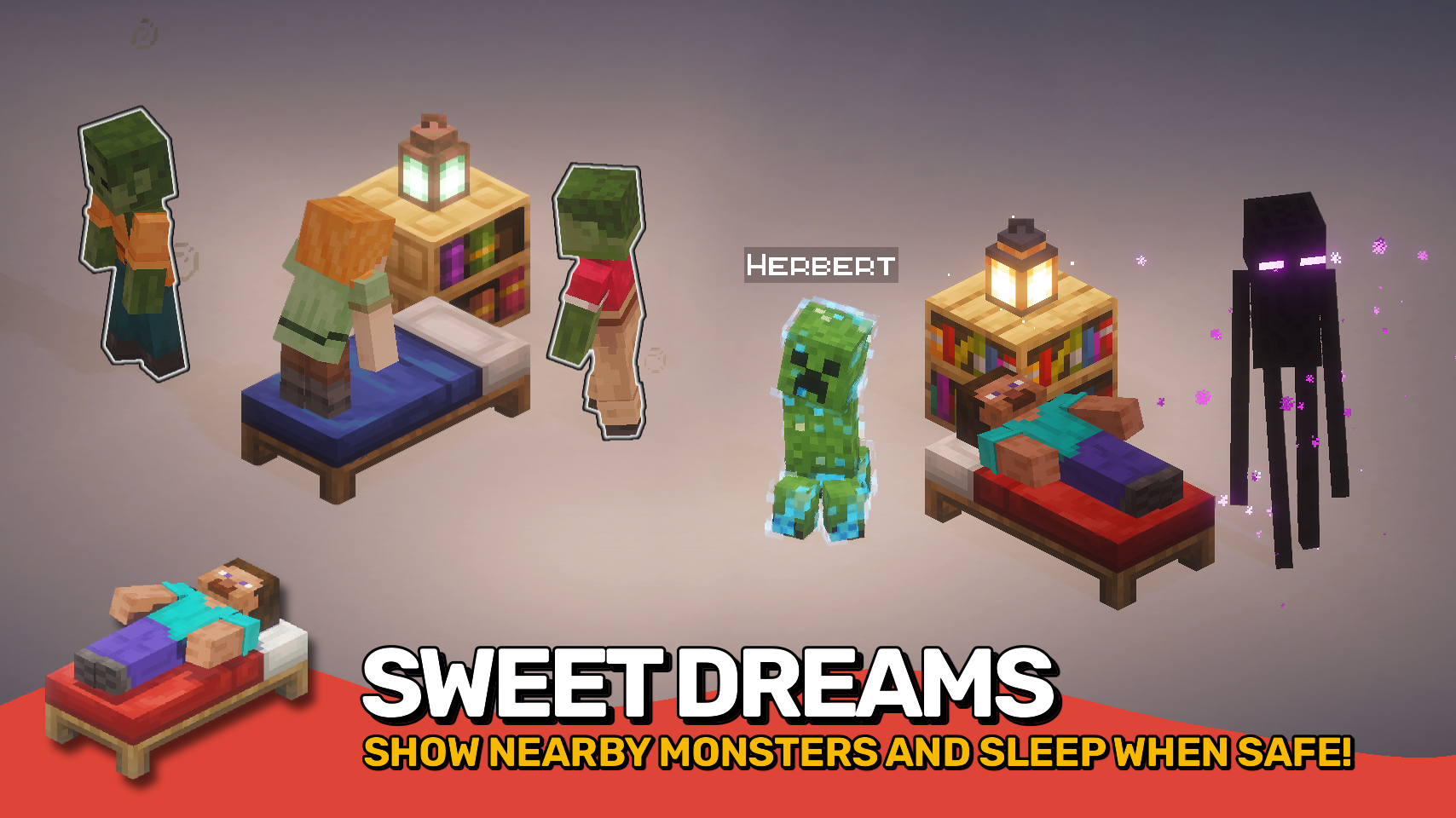
- 👁️ Reveal Nearby Monsters: Monsters preventing sleep can briefly glow and play ambient sounds so they are easier to find.
- 😌 Relaxed Monster Checks: Persistent, unreachable, or peaceful nearby monsters can optionally be ignored when sleeping.
- 🛏️ Flexible Bed Rules: Remove range, obstruction, or monster checks to make beds less restrictive.
- ❤️ Restorative Sleep: Configure sleeping to restore health or adjust hunger when waking up.
- ☀️ Weather Control: Optionally reset the weather cycle when waking up for calmer mornings ahead.
- 🧪 Wake Up Effects: Clear or apply effects when waking up through the
letmesleep:wake_up_effectsmob effect data map and theletmesleep:cleared_when_waking_upmob effect tag. - 🧩 Data Driven Compatibility: Control special behavior through tags such as
letmesleep:never_prevents_player_restandletmesleep:no_sleeping_interruptionfor seamless mod support.


⏩ INSTALLATION OPTIONAL ON CLIENT & REQUIRED ON SERVER
⏩ REQUIRES PUZZLES LIB TO BE INSTALLED (FABRIC & NEOFORGE)
⏩ REQUIRES FABRIC API TO BE INSTALLED (FABRIC)
⏩ REQUIRES FORGE CONFIG API PORT TO BE INSTALLED (FABRIC)

If available for a mod, configuration is possible directly from in-game using the mod menu (requires Mod Menu by Prospector to be installed on Fabric).
For manual configuration using an external text editor all files are found at .minecraft/config, named as MOD_ID-client.toml, MOD_ID-common.toml, or MOD_ID-server.toml, depending on the type of config. Not all types might exist for a mod, if any at all.

🌟 Thanks to VikeStep and their now outdated Nearby Mob Finder mod for inspiring the glowing feature.




Available Versions
How to Install Let Me Sleep on Your Server
Order Server
Order a Minecraft Java server with at least 3 GB RAM (4 GB recommended).
Set fabric Loader
In the panel under "Egg", select the fabric loader and matching Minecraft version (26.2).
Install Mod
Open the mod browser in the dashboard and search for "Let Me Sleep". Click "Install" – done! Alternatively, upload the .jar via SFTP to the /mods folder.
Compatibility
Mod Loaders
Minecraft Versions
26.2, 26.1.2, 26.1.1 (+2 more)
Server-side
✓ RequiredRecommended RAM
4 GB(min. 3 GB)Frequently Asked Questions
Let Me Sleep server crashes on startup – what to do?
Most common cause: wrong fabric version or insufficient RAM. Check the server log (latest.log) for "OutOfMemoryError" or "Mixin" errors. With Mado Hosting: ensure at least 3 GB RAM is allocated and the loader matches the mod version (26.2). You can switch loaders with one click in the panel.
Is Let Me Sleep compatible with fabric and neoforge?
Let Me Sleep officially supports fabric, neoforge for Minecraft 26.2, 26.1.2, 26.1.1. The Mado dashboard automatically detects incompatible loader combinations.
Server lagging with Let Me Sleep – how to optimize performance?
Recommended RAM: 4 GB (per 8 players). Use /spark profiler to check if Let Me Sleep consumes the most tick time. Common fixes: reduce server view-distance to 8-10, install "performant" or "starlight" as supplementary mods on Forge. With Mado Hosting, your server runs on NVMe SSDs with dedicated CPU cores for minimal latency.
Rent Modded Server
Install Let Me Sleep with just one click on your server.