Little Big Redstone
Compact your big redstone into a little block!
About this Mod
Little Big Redstone
This mod adds a new block called the Microchip that allows you to put together complex logic that interfaces with
redstone and item/fluid/energy storages!
For any questions, please ask in the #little-big-redstone channel on my discord.
All items come in all dye colors to allow for personalization, expression, and organization!
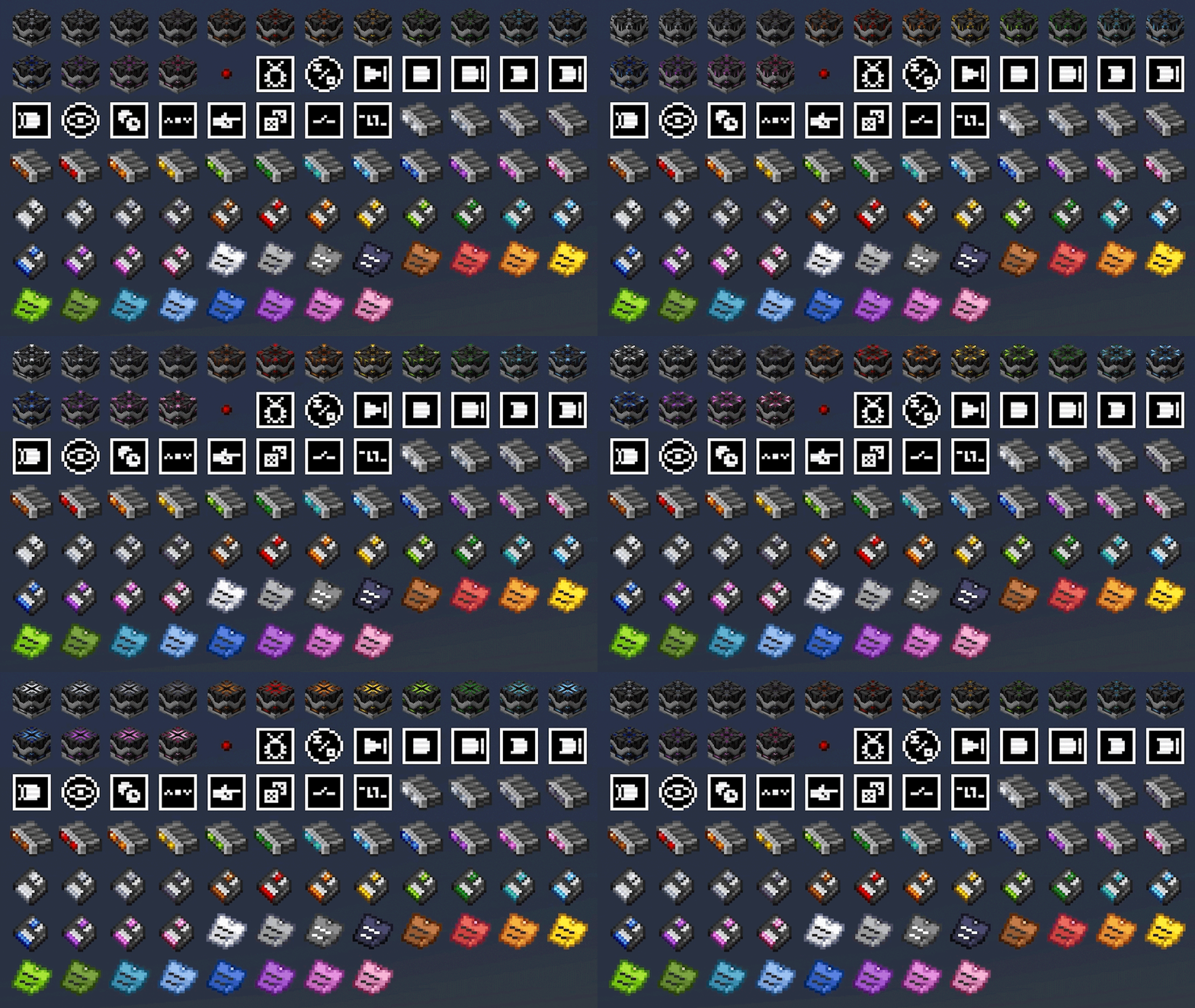
Microchips
Mirochips are blocks that can have logic placed in their GUI in many different arrangements. Redstone bits are used
to create connections between logic components in the GUI. All logic components have tooltips that describe what
their functions are.
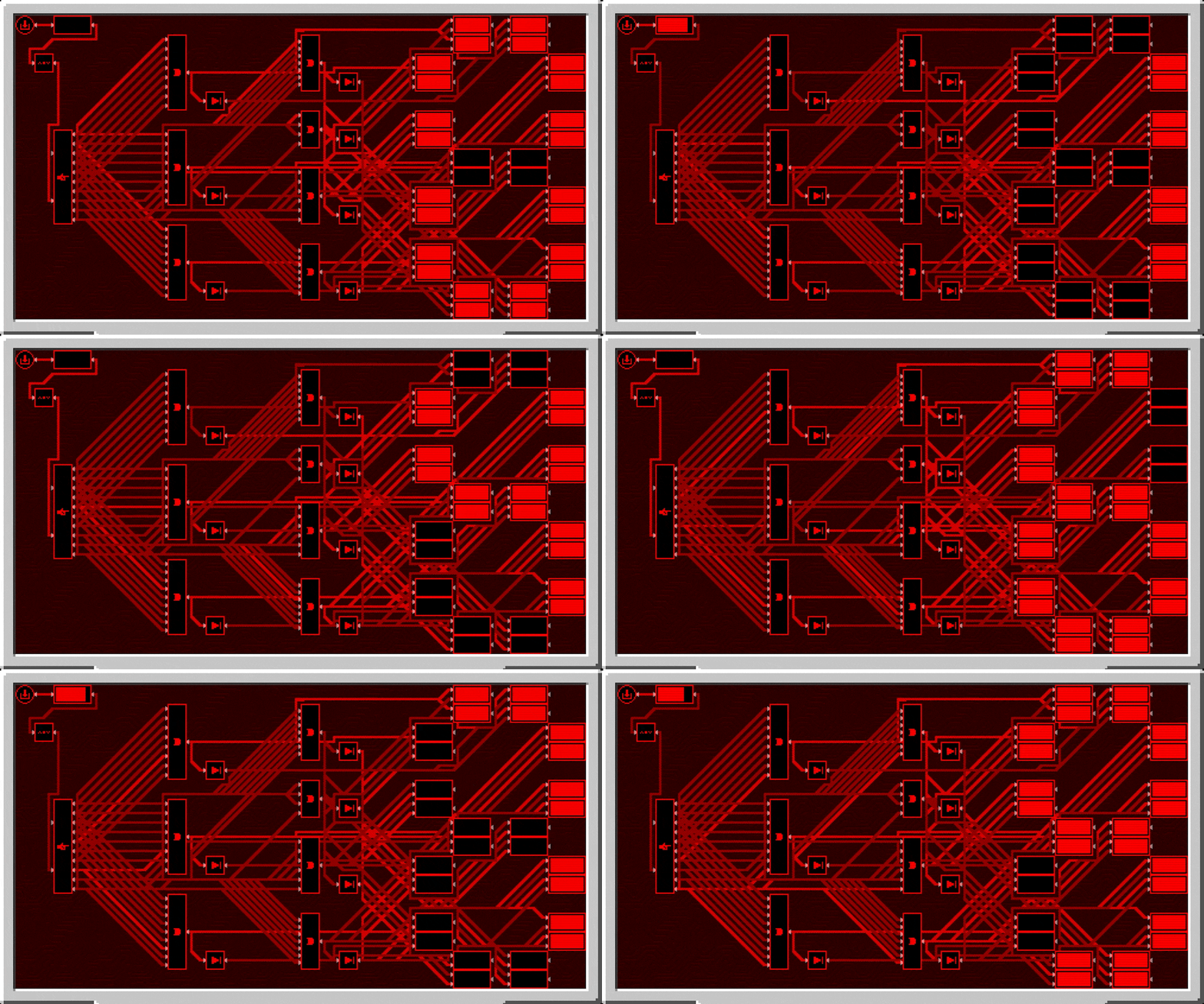
Below is a demonstration of how complex logic can get inside of the microchip GUI. This is a seven segment display
created by bigfoott. While this microchip does not have a designated output, you can place any number of inputs and
outputs as you may need.
Logic can be colored separately from the color of the microchip by interacting with it in the gui with dye. You can
remove the color from components with either snowballs (consumed) or a water bucket (not consumed).
Logic Arrays
Logic arrays are items that can store redstone bits and logic components. The contents can be opened both while in
hand, or while in the GUI of a Microchip for ease of access.
Floppy Disks
Floppy disks are items that allow you to copy and store logic arrangements (and wire connections) from microchips.
You then can take the stored circuit and install it into another microchip, however it does require that the items
be present in your inventory for you to do so.
Sticky Notes
Sticky notes are items that you can place into the world similar to item frames. On each face of a block, you can
place 4 sticky notes with any combination of colors and rotations. The text on sticky notes can also be colored by
interacting with dye on a sticky note. Sticky notes retain their contents and colors when broken and placed.

When placed, you can interact with a sticky note to view what is written on it, or write your own text. Sticky
notes support very rudimentary markdown formatting.

Sticky notes may also be placed inside of microchips to allow you to put notes in your logic.

All art (with exception of the logic components, wires, and redstone bit) are made by Facu.
Available Versions
How to Install Little Big Redstone on Your Server
Order Server
Order a Minecraft Java server with at least 3 GB RAM (4 GB recommended).
Set neoforge Loader
In the panel under "Egg", select the neoforge loader and matching Minecraft version (26.1.2).
Install Mod
Open the mod browser in the dashboard and search for "Little Big Redstone". Click "Install" – done! Alternatively, upload the .jar via SFTP to the /mods folder.
Compatibility
Mod Loaders
Minecraft Versions
26.1.2, 1.21.1
Server-side
✓ RequiredRecommended RAM
4 GB(min. 3 GB)Frequently Asked Questions
Little Big Redstone server crashes on startup – what to do?
Most common cause: wrong neoforge version or insufficient RAM. Check the server log (latest.log) for "OutOfMemoryError" or "Mixin" errors. With Mado Hosting: ensure at least 3 GB RAM is allocated and the loader matches the mod version (26.1.2). You can switch loaders with one click in the panel.
Is Little Big Redstone compatible with neoforge?
Little Big Redstone officially supports neoforge for Minecraft 26.1.2, 1.21.1. The Mado dashboard automatically detects incompatible loader combinations.
Server lagging with Little Big Redstone – how to optimize performance?
Recommended RAM: 4 GB (per 8 players). Use /spark profiler to check if Little Big Redstone consumes the most tick time. Common fixes: reduce server view-distance to 8-10, install "performant" or "starlight" as supplementary mods on Forge. With Mado Hosting, your server runs on NVMe SSDs with dedicated CPU cores for minimal latency.
Rent Modded Server
Install Little Big Redstone with just one click on your server.