
Living Villages
● Living Villages transforms Minecraft's villagers into a living community. Villagers hold real conversations face-to-face, seek shelter in rain, gather at campfires at night, and greet you by time of day. Hit one and they flee to the golem.
About this Mod
🏘 Living Villages
Villages that breathe, talk, and react.
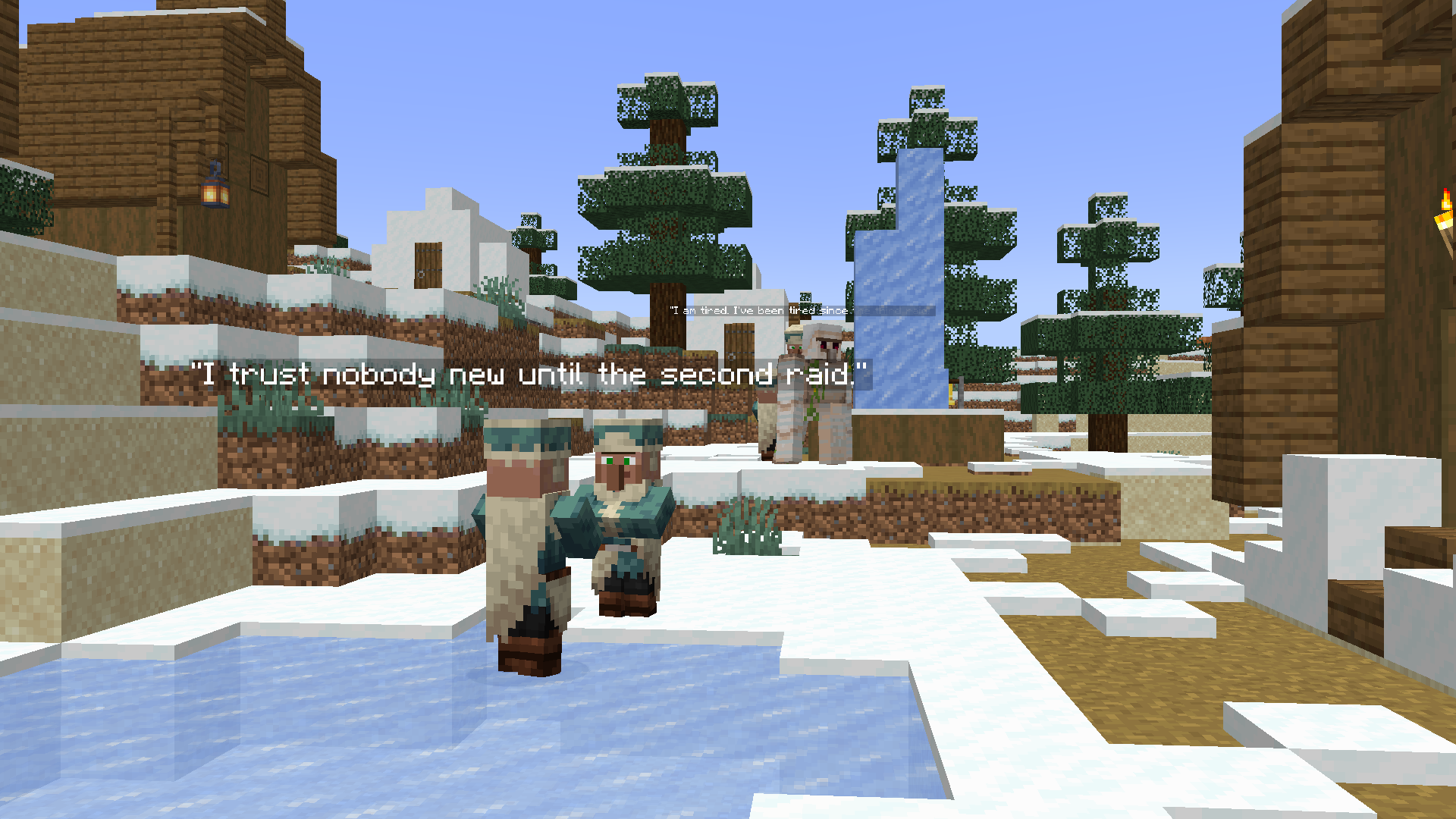
Villagers are more than traders. They have conversations, opinions, routines — and they notice you.
💬 Conversations
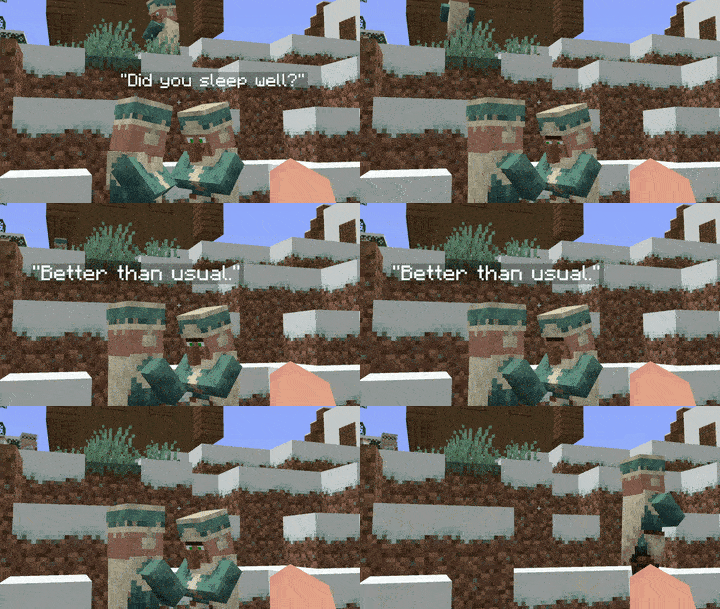
Villagers stop what they're doing, turn to face each other, and speak — one bubble at a time, waiting for the other to finish. Groups of 3 to 4 villagers hold full discussions using pre-written threads about raids, the
golem, bad trades, and village life.
🌧️ Weather & Night Life
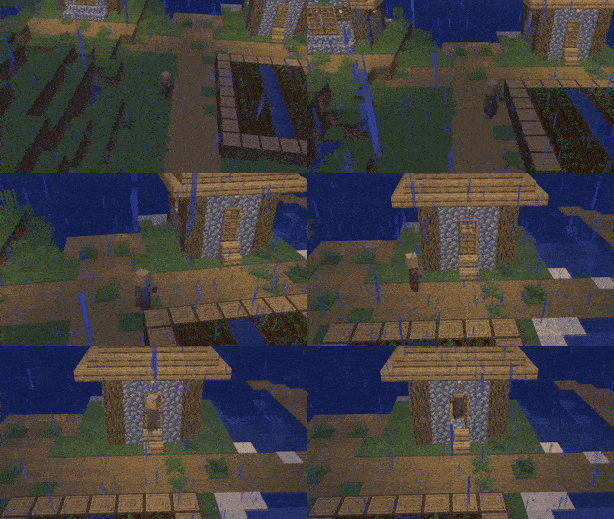
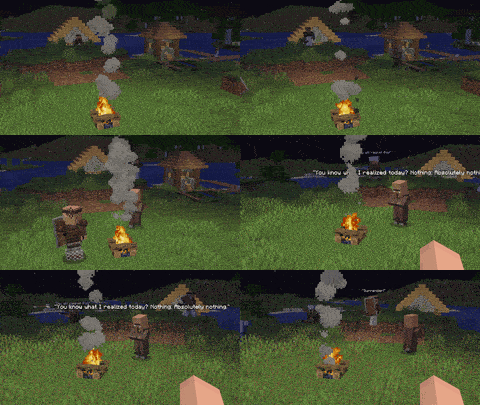
When it rains, villagers run for the nearest shelter. When night falls, some gather around outdoor campfires and talk. They greet each other differently in the morning, afternoon, and evening.
⚔️ Reputation System
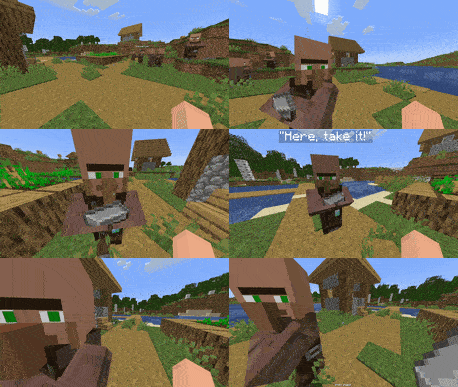
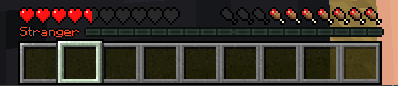
Every villager tracks your reputation individually. Trade fairly and they warm up to you. Steal from a chest and they shout for the iron golem. Attack one and they flee screaming. If Reputation Level is high enough they will run at you giving you a gift!
👶 Baby Villagers
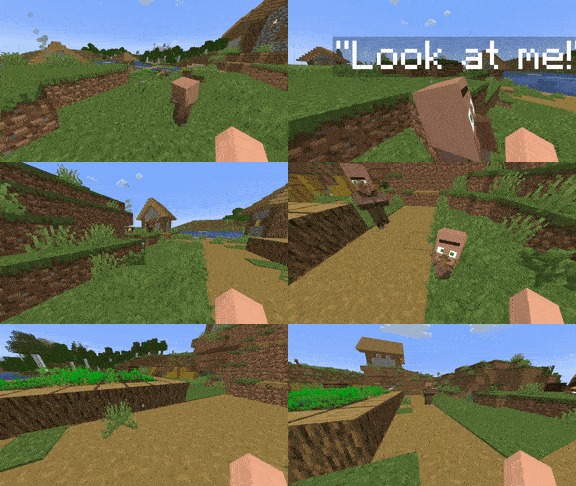
Baby villagers will pester you until you dismiss them. They play tag with each other, fear thunder, and have their own lines separate from adults.
Requires | Fabric API · Cloth Config
Works with | Guard Villagers · Liberty Villagers · Mod Menu · Villager Names
Available Versions
How to Install Living Villages on Your Server
Order Server
Order a Minecraft Java server with at least 3 GB RAM (4 GB recommended).
Set fabric Loader
In the panel under "Egg", select the fabric loader and matching Minecraft version (1.20.1).
Install Mod
Open the mod browser in the dashboard and search for "Living Villages". Click "Install" – done! Alternatively, upload the .jar via SFTP to the /mods folder.
Compatibility
Mod Loaders
Minecraft Versions
1.20.1
Server-side
✓ RequiredRecommended RAM
4 GB(min. 3 GB)Frequently Asked Questions
Living Villages server crashes on startup – what to do?
Most common cause: wrong fabric version or insufficient RAM. Check the server log (latest.log) for "OutOfMemoryError" or "Mixin" errors. With Mado Hosting: ensure at least 3 GB RAM is allocated and the loader matches the mod version (1.20.1). You can switch loaders with one click in the panel.
Is Living Villages compatible with fabric?
Living Villages officially supports fabric for Minecraft 1.20.1. The Mado dashboard automatically detects incompatible loader combinations.
Server lagging with Living Villages – how to optimize performance?
Recommended RAM: 4 GB (per 8 players). Use /spark profiler to check if Living Villages consumes the most tick time. Common fixes: reduce server view-distance to 8-10, install "performant" or "starlight" as supplementary mods on Forge. With Mado Hosting, your server runs on NVMe SSDs with dedicated CPU cores for minimal latency.
Similar Mods




Rent Modded Server
Install Living Villages with just one click on your server.