LNE Archers Add-On
Loot & Explore Add-On with Archers (RPG-Series ) related Content, like new Structures, Weapons etc.
Screenshots
About this Mod
LNE x Archers (RPG-Series) Add-On💎🏹
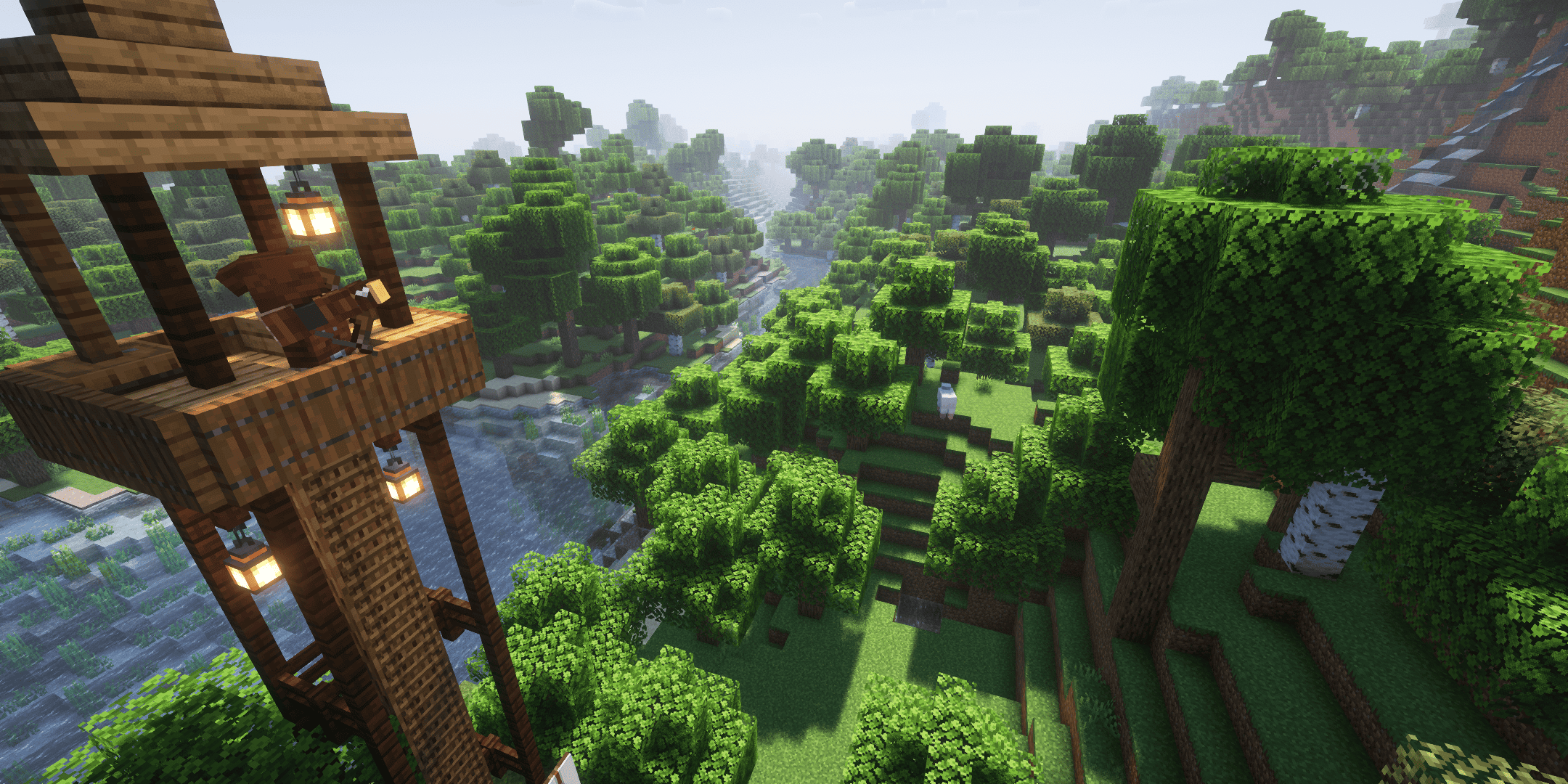





📂 Installation
🚨Required Mods
- Archers (RPG-Series)
- Spell Engine
🤝Integrated Compatibility
- Loot & Explore ( Additional Archer Weapons )
- Archers Expansion
🕹️ Features
- Loot & Explore is only a optional Dependency, if you dont want the special Archer Weapons and just want the class related structures, you dont have to install the L&E Mod, or you can disable the equipment in the config.
⚔️Equipment
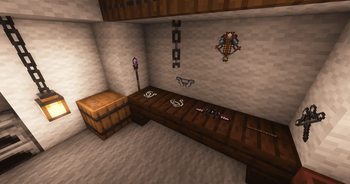
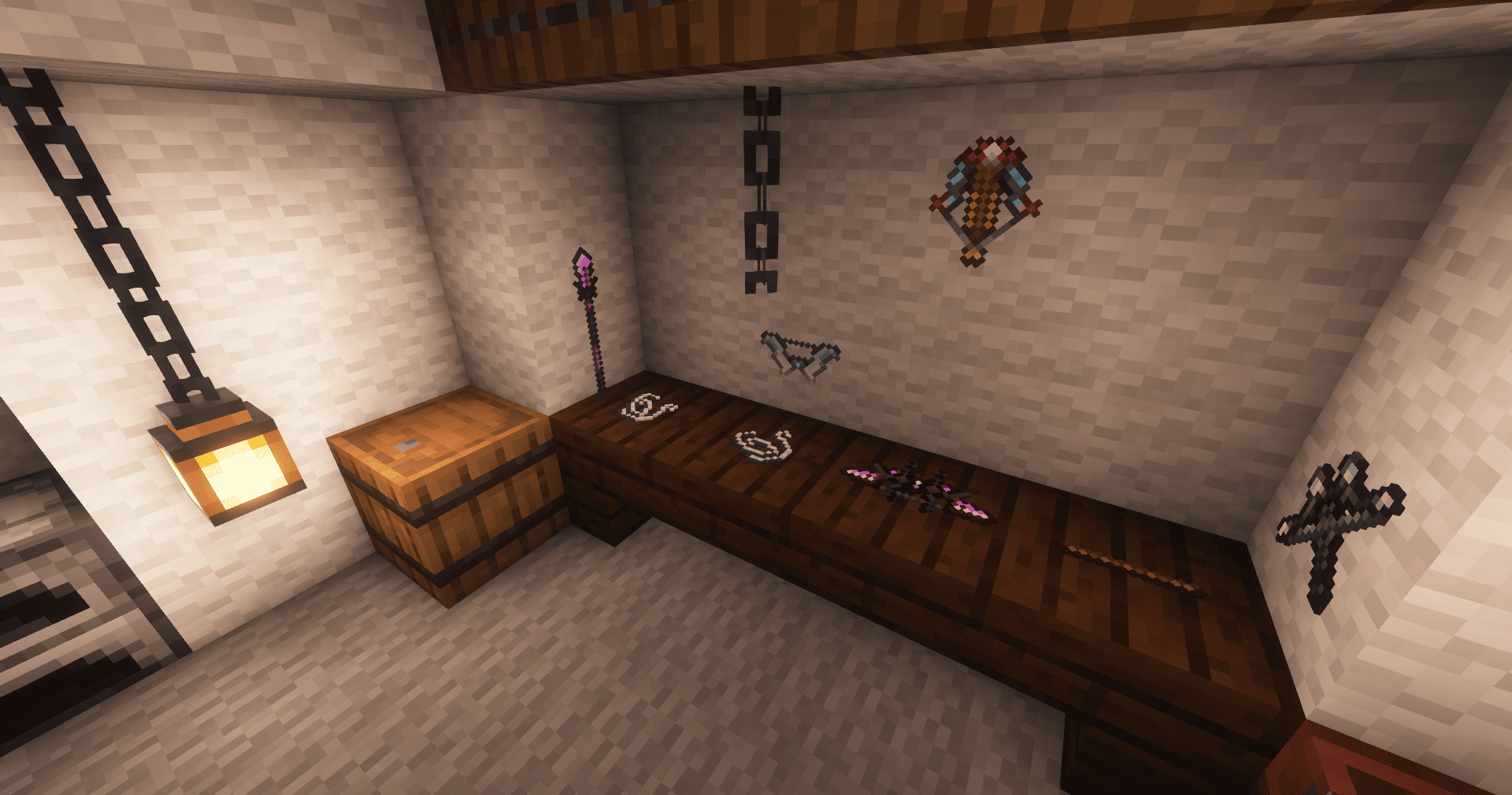
- Special Shortbows, Longbows, Rapid Crossbows, Heavy Crossbows & Spears can be crafted with new Smithing Template Upgrades (Only if Loot & Explore is installed)
- Each weapon has their own unique passive ability🪄
🏚️Structures
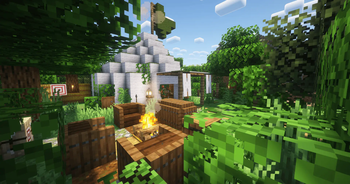
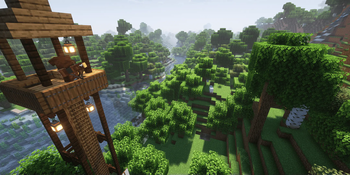
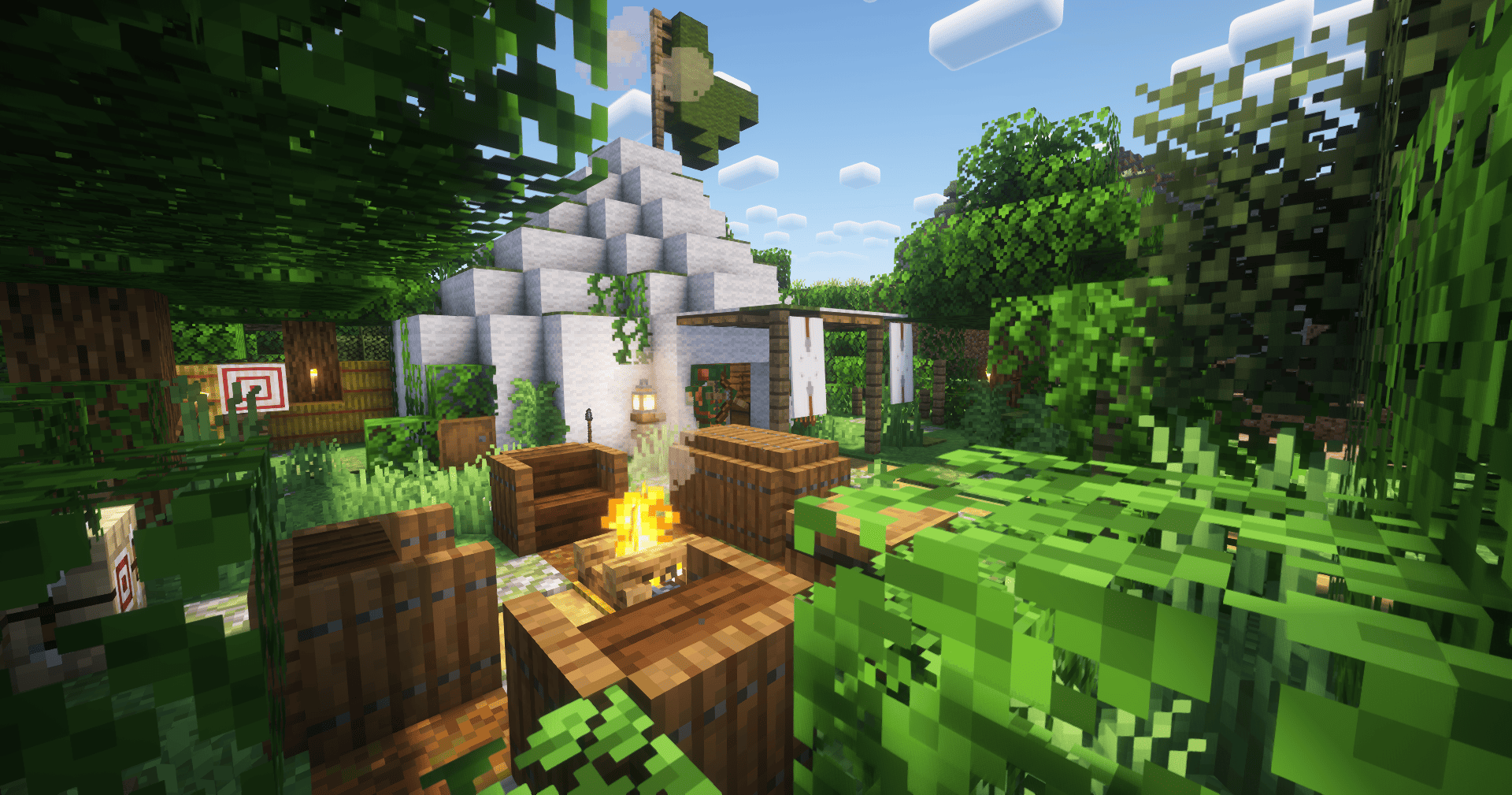
- Find new Archer related Structures while exploring!
- Loot the chests and get rewarded with equipment related to this rpg class
- You can rarely find Spell Books with bound spells in these structures
🎥Showcases
🧑🔧Roadmap
- More Archer related Structures
- 1.21.x Port
- New Spells & Spell Books
- Archer Themed Enemies
- New Spells/Spell Books for each class
- More Special Weapons
🙌Credits
- Deadelus - for creating the Archer Mod and inspiring this Add-On
- Emil for creating the cute Mod Icon's
Feel free to use this Mod in your Modpack, Video etc. If you want to give feedback about the mod or report bugs, feel free to join my Discord Server! :)
Available Versions
How to Install LNE Archers Add-On on Your Server
Order Server
Order a Minecraft Java server with at least 3 GB RAM (4 GB recommended).
Set fabric Loader
In the panel under "Egg", select the fabric loader and matching Minecraft version (1.21.1).
Install Mod
Open the mod browser in the dashboard and search for "LNE Archers Add-On". Click "Install" – done! Alternatively, upload the .jar via SFTP to the /mods folder.
Compatibility
Mod Loaders
Minecraft Versions
1.21.1, 1.21, 1.20.1
Server-side
✓ RequiredRecommended RAM
4 GB(min. 3 GB)Frequently Asked Questions
LNE Archers Add-On server crashes on startup – what to do?
Most common cause: wrong fabric version or insufficient RAM. Check the server log (latest.log) for "OutOfMemoryError" or "Mixin" errors. With Mado Hosting: ensure at least 3 GB RAM is allocated and the loader matches the mod version (1.21.1). You can switch loaders with one click in the panel.
Is LNE Archers Add-On compatible with fabric and neoforge?
LNE Archers Add-On officially supports fabric, neoforge for Minecraft 1.21.1, 1.21, 1.20.1. The Mado dashboard automatically detects incompatible loader combinations.
Server lagging with LNE Archers Add-On – how to optimize performance?
Recommended RAM: 4 GB (per 8 players). Use /spark profiler to check if LNE Archers Add-On consumes the most tick time. Common fixes: reduce server view-distance to 8-10, install "performant" or "starlight" as supplementary mods on Forge. With Mado Hosting, your server runs on NVMe SSDs with dedicated CPU cores for minimal latency.
Similar Mods




Rent Modded Server
Install LNE Archers Add-On with just one click on your server.