
Loot Bag
Another loot bag mod.
About this Mod
Loot Bag
NOTES❗❗❗
In version 1.2.0 I rewrote almost the entire mod.
What's different from before?
- The mod now no longer depends on any other dependency mod other than the fabric api.
- It is now configured via datapack instead of config files. (Don't update if you're not ready to rewrite the config file as a datapack!)
- Every loot bag used to be a new item, this was done to accommodate some operations such as the vanilla recipe output that did not support writing NBT on items. But this practice was costly, introduced BRRP as a dependency, and defied conventional logic. Now all loot bags are the same item, and the loot bag data is stored in the item's NBT tag.
- The mod is now extensible in code, if you are a mod developer you can generate your datapack using the provider class provided by the mod and even add more loot bag types.
🪄Introduction
Another loot bag mod, designed for modpacks.
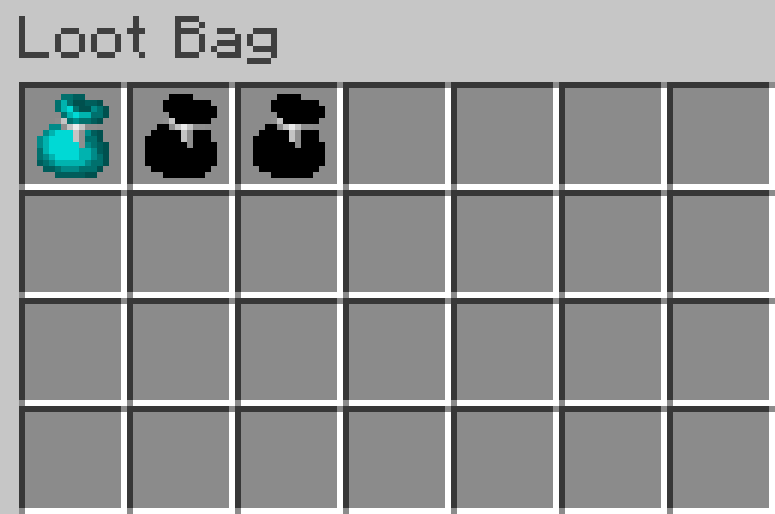
Right click to open a preview screen.
Right click when sneaking to open the bag directly.
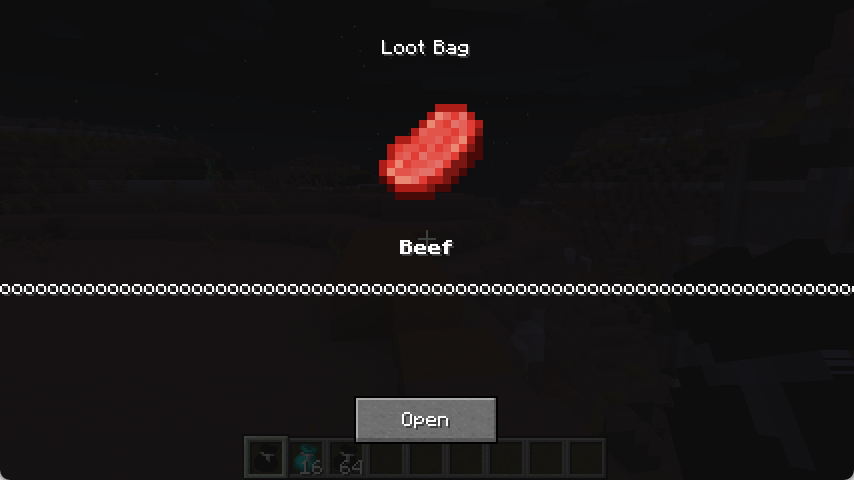
(Single) Loot Bag
Contains a single set of loot.
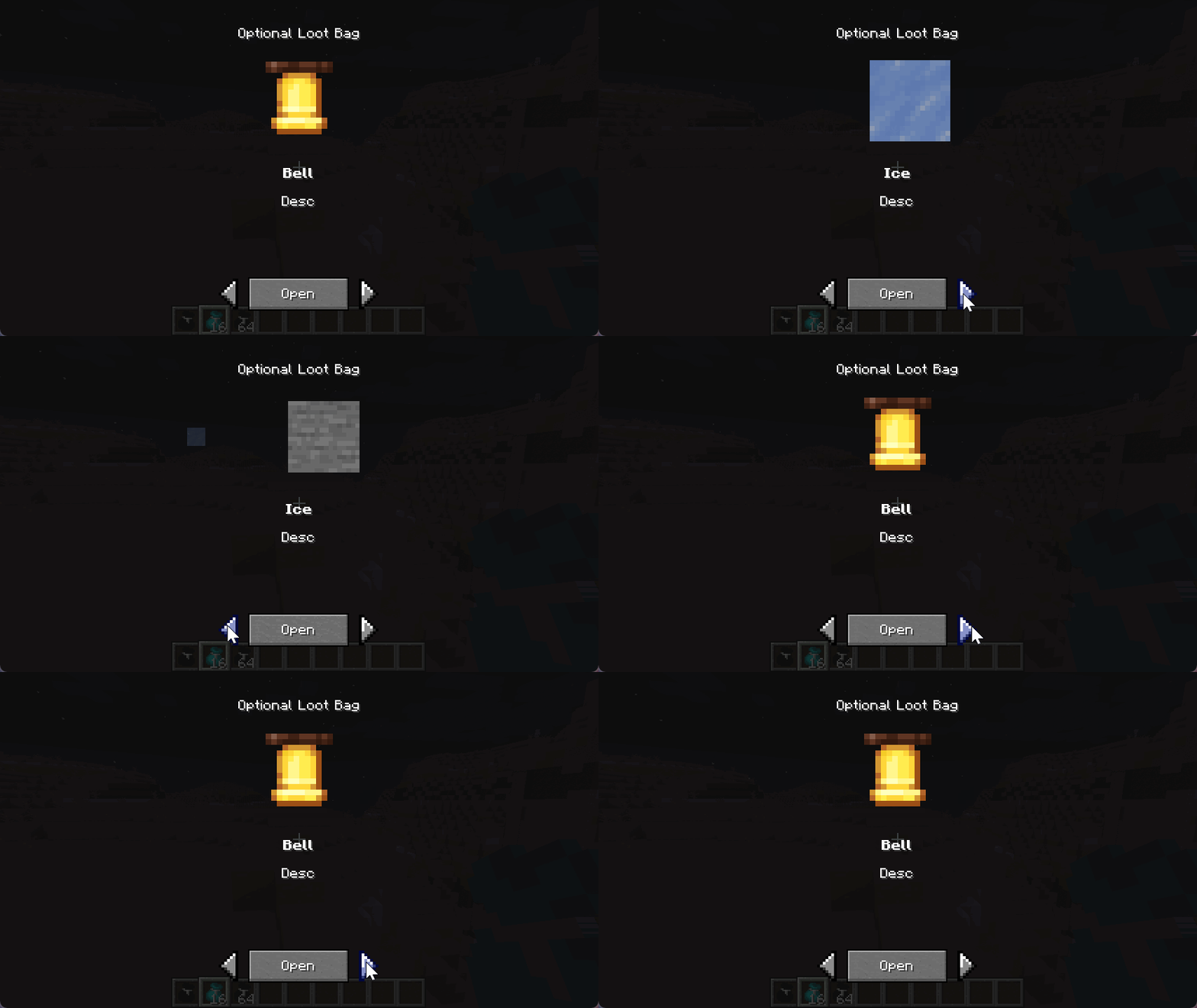
Optional Loot Bag
Contains multiple sets of loot, and you can choose to obtain one of them.
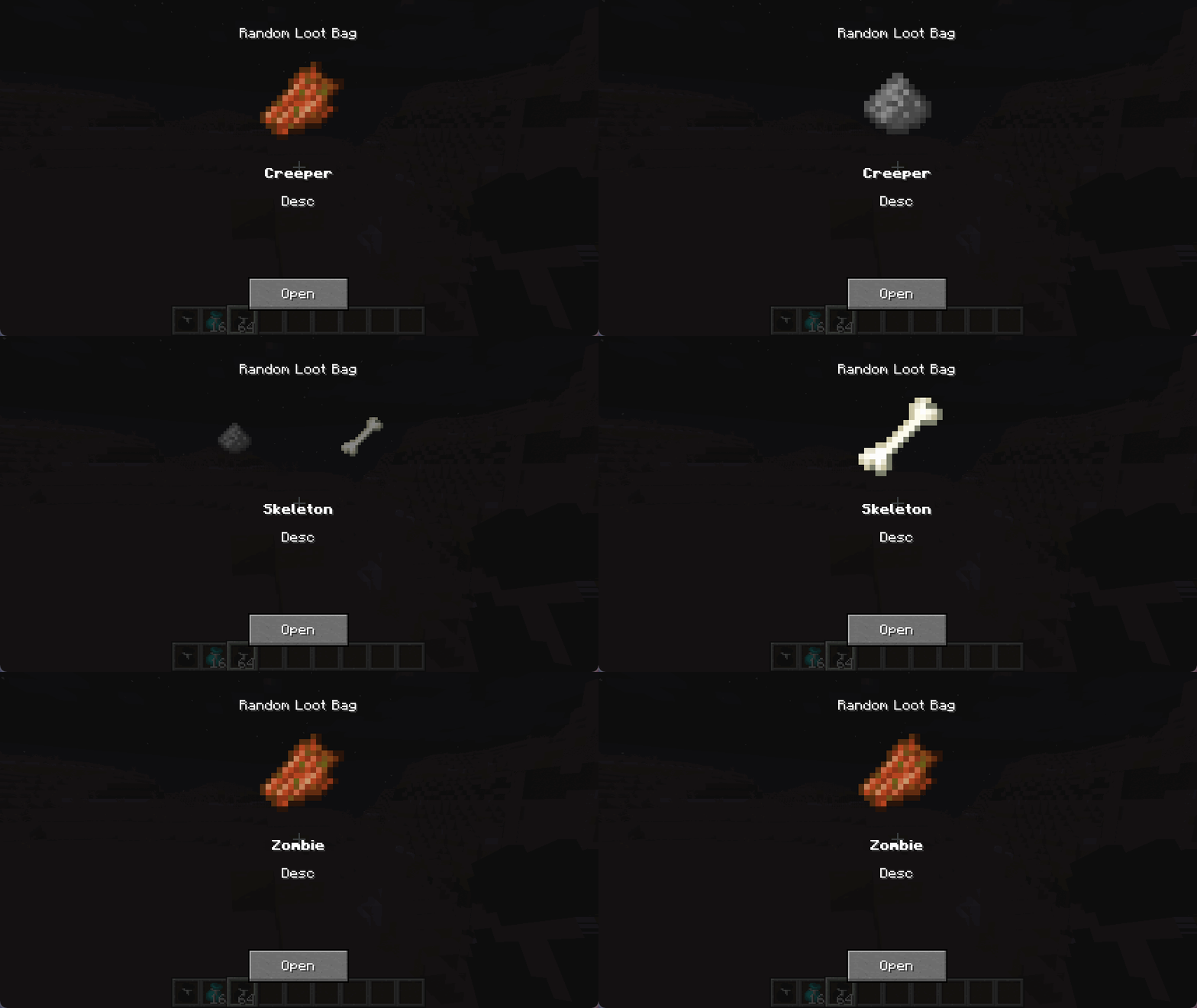
Random Loot Bag
Contains multiple sets of loot, and you can obtain a random set of them.
⚙️Configuration
This mod is highly configurable. The config files will be automatically generated as examples.
After version 1.2.0, the entire mod underwent a thorough refactoring. Now it is data driven (mostly), and the example data pack can be found HERE.
✉️Feedback
If there are any bugs or suggestions, please provide feedback to the issue page.
Available Versions
How to Install Loot Bag on Your Server
Order Server
Order a Minecraft Java server with at least 3 GB RAM (4 GB recommended).
Set fabric Loader
In the panel under "Egg", select the fabric loader and matching Minecraft version (1.20.1).
Install Mod
Open the mod browser in the dashboard and search for "Loot Bag". Click "Install" – done! Alternatively, upload the .jar via SFTP to the /mods folder.
Compatibility
Mod Loaders
Minecraft Versions
1.20.1
Server-side
✓ RequiredRecommended RAM
4 GB(min. 3 GB)Frequently Asked Questions
Loot Bag server crashes on startup – what to do?
Most common cause: wrong fabric version or insufficient RAM. Check the server log (latest.log) for "OutOfMemoryError" or "Mixin" errors. With Mado Hosting: ensure at least 3 GB RAM is allocated and the loader matches the mod version (1.20.1). You can switch loaders with one click in the panel.
Is Loot Bag compatible with fabric?
Loot Bag officially supports fabric for Minecraft 1.20.1. The Mado dashboard automatically detects incompatible loader combinations.
Server lagging with Loot Bag – how to optimize performance?
Recommended RAM: 4 GB (per 8 players). Use /spark profiler to check if Loot Bag consumes the most tick time. Common fixes: reduce server view-distance to 8-10, install "performant" or "starlight" as supplementary mods on Forge. With Mado Hosting, your server runs on NVMe SSDs with dedicated CPU cores for minimal latency.
Similar Mods




Rent Modded Server
Install Loot Bag with just one click on your server.