
Loot Goblins
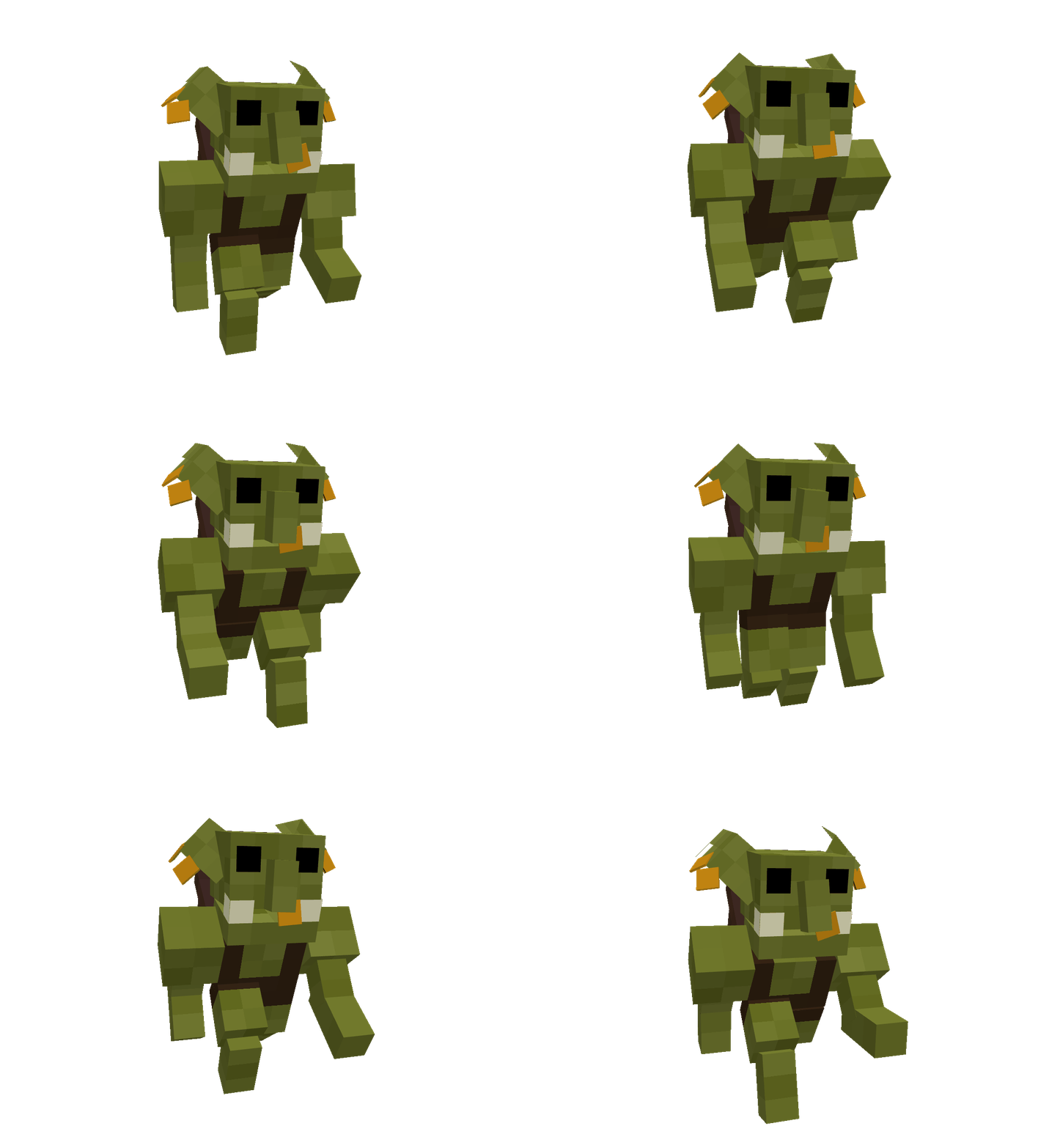
Adds small Goblins that explode into loot
Screenshots
About this Mod
Loot Goblins
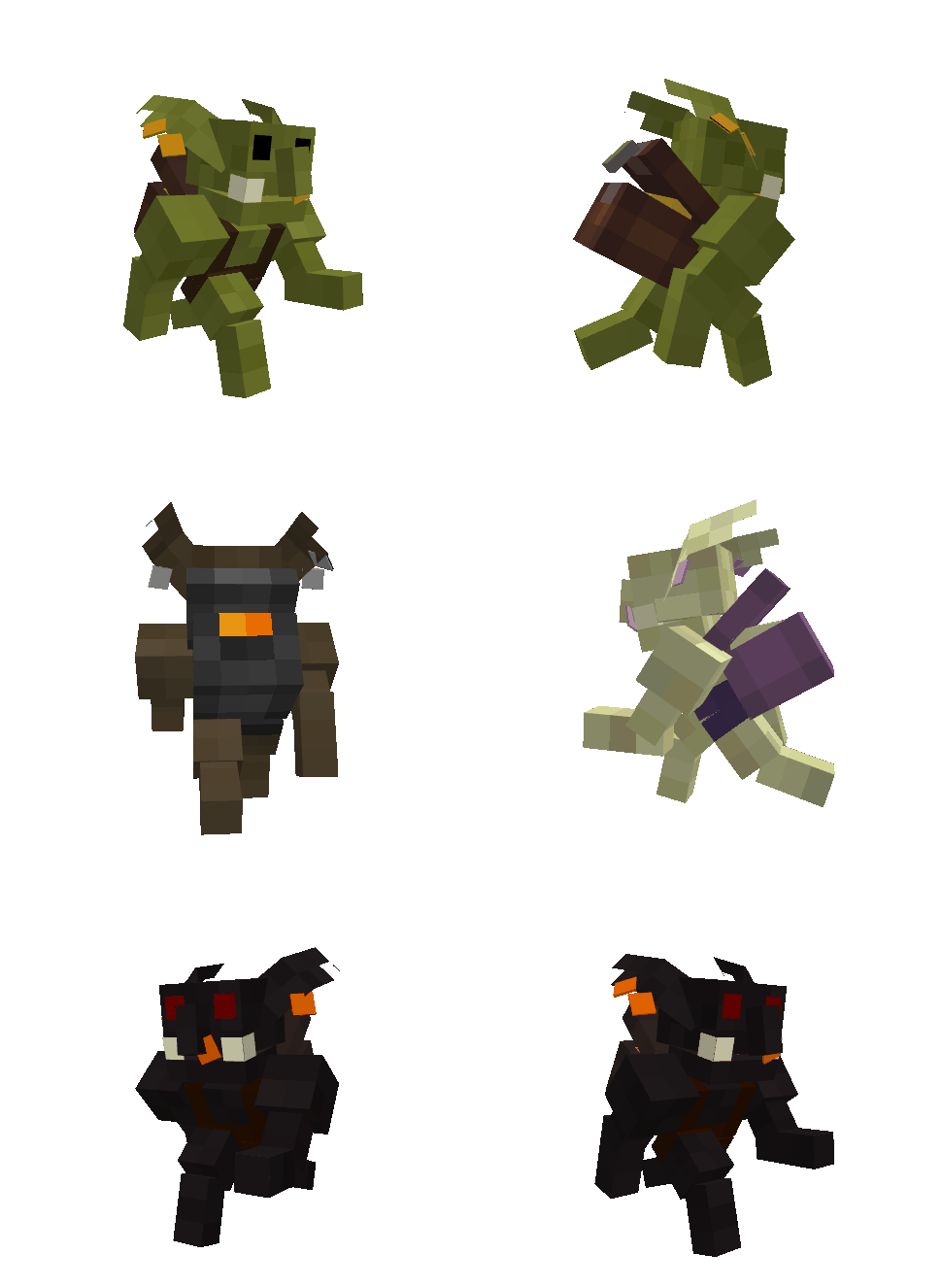
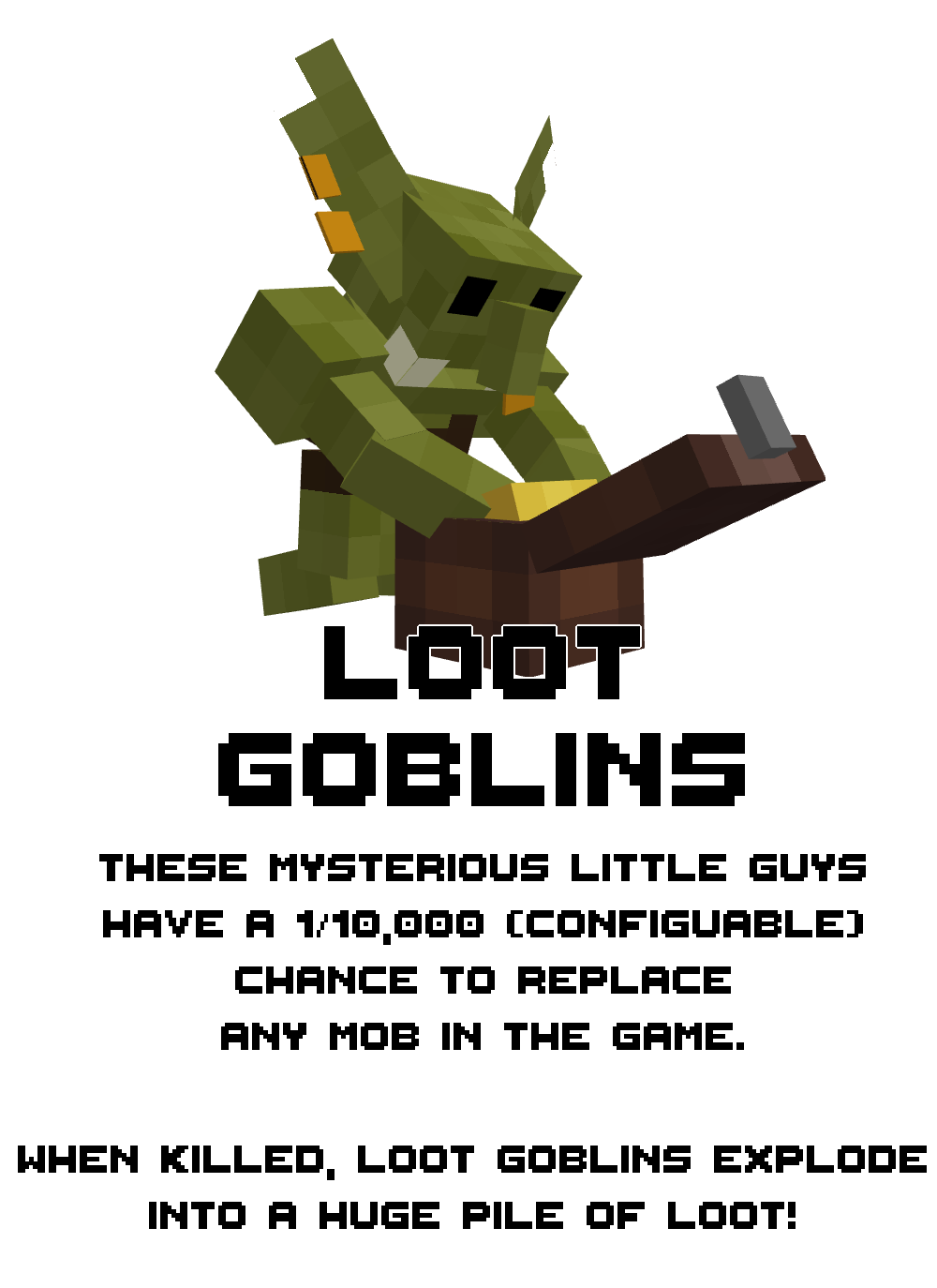
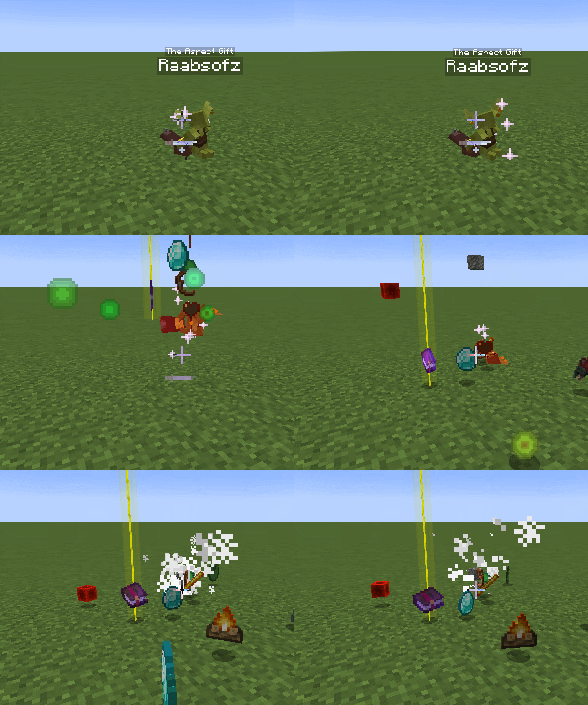
Adds extremely rare, 1/10,000 chance to spawn, loot goblins that can replace anything in the world. When killed, they explode into huge piles of randomized loot! Comes in Five Flavors.
Minor Goblins
More likely to spawn than regular Goblins, these guys each drop specific items and a few random items.
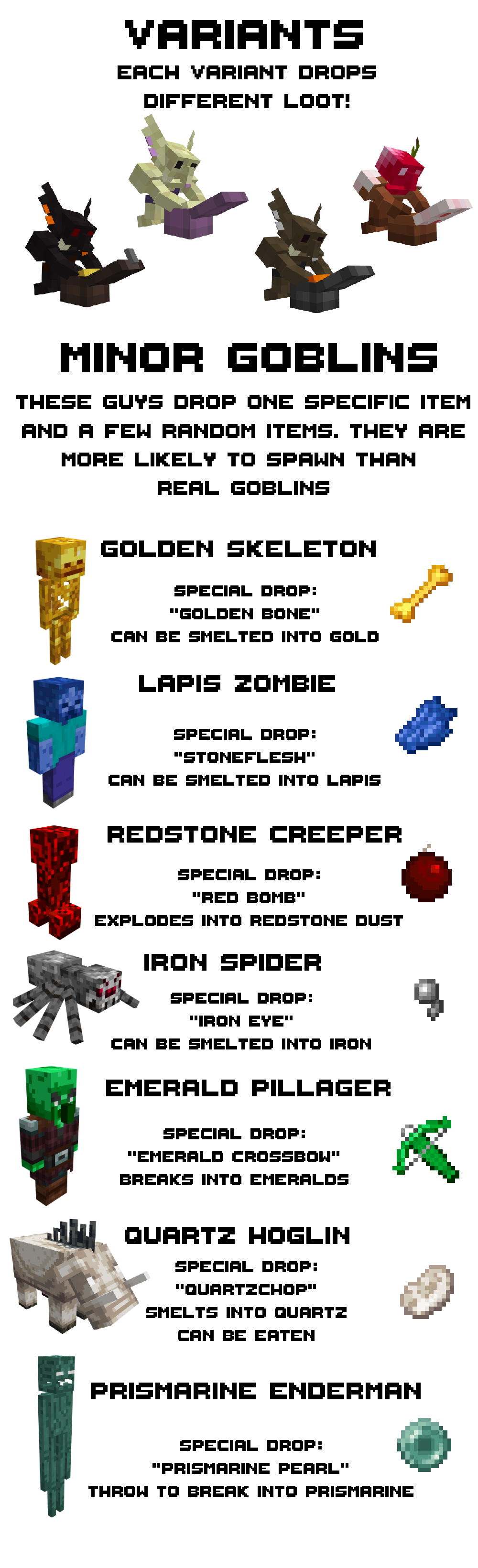
Gold Skeleton - Drops: Golden Bones which can be smelted into gold.
Lapis Zombie - Drops: Stoneflesh which can be smelted into lapis.
Redstone Creeper - Drops: Red Bomb which explodes into redstone dust.
Iron Spider - Drops: Iron Eye which can be smelted into iron.
Emerald Pillager - Drops: Emerald Crossbow, breaks into emeralds.
Quartz Hoglin - Drops: Quartzchop, smelts into Quartz and can be eaten.
Prismarine Enderman - Drops: Prismarine Pearl, breaks into prismarine.
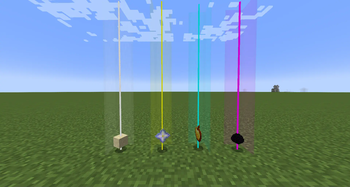
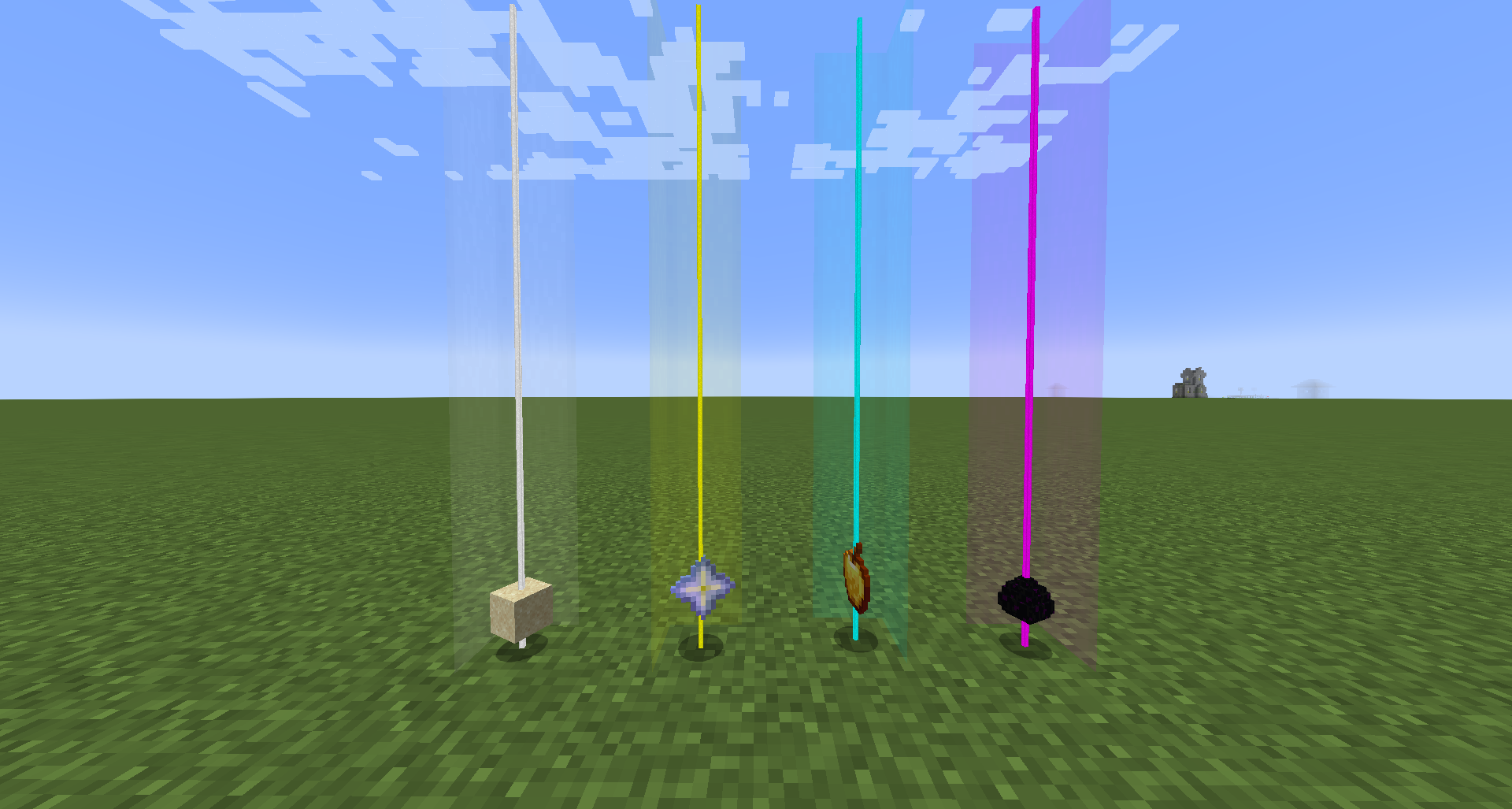
Also adds Loot Beams (Configurable!)
known issues
Due to load order being unpredictable, any mod that influences itemstack rendering could/will interfere with loot beams
Emerald Crossbow looks stupid
Available Versions
How to Install Loot Goblins on Your Server
Order Server
Order a Minecraft Java server with at least 3 GB RAM (4 GB recommended).
Set fabric Loader
In the panel under "Egg", select the fabric loader and matching Minecraft version (1.19.2).
Install Mod
Open the mod browser in the dashboard and search for "Loot Goblins". Click "Install" – done! Alternatively, upload the .jar via SFTP to the /mods folder.
Compatibility
Mod Loaders
Minecraft Versions
1.19.2
Server-side
✓ RequiredRecommended RAM
4 GB(min. 3 GB)Frequently Asked Questions
Loot Goblins server crashes on startup – what to do?
Most common cause: wrong fabric version or insufficient RAM. Check the server log (latest.log) for "OutOfMemoryError" or "Mixin" errors. With Mado Hosting: ensure at least 3 GB RAM is allocated and the loader matches the mod version (1.19.2). You can switch loaders with one click in the panel.
Is Loot Goblins compatible with fabric?
Loot Goblins officially supports fabric for Minecraft 1.19.2. The Mado dashboard automatically detects incompatible loader combinations.
Server lagging with Loot Goblins – how to optimize performance?
Recommended RAM: 4 GB (per 8 players). Use /spark profiler to check if Loot Goblins consumes the most tick time. Common fixes: reduce server view-distance to 8-10, install "performant" or "starlight" as supplementary mods on Forge. With Mado Hosting, your server runs on NVMe SSDs with dedicated CPU cores for minimal latency.
Similar Mods




Rent Modded Server
Install Loot Goblins with just one click on your server.