Lucky's Blocky Siege
Adds siege weaponry to Minecraft!
Screenshots



About this Mod
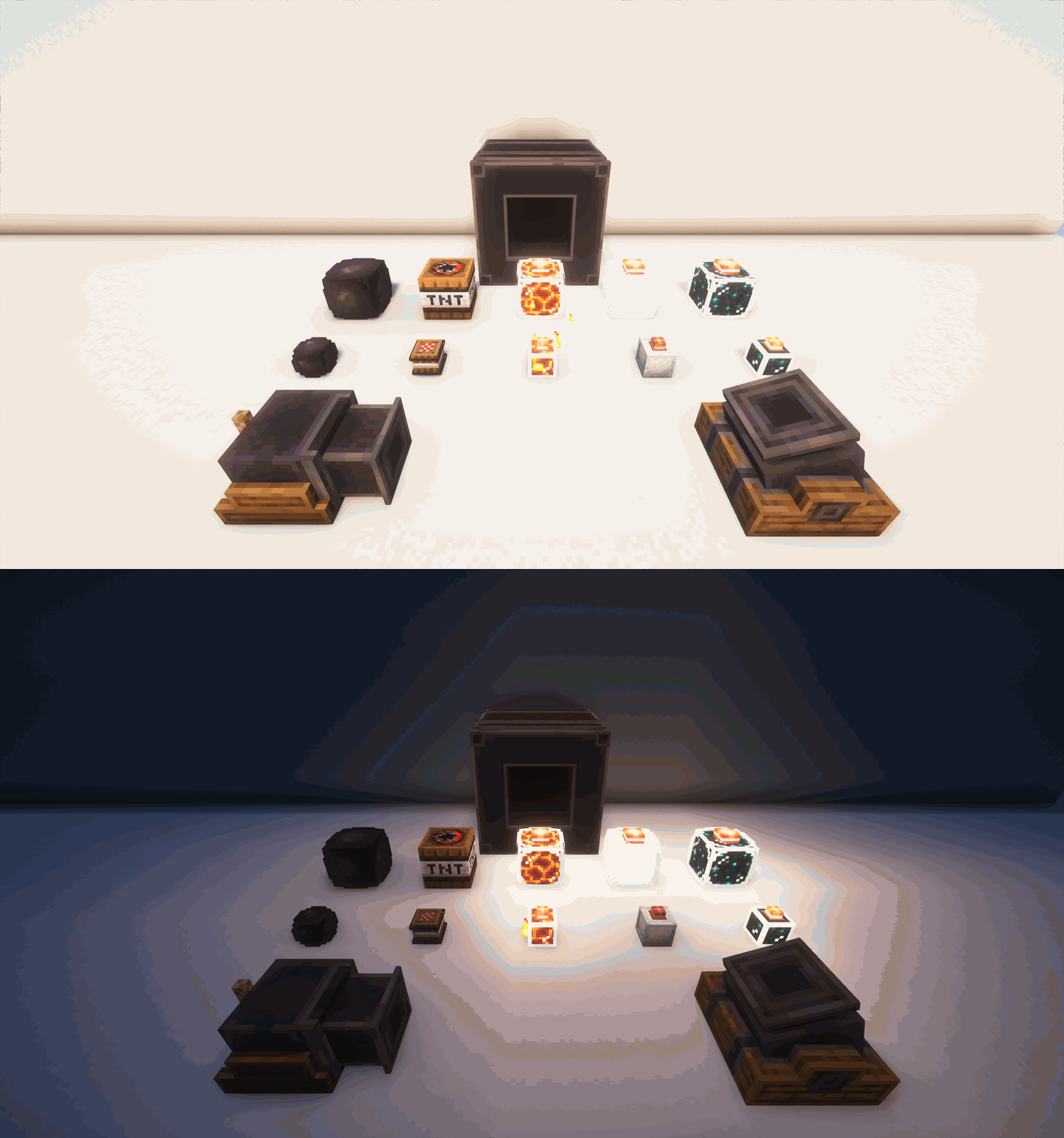
 Cannons, Mortars, and more! Offers great defensive and fun gameplay mechanics.
5.0 Released, Geckolib is now required!!!!
Features
- Cannon - Great for busting down walls.
- Mortar - Fires projectiles over walls.
- Giant Cannon - Even better for busting down walls.
- Ballista Golem - A friendly sentry for dealing with pesky foes.
- Spewer Golem - Burn your enemies away with a powerful crowd-controlling blast from the spewer.
- Crusher - Crusher your enemies with a massive stone. Give it a redstone signal and take a step back as it slams into the ground!
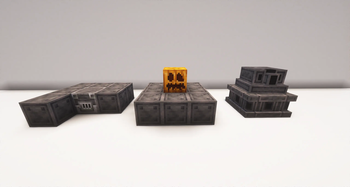
- Cast Iron Block Set
- Reinforced variants for all vanilla doors.
- Variety of ammo for each defense.
How to Use
Cannon/Mortar/Giant Cannon:
- Load middle slot with Projectile Type
- Provide gunpowder
- Light Cannon with flint and steel or redstone.
- Boom
Ballista Golem:
- Build it (Check images for example)
- Place arrows inside
- Watch it go
Spewer:
- Build it (Check images for example)
- Provide Lava Buckets or pump lava into it using mods that provide this feature
- Optional: Place lava around it to heat the spewer, providing more damage. (overfilling the spewer does this automatically)
- Watch it go
Roadmap
- Add a new villager called the Siege Master.
- Add a pillager outpost with cannons on it.
- Add a pillager that pushes a cannon cart and attacks during raids!
- Add a cannon cart, a cannon you can push around, aim, and fire!
Available Versions
How to Install Lucky's Blocky Siege on Your Server
Order Server
Order a Minecraft Java server with at least 3 GB RAM (4 GB recommended).
Set forge Loader
In the panel under "Egg", select the forge loader and matching Minecraft version (1.20.1).
Install Mod
Open the mod browser in the dashboard and search for "Lucky's Blocky Siege". Click "Install" – done! Alternatively, upload the .jar via SFTP to the /mods folder.
Compatibility
Mod Loaders
Minecraft Versions
1.20.1, 1.19.2
Server-side
✓ RequiredRecommended RAM
4 GB(min. 3 GB)Frequently Asked Questions
Lucky's Blocky Siege server crashes on startup – what to do?
Most common cause: wrong forge version or insufficient RAM. Check the server log (latest.log) for "OutOfMemoryError" or "Mixin" errors. With Mado Hosting: ensure at least 3 GB RAM is allocated and the loader matches the mod version (1.20.1). You can switch loaders with one click in the panel.
Is Lucky's Blocky Siege compatible with forge?
Lucky's Blocky Siege officially supports forge for Minecraft 1.20.1, 1.19.2. The Mado dashboard automatically detects incompatible loader combinations.
Server lagging with Lucky's Blocky Siege – how to optimize performance?
Recommended RAM: 4 GB (per 8 players). Use /spark profiler to check if Lucky's Blocky Siege consumes the most tick time. Common fixes: reduce server view-distance to 8-10, install "performant" or "starlight" as supplementary mods on Forge. With Mado Hosting, your server runs on NVMe SSDs with dedicated CPU cores for minimal latency.
Similar Mods




Rent Modded Server
Install Lucky's Blocky Siege with just one click on your server.