Lushier
An overhaul for the Lush Caves. New structures, new tools, and new adventures.
Screenshots
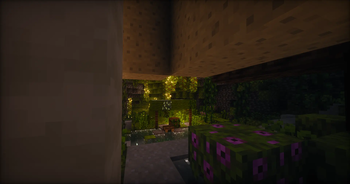
About this Mod

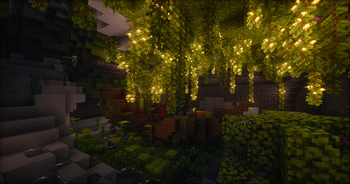
Lush Caves have always been a beautiful sight during underground exploration. However, their lack of practical features beyond Glow Berries and Big Dripleaf often leaves much to be desired.
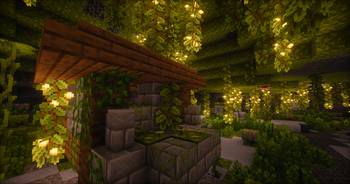
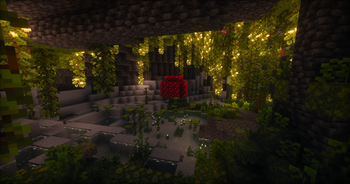
Lushier reimagines and expands the Lush Caves with brand new natural features, archaeological structures, and a mid-game material, making this wonderful biome more rewarding to explore.
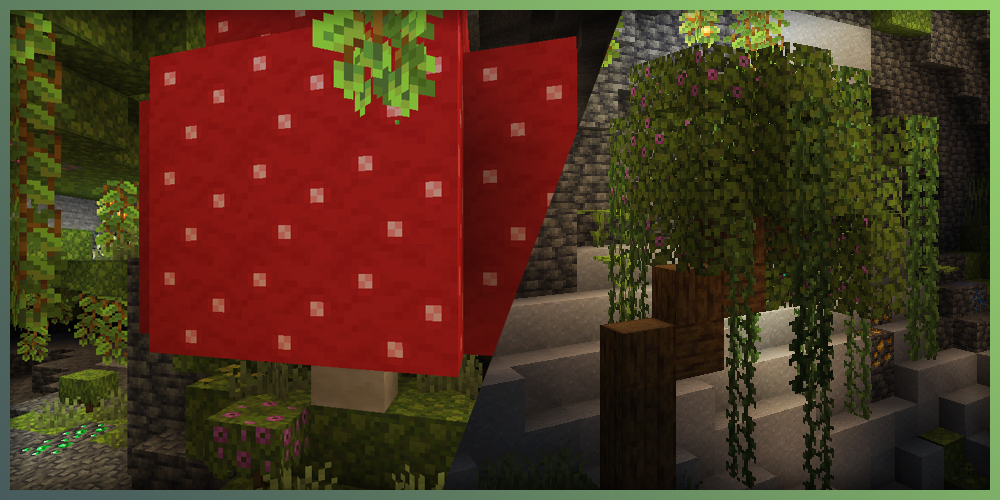
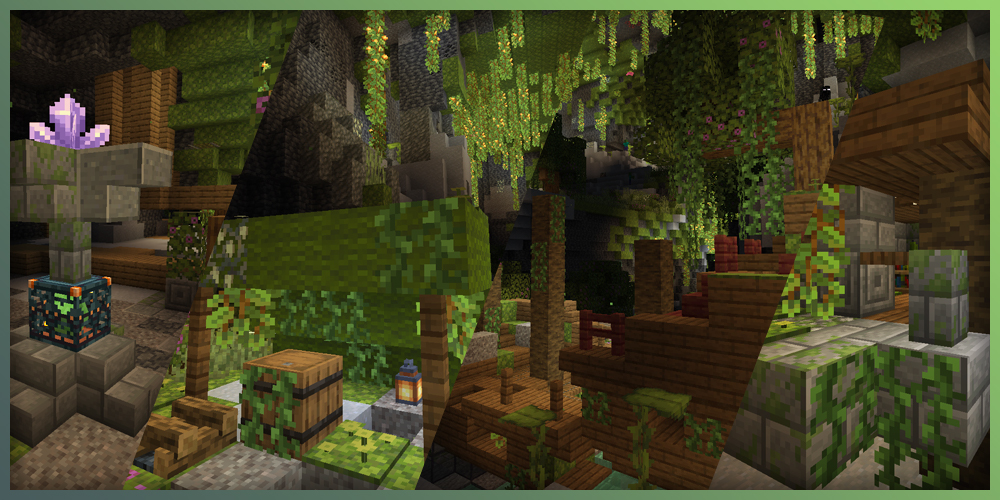

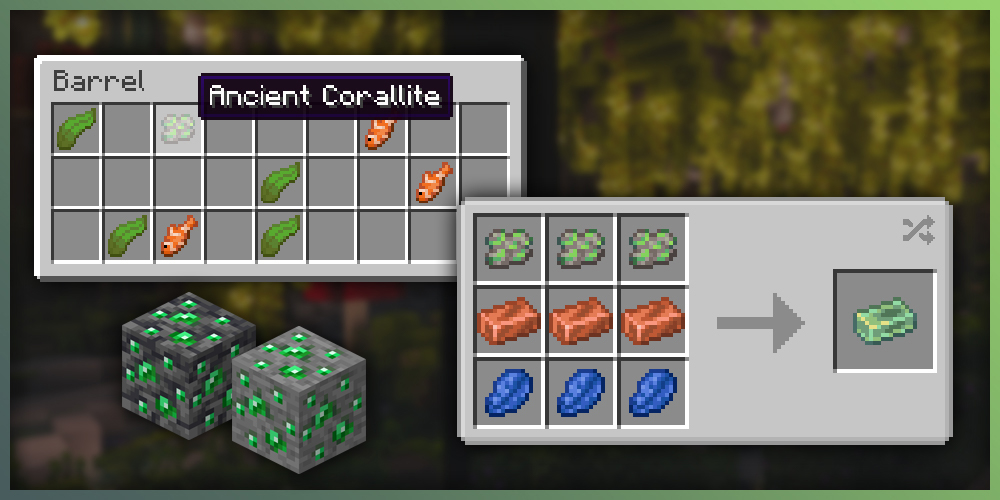
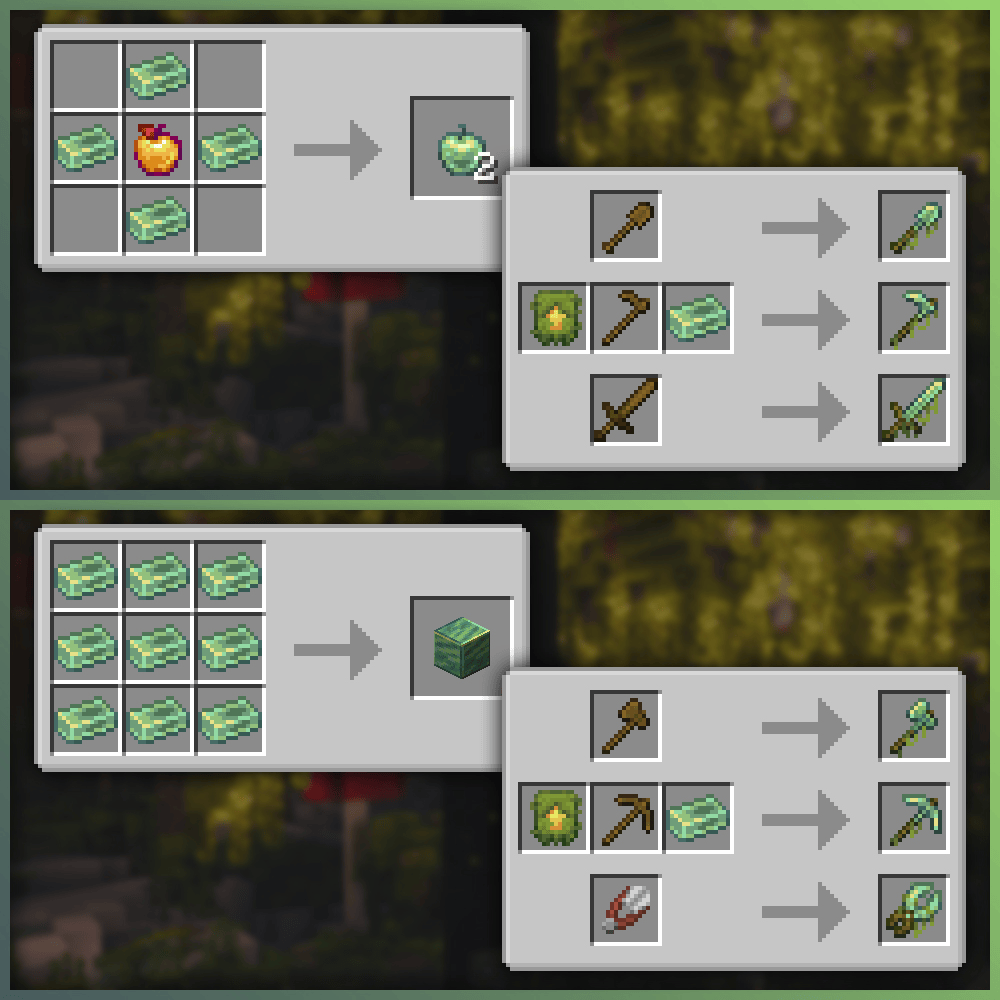
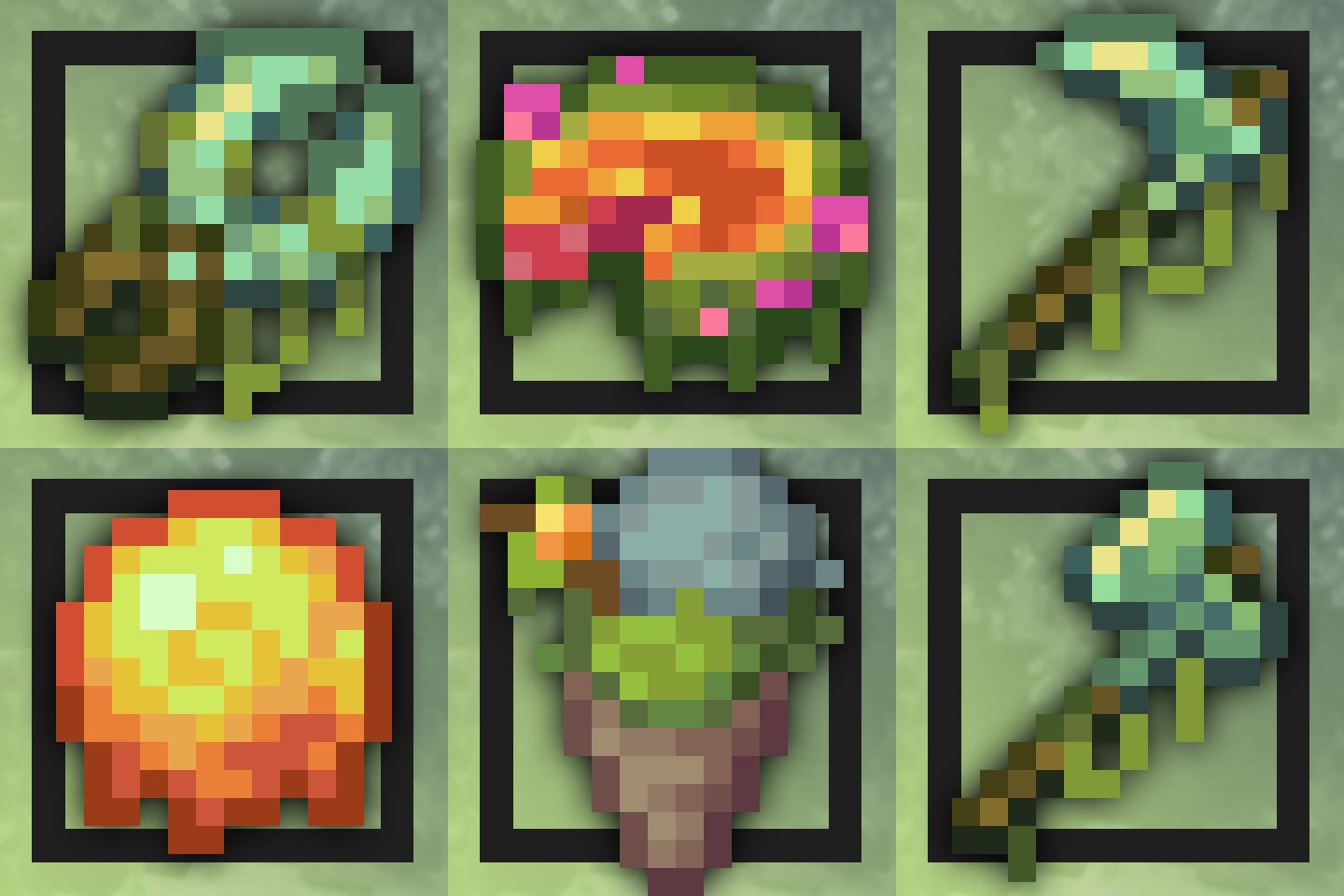
Ancient Corallite is a special gem that can be obtained when mining Emerald Ore or looting structures in the Lush Caves. It can be smelted into an Emerald, or crafted together with Copper Ingots and Lapis Lazuli to create Veronze, a unique alloy comparable in concept to Netherite, but designed exclusively for upgrading wooden tools and shears.
Veronze tools feature high attack speed and mining speed and are naturally imbued with a unique enchantment called Germination, which allows them to slowly repair themselves when exposed to sufficient light.
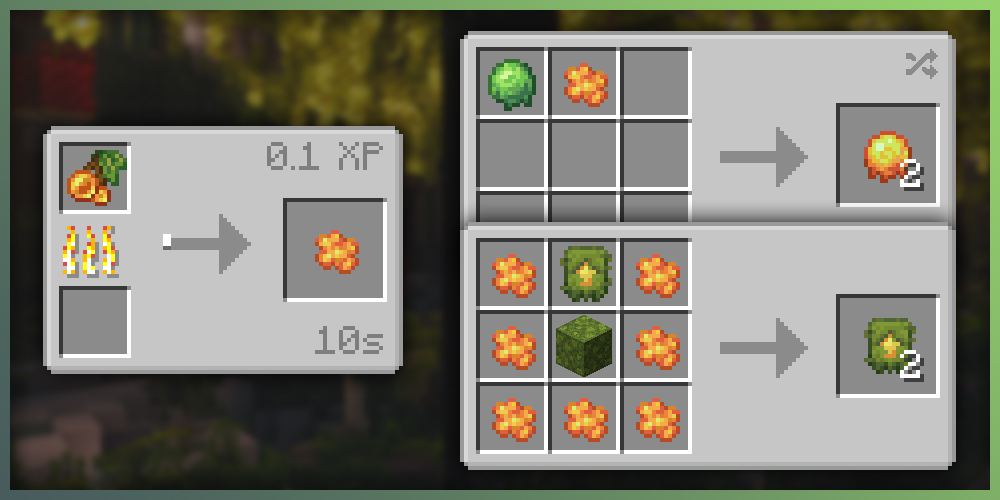
Glow Berries can now be smelted into Glowdew, an interesting lighting and detection tool. When used, it briefly creates a temporary light source at the user location, while nearby living entities are highlighted with the Glowing effect for a short duration. Combined with a Slimeball, it can be crafted into Flareballs, a throwable variant for long-range scouting.

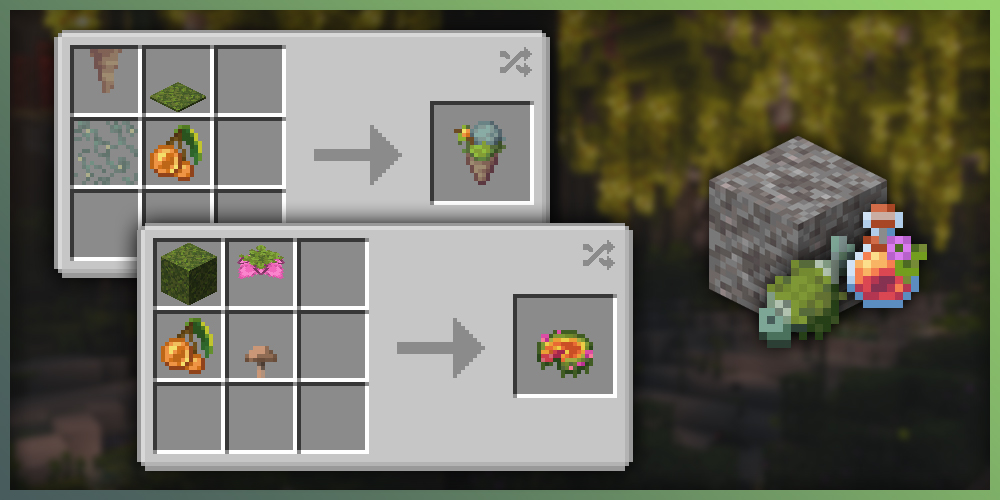
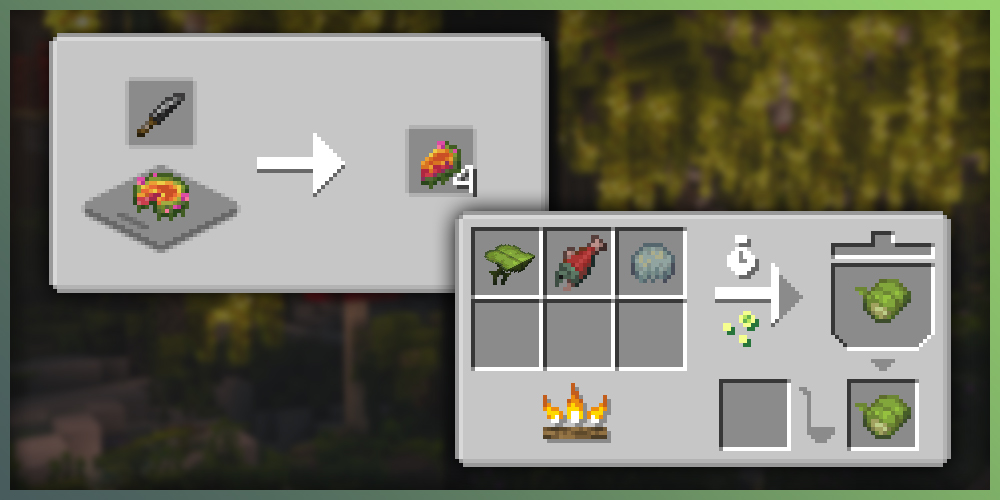
- Added the music disc Butterfly by Kate Kody, licensed under CC BY 4.0. It can be obtained by brushing Suspicious Gravel in lush ruins.
Available Versions
How to Install Lushier on Your Server
Order Server
Order a Minecraft Java server with at least 4 GB RAM (6 GB recommended).
Set datapack Loader
In the panel under "Egg", select the datapack loader and matching Minecraft version (1.21.1).
Install Mod
Open the mod browser in the dashboard and search for "Lushier". Click "Install" – done! Alternatively, upload the .jar via SFTP to the /mods folder.
Compatibility
Mod Loaders
Minecraft Versions
1.21.1, 1.21
Server-side
✓ RequiredRecommended RAM
6 GB(min. 4 GB)Frequently Asked Questions
Lushier server crashes on startup – what to do?
Most common cause: wrong datapack version or insufficient RAM. Check the server log (latest.log) for "OutOfMemoryError" or "Mixin" errors. With Mado Hosting: ensure at least 4 GB RAM is allocated and the loader matches the mod version (1.21.1). You can switch loaders with one click in the panel.
Is Lushier compatible with datapack and fabric and forge and neoforge?
Lushier officially supports datapack, fabric, forge, neoforge for Minecraft 1.21.1, 1.21. Note: Forge and Fabric mods are NOT cross-compatible – pick one loader and stick with it. The Mado dashboard automatically detects incompatible loader combinations.
Server lagging with Lushier – how to optimize performance?
Recommended RAM: 6 GB (per 5 players). Use /spark profiler to check if Lushier consumes the most tick time. Common fixes: reduce server view-distance to 8-10, install "performant" or "starlight" as supplementary mods on Forge. With Mado Hosting, your server runs on NVMe SSDs with dedicated CPU cores for minimal latency.
Similar Mods




Rent Modded Server
Install Lushier with just one click on your server.