
Maglev
A new era of minecart technology
Screenshots
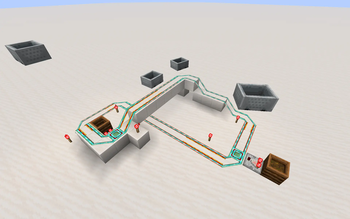
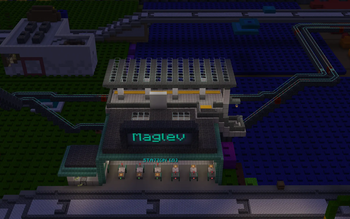
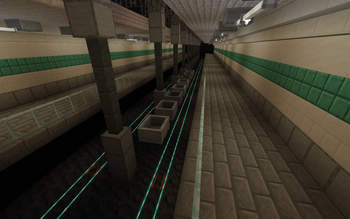
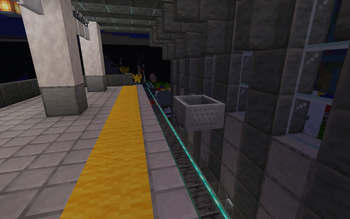
About this Mod
Copper magnetic levitation minecart rails!
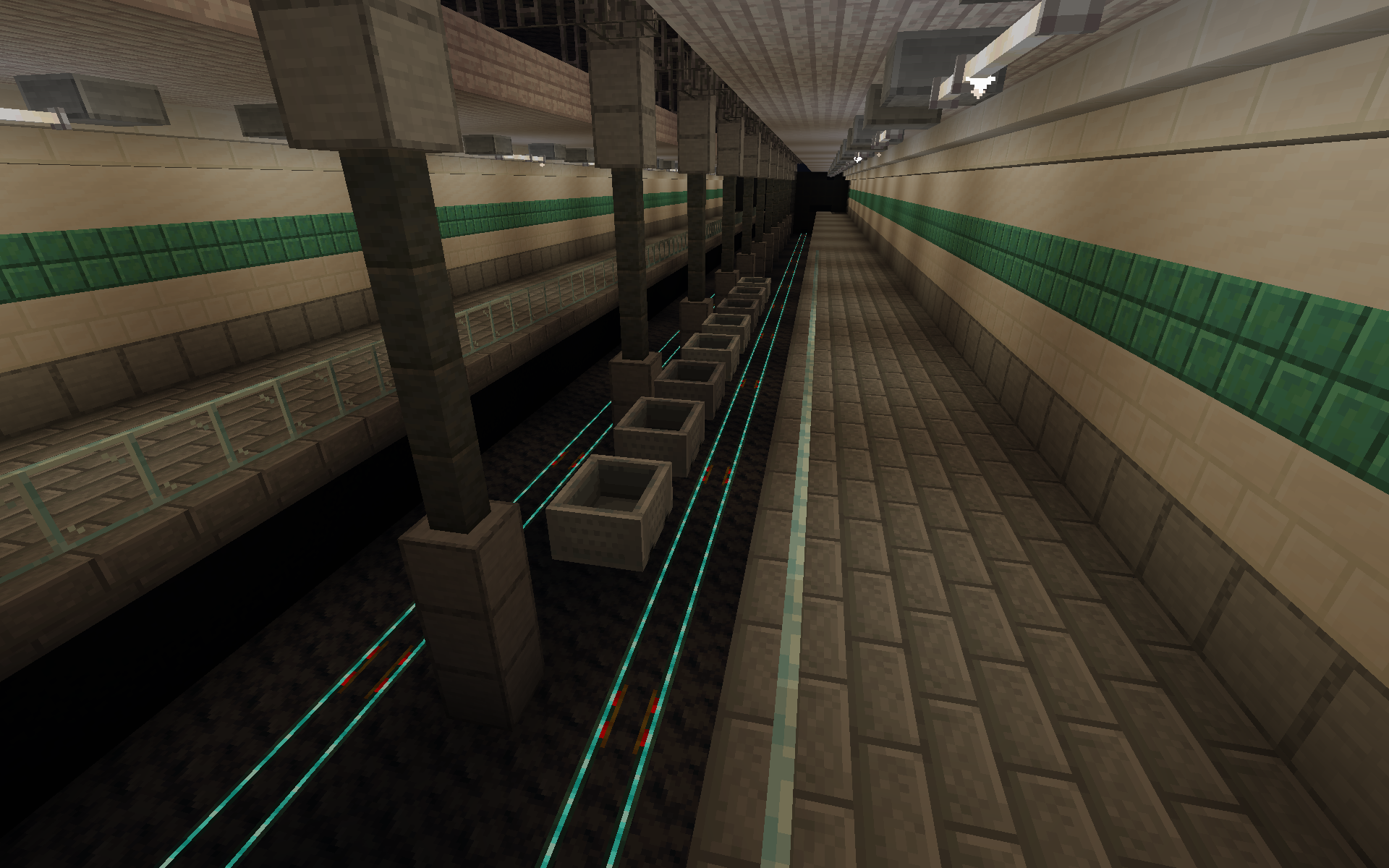
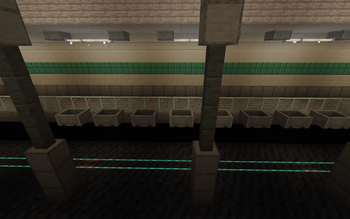
Maglev adds several sets of copper rails which allow minecarts to hover in the air.
This mod was based on this r/minecraftsuggestions reddit post by u/Creative-Kreature.

Additions
Maglev Rail
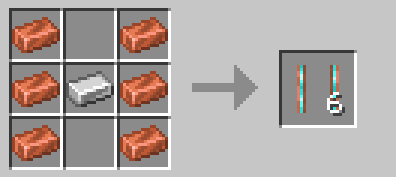
- Allows a minecart to hover up to 15 blocks above the rail
- The minecart can be made to hover by dropping it from the end of normal rails
- Comes in all waxed and oxidized copper variants
Powered Maglev Rail
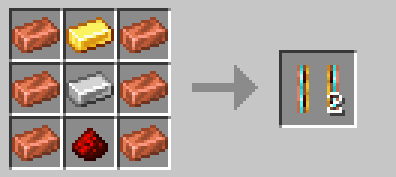
- Allows minecarts to hover just like maglev rails
- Accelerates the minecart just like powered rails
- Comes in all waxed and oxidized copper variants
Variable Maglev Rail
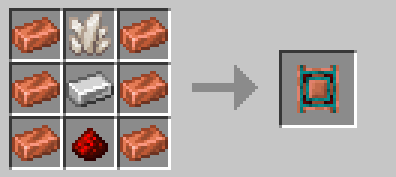
- Allows minecarts to hover just like maglev rails
- Changes the hover height of a minecart to its redstone power level (0-15)
- Comes in all waxed and oxidized copper variants
Mechanics
- While hovering, minecarts have no friction and have no sound
- Minecarts have different max speeds on different oxidized rails:
Oxidation Max Speed Unoxidized 1.2 blocks/tick Exposed 0.8 blocks/tick Weathered 0.4 blocks/tick Oxidized 0.1 blocks/tick - Minecarts remember which track they're on so rails can cross underneath and they stay on the right track
- You may place blocks between the rail and minecart to have hidden rails
- If a minecart hits a corner (or changes between flat and incline) while moving too quickly, it may derail. To prevent this, the minecart must be slowed to at most weathered speed. This was unintentional but is currently considered a feature.
- All maglev rails can be manually oxidized by right-clicking with a wet sponge
Notes
- Does not work with experimental minecart mechanics yet, this will be added in the future
Available Versions
How to Install Maglev on Your Server
Order Server
Order a Minecraft Java server with at least 3 GB RAM (4 GB recommended).
Set fabric Loader
In the panel under "Egg", select the fabric loader and matching Minecraft version (26.1.2).
Install Mod
Open the mod browser in the dashboard and search for "Maglev". Click "Install" – done! Alternatively, upload the .jar via SFTP to the /mods folder.
Compatibility
Mod Loaders
Minecraft Versions
26.1.2, 26.1.1, 26.1 (+8 more)
Server-side
✓ RequiredRecommended RAM
4 GB(min. 3 GB)Frequently Asked Questions
Maglev server crashes on startup – what to do?
Most common cause: wrong fabric version or insufficient RAM. Check the server log (latest.log) for "OutOfMemoryError" or "Mixin" errors. With Mado Hosting: ensure at least 3 GB RAM is allocated and the loader matches the mod version (26.1.2). You can switch loaders with one click in the panel.
Is Maglev compatible with fabric?
Maglev officially supports fabric for Minecraft 26.1.2, 26.1.1, 26.1. The Mado dashboard automatically detects incompatible loader combinations.
Server lagging with Maglev – how to optimize performance?
Recommended RAM: 4 GB (per 8 players). Use /spark profiler to check if Maglev consumes the most tick time. Common fixes: reduce server view-distance to 8-10, install "performant" or "starlight" as supplementary mods on Forge. With Mado Hosting, your server runs on NVMe SSDs with dedicated CPU cores for minimal latency.
Similar Mods





Rent Modded Server
Install Maglev with just one click on your server.