
Magpie
A Minecraft Mod for Fabric that adds a plenty of various artifacts spicying up your gameplay
Screenshots
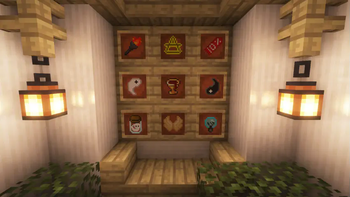
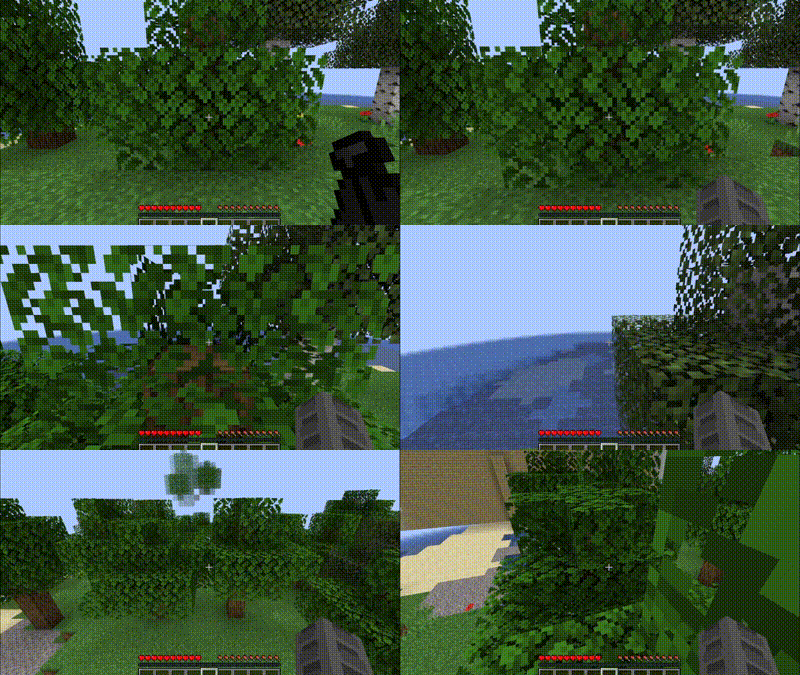
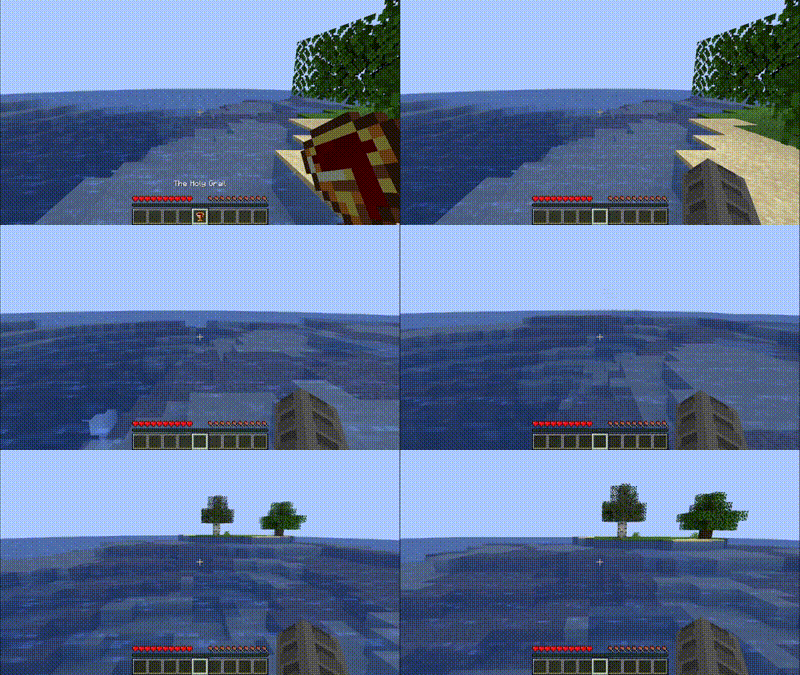
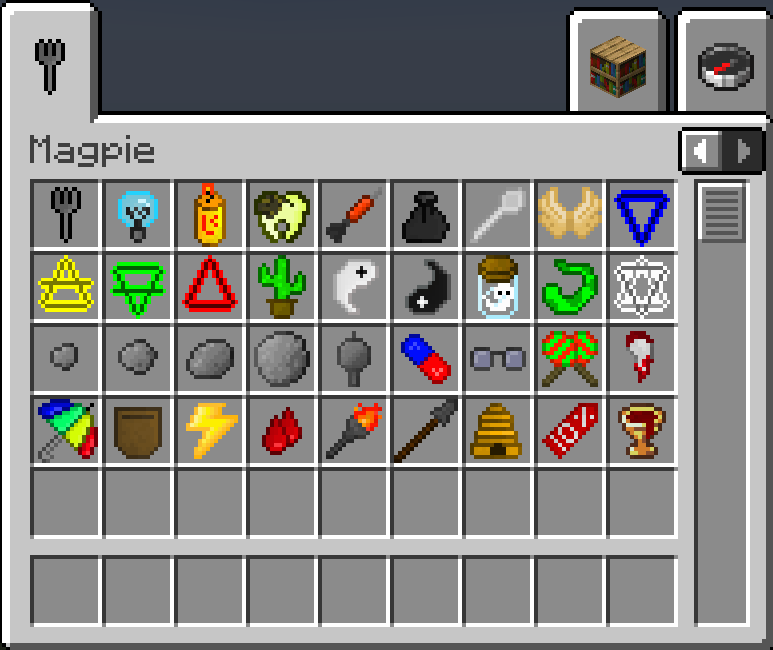
About this Mod
Magpie
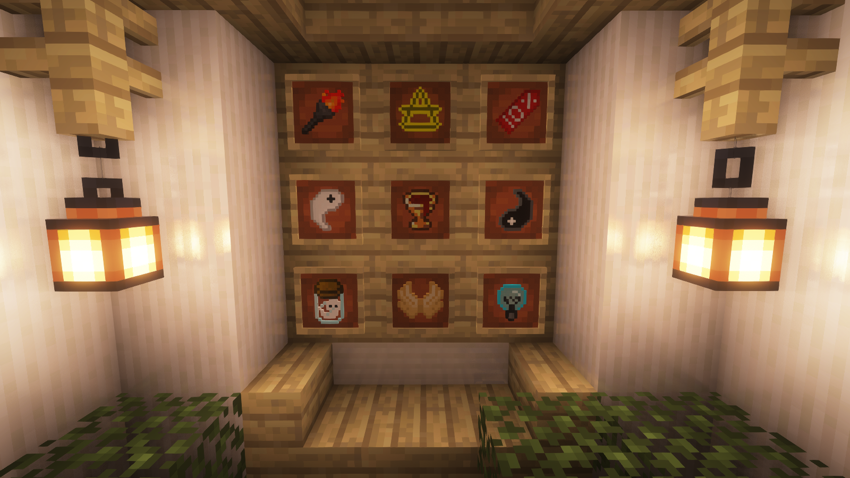
Did you ever want to have a little speed boost for your exploration mission? Have you ever wanted to become much more powerful than your friends in your multiplayer world? Have you always found roguelike mechanics fun and exciting? Or are you like a magpie and is collecting stuff your passion?
If the answer to any of these questions is yes, you should try this mod! It has a lot (currently 36) of artifacts for you to find, collect and use! The effects of these artifacts range from giving you a small speed boost to giving you creative flight in certain conditions! These artifacts are scattered around the world and are waiting for you to find them!
Gameplay
Every player has 6 passive artifact slots and 1active artifact slot. You cannot have the same artifact equipped twice.
Let’s start with finding your first artifact! They are scattered through the worlds, appearing in almost every structure. Different structures contain different artifacts, so it’s worth it to explore various structures and dungeons.
Some other artifacts are obtained through trading or drops from entities or blocks.
Passive Artifacts
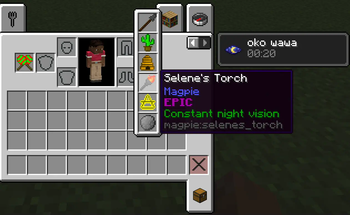
Try mining some stone. If you’re lucky, you’ll get a Lucky Pebble! Wow, your first artifact! If you look at the tooltips you’ll find a small desription and an explanation of how the artifact works.
Equip it! You can find the slots in your inventory. They should be near your offhand slot and are marked with a shiny coin.
As soon as you equip the artifact, its effect is working. Lucky Pebble is a passive artifact giving you more attack strength. Other artifacts have stronger effects, like conditional creative flight or double jump!
Active Artifacts
The bonuses (and negatives) of passive artifacts are active all the time - as soon as you equip them, you are good to go.
Active artifacts are different. Active artifacts go in a different slot, which is marked by a coin with lightning, have a recharge time and don’t give you a constant effect. You have to use them to get the bonus. You can do that by pressing ‘U’.
Remember the recharge time? It is the time you need to wait before using the active artifact again.
Available Versions
How to Install Magpie on Your Server
Order Server
Order a Minecraft Java server with at least 3 GB RAM (4 GB recommended).
Set fabric Loader
In the panel under "Egg", select the fabric loader and matching Minecraft version (1.20.2).
Install Mod
Open the mod browser in the dashboard and search for "Magpie". Click "Install" – done! Alternatively, upload the .jar via SFTP to the /mods folder.
Compatibility
Mod Loaders
Minecraft Versions
1.20.2, 1.20.1, 1.20 (+2 more)
Server-side
✓ RequiredRecommended RAM
4 GB(min. 3 GB)Frequently Asked Questions
Magpie server crashes on startup – what to do?
Most common cause: wrong fabric version or insufficient RAM. Check the server log (latest.log) for "OutOfMemoryError" or "Mixin" errors. With Mado Hosting: ensure at least 3 GB RAM is allocated and the loader matches the mod version (1.20.2). You can switch loaders with one click in the panel.
Is Magpie compatible with fabric?
Magpie officially supports fabric for Minecraft 1.20.2, 1.20.1, 1.20. The Mado dashboard automatically detects incompatible loader combinations.
Server lagging with Magpie – how to optimize performance?
Recommended RAM: 4 GB (per 8 players). Use /spark profiler to check if Magpie consumes the most tick time. Common fixes: reduce server view-distance to 8-10, install "performant" or "starlight" as supplementary mods on Forge. With Mado Hosting, your server runs on NVMe SSDs with dedicated CPU cores for minimal latency.
Similar Mods




Rent Modded Server
Install Magpie with just one click on your server.