
Magpie Bridge Notification
A Minecraft mod that sends in game chats as System Notifications.
Screenshots
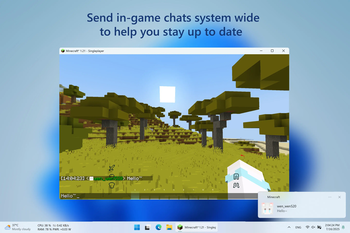
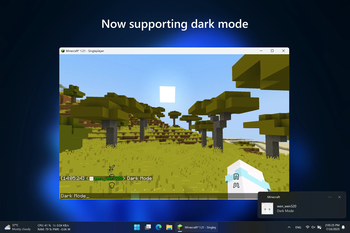
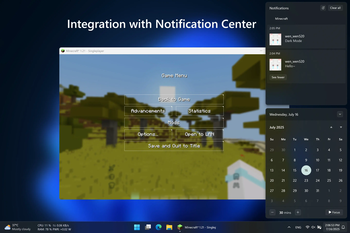
About this Mod

Magpie Bridge
A Minecraft mod that sends in game chats as System Notifications.
📋 Overview
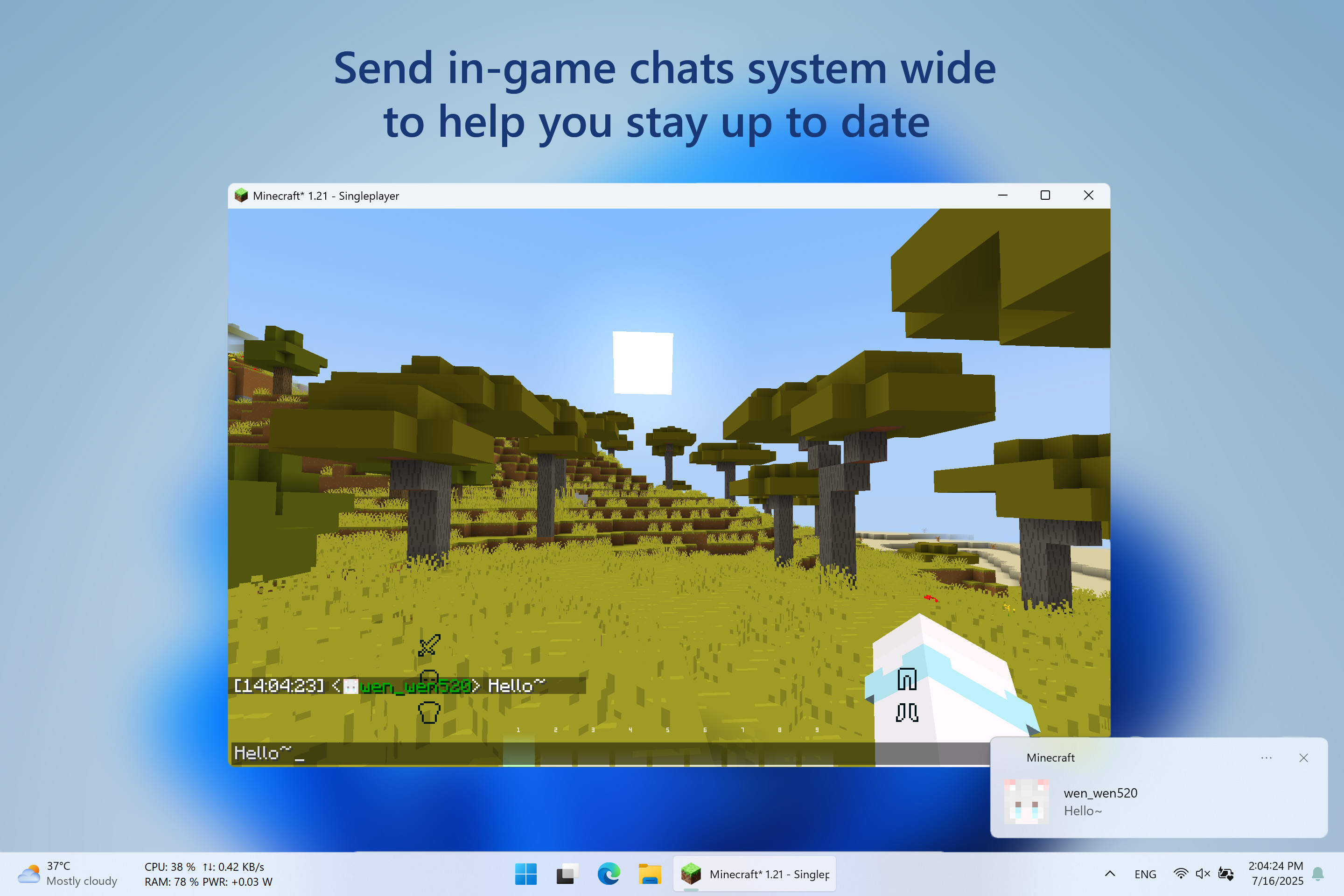
Magpie Bridge is a lightweight Minecraft mod that brings your in-game chat messages directly to your desktop as system notifications!
❇️ Features
- Native Windows Notifications:
Seamlessly integrates with Windows 10 and 11 notification systems. - Dark Mode Support:
Notifications match your system theme, including dark mode. - Unified Notification Center:
All Minecraft chat notifications appear in your Windows Notification Center for easy management and review.
🖼️ Gallery
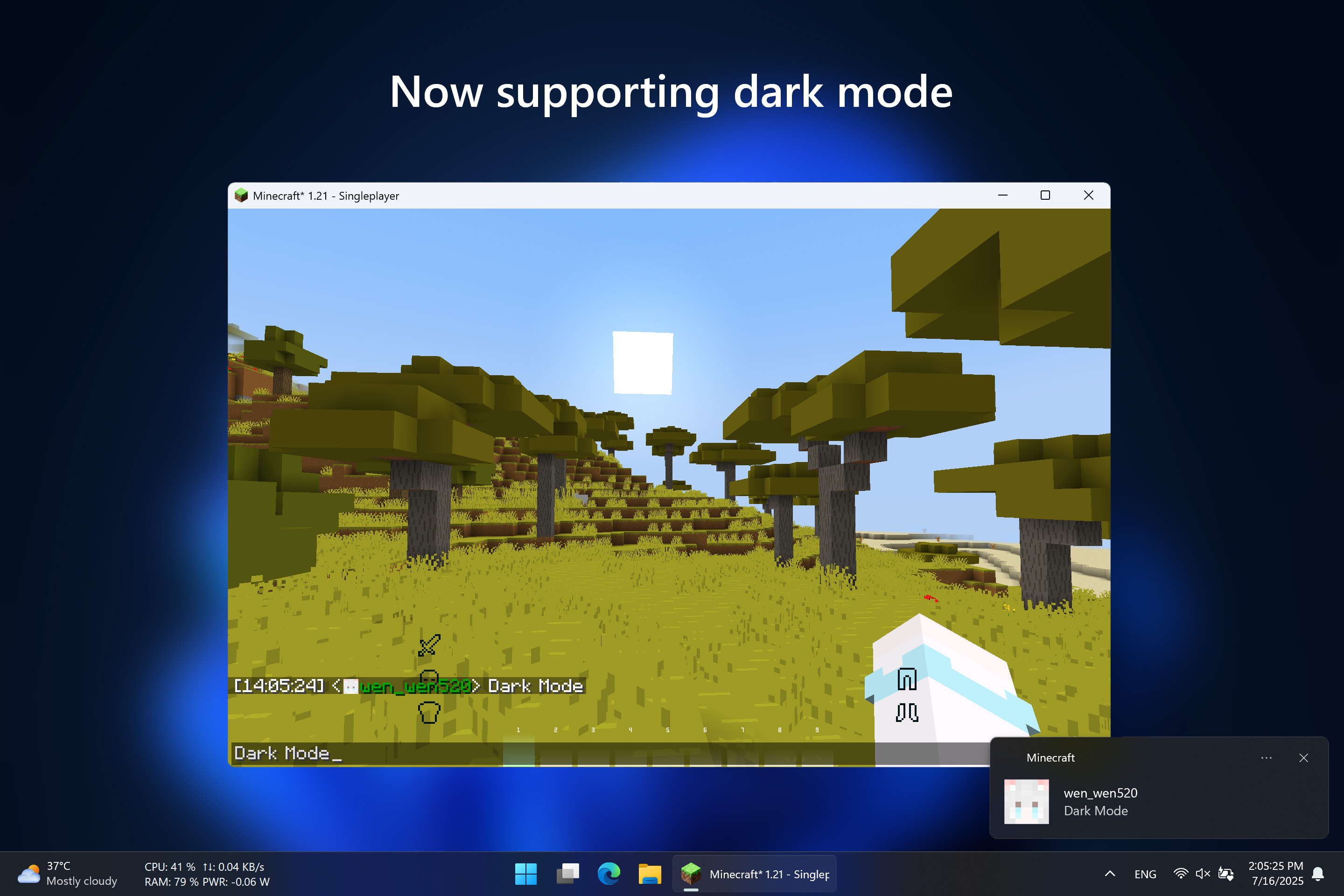
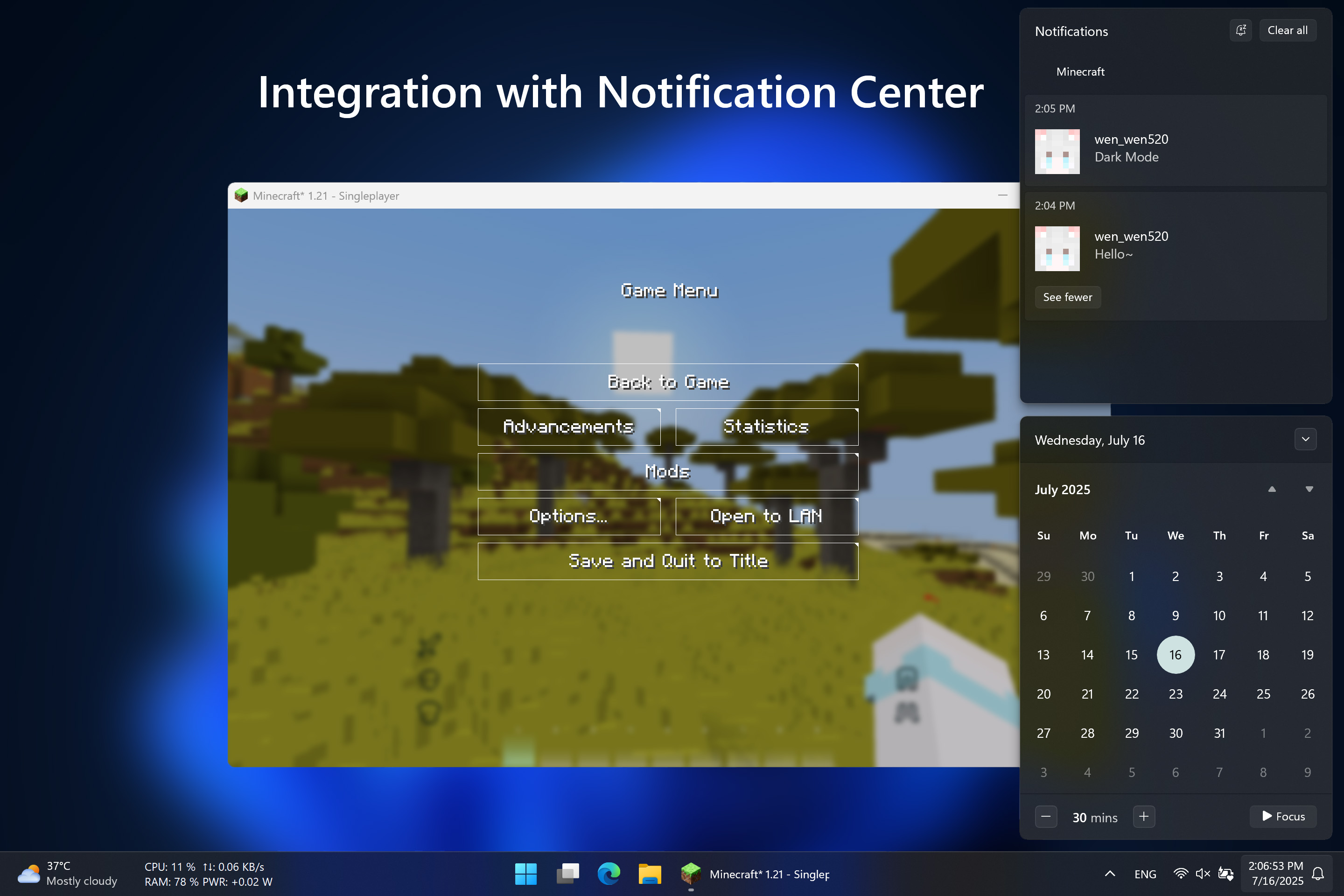
⚙️ Requirements
Architecture: x64
System: Windows 10 version 15063.0 or higher
Java: Java 21
Minecraft: 1.21 - 1.21.8
Fabric: 0.16.10 or higher
✅ Installation
Modrinth [⬇️ Download] provides a modern UI to choose and download this mod
Github [📦 Releases] Page is good to get the source code and pack them by self
⚙️ Configuration
File Location:
.minecraft\config\magpiebridge
Not recommended to edit, will reset to default when mod updates or downgrades,
unless keepConfigDir is set to true in magpiebridge.json
Config Options:
| Key | Description | Range | Default | In-game Edit Command |
|---|---|---|---|---|
| modVersion | Current mod version | System | Current | Not Editable |
| keepConfigDir | Keep config directory when mod updates or downgrades | System | false | magpiebridge config general keepConfigDir [Enable: Boolean] |
| notificationsEnabled | Toggle all desktop notifications | All | true | magpiebridge config general desktopNotifications [Enable: Boolean] |
| playerNotifications | Toggle player chats | Hypixel Skyblock | true | magpiebridge config notifications skyblock player [Enable: Boolean] |
| bazaarNotifications | Toggle bazaar messages | Hypixel Skyblock | true | magpiebridge config notifications skyblock bazaar [Enable: Boolean] |
| auctionNotifications | Toggle auction messages | Hypixel Skyblock | true | magpiebridge config notifications skyblock auctions [Enable: Boolean] |
📃 Feeadbacks
Welcome to 📑Issue Page to submit any bugs or featuers.
📜 License
🎉 Thanks & Related Resource
Go Toast / Toast used to send system notifications.
Under the MIT License.
Available Versions
How to Install Magpie Bridge Notification on Your Server
Order Server
Order a Minecraft Java server with at least 3 GB RAM (4 GB recommended).
Set fabric Loader
In the panel under "Egg", select the fabric loader and matching Minecraft version (1.21.11).
Install Mod
Open the mod browser in the dashboard and search for "Magpie Bridge Notification". Click "Install" – done! Alternatively, upload the .jar via SFTP to the /mods folder.
Compatibility
Mod Loaders
Minecraft Versions
1.21.11, 1.21.8, 1.21.7 (+9 more)
Server-side
✗ UnsupportedRecommended RAM
4 GB(min. 3 GB)Frequently Asked Questions
Magpie Bridge Notification server crashes on startup – what to do?
Most common cause: wrong fabric version or insufficient RAM. Check the server log (latest.log) for "OutOfMemoryError" or "Mixin" errors. With Mado Hosting: ensure at least 3 GB RAM is allocated and the loader matches the mod version (1.21.11). You can switch loaders with one click in the panel.
Is Magpie Bridge Notification compatible with fabric and forge?
Magpie Bridge Notification officially supports fabric, forge for Minecraft 1.21.11, 1.21.8, 1.21.7. Note: Forge and Fabric mods are NOT cross-compatible – pick one loader and stick with it. The Mado dashboard automatically detects incompatible loader combinations.
Server lagging with Magpie Bridge Notification – how to optimize performance?
Recommended RAM: 4 GB (per 8 players). Use /spark profiler to check if Magpie Bridge Notification consumes the most tick time. Common fixes: reduce server view-distance to 8-10, install "performant" or "starlight" as supplementary mods on Forge. With Mado Hosting, your server runs on NVMe SSDs with dedicated CPU cores for minimal latency.
Similar Mods






Rent Modded Server
Install Magpie Bridge Notification with just one click on your server.