MCglTF
glTF library for Minecraft Mod
Screenshots
About this Mod
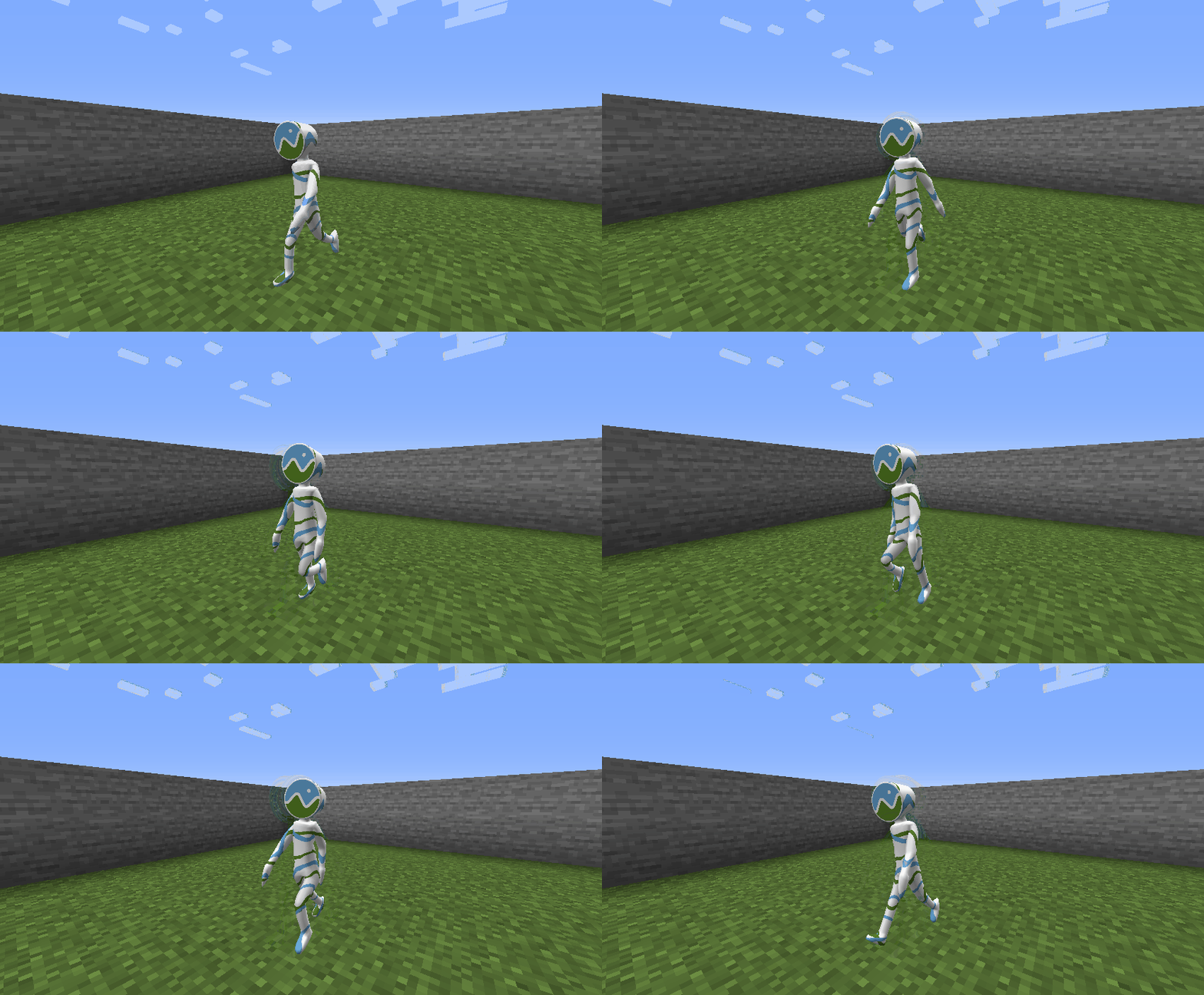
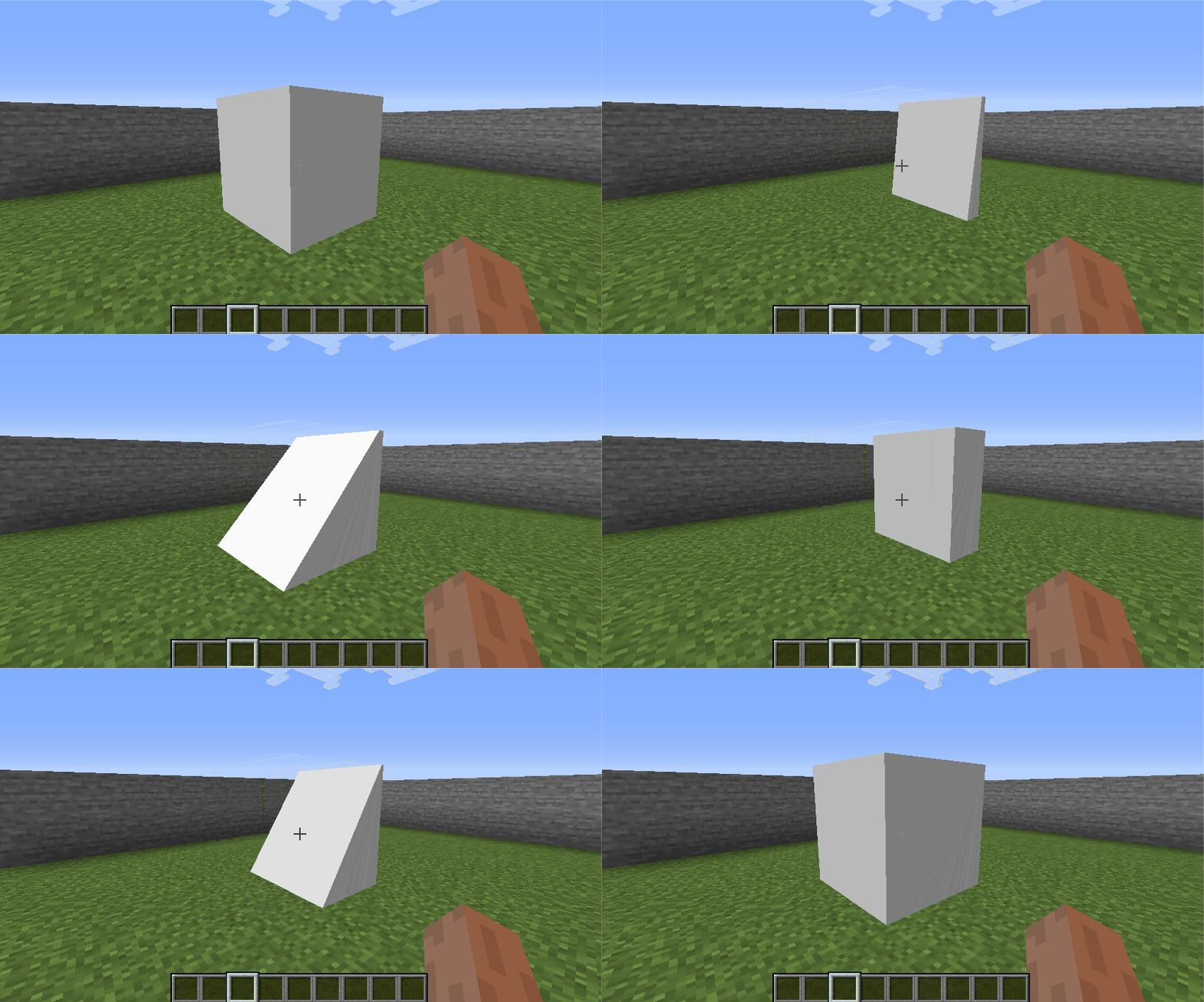
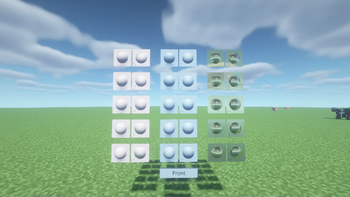
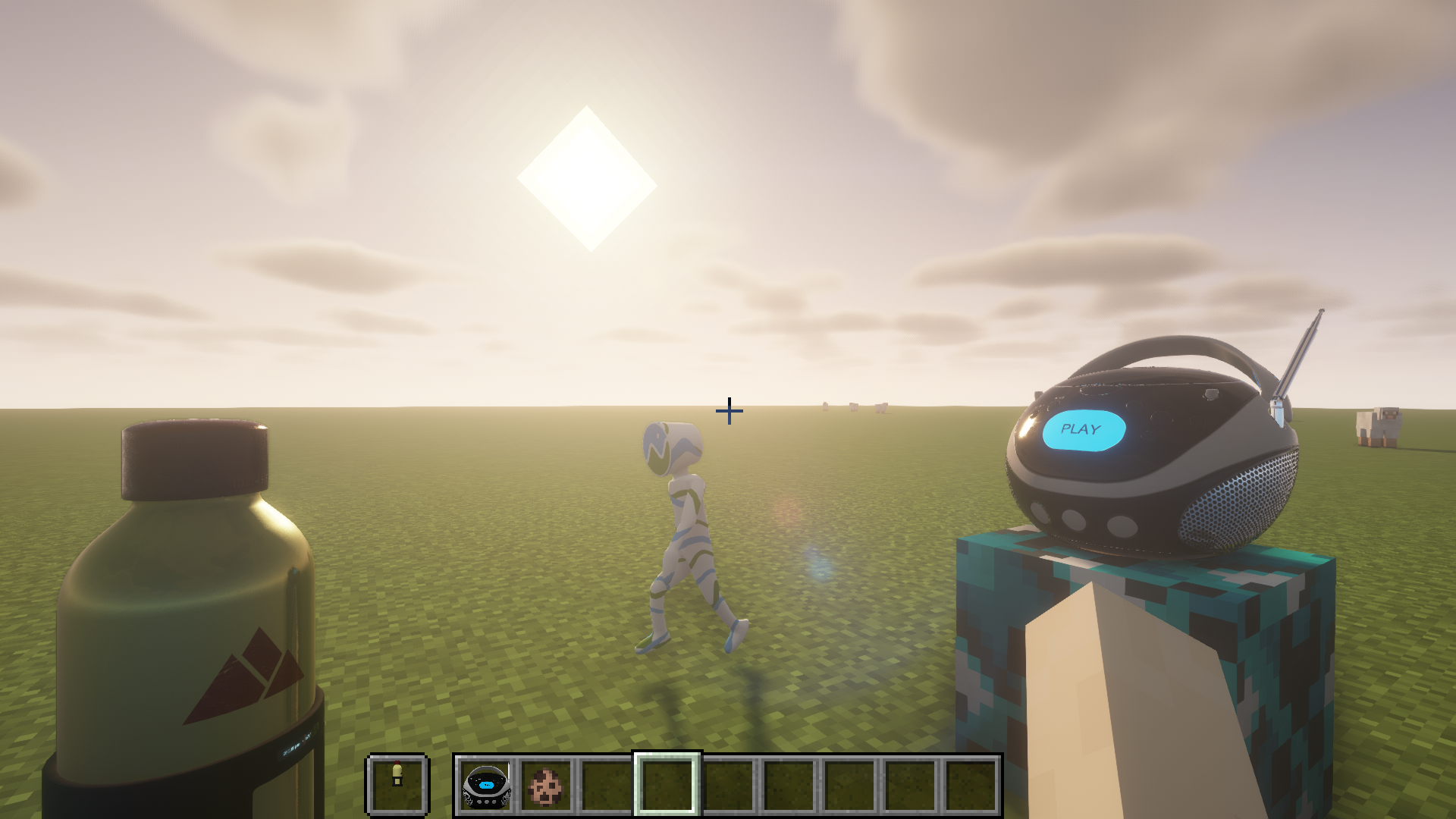
MCglTF is a 3D model loader library which load glTF format file and prepare the required techniques to render the model for Minecraft Modding enviroment.
Various features from glTF spec are available, but still remain a good compatibility and performance.
Usages
The example codes for rendering Block, Item, and Entity
Features
- ✅ GLTF format (Embedded resources or via ResourceLocation)
- ✅ GLB format
- ✅ UVs
- ✅ Normals
- ✅ Tangents
- ✅ Vertex colors
- ✅ Materials (Require OptiFine or Iris Shaders and supported ShaderPack for PBR and Normal map)
- ✅ Textures
- ❎ Mutiple texture coordinates (For compatibility reason with Vanilla)
- ✅ Rig
- ✅ Animations (multiple)
- ✅ Morph targets
- ✅ Zero-scale node culling (https://github.com/KhronosGroup/glTF/pull/2059)
Frequently Asked Question
Q. Why my texture for my model does not show up?
A. You need to defined material inside "extras" of "materials" to link your texture. For more details please visit wiki page.
Q. Why two animations cannot control translation/rotation/scale/weight in same node at the same time and cause one of the animation not playing?
A. There is no animation blending technique defined in glTF specification, so the animations created by GltfAnimationCreator does not support animation blending too. You need to create your own animation processor based on your scenario.
Q. How to apply my custom processing to the model like custom material(e.g. apply player skin) or create special OpenGL commands for specified node?
A. For more advanced way to generate OpenGL commands for glTF model, you can override and return false to isReceiveSharedModel(GltfModel, GltfRenderDatas) in your IGltfModelReceiver. This allow you to create your custom RenderedGltfModel based on supplied GltfModel. (Beware to add your OpenGL objects like VBO, VAO, Texture, etc to GltfRenderDatas for deletion during refresh resource.)
Credit
- JglTF by javagl: https://github.com/javagl/JglTF
- Mikk Tangent Generator by jMonkeyEngine: https://github.com/jMonkeyEngine/jmonkeyengine
Available Versions
How to Install MCglTF on Your Server
Order Server
Order a Minecraft Java server with at least 3 GB RAM (4 GB recommended).
Set fabric Loader
In the panel under "Egg", select the fabric loader and matching Minecraft version (1.19.3).
Install Mod
Open the mod browser in the dashboard and search for "MCglTF". Click "Install" – done! Alternatively, upload the .jar via SFTP to the /mods folder.
Compatibility
Mod Loaders
Minecraft Versions
1.19.3, 1.18.2, 1.16.5 (+6 more)
Server-side
✗ UnsupportedRecommended RAM
4 GB(min. 3 GB)Frequently Asked Questions
MCglTF server crashes on startup – what to do?
Most common cause: wrong fabric version or insufficient RAM. Check the server log (latest.log) for "OutOfMemoryError" or "Mixin" errors. With Mado Hosting: ensure at least 3 GB RAM is allocated and the loader matches the mod version (1.19.3). You can switch loaders with one click in the panel.
Is MCglTF compatible with fabric and forge?
MCglTF officially supports fabric, forge for Minecraft 1.19.3, 1.18.2, 1.16.5. Note: Forge and Fabric mods are NOT cross-compatible – pick one loader and stick with it. The Mado dashboard automatically detects incompatible loader combinations.
Server lagging with MCglTF – how to optimize performance?
Recommended RAM: 4 GB (per 8 players). Use /spark profiler to check if MCglTF consumes the most tick time. Common fixes: reduce server view-distance to 8-10, install "performant" or "starlight" as supplementary mods on Forge. With Mado Hosting, your server runs on NVMe SSDs with dedicated CPU cores for minimal latency.
Similar Mods



Rent Modded Server
Install MCglTF with just one click on your server.