
MCNukes
A simple Forge mod that adds Nukes to Minecraft
Screenshots
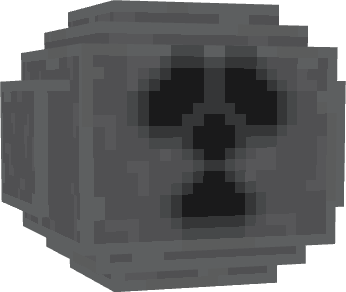

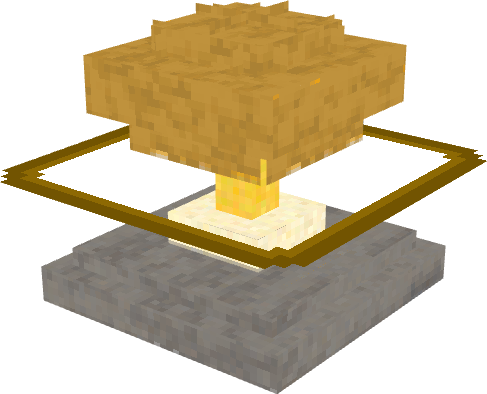
About this Mod
A simple mod that aims to add nuclear bombs with mushroom clouds and radiation to Forge. The mod aims to add things in the most accurate, but balanced ways, so that you can become death the destroyer of worlds in your Survival servers!
If you want to support the mod, dropping a sub at RyDaCol on YouTube would help out a ton
Why Should You Get This❓
I would recommend this mod, if you simply want to add some weapons of mass destruction to destroy your friend's 100 day hardcore SMP's mansion or if you just purely want to play around with the mushroom clouds, nukes, uranium or plutonium.
Contacting about any Bugs / Suggestions🔧
I would love to learn about any bugs or suggestions for new features, that you guys may have!
Just don't ask for me to port it to different versions.
Please contact me at: Discord
Consequences of Download / Potential Risk⚠️
Well, the bombs explode :), and the radiation kills. Also, be careful with existing worlds, because I'm unsure if the mod would potentially corrupt them! Please backup any existing worlds, if you want to use this mod on them!
What It Adds🧪
- Nuclear Bomb (Gadget)
- Uranium (+variations)
- Plutonium Scraps
- Plutonium Core
- Mushroom Clouds
- Advancements
- Nuke Remotes (separate for different nukes)
- Neptunium Clumps
- Nuclear Bomb (Little Boy)
- Radiation
Pixilart Album🖼️ https://www.pixilart.com/rydacolyt/albums/mcnukes-387728
Available Versions
How to Install MCNukes on Your Server
Order Server
Order a Minecraft Java server with at least 3 GB RAM (4 GB recommended).
Set forge Loader
In the panel under "Egg", select the forge loader and matching Minecraft version (1.20.1).
Install Mod
Open the mod browser in the dashboard and search for "MCNukes". Click "Install" – done! Alternatively, upload the .jar via SFTP to the /mods folder.
Compatibility
Mod Loaders
Minecraft Versions
1.20.1
Server-side
✓ RequiredRecommended RAM
4 GB(min. 3 GB)Frequently Asked Questions
MCNukes server crashes on startup – what to do?
Most common cause: wrong forge version or insufficient RAM. Check the server log (latest.log) for "OutOfMemoryError" or "Mixin" errors. With Mado Hosting: ensure at least 3 GB RAM is allocated and the loader matches the mod version (1.20.1). You can switch loaders with one click in the panel.
Is MCNukes compatible with forge and neoforge?
MCNukes officially supports forge, neoforge for Minecraft 1.20.1. The Mado dashboard automatically detects incompatible loader combinations.
Server lagging with MCNukes – how to optimize performance?
Recommended RAM: 4 GB (per 8 players). Use /spark profiler to check if MCNukes consumes the most tick time. Common fixes: reduce server view-distance to 8-10, install "performant" or "starlight" as supplementary mods on Forge. With Mado Hosting, your server runs on NVMe SSDs with dedicated CPU cores for minimal latency.
Similar Mods




Rent Modded Server
Install MCNukes with just one click on your server.