
Medical System
Reworked health system for entities, split hitboxes for head, arms,... Various status effects such as bleeds, fractures and items for healing such as First aid kits and so on
Screenshots



About this Mod
Medical system
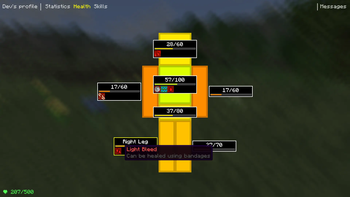
First submodule for TarkovCraft ecosystem with expansion of traditional Minecraft health system by separating entity hitbox into separate parts for each limb.
Player hitbox is for example split into:
- Head
- Torso
- Stomach
- Right and left arm
- Right and left leg

Each limb has its own health pool, losing any vital part (head or torso) means instant death even if some other parts
still had some health left. While this makes the game slightly harder it brings in some extra realism for those who like
challenge. But since hostile mobs also have custom limbs, you can take out their legs for example and run away as they won't be able to move much ;)
Losing non-vital limbs also has some negative effects - you will be barely able to move without legs, quickly lose hunger without stomach, ...
However, you can fix dead limbs by crafting Emergency surgery kit and healing with it. Remember, you can also heal your friends, sometimes you
may be able to save their lives if they're unconscious and slowly bleeding out, so cooperation is encouraged.
Armor system is also changed - now only armor actually covering the attacked limb counts.
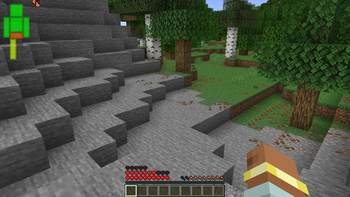
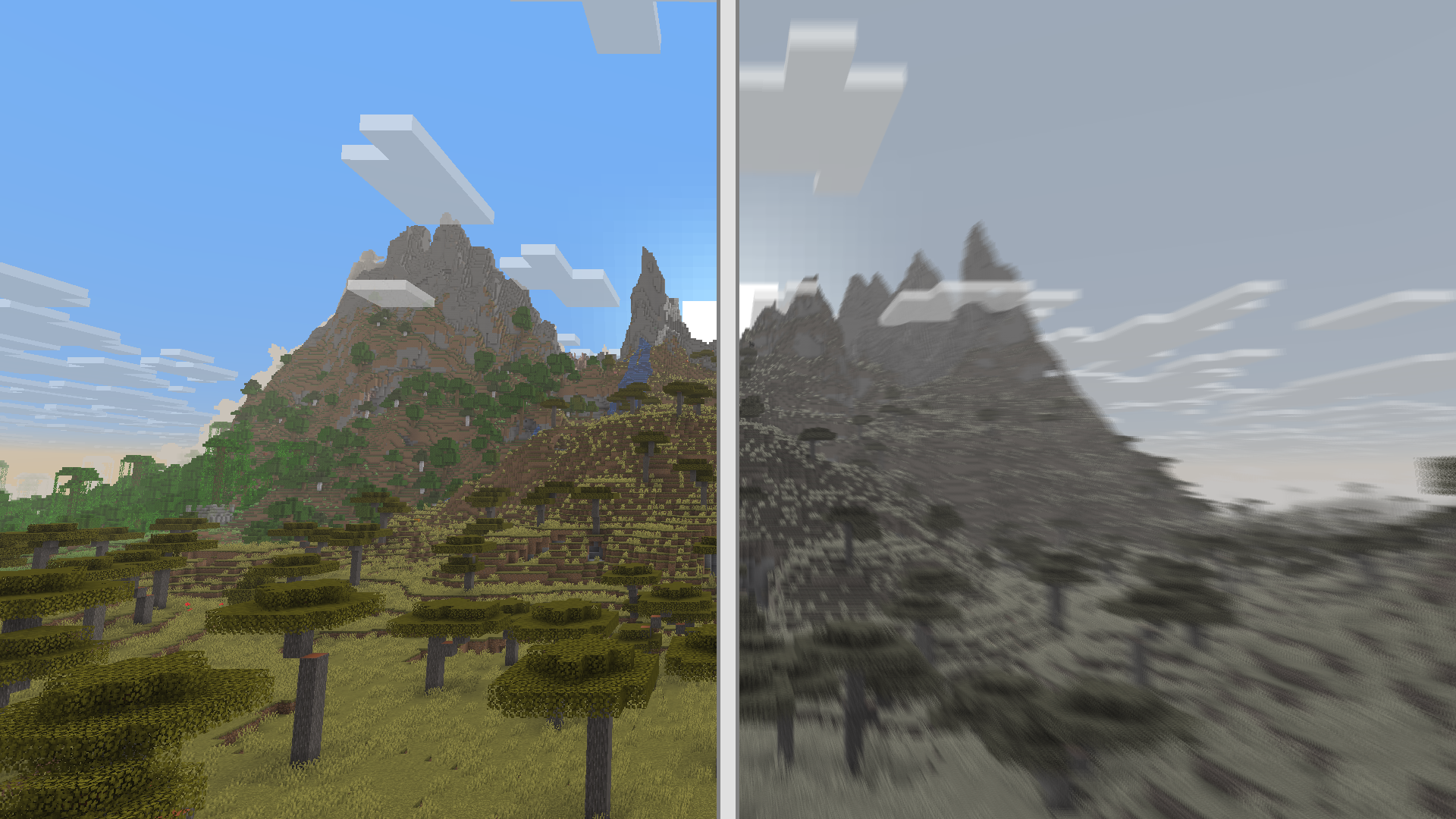
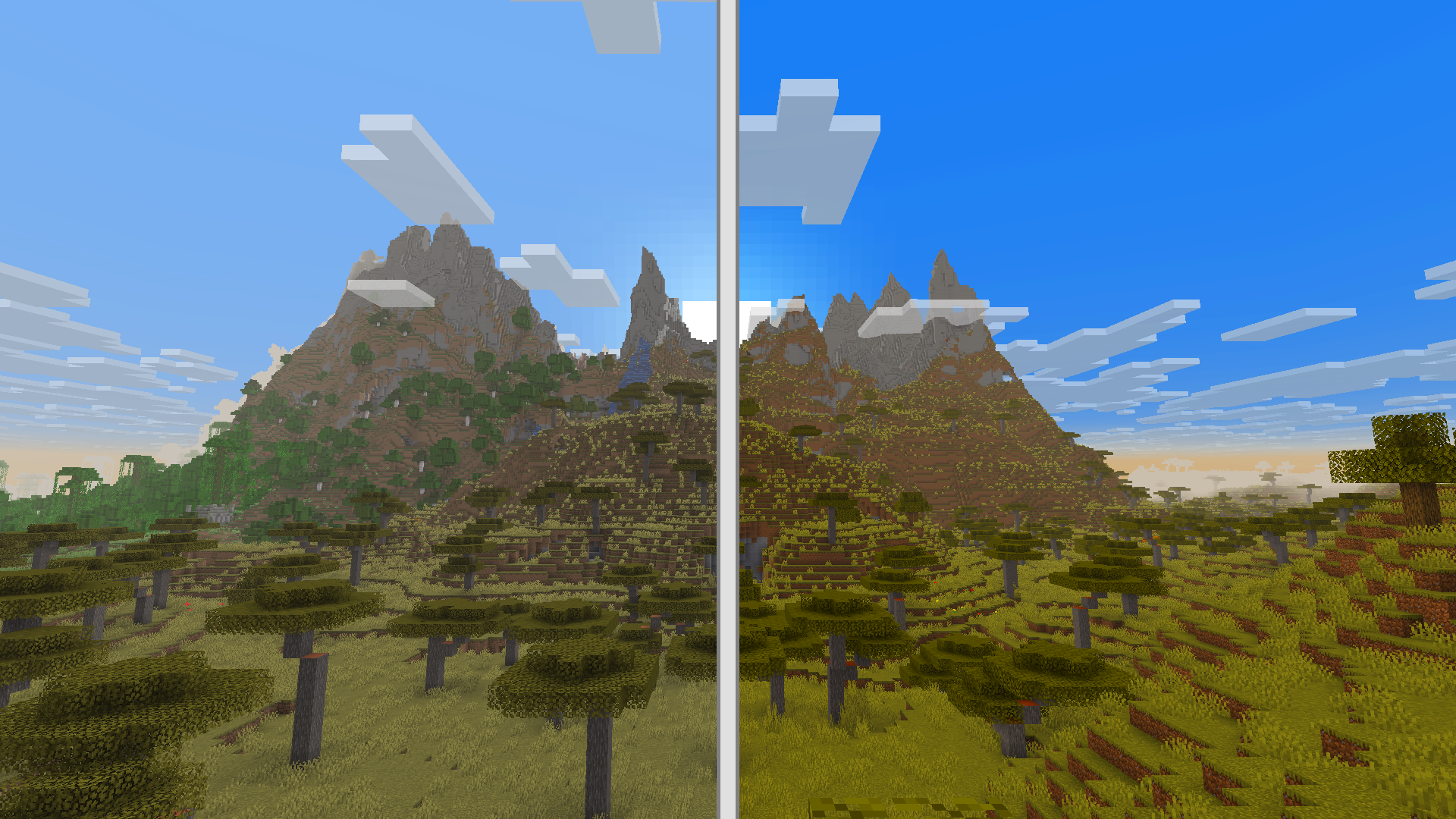
We also have custom status effects such as bleeds (light/heavy), fractures and much more. These status effects can be healed via our custom medical items. Some of these effect come with special screen effects such as blur, desaturation and so on.
Pain effect comparison
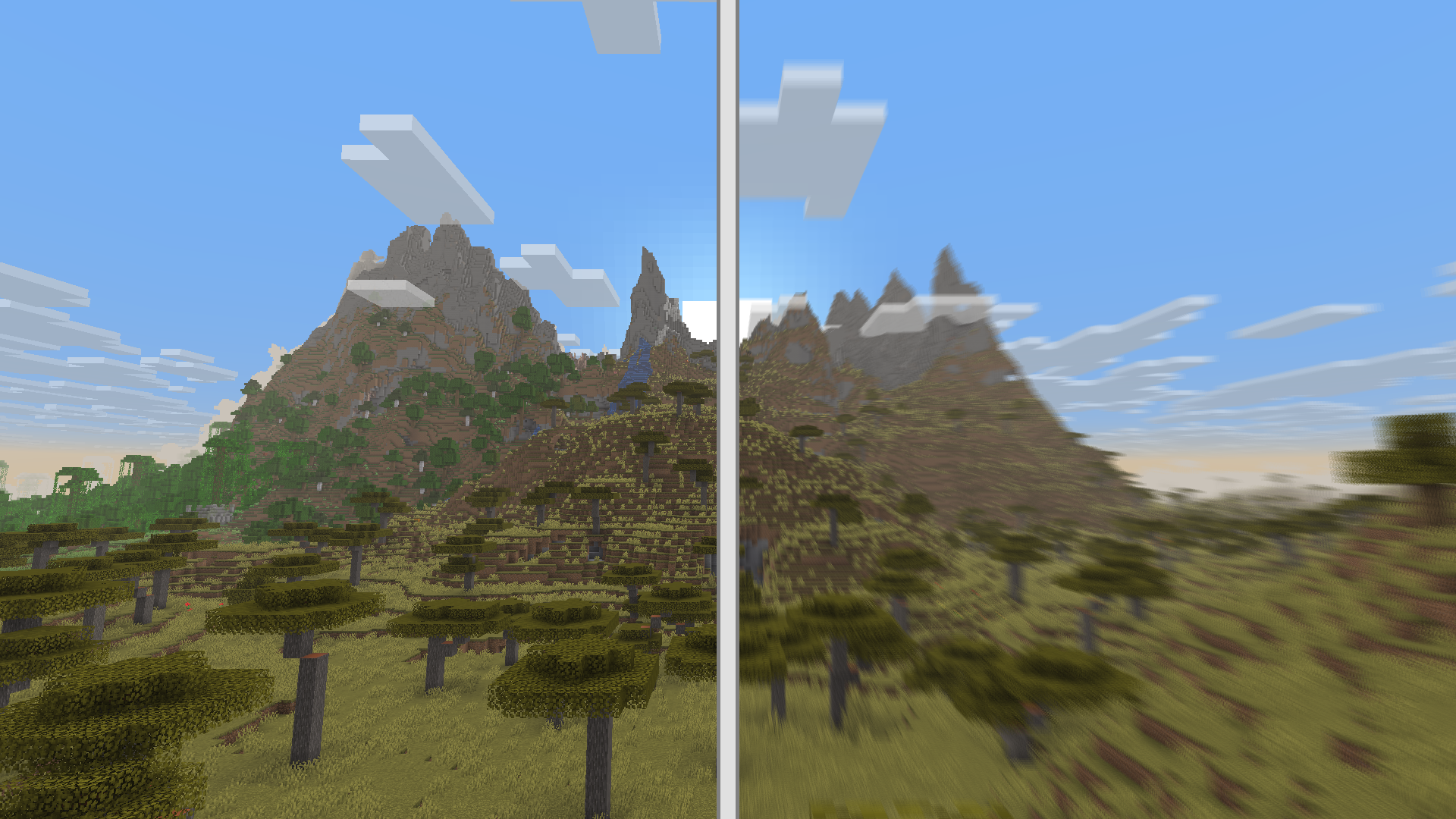
Moderate blood loss comparison
Painkiller effect comparison
There is also a rescue system that allows you to save your friends after they've been killed by hostile mobs.
Simply approach the player and use First Aid Kit to heal them, and they should wake up soon. Hostile mobs won't
attack downed players.
For mod/modpack developers
The health system is designed to be fully editable/configurable via datapacks, which means that you can add support for
modded entities without any need to write code. See currently supported entity files for
examples.
In case you need additional support feel free to reach to us on our Discord (you can contact us here too, but notifications on CurseForge do not always work so we might
miss your comment)
About the TarkovCraft Project
The TarkovCraft project is fan-made project heavily inspired by games like Escape From Tarkov, Grayzone Warfare and Arma.
Since on its own it would be massive mod, we have decided to split it into separate submodules (see section below) which can be used in isolation should
anyone want it - for example if you care only about the health system, you can play only with the health mod and so on.
We plan to make custom server with open-world gameplay on custom map with custom game mode - allowing capturing map sections from
other player factions, just driving around in custom vehicles, ambushing enemies or just looting near your main base.
TarkovCraft project ecosystem
- TarkovCraft: Core - Released - common functionalities for other subprojects
- Medical system - Released - vanilla friendly implementation of custom health system, contains custom hitboxes for mobs, status effects and medical items
- Weapons – Planned – A focus on realistic firearm mechanics and customization, drawing inspiration from Tarkov while adapting to Minecraft’s mechanics.
- Vehicles - Planned - Custom vehicle framework with vehicles ranging from land/water to air vehicles. Very early concept
- TarkovCraft – In development – The final project supposed to bring all projects above together to deliver full Tarkov-like experience
FAQ
Q: How can I recover dead limbs?
A: You need to craft Emergency Surgery Kit and then use it on your limb (use time is 15 seconds). After recovering the limb, it will have reduced max health for 5 minutes)
Q: How can I check if specific body part has any status effect?
A: Status effects are rendered on HUD next to your health stats, however it does show all effects at once. If you want to check specific limbs, you can do so via Character screen -
Okeybind by default and then by going to Health tab
Q: I want to use vanilla armor calculation
A: In case you do not like the more realistic version of armor protection, you can simply toggle
Simple Armor Calculationin the MedSystem config
Q: I do not like status effects, can I disable it?
A: Of course, it can be found under
Enable status effectsin the MedSystem config
Q: Will you add the health system for more entities, e.g. Witches, …?
A: Yes, we plan to gradually add more entities
Q: Will the mod be backported to older Minecraft versions?
A: No. The project relies on features only available in newer Minecraft versions. Supporting older versions would require extensive rewrites of core systems, which would slow down overall development.
Q: Which Minecraft version is supported?
A: We're currently targeting Minecraft 1.22 once it's available. We may port to newer versions in the future, unless major rewrites in the Minecraft codebase make it impractical. Once the mod reaches a stable state with robust features, we'll evaluate the best version to continue development on.
Available Versions
How to Install Medical System on Your Server
Order Server
Order a Minecraft Java server with at least 3 GB RAM (4 GB recommended).
Set neoforge Loader
In the panel under "Egg", select the neoforge loader and matching Minecraft version (26.2).
Install Mod
Open the mod browser in the dashboard and search for "Medical System". Click "Install" – done! Alternatively, upload the .jar via SFTP to the /mods folder.
Compatibility
Mod Loaders
Minecraft Versions
26.2, 26.1.2, 26.1.1 (+9 more)
Server-side
✓ RequiredRecommended RAM
4 GB(min. 3 GB)Frequently Asked Questions
Medical System server crashes on startup – what to do?
Most common cause: wrong neoforge version or insufficient RAM. Check the server log (latest.log) for "OutOfMemoryError" or "Mixin" errors. With Mado Hosting: ensure at least 3 GB RAM is allocated and the loader matches the mod version (26.2). You can switch loaders with one click in the panel.
Is Medical System compatible with neoforge?
Medical System officially supports neoforge for Minecraft 26.2, 26.1.2, 26.1.1. The Mado dashboard automatically detects incompatible loader combinations.
Server lagging with Medical System – how to optimize performance?
Recommended RAM: 4 GB (per 8 players). Use /spark profiler to check if Medical System consumes the most tick time. Common fixes: reduce server view-distance to 8-10, install "performant" or "starlight" as supplementary mods on Forge. With Mado Hosting, your server runs on NVMe SSDs with dedicated CPU cores for minimal latency.
Similar Mods




![[TaCZ] Timeless and Classics Zero](https://cdn.modrinth.com/data/SzzJttH8/fd27766d2bb8390d284696b1dbd358f87e081439_96.webp)

Rent Modded Server
Install Medical System with just one click on your server.