
Mekkon
Tech mod that adds mechanisms and automation tools for manufacturing factories
Screenshots

About this Mod
This mod introduces new technology and automation features to Minecraft, particularly in versions 1.19 and beyond, where the Gekolib library is required for its functionality.
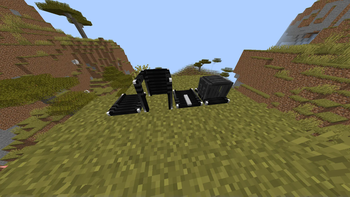
This is how energy works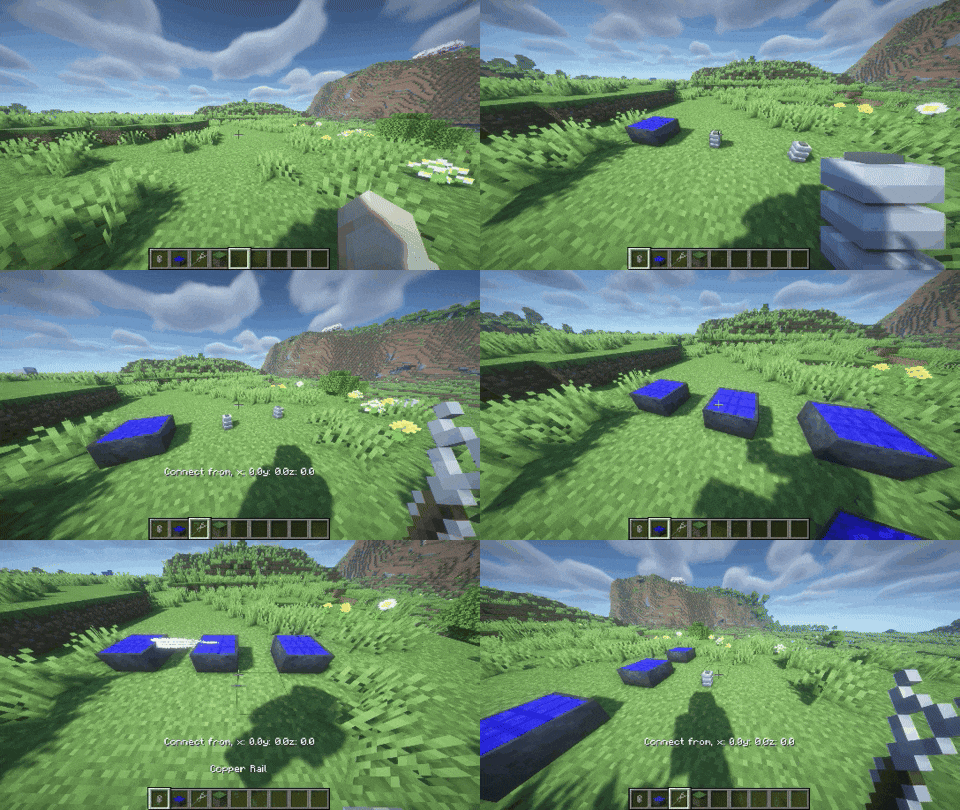
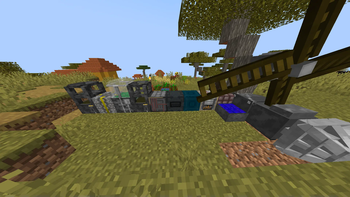
The main objective of this mod is to enhance the automation aspect of the game. It enables players to create their own factories, generate various resources, excavate large underground caves using drills, and utilize vanilla blocks to build custom factories with conveyor systems.
To set up your factory, you will need to follow these steps:
- Place a factory block and either a factory furnace or compressor on it.
- Check the recipe in the factory and choose one.
- Connect an energy source to the factory block to power the production process.
- Place the necessary materials in the factory to start the manufacturing process.
For greater automation, you can use hoppers and conveyor belts to transport items within the factory and connect different factories to make some complex items.
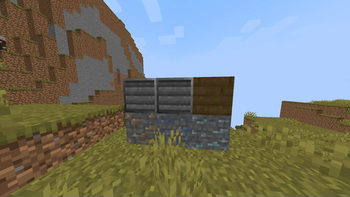
Simple factory of copper plates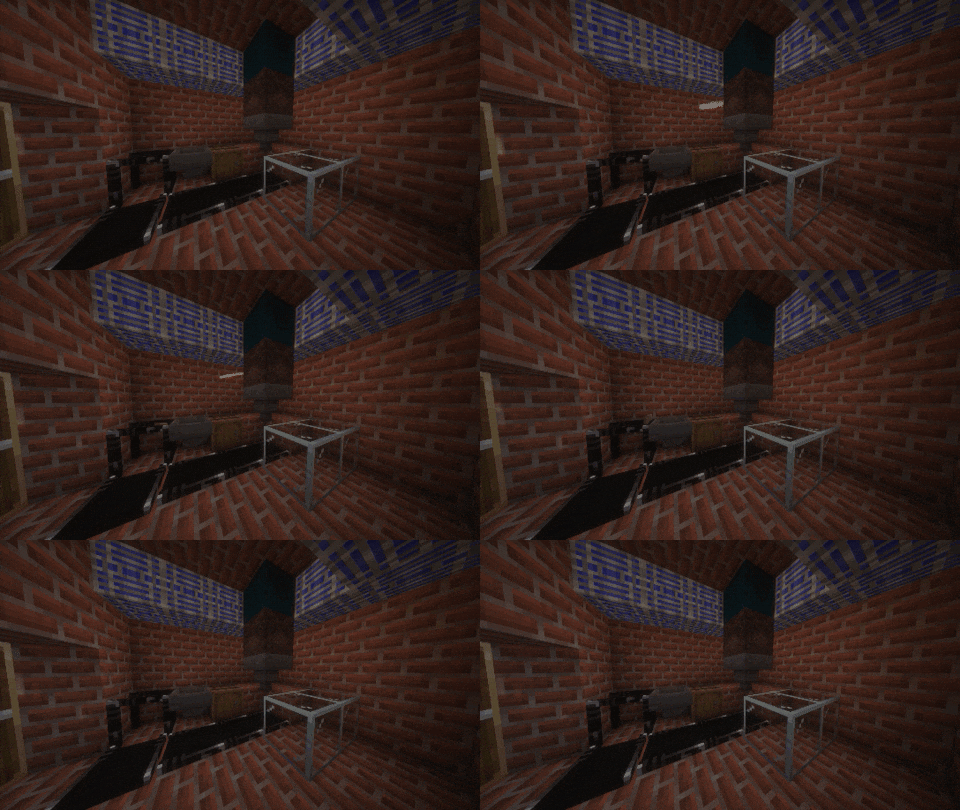
This mod essentially provides players with the tools and mechanics to create complex automated systems in their Minecraft worlds, making resource gathering and processing more efficient and convenient.
Missile system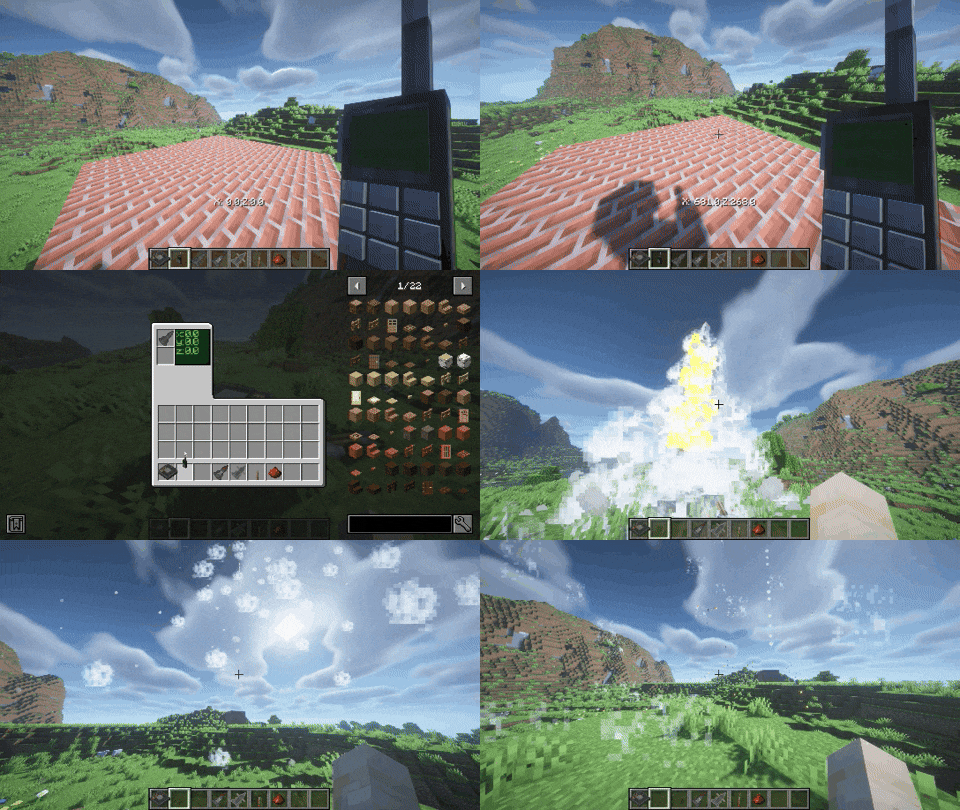
Drill
Vertical drill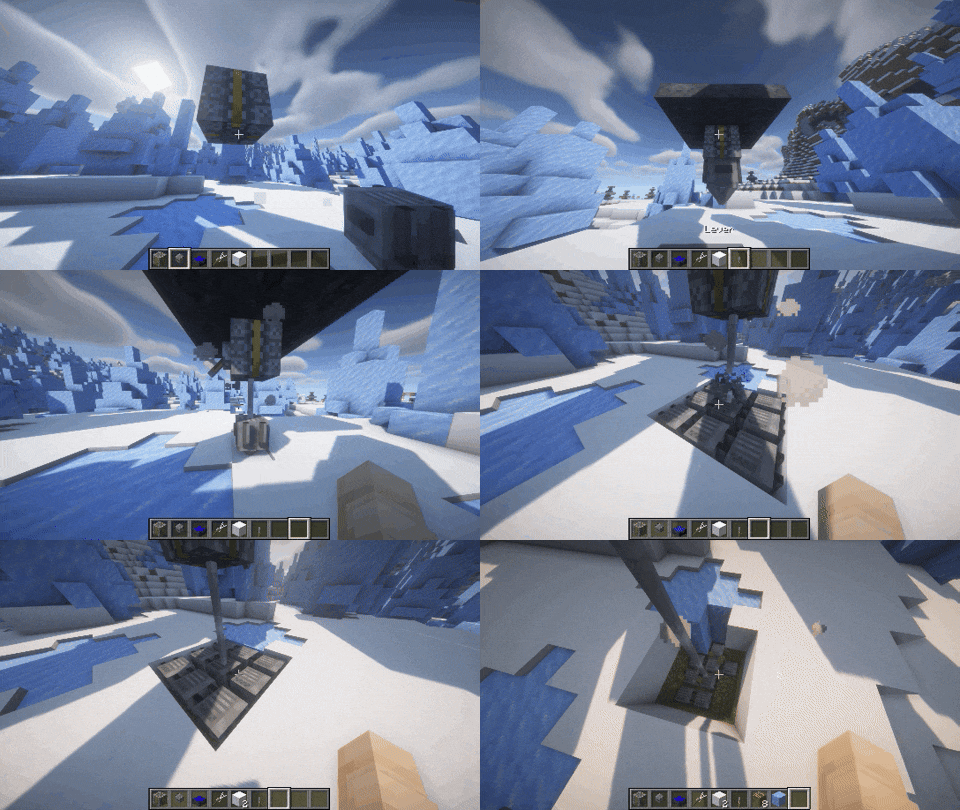
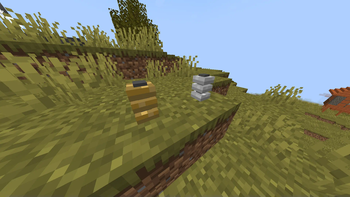
Autotree farm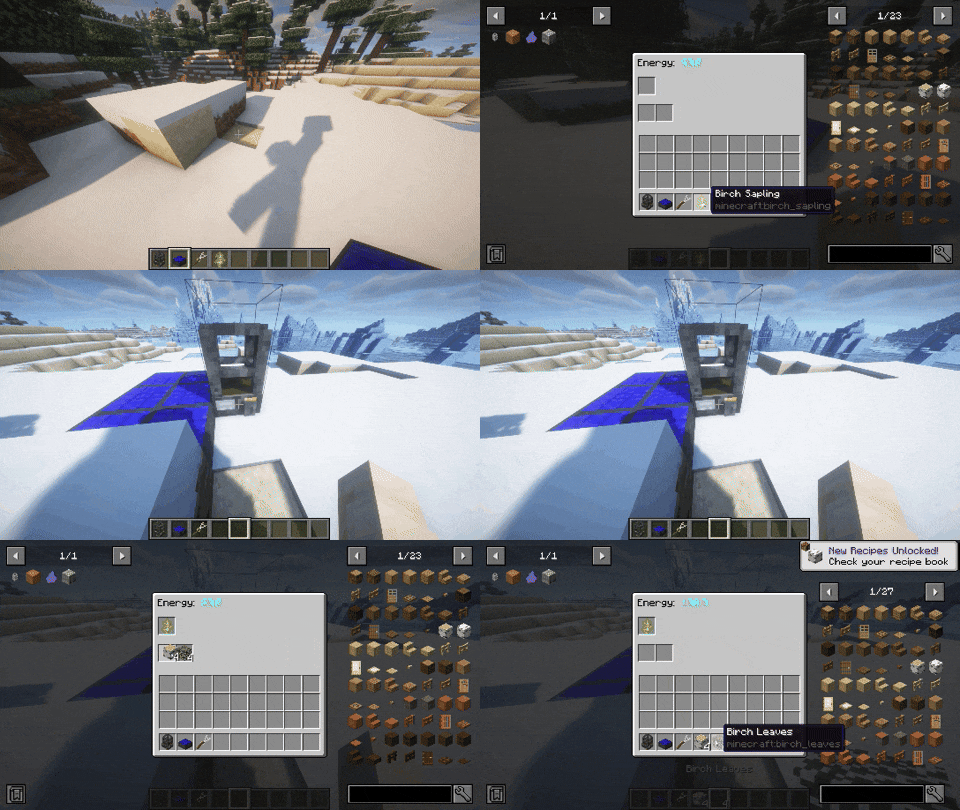
- My curseforge page - https://www.curseforge.com/minecraft/mc-mods/mekkon
Available Versions
How to Install Mekkon on Your Server
Order Server
Order a Minecraft Java server with at least 3 GB RAM (4 GB recommended).
Set forge Loader
In the panel under "Egg", select the forge loader and matching Minecraft version (1.20.1).
Install Mod
Open the mod browser in the dashboard and search for "Mekkon". Click "Install" – done! Alternatively, upload the .jar via SFTP to the /mods folder.
Compatibility
Mod Loaders
Minecraft Versions
1.20.1, 1.19.4
Server-side
✓ RequiredRecommended RAM
4 GB(min. 3 GB)Frequently Asked Questions
Mekkon server crashes on startup – what to do?
Most common cause: wrong forge version or insufficient RAM. Check the server log (latest.log) for "OutOfMemoryError" or "Mixin" errors. With Mado Hosting: ensure at least 3 GB RAM is allocated and the loader matches the mod version (1.20.1). You can switch loaders with one click in the panel.
Is Mekkon compatible with forge?
Mekkon officially supports forge for Minecraft 1.20.1, 1.19.4. The Mado dashboard automatically detects incompatible loader combinations.
Server lagging with Mekkon – how to optimize performance?
Recommended RAM: 4 GB (per 8 players). Use /spark profiler to check if Mekkon consumes the most tick time. Common fixes: reduce server view-distance to 8-10, install "performant" or "starlight" as supplementary mods on Forge. With Mado Hosting, your server runs on NVMe SSDs with dedicated CPU cores for minimal latency.
Similar Mods





Rent Modded Server
Install Mekkon with just one click on your server.