
Memory
Silently captures screenshots every five minutes so you can look back on your playthrough. Easily configurable.
Screenshots
About this Mod
Memory (Fabric)
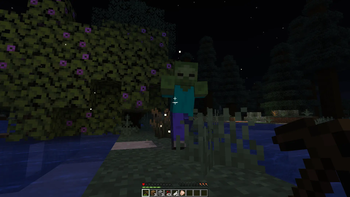
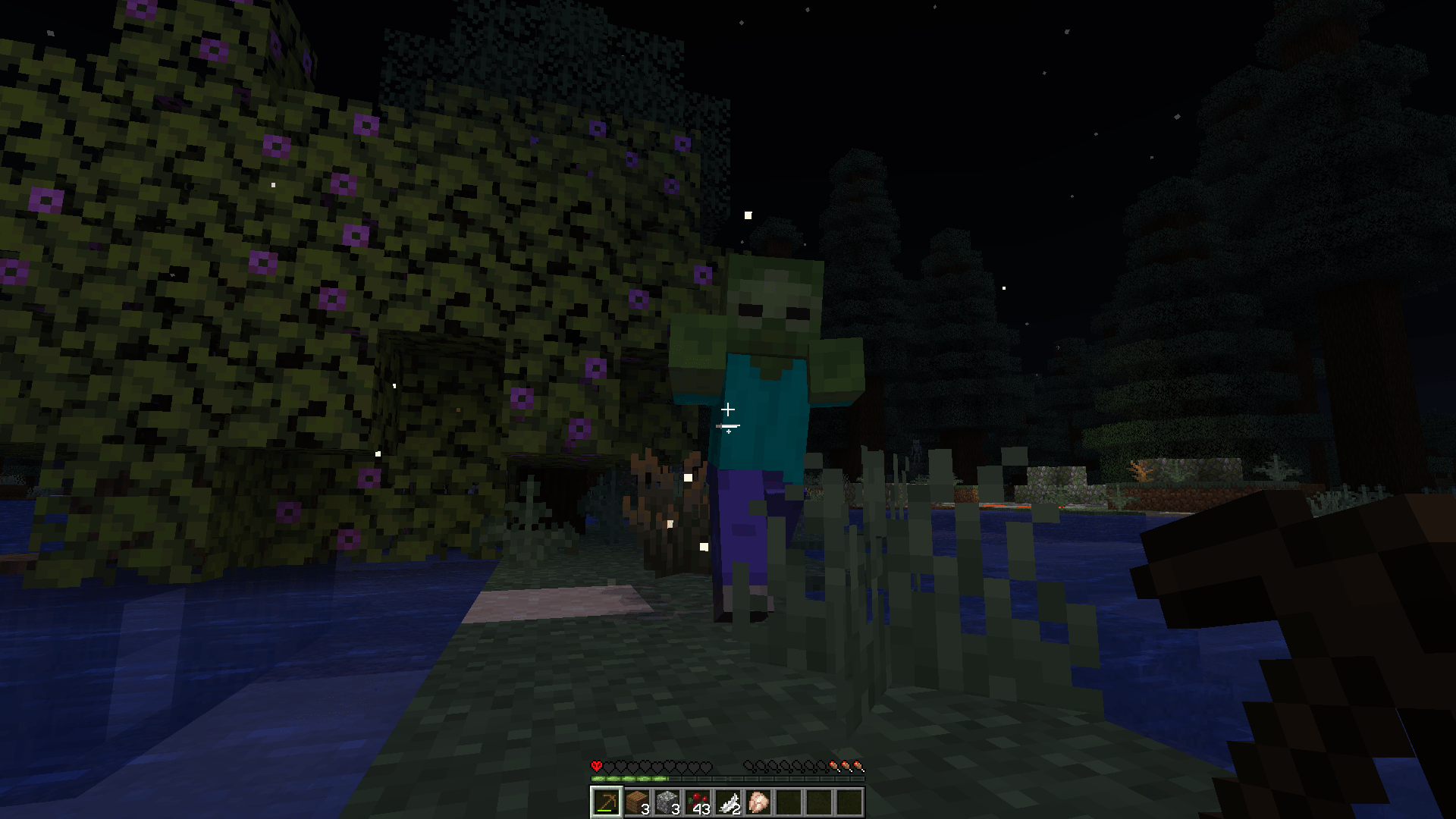
Memory automatically captures a screenshot every five minutes (configurable) using the exact flow that pressing F2 triggers. Drop it into your client alongside Fabric API and the game will quietly catalog your play session.
Features
- Mirrors vanilla screenshots: resolution, file naming, chat message, and storage under
screenshots/. - Adjustable cadence and chat visibility through
config/memory.toml(default 300 seconds, message hidden) or an optional Mod Menu + Cloth Config screen. - Runs entirely on the client; no server install or configuration is required.
- Pauses the timer whenever you are in menus or the game is paused so pictures happen in-world only.
Install
- Requires Fabric and Fabric API.
- Optional UI: add Mod Menu and Cloth Config to tweak settings in-game.
- Place the built jar in
mods/on the client. Servers never need it.
Build
- Java 21 with Gradle + Fabric Loom.
- Versions live in
gradle.properties. Run./gradlew build.
License
- CC0-1.0. Use it freely.
Available Versions
How to Install Memory on Your Server
Order Server
Order a Minecraft Java server with at least 3 GB RAM (4 GB recommended).
Set fabric Loader
In the panel under "Egg", select the fabric loader and matching Minecraft version (1.21.10).
Install Mod
Open the mod browser in the dashboard and search for "Memory". Click "Install" – done! Alternatively, upload the .jar via SFTP to the /mods folder.
Compatibility
Mod Loaders
Minecraft Versions
1.21.10, 1.21.9, 1.21.8 (+8 more)
Server-side
✗ UnsupportedRecommended RAM
4 GB(min. 3 GB)Frequently Asked Questions
Memory server crashes on startup – what to do?
Most common cause: wrong fabric version or insufficient RAM. Check the server log (latest.log) for "OutOfMemoryError" or "Mixin" errors. With Mado Hosting: ensure at least 3 GB RAM is allocated and the loader matches the mod version (1.21.10). You can switch loaders with one click in the panel.
Is Memory compatible with fabric?
Memory officially supports fabric for Minecraft 1.21.10, 1.21.9, 1.21.8. The Mado dashboard automatically detects incompatible loader combinations.
Server lagging with Memory – how to optimize performance?
Recommended RAM: 4 GB (per 8 players). Use /spark profiler to check if Memory consumes the most tick time. Common fixes: reduce server view-distance to 8-10, install "performant" or "starlight" as supplementary mods on Forge. With Mado Hosting, your server runs on NVMe SSDs with dedicated CPU cores for minimal latency.
Similar Mods




Rent Modded Server
Install Memory with just one click on your server.