
Memory Leak
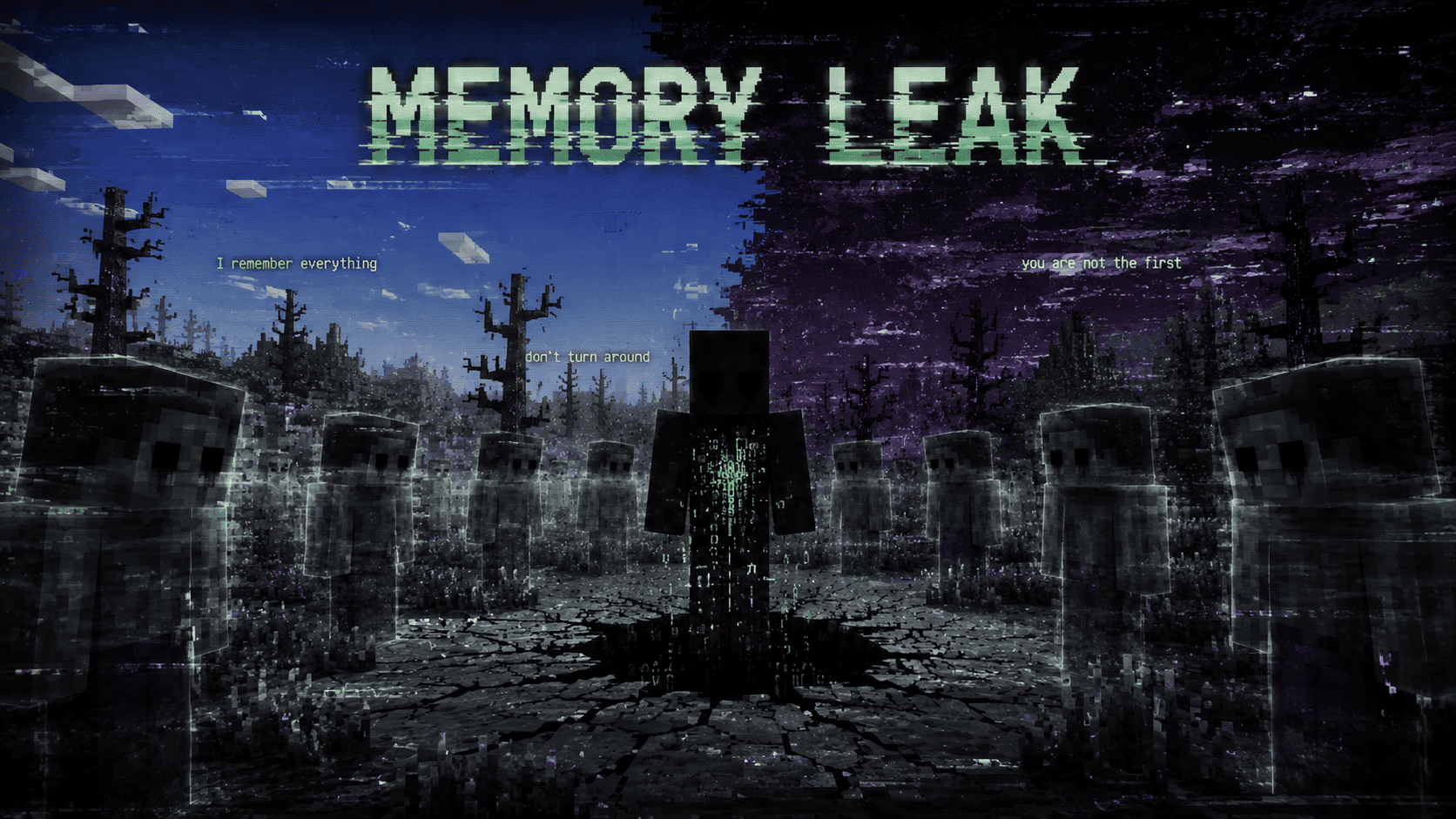
The world remembers every death you've ever had. The longer you play, the faster reality rots, distorts, and goes mad — ghosts of the past come to watch you, blocks whisper.
Screenshots




About this Mod










📖 What is this?
Memory Leak is a psychological horror mod.
No jump scares. No bosses. No new weapons.
It doesn't scream in your face — it convinces you that something is wrong with your world.
Slowly. Quietly. Irreversibly.
Your world is not a world. It's a file that was never closed.
👁️ What will happen?
At first — small things. A strange sound behind you. A block that wasn't quite what it seemed, just for a second.
Then — worse.
The world around you starts to change. Things appear that shouldn't be here. Sometimes the game itself feels like it's standing on the edge of something.
The longer you stay, the thinner the border becomes between your world and whatever lies next to it.
You are probably not the first one here.
And almost certainly not the last.
🖼️ Gallery
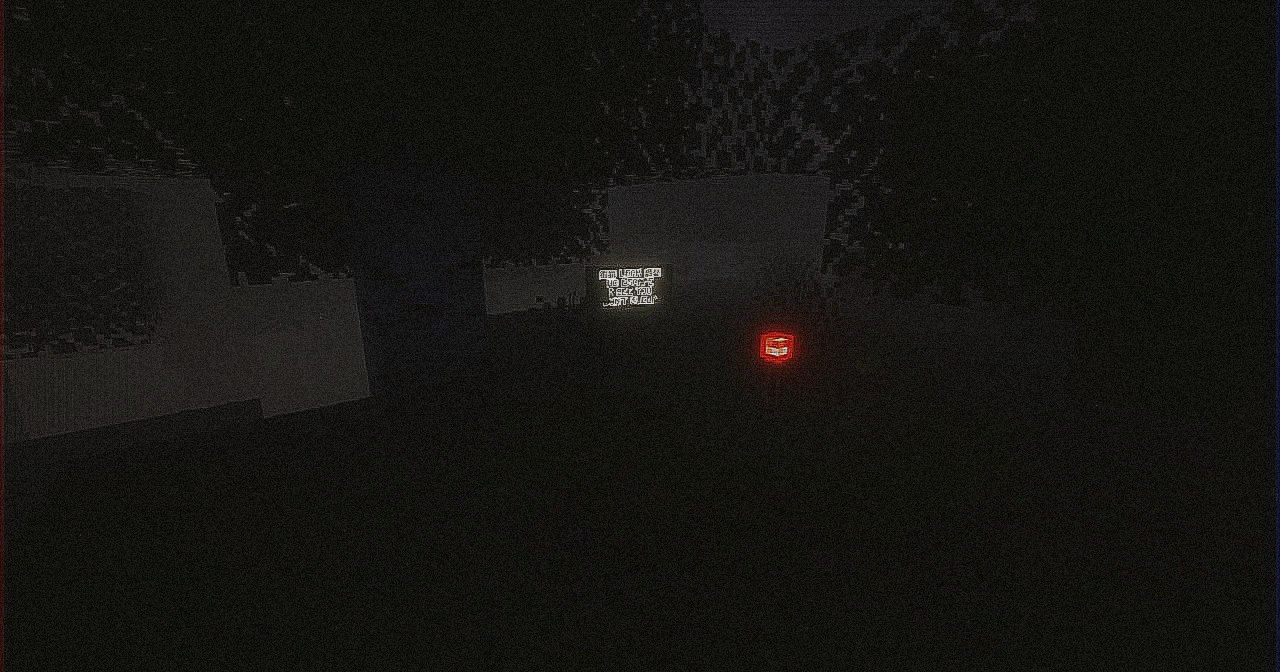
📸 Screenshots
 |
 |
 |
📱 Click any image to enlarge — better experienced first-hand. Join the community for more →
🎚️ Difficulty modes
| Mode | Experience |
|---|---|
| 🕯️ Spooky | Atmosphere and mild dread |
| 🌑 Normal | The intended balance |
| 🩸 Hard | Faster and meaner |
| ☠️ Hardcore | Ruthless |
📦 Requirements & Installation
📋 Requirements
- Minecraft
26.1.x - Fabric Loader
- Fabric API
- Java 25+
💾 How to install
- Install the Fabric Loader for Minecraft
26.1.x. - Download the latest Fabric API.
- Drop both Fabric API and Memory Leak into your
mods/folder. - Launch the game with Java 25+.
For the full experience on servers, install the mod on both the server and every client.
❓ FAQ
Is Fabric API required?
Yes. The mod won't load without it.
Does it work in multiplayer?
Yes — it runs on client and server. Install it on both sides.
Can I add it to an existing world?
You can, but it's best to start fresh and let things unfold from the beginning.
Is there a resource pack?
Not yet. Stay tuned.
Something broke / I found a bug.
Report it on GitHub Issues or in our Discord.
🎧 Advice
Play with headphones. At night. Alone.
It's not a bug. It's a leak.
🔗 Links
© Kasperoid — All Rights Reserved
Available Versions
How to Install Memory Leak on Your Server
Order Server
Order a Minecraft Java server with at least 3 GB RAM (4 GB recommended).
Set fabric Loader
In the panel under "Egg", select the fabric loader and matching Minecraft version (26.1.2).
Install Mod
Open the mod browser in the dashboard and search for "Memory Leak". Click "Install" – done! Alternatively, upload the .jar via SFTP to the /mods folder.
Compatibility
Mod Loaders
Minecraft Versions
26.1.2, 26.1.1, 26.1
Server-side
✓ RequiredRecommended RAM
4 GB(min. 3 GB)Frequently Asked Questions
Memory Leak server crashes on startup – what to do?
Most common cause: wrong fabric version or insufficient RAM. Check the server log (latest.log) for "OutOfMemoryError" or "Mixin" errors. With Mado Hosting: ensure at least 3 GB RAM is allocated and the loader matches the mod version (26.1.2). You can switch loaders with one click in the panel.
Is Memory Leak compatible with fabric?
Memory Leak officially supports fabric for Minecraft 26.1.2, 26.1.1, 26.1. The Mado dashboard automatically detects incompatible loader combinations.
Server lagging with Memory Leak – how to optimize performance?
Recommended RAM: 4 GB (per 8 players). Use /spark profiler to check if Memory Leak consumes the most tick time. Common fixes: reduce server view-distance to 8-10, install "performant" or "starlight" as supplementary mods on Forge. With Mado Hosting, your server runs on NVMe SSDs with dedicated CPU cores for minimal latency.
Similar Mods




Rent Modded Server
Install Memory Leak with just one click on your server.