
Menma's Updater-Modpack Updater
A mod for easy modpack management and seamless updates for server users.
Screenshots
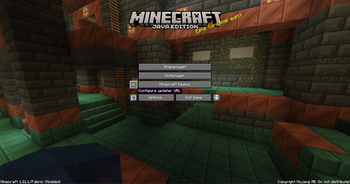
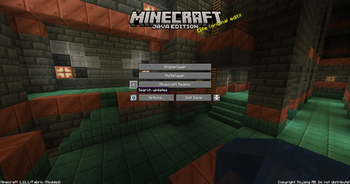
About this Mod
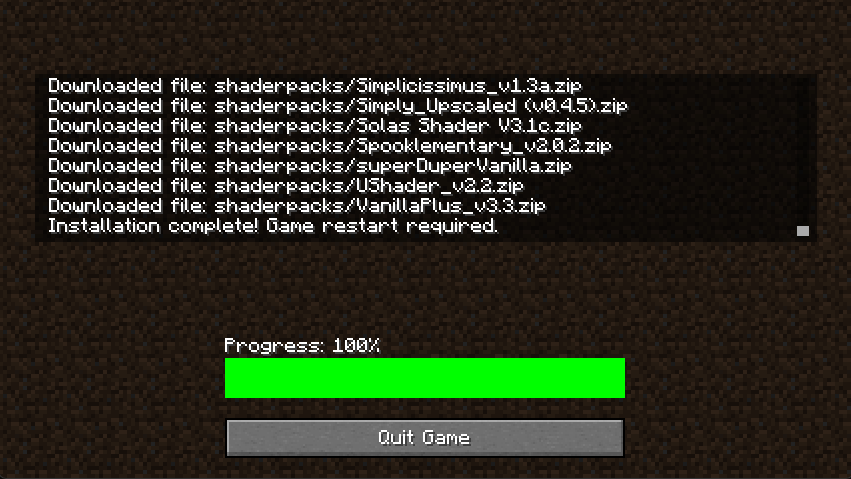
Menma's Updater is a mod designed to simplify modpack management on Minecraft servers, whether small private servers or large public ones. Managing mod updates can be tedious: every time a new mod is added or an existing one is updated, all players need to download it manually to join the server. This mod eliminates that hassle by automatically handling the distribution of mods (or files).
To achieve this, Menma's Updater uses NanoHTTPD on the server, a lightweight HTTP server that allows players to connect and automatically receive the required mods. Server administrators only need to ensure that port forwarding is set up correctly, and everything else is handled seamlessly. This ensures that all players always have the correct version of each mod, avoiding compatibility issues and errors due to outdated versions.
With Menma's Updater, keeping a server up to date is no longer a tedious and error-prone process. From small servers with friends to large public communities, the mod allows administrators to focus on what really matters: providing a stable and uninterrupted gameplay experience, while players enjoy having all the mods ready and synchronized instantly.
This mod Needs a server hosting the files.
ADMINISTRATORS AND SERVER MANTAINERS SIDE
If you are not familiar with port forwarding or setting up Cloudflare Tunnels, you can find step-by-step guides here: Port Forwarding guide and Cloudflare Tunnels Documentation These resources will help ensure your server is accessible to all players.
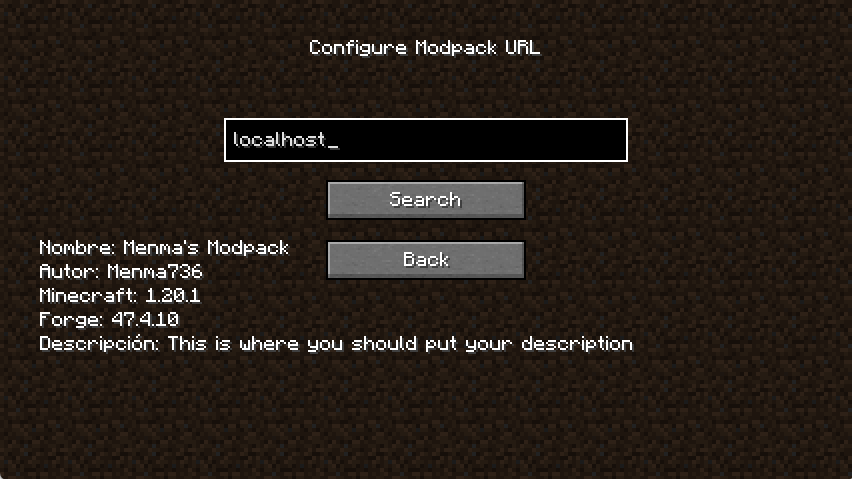
If you only want to test the mod without opening ports you can use the localhost:(port on server's config file) if you are in the same machine.
Once executed on server the mod will create the folder on "config/menmasupdater/modpack-client" Here you'll put everything you want to put on your players files such as, configs, mods, resourcepacks, shaderpacks, options, servers, etc... And with only one command "/mupdater regenerateIndex" Your modpack will be ready to be downloaded by your players.
If you want to change the FileServer's port but you don't want to restart the server you can change the file on config, use the command "/mupdater stopFileServer" and then "/mupdater startFileServer"
Available Versions
How to Install Menma's Updater-Modpack Updater on Your Server
Order Server
Order a Minecraft Java server with at least 3 GB RAM (4 GB recommended).
Set fabric Loader
In the panel under "Egg", select the fabric loader and matching Minecraft version (1.21.1).
Install Mod
Open the mod browser in the dashboard and search for "Menma's Updater-Modpack Updater". Click "Install" – done! Alternatively, upload the .jar via SFTP to the /mods folder.
Compatibility
Mod Loaders
Minecraft Versions
1.21.1, 1.20.1
Server-side
✓ RequiredRecommended RAM
4 GB(min. 3 GB)Frequently Asked Questions
Menma's Updater-Modpack Updater server crashes on startup – what to do?
Most common cause: wrong fabric version or insufficient RAM. Check the server log (latest.log) for "OutOfMemoryError" or "Mixin" errors. With Mado Hosting: ensure at least 3 GB RAM is allocated and the loader matches the mod version (1.21.1). You can switch loaders with one click in the panel.
Is Menma's Updater-Modpack Updater compatible with fabric and forge and neoforge?
Menma's Updater-Modpack Updater officially supports fabric, forge, neoforge for Minecraft 1.21.1, 1.20.1. Note: Forge and Fabric mods are NOT cross-compatible – pick one loader and stick with it. The Mado dashboard automatically detects incompatible loader combinations.
Server lagging with Menma's Updater-Modpack Updater – how to optimize performance?
Recommended RAM: 4 GB (per 8 players). Use /spark profiler to check if Menma's Updater-Modpack Updater consumes the most tick time. Common fixes: reduce server view-distance to 8-10, install "performant" or "starlight" as supplementary mods on Forge. With Mado Hosting, your server runs on NVMe SSDs with dedicated CPU cores for minimal latency.
Similar Mods






Rent Modded Server
Install Menma's Updater-Modpack Updater with just one click on your server.
Details
- License
- Creative Commons Attribution Non Commercial No Derivatives 4.0 International
- Server-side
- Required