
Mine Gear Rising: Revengeance
MGRR weapons and gear in Minecraft
Screenshots
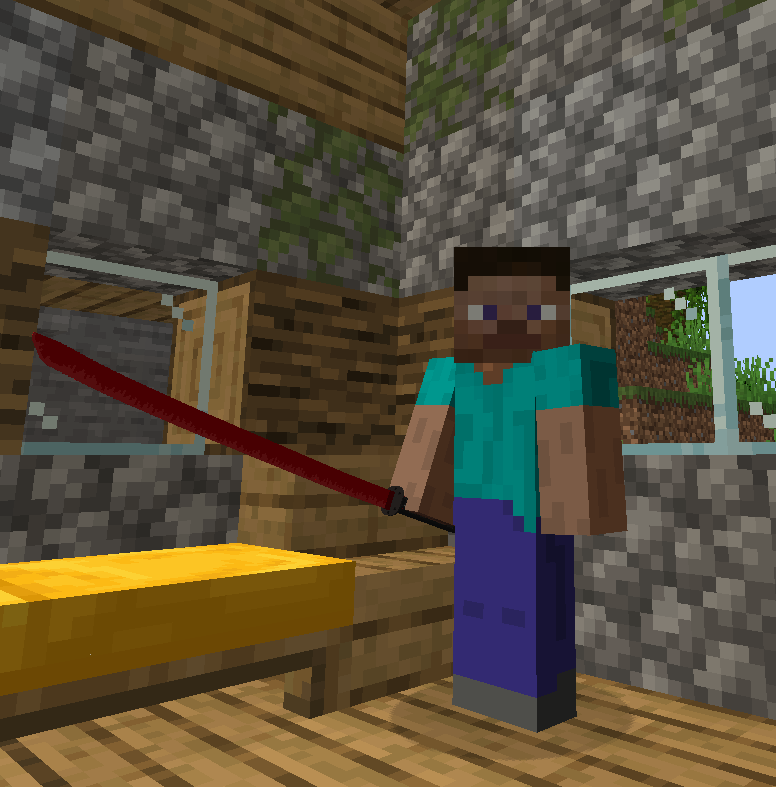
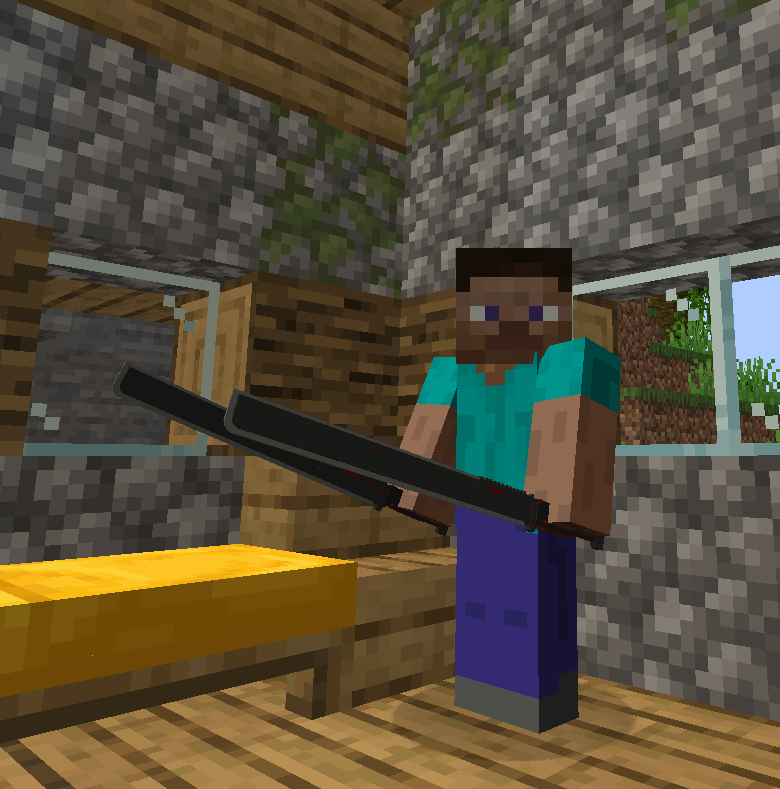
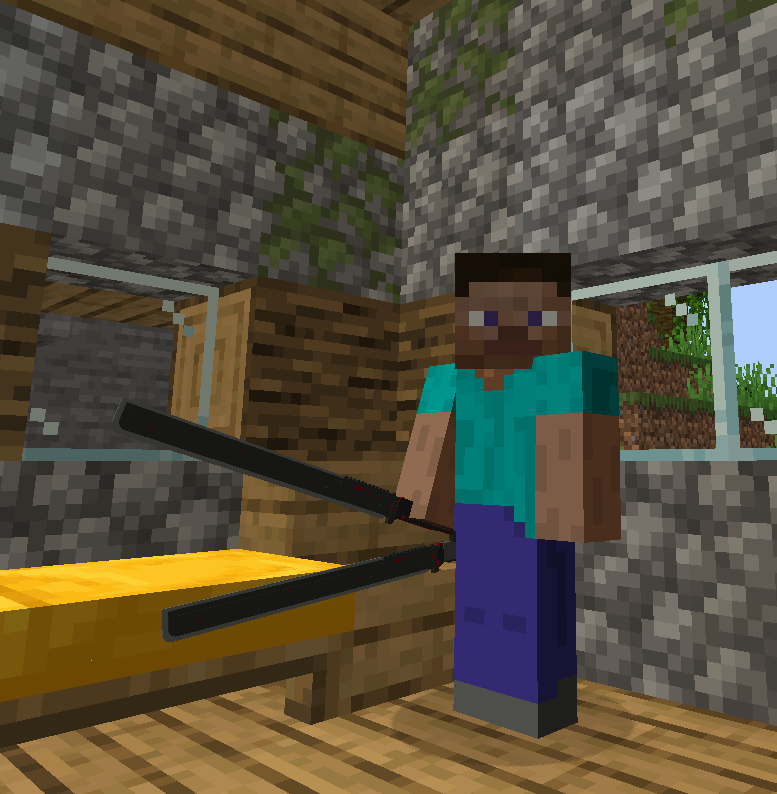
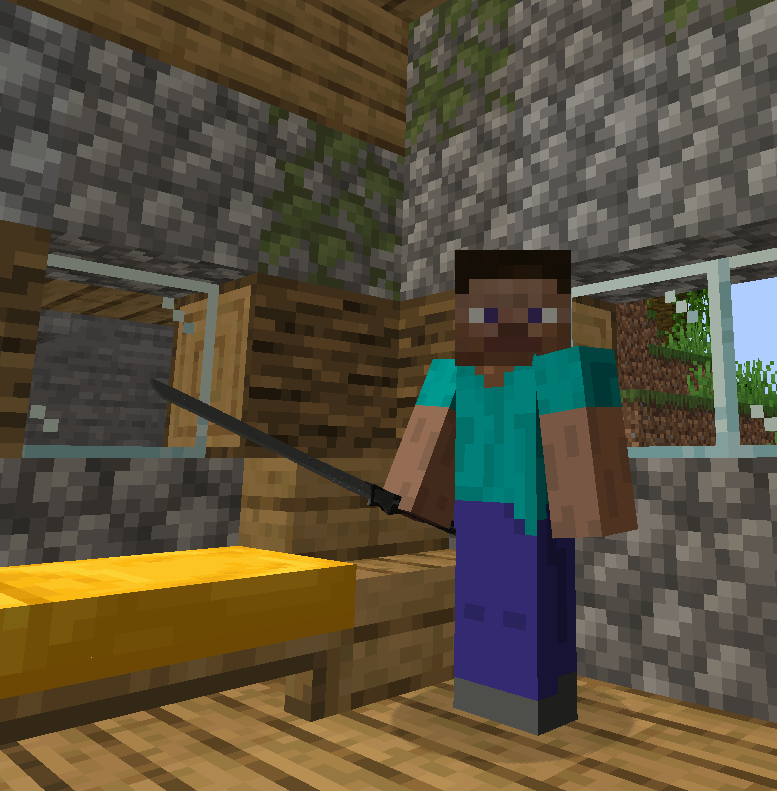
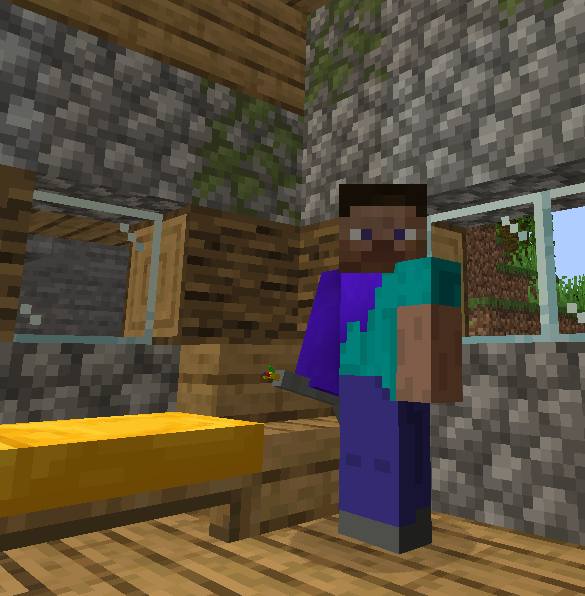
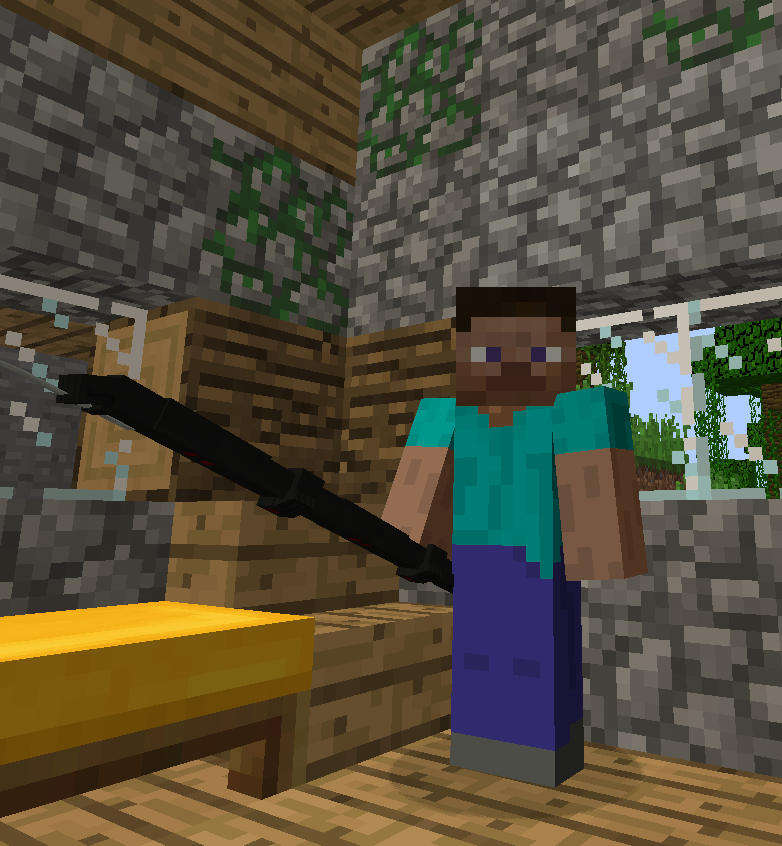
About this Mod
Recreating some tools & armors from the popular game Metal Gear Rising: Revengeance in Minecraft!
Mine Gear Rising: Revengeance currently contains:
- Working Murasama (with theme music)
- Working Bloodlust (with theme music)
- Working HF Blade (with theme music in b1.0.1+)
- Working Dystopia (with theme music in b1.2+)
- Working L'Etranger (with theme music in b1.2+)
- Working Nano Machines (with theme music in b1.0.2+)
- Support for Better Combat (b1.1.2+)
Main page on CurseForge
Use the command "/mgrr help" for user configuration commands.
The mod is still in a very early state of development so not everything is done just yet but expect more armors & weapons and maybe even bosses in the future!
Fabric is probably not going to be supported except any rouge versions I might release just because.




(I highly recommend using the Epic Fight datapack below for a better experience!)
Epic Fight datapack: (Showcase)
Gameplay of TheMemeSmeller playing with an Epic Fight datapack they made: (Weapons of Metal Gear)
Known bugs:
If you deactivate the Murasama with Better Combat installed it will delete whatever there is in your off-hand slot as Better Combat somewhat hides the secondary slot while holding a 2 handed weapon meaning the Murasama thinks that there is just air in the off-hand.
Supported Versions:
1.7.10: N/A: None
1.12.2: N/A: None
1.14.4: N/A: None
1.15.2: AWS: "Abandonware Support"
1.16.5: AWS: "Abandonware Support"
1.17.1: AWS: "Abandonware Support"
1.18.2: LTS: "Long Term Support"
1.19.2: ADS: "Active Dev Support"
1.19.4: STS: "Short Term Support"
1.20.1: ADS: "Active Dev Support"
1.20.4: ADS: "Active Dev Support"
Do note that this is the plan but things may change overtime!
Credits:
Developer:
Models:
Blade models made by the wonderful Kazharz at: High Frequency Blades on Planetminecraft
Music:
The Metal Gear Rising: Revengeance OST was composed by: Jamie Christopher
Metal Gear Rising: Revengeance was developed by Kojima Productions & PlatinumGames
Discord server: (CreRaces)

Made by: mc_jojo3
Available Versions
How to Install Mine Gear Rising: Revengeance on Your Server
Order Server
Order a Minecraft Java server with at least 3 GB RAM (4 GB recommended).
Set forge Loader
In the panel under "Egg", select the forge loader and matching Minecraft version (1.21.1).
Install Mod
Open the mod browser in the dashboard and search for "Mine Gear Rising: Revengeance". Click "Install" – done! Alternatively, upload the .jar via SFTP to the /mods folder.
Compatibility
Mod Loaders
Minecraft Versions
1.21.1, 1.20.6, 1.20.4 (+4 more)
Server-side
✓ RequiredRecommended RAM
4 GB(min. 3 GB)Frequently Asked Questions
Mine Gear Rising: Revengeance server crashes on startup – what to do?
Most common cause: wrong forge version or insufficient RAM. Check the server log (latest.log) for "OutOfMemoryError" or "Mixin" errors. With Mado Hosting: ensure at least 3 GB RAM is allocated and the loader matches the mod version (1.21.1). You can switch loaders with one click in the panel.
Is Mine Gear Rising: Revengeance compatible with forge and neoforge?
Mine Gear Rising: Revengeance officially supports forge, neoforge for Minecraft 1.21.1, 1.20.6, 1.20.4. The Mado dashboard automatically detects incompatible loader combinations.
Server lagging with Mine Gear Rising: Revengeance – how to optimize performance?
Recommended RAM: 4 GB (per 8 players). Use /spark profiler to check if Mine Gear Rising: Revengeance consumes the most tick time. Common fixes: reduce server view-distance to 8-10, install "performant" or "starlight" as supplementary mods on Forge. With Mado Hosting, your server runs on NVMe SSDs with dedicated CPU cores for minimal latency.
Similar Mods




![[TaCZ] Timeless and Classics Zero](https://cdn.modrinth.com/data/SzzJttH8/fd27766d2bb8390d284696b1dbd358f87e081439_96.webp)

Rent Modded Server
Install Mine Gear Rising: Revengeance with just one click on your server.