
MicroSurvival
WarioWare, except the games interrupt you while you're enjoying the game.
Screenshots
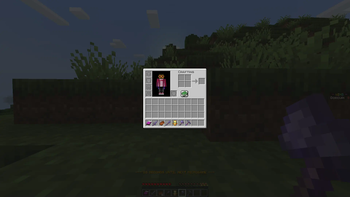
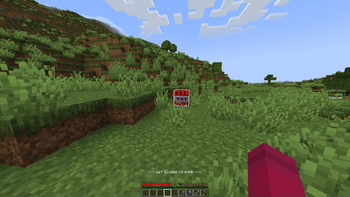
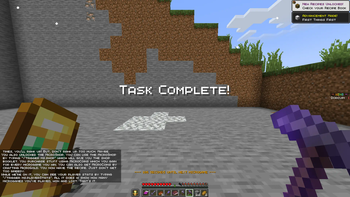
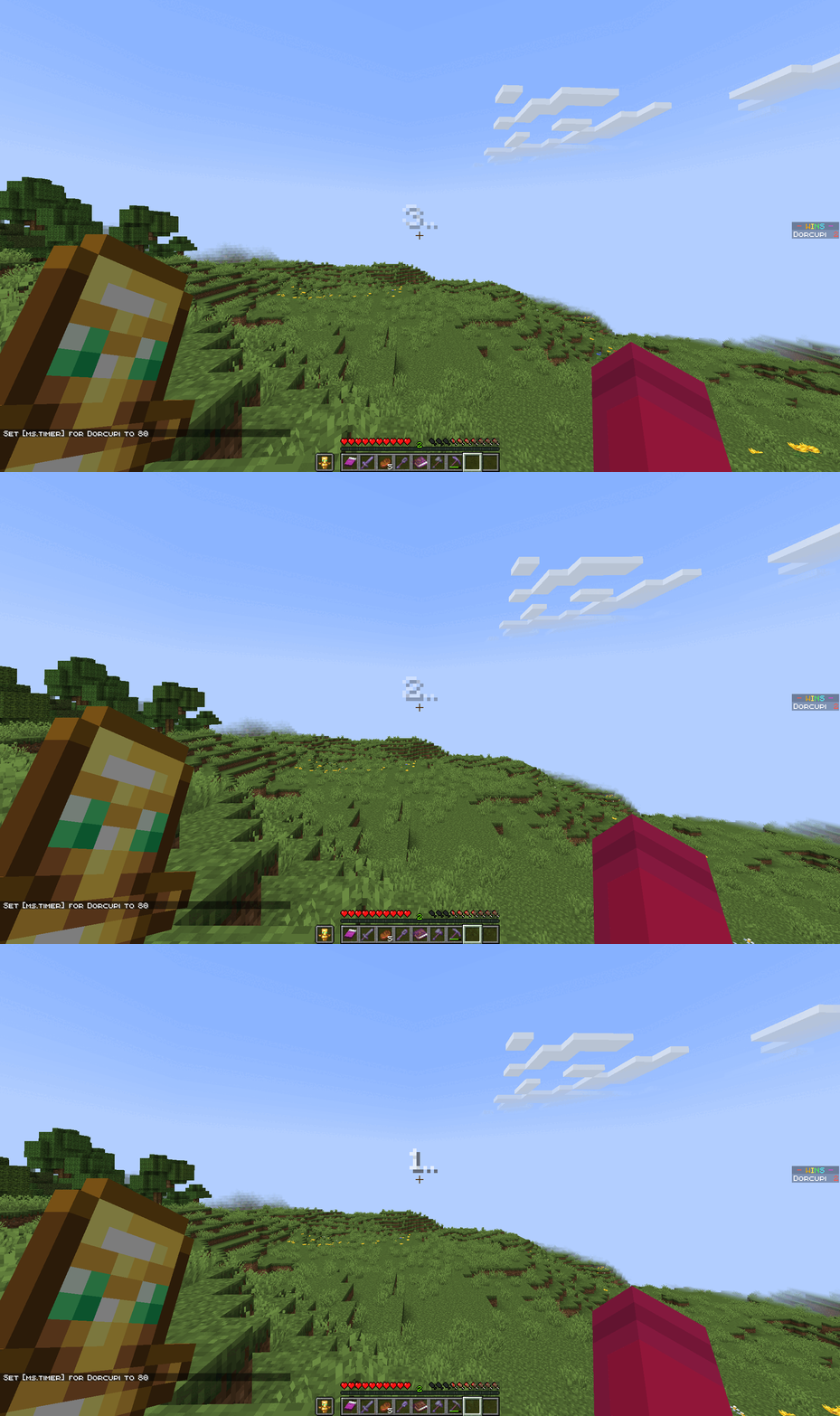

About this Mod

About
MicroSurvival is a fast-paced Minecraft datapack where players face random MicroGames that test their skill and reflexes. Win these games to earn MicroCoins and MicroGold, which can be spent in the MicroShop to gain powerful items, extend the time between challenges, or even stop the games entirely. But beware—failure in a MicroGame can be deadly.
Feature List
- MicroGames
- MicroCoins & MicroGold
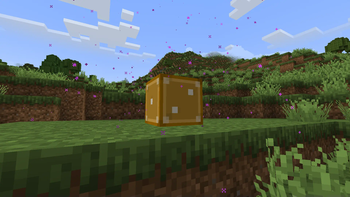
- Lucky Blocks
- MicroShop
More Info
If you want more info, you can visit the MicroSurvival Wiki.
MicroGames
MicroGames are the main subject of the datapack. Every once in a while, you will have a microgame. MicroGames earn you MicroGold if you win them, but kill you (unless you have a totem) if you don’t. You can stop having MicroGames by purchasing No More Inevitable from the MicroShop.
Lucky Blocks
The Lucky Block is self-explanatory. If you break it, many things can happen. If you break it with Silk Touch, you get the block back. To get the Lucky Block, you have to buy it from the MicroShop for 10 MicroCoins.
MicroShop
The MicroShop is the shop where you can spend your MicroCoins for items or effects. It has the following items:
- Lucky Block – The name already explains what it is. Break it, and you might get good stuff. Or you can die.
- Delay the Inevitable – Makes the time between microgames longer. The time is still random, just the chances are more in your favor. It makes the minimum and maximum times between microgames longer.
- No More Inevitable – Stops any and all MicroGames from ever happening again. But for only you.
Commands
- /trigger ms.shøp - This command gives you the MicroShop.
- /trigger ms.playerStats - This command lets you see your current player stats. This includes the amount of games you’ve played in general, the amount of games you’ve won and the amount of games you’ve lost.
- /trigger ms.giveLuckyBlock - This command gives you a Lucky Block. You must be in creative mode or have the tag ms.op to use the command.
- /tag @s add ms.op - This command makes you a MicroSurvival OP. All this does is let you get a lucky block using the command while in survival mode.
Available Versions
How to Install MicroSurvival on Your Server
Order Server
Order a Minecraft Java server with at least 3 GB RAM (4 GB recommended).
Set datapack Loader
In the panel under "Egg", select the datapack loader and matching Minecraft version (1.21.4).
Install Mod
Open the mod browser in the dashboard and search for "MicroSurvival". Click "Install" – done! Alternatively, upload the .jar via SFTP to the /mods folder.
Compatibility
Mod Loaders
Minecraft Versions
1.21.4, 1.21.3
Server-side
✓ RequiredRecommended RAM
4 GB(min. 3 GB)Frequently Asked Questions
MicroSurvival server crashes on startup – what to do?
Most common cause: wrong datapack version or insufficient RAM. Check the server log (latest.log) for "OutOfMemoryError" or "Mixin" errors. With Mado Hosting: ensure at least 3 GB RAM is allocated and the loader matches the mod version (1.21.4). You can switch loaders with one click in the panel.
Is MicroSurvival compatible with datapack and fabric and forge and neoforge and quilt?
MicroSurvival officially supports datapack, fabric, forge, neoforge, quilt for Minecraft 1.21.4, 1.21.3. Note: Forge and Fabric mods are NOT cross-compatible – pick one loader and stick with it. The Mado dashboard automatically detects incompatible loader combinations.
Server lagging with MicroSurvival – how to optimize performance?
Recommended RAM: 4 GB (per 8 players). Use /spark profiler to check if MicroSurvival consumes the most tick time. Common fixes: reduce server view-distance to 8-10, install "performant" or "starlight" as supplementary mods on Forge. With Mado Hosting, your server runs on NVMe SSDs with dedicated CPU cores for minimal latency.
Similar Mods





Rent Modded Server
Install MicroSurvival with just one click on your server.
Details
- License
- Creative Commons Attribution Non Commercial No Derivatives 4.0 International
- Server-side
- Required