
Musical Instrument Minecraft Interface (MIMI)
Musical Instrument Minecraft Interface - Play music with multiple instruments, multiple players, and MIDI files!
Screenshots
About this Mod

Description
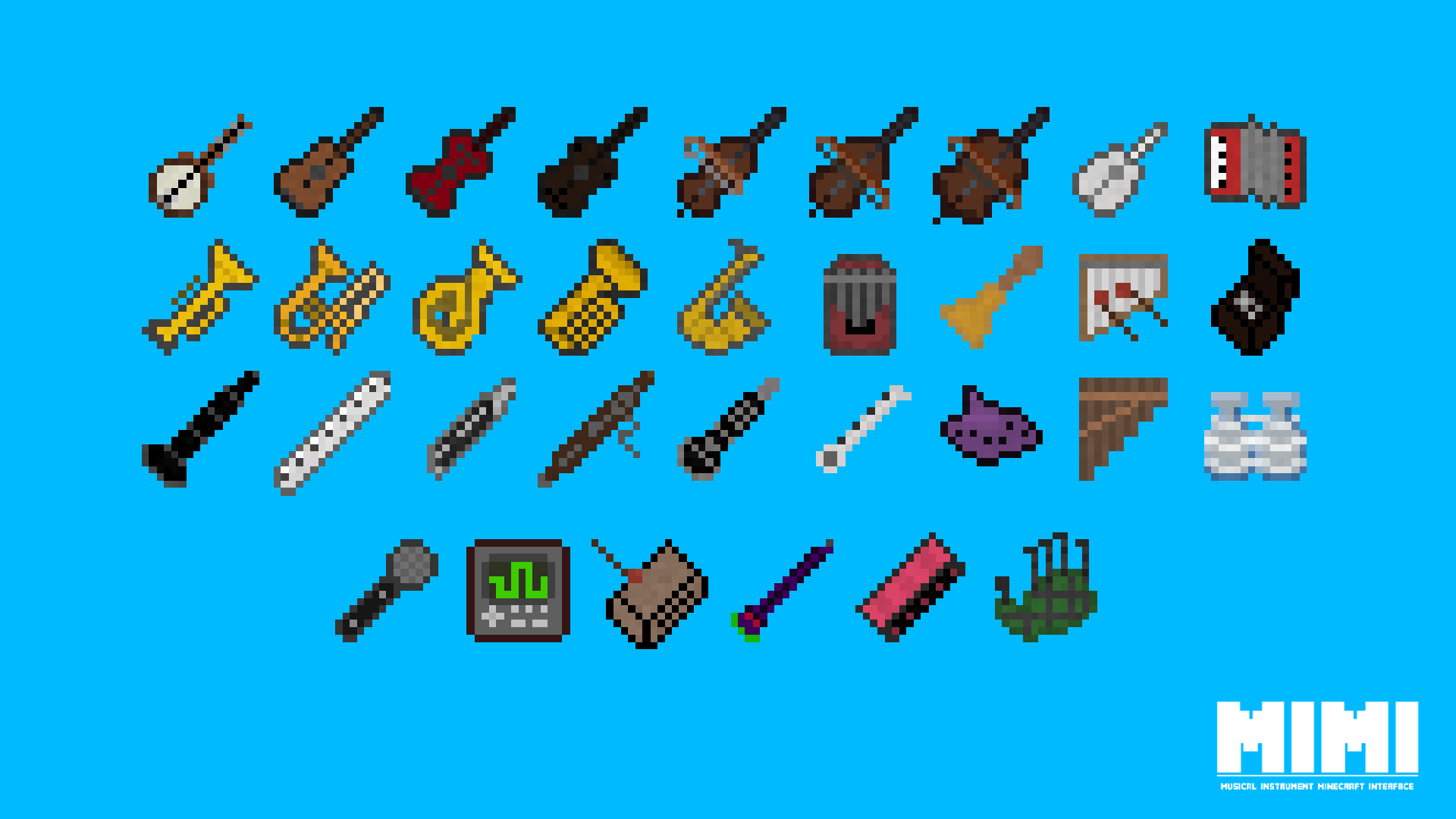
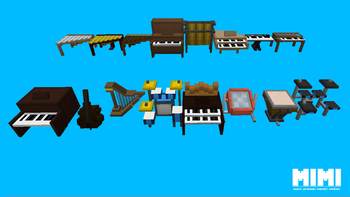
MIMI (Musical Instrument Minecraft Interface) is a mod for Forge and NeoForge that adds dozens of musical instruments to Minecraft and numerous unique ways of interacting with them.
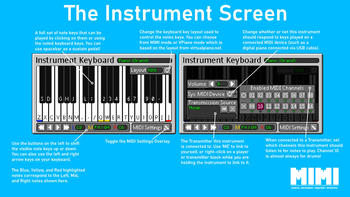
Instruments can be played using the in-game controls, using external MIDI files, or even by attaching an external MIDI Input device such as a digital piano. When being played from a MIDI file, instruments can be assigned to specific MIDI channels (essentially the individual instrument parts of a MIDI file such as the guitar part and drum part) and multiple instruemnts can be linked up to play the same file in-sync which allows you to create brand new remixes of MIDI songs live by changing the instruemnts assigned to each part.
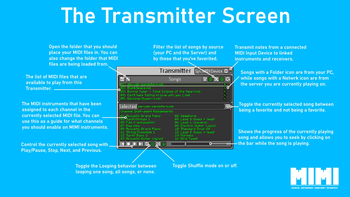
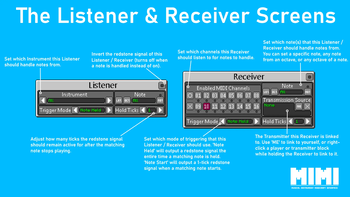
Using the new Listener and Receiver blocks added by MIMI you can convert notes played by instruments and MIDI files into redstone signals which can be used to create musically-synced effects or even used to program complex redstone logic. Server owners can also upload MIDI files to the server which will be available for all players to play themselves or be played by the server itself.
There are many additional smaller features within MIMI and everything is explained in the in-game guidebook (requires the Patchouli mod) and on the mod wiki which you can find here.
Supported Versions
MIMI currently supports the following versions of Minecraft:
Feature & Fixes:- 1.19.2 (Forge)
- 1.20.1 (Forge)
- 1.21.1 (Forge/NeoForge)
- 1.19.4 (Forge)
- 1.20.2 (Forge)
- 1.20.4 (Forge/NeoForge)
- 1.20.6 (Forge/NeoForge)
FAQ
- Will there be a version for Fabric? At this time I am not planning a Fabric version of the mod.
- Can I use this mod in my modpack? Absolutely!
- Where are the official downloads? Official downloads of the mod are only avaiable from GitHub, CurseForge, and Modrinth
- Where can I submit bugs/ideas/questions? Click on the Issues tab above and submit an issue on GitHub!
Available Versions
How to Install Musical Instrument Minecraft Interface (MIMI) on Your Server
Order Server
Order a Minecraft Java server with at least 3 GB RAM (4 GB recommended).
Set forge Loader
In the panel under "Egg", select the forge loader and matching Minecraft version (1.21.1).
Install Mod
Open the mod browser in the dashboard and search for "Musical Instrument Minecraft Interface (MIMI)". Click "Install" – done! Alternatively, upload the .jar via SFTP to the /mods folder.
Compatibility
Mod Loaders
Minecraft Versions
1.21.1, 1.20.6, 1.20.4 (+10 more)
Server-side
✓ RequiredRecommended RAM
4 GB(min. 3 GB)Frequently Asked Questions
Musical Instrument Minecraft Interface (MIMI) server crashes on startup – what to do?
Most common cause: wrong forge version or insufficient RAM. Check the server log (latest.log) for "OutOfMemoryError" or "Mixin" errors. With Mado Hosting: ensure at least 3 GB RAM is allocated and the loader matches the mod version (1.21.1). You can switch loaders with one click in the panel.
Is Musical Instrument Minecraft Interface (MIMI) compatible with forge and neoforge?
Musical Instrument Minecraft Interface (MIMI) officially supports forge, neoforge for Minecraft 1.21.1, 1.20.6, 1.20.4. The Mado dashboard automatically detects incompatible loader combinations.
Server lagging with Musical Instrument Minecraft Interface (MIMI) – how to optimize performance?
Recommended RAM: 4 GB (per 8 players). Use /spark profiler to check if Musical Instrument Minecraft Interface (MIMI) consumes the most tick time. Common fixes: reduce server view-distance to 8-10, install "performant" or "starlight" as supplementary mods on Forge. With Mado Hosting, your server runs on NVMe SSDs with dedicated CPU cores for minimal latency.
Similar Mods




Rent Modded Server
Install Musical Instrument Minecraft Interface (MIMI) with just one click on your server.