
Mine Prevention
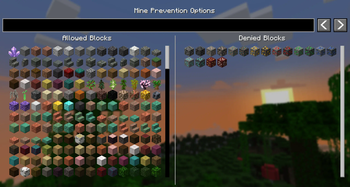
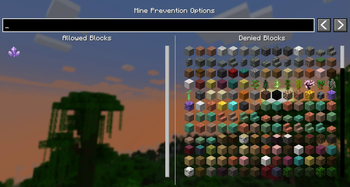
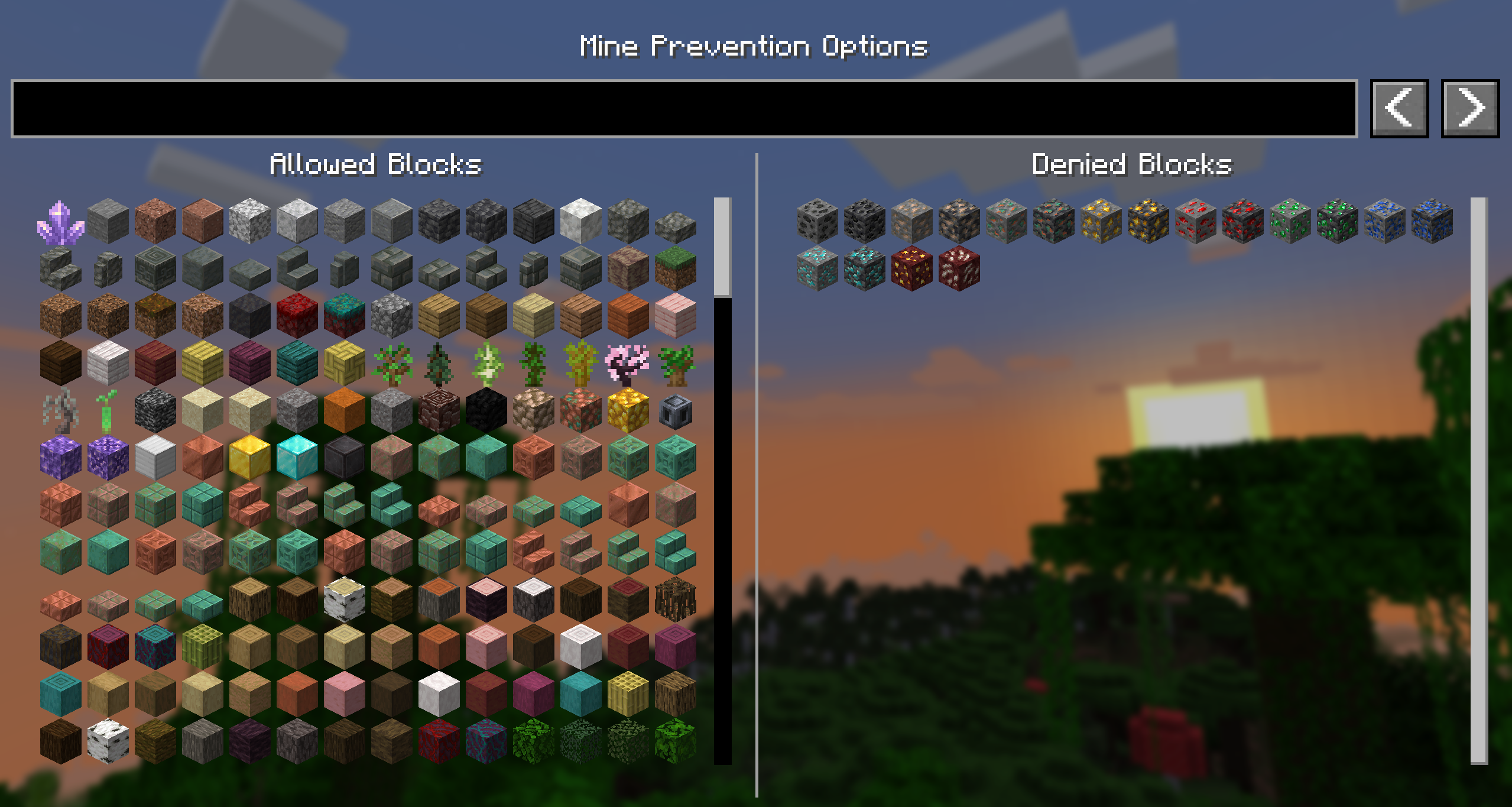
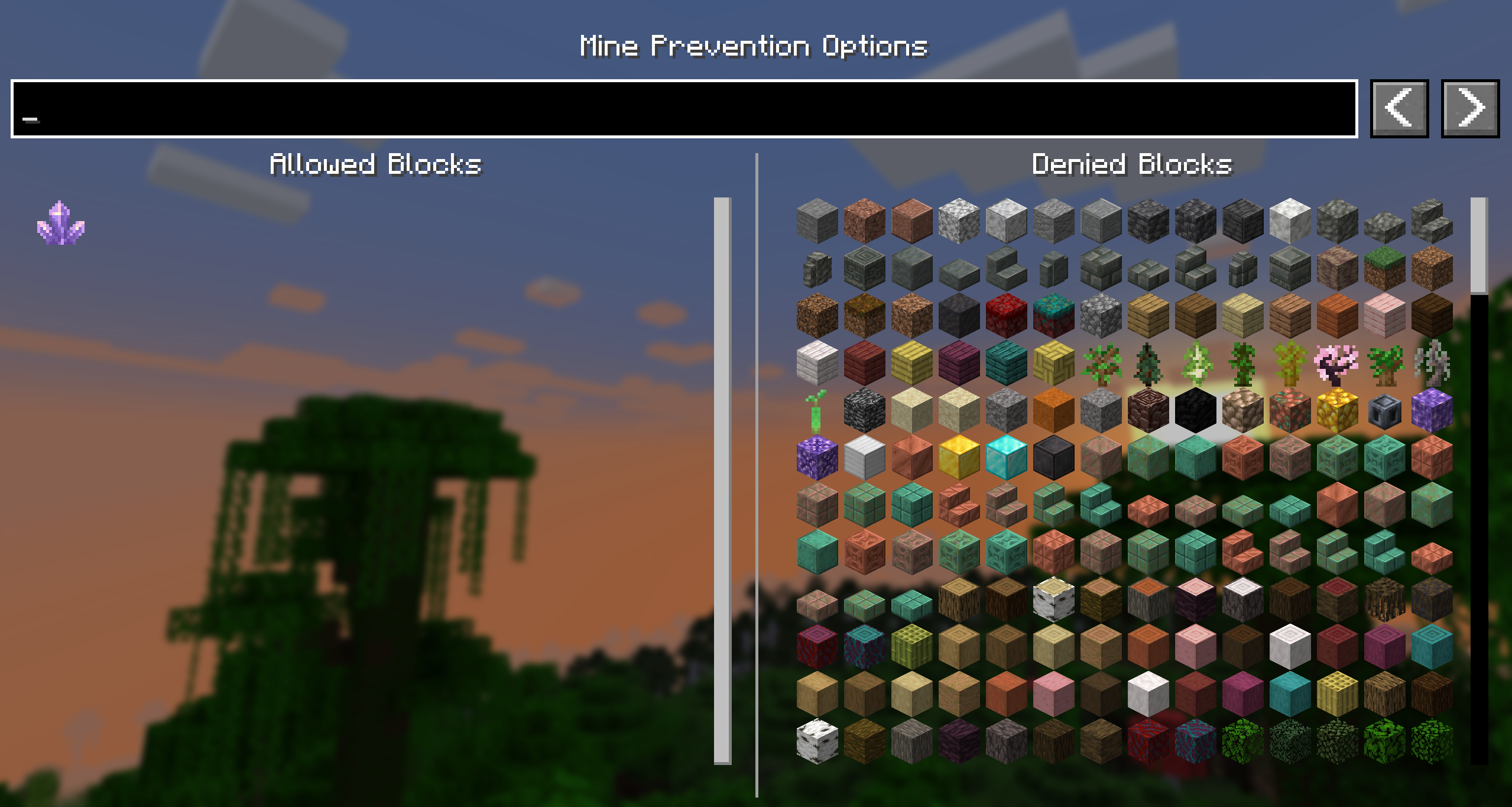
This is a simple client-side mod that gives you the ability to allow or disallow the mining of certain blocks.
Screenshots
About this Mod
Mine Prevention



This is a simple client-side mod that gives you the ability to avoid mining certain blocks.
For example, block all ores while you're mining without Silktouch or Fortune so you can save them for later! Or perhaps only allow yourself to mine large amethyst buds so that you don't accidentally break the budding block!
Usage
Simply press 'M' to open the GUI and select the blocks you want to block or allow. The keybind can be changed in the controls menu, and you can also choose to remove it in favour of ModMenu.
The config file for this mod is located in the config folder of your Minecraft directory, and is called mineprevention.json. It only contains a deny list, to minimise the amount of data stored.
Images
Contributing
Contributions and suggestions are always welcome! Please limit all issues to only one feature at a time - feel free to open multiple at once if you have many ideas. Similarly, please limit pull requests to a single feature at a time and try to follow the existing code style.
To further discuss or get notifications of new updates, check out my Discord. If you like what I do, consider supporting me on Ko-Fi! 
Available Versions
How to Install Mine Prevention on Your Server
Order Server
Order a Minecraft Java server with at least 3 GB RAM (4 GB recommended).
Set fabric Loader
In the panel under "Egg", select the fabric loader and matching Minecraft version (1.21.11).
Install Mod
Open the mod browser in the dashboard and search for "Mine Prevention". Click "Install" – done! Alternatively, upload the .jar via SFTP to the /mods folder.
Compatibility
Mod Loaders
Minecraft Versions
1.21.11, 1.21.10, 1.21.9 (+5 more)
Server-side
✗ UnsupportedRecommended RAM
4 GB(min. 3 GB)Frequently Asked Questions
Mine Prevention server crashes on startup – what to do?
Most common cause: wrong fabric version or insufficient RAM. Check the server log (latest.log) for "OutOfMemoryError" or "Mixin" errors. With Mado Hosting: ensure at least 3 GB RAM is allocated and the loader matches the mod version (1.21.11). You can switch loaders with one click in the panel.
Is Mine Prevention compatible with fabric?
Mine Prevention officially supports fabric for Minecraft 1.21.11, 1.21.10, 1.21.9. The Mado dashboard automatically detects incompatible loader combinations.
Server lagging with Mine Prevention – how to optimize performance?
Recommended RAM: 4 GB (per 8 players). Use /spark profiler to check if Mine Prevention consumes the most tick time. Common fixes: reduce server view-distance to 8-10, install "performant" or "starlight" as supplementary mods on Forge. With Mado Hosting, your server runs on NVMe SSDs with dedicated CPU cores for minimal latency.
Similar Mods




![[TaCZ] Timeless and Classics Zero](https://cdn.modrinth.com/data/SzzJttH8/fd27766d2bb8390d284696b1dbd358f87e081439_96.webp)

Rent Modded Server
Install Mine Prevention with just one click on your server.