
Minecraft But Hotbar Only
Minecraft But Hotbar Only limits your inventory to just the 9 slots in your hotbar. Every other inventory slot is disabled, forcing you to survive Minecraft with minimal storage and smarter item management.
Screenshots
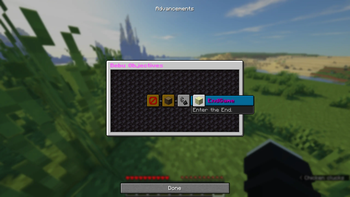
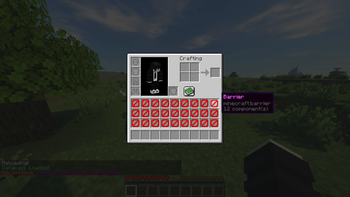
About this Mod
Minecraft, But Hotbar Only...
Minecraft But Hotbar Only completely removes access to your main inventory and leaves you with only the 9 slots in your hotbar. That means no extra storage, no backup tools, and no carrying stacks of resources. Every item you bring matters.
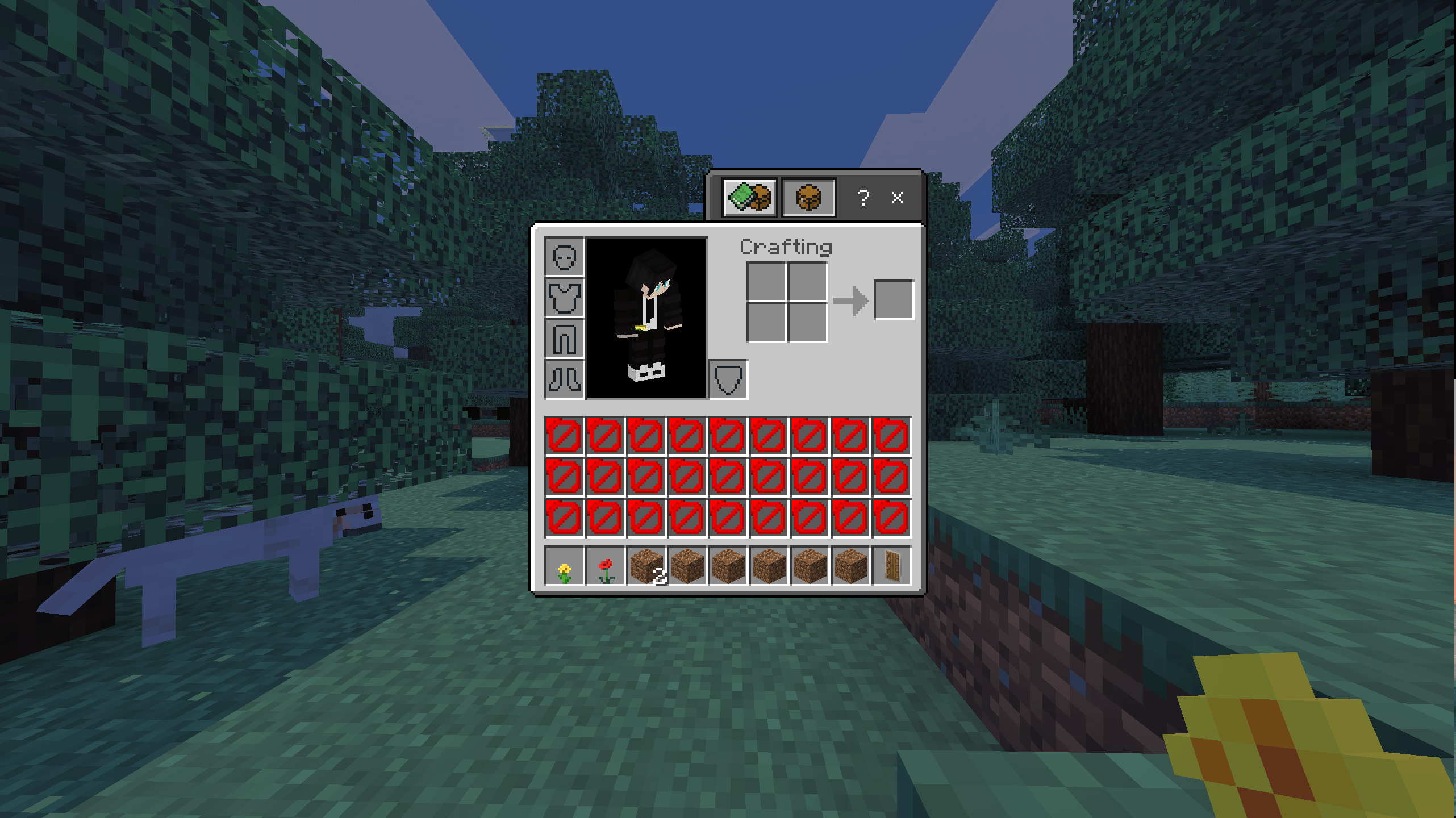
This simple change creates a surprisingly challenging and strategic survival experience:
🧠 Carefully choose which tools, blocks, and food to carry
⛏️ Manage resources efficiently with extremely limited inventory space
🎒 Use chests, shulker boxes, and ender chests more creatively
⚔️ Prepare smarter for mining, exploring, and boss fights
🔥 Experience Minecraft in a whole new way
Whether you're a veteran player looking for a fresh challenge or a content creator searching for a unique "Minecraft But..." concept, this mod delivers a fun and intense twist on vanilla survival.
Features
- Only the hotbar's 9 slots are usable
- All other player inventory slots are disabled, even the offhand slot
- Works in both single-player and multiplayer
- Lightweight and compatible with most setups
Available Versions
How to Install Minecraft But Hotbar Only on Your Server
Order Server
Order a Minecraft Java server with at least 3 GB RAM (4 GB recommended).
Set datapack Loader
In the panel under "Egg", select the datapack loader and matching Minecraft version (26.1.2).
Install Mod
Open the mod browser in the dashboard and search for "Minecraft But Hotbar Only". Click "Install" – done! Alternatively, upload the .jar via SFTP to the /mods folder.
Compatibility
Mod Loaders
Minecraft Versions
26.1.2, 26.1.1, 26.1
Server-side
✓ RequiredRecommended RAM
4 GB(min. 3 GB)Frequently Asked Questions
Minecraft But Hotbar Only server crashes on startup – what to do?
Most common cause: wrong datapack version or insufficient RAM. Check the server log (latest.log) for "OutOfMemoryError" or "Mixin" errors. With Mado Hosting: ensure at least 3 GB RAM is allocated and the loader matches the mod version (26.1.2). You can switch loaders with one click in the panel.
Is Minecraft But Hotbar Only compatible with datapack and fabric and forge and neoforge?
Minecraft But Hotbar Only officially supports datapack, fabric, forge, neoforge for Minecraft 26.1.2, 26.1.1, 26.1. Note: Forge and Fabric mods are NOT cross-compatible – pick one loader and stick with it. The Mado dashboard automatically detects incompatible loader combinations.
Server lagging with Minecraft But Hotbar Only – how to optimize performance?
Recommended RAM: 4 GB (per 8 players). Use /spark profiler to check if Minecraft But Hotbar Only consumes the most tick time. Common fixes: reduce server view-distance to 8-10, install "performant" or "starlight" as supplementary mods on Forge. With Mado Hosting, your server runs on NVMe SSDs with dedicated CPU cores for minimal latency.
Similar Mods




Rent Modded Server
Install Minecraft But Hotbar Only with just one click on your server.