
Miner's Minerals
Adds 50+ Metals and Gems and much more
Screenshots
About this Mod
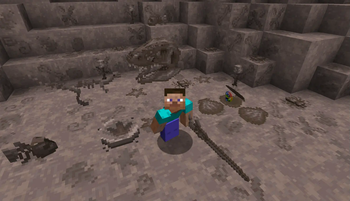
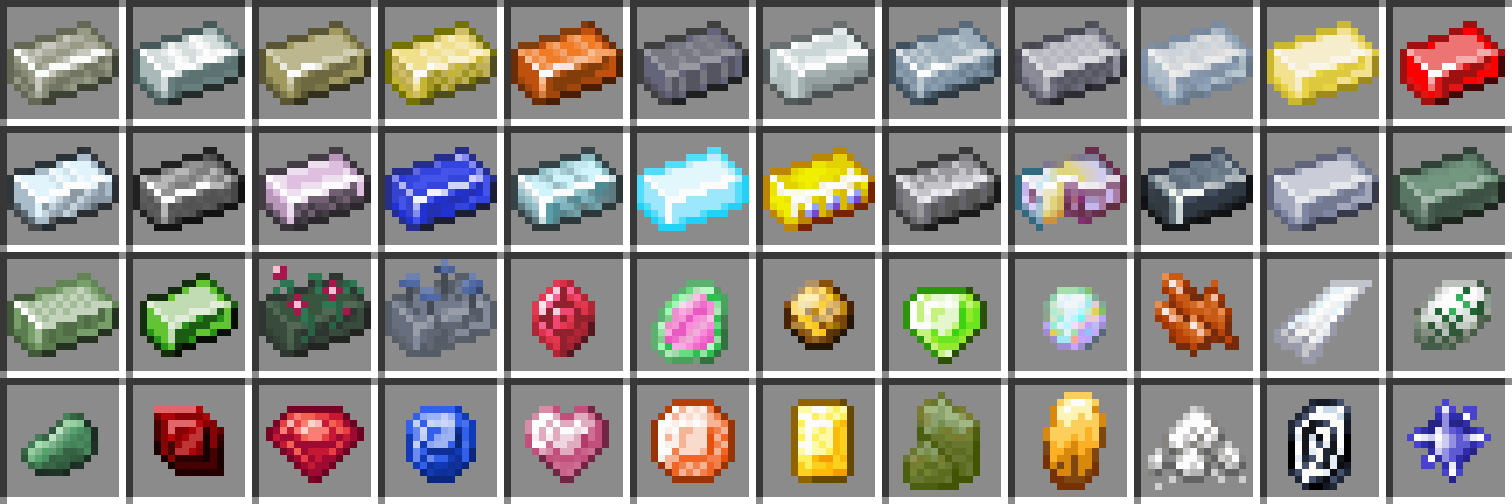
Miner's Minerals adds 50+ metals and gems.
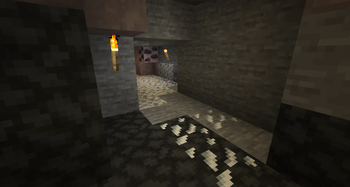
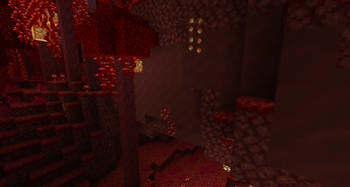
It features a unique ore system. Some ores can only be found in specific places like in gravel or under a jungle. Ores that spawn in blocks like gravel will use gravel as the base texture, so no ores ever look out of place. (See the config section to learn more about ore base blocks.) Rather than spawning in vanilla like chunky blobs they spawn in veins. Each block in a vein will aways connect to the other ore block's sides. No corner connections, so no digging through stone trying to find that one block of ore you may have missed. When you can't see any more ore the whole vein is mined!
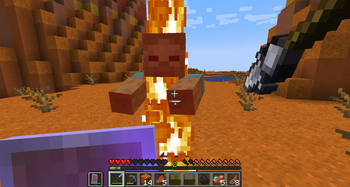
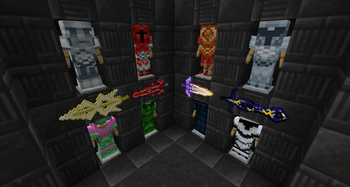
Each mineral can be used to craft tools, armor, and weapons. Including three new weapons; shurikens, spears, and greatswords.
Already started a new world? Don't worry! Miner's Minerals will generate ores in existing chunks. (New stone types added by Miner's Minerals will not spawn in existing chunks.)
My hammer mod and excavator mod support all these minerals.
Requires Ez Mod Lib.
Config:
There are two configs. Each accept resource locations. Every entry must be on a single line.
dimension_blacklist.txt is the dimension blacklist. For example, add these two lines if you want to prevent ores from generating in the overworld and the twilight forest dimension.
minecraft:overworldtwilightforest:twilight_forest_type
^ If you use this config the ores will only spawn in the end, nether, etc.
There are several config files used to hold the names of blocks you want to add to the base blocks lists which are then used to generate ore blocks. They are named base_stones.txt, base_sands.txt, etc. Adding blocks to these lists will allow ores to generate in them. Example of base_stones.txt:
quark:marblequark:limestonebyg:soapstoneminecraft:gravel
Available Versions
How to Install Miner's Minerals on Your Server
Order Server
Order a Minecraft Java server with at least 4 GB RAM (6 GB recommended).
Set forge Loader
In the panel under "Egg", select the forge loader and matching Minecraft version (1.20.1).
Install Mod
Open the mod browser in the dashboard and search for "Miner's Minerals". Click "Install" – done! Alternatively, upload the .jar via SFTP to the /mods folder.
Compatibility
Mod Loaders
Minecraft Versions
1.20.1, 1.18.2, 1.16.5
Server-side
✓ RequiredRecommended RAM
6 GB(min. 4 GB)Frequently Asked Questions
Miner's Minerals server crashes on startup – what to do?
Most common cause: wrong forge version or insufficient RAM. Check the server log (latest.log) for "OutOfMemoryError" or "Mixin" errors. With Mado Hosting: ensure at least 4 GB RAM is allocated and the loader matches the mod version (1.20.1). You can switch loaders with one click in the panel.
Is Miner's Minerals compatible with forge and neoforge?
Miner's Minerals officially supports forge, neoforge for Minecraft 1.20.1, 1.18.2, 1.16.5. The Mado dashboard automatically detects incompatible loader combinations.
Server lagging with Miner's Minerals – how to optimize performance?
Recommended RAM: 6 GB (per 5 players). Use /spark profiler to check if Miner's Minerals consumes the most tick time. Common fixes: reduce server view-distance to 8-10, install "performant" or "starlight" as supplementary mods on Forge. With Mado Hosting, your server runs on NVMe SSDs with dedicated CPU cores for minimal latency.
Similar Mods



![[TaCZ] Timeless and Classics Zero](https://cdn.modrinth.com/data/SzzJttH8/fd27766d2bb8390d284696b1dbd358f87e081439_96.webp)


Rent Modded Server
Install Miner's Minerals with just one click on your server.