
Minimum For Maximum
Mod focused on streamlining tedious processes for maximum efficiency and output.
Screenshots


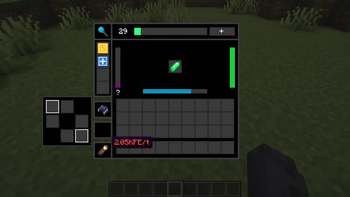
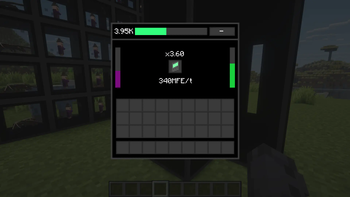
About this Mod
MinForMax
Tired of building massive, laggy mob farms that take up half your world? MinForMax introduces a high-tech, compact solution for resource generation. From data collection to advanced matter replication, this mod provides a streamlined path to automating mob loot, experience, and block production.
Key Features
Scanning & Indexing: Begin your journey by crafting a Scanner. Once you've scanned a mob, craft a Memory Shard and use the Index Inscriber to encode the mob's data onto the shard.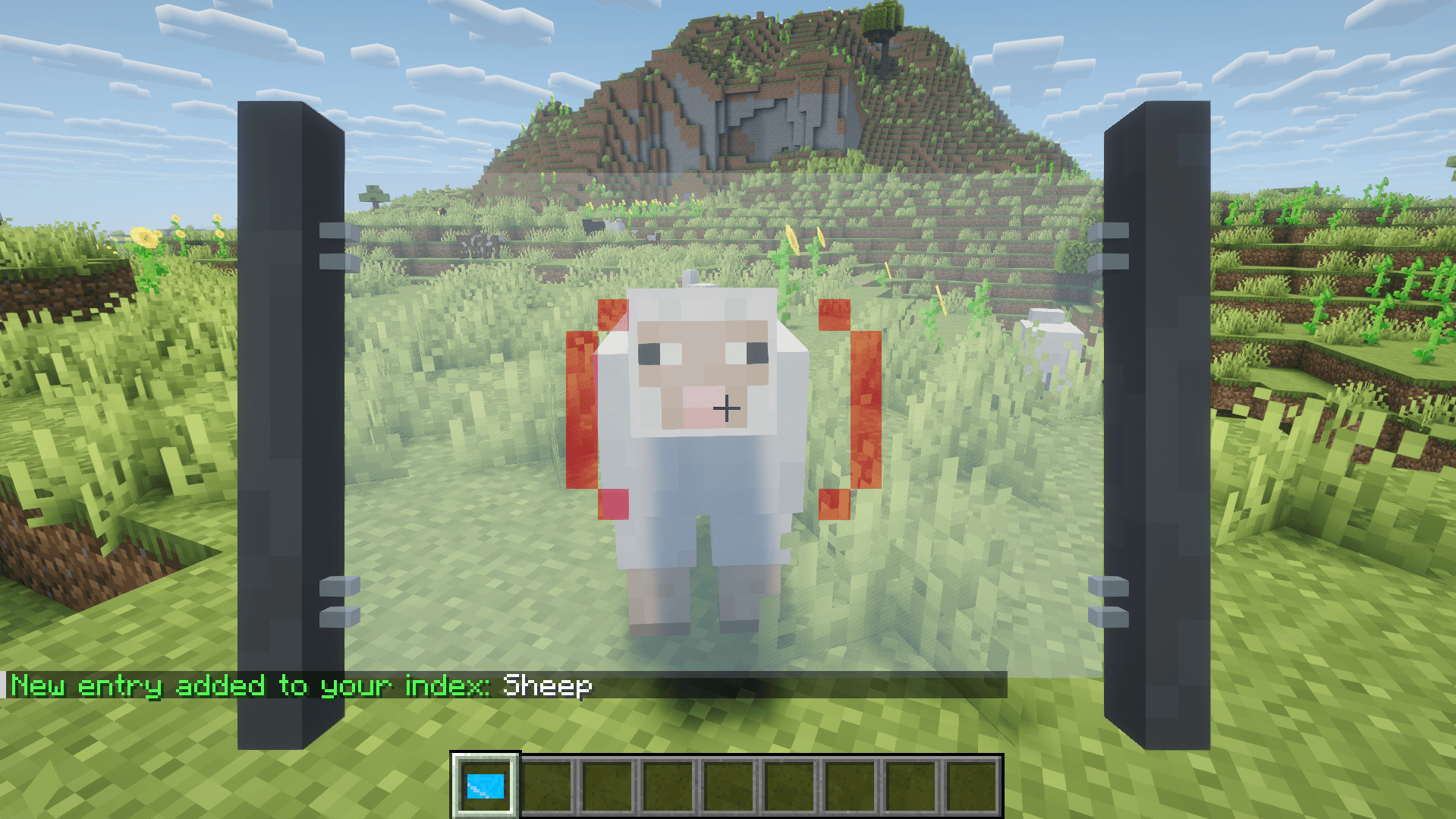
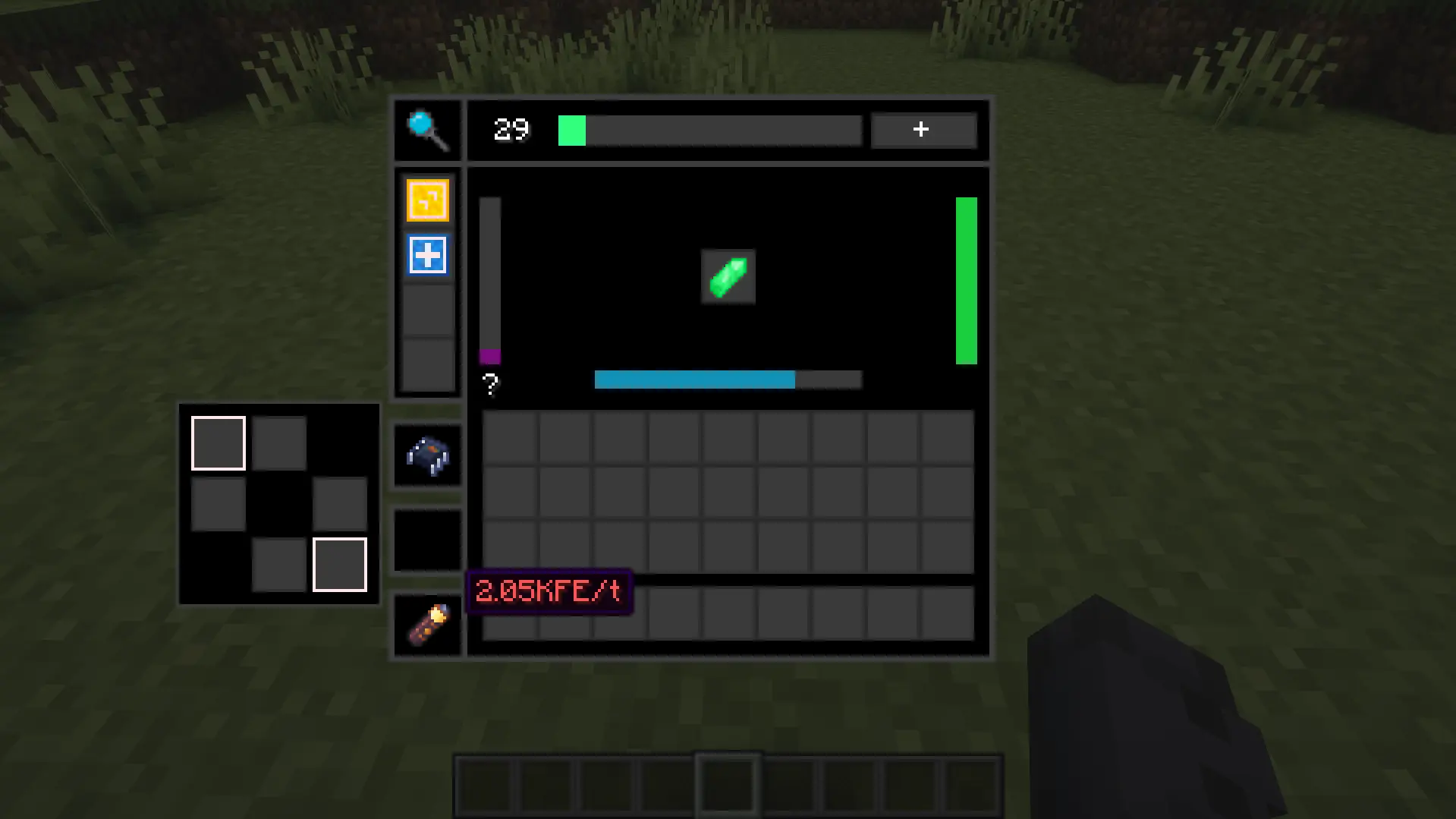
Eternal Generators: Power your base with mob loot and XP using the Eternal Generator.
- Distinct Tiers: Progress through increasing levels of efficiency and speed.
- Module Support: Enhance your generators with specialized modules to customize output.

Replication: Beyond mob loot, automate your building materials with the Block Replicator and Fluid Replicator.
Smart Automation: All machines feature auto-export functionality, automatically pushing generated items into adjacent storage containers—no extra pipes required.
Upgrade System: Fine-tune your production line with specialized upgrades:
- Speed Upgrade: Increase the rate of production.
- Stack Upgrade: Process larger quantities at once.
- Extra Drop Upgrade: Maximise the loot yield by generating extra items for the same price.
Getting Started
- Craft the Scanner and find the mob you want to automate.
- Use the Index Inscriber to write that data to a Memory Shard.
- Provide Energy to your Eternal Generator and insert the shard to start producing loot!
Why download
If you enjoy the logic of mods like Deep Mob Learning or Industrial Foregoing but want a fresh system that integrates energy usage, machine tiers, and a highly customizable backend, this mod is for you. It scales from early-game automation to late-game resource abundance.
🛠Information for Modpack Developers
This mod is designed with high configurability to fit any progression style. Almost every aspect of the generation process—including mob loot tables, module rewards, and replication recipes—can be overhauled to match your pack's balance.
For detailed instructions on how to format the JSON, add custom mob data, or modify replication costs, please refer to our developer documentation
Available Versions
How to Install Minimum For Maximum on Your Server
Order Server
Order a Minecraft Java server with at least 3 GB RAM (4 GB recommended).
Set neoforge Loader
In the panel under "Egg", select the neoforge loader and matching Minecraft version (1.21.1).
Install Mod
Open the mod browser in the dashboard and search for "Minimum For Maximum". Click "Install" – done! Alternatively, upload the .jar via SFTP to the /mods folder.
Compatibility
Mod Loaders
Minecraft Versions
1.21.1
Server-side
✓ RequiredRecommended RAM
4 GB(min. 3 GB)Frequently Asked Questions
Minimum For Maximum server crashes on startup – what to do?
Most common cause: wrong neoforge version or insufficient RAM. Check the server log (latest.log) for "OutOfMemoryError" or "Mixin" errors. With Mado Hosting: ensure at least 3 GB RAM is allocated and the loader matches the mod version (1.21.1). You can switch loaders with one click in the panel.
Is Minimum For Maximum compatible with neoforge?
Minimum For Maximum officially supports neoforge for Minecraft 1.21.1. The Mado dashboard automatically detects incompatible loader combinations.
Server lagging with Minimum For Maximum – how to optimize performance?
Recommended RAM: 4 GB (per 8 players). Use /spark profiler to check if Minimum For Maximum consumes the most tick time. Common fixes: reduce server view-distance to 8-10, install "performant" or "starlight" as supplementary mods on Forge. With Mado Hosting, your server runs on NVMe SSDs with dedicated CPU cores for minimal latency.
Similar Mods





Rent Modded Server
Install Minimum For Maximum with just one click on your server.