
Mino++ (Unofficial 1.21.11 Port)
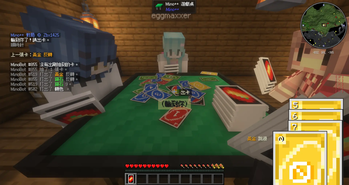
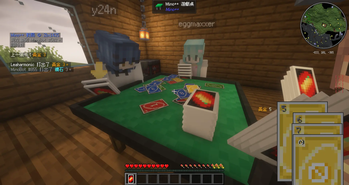
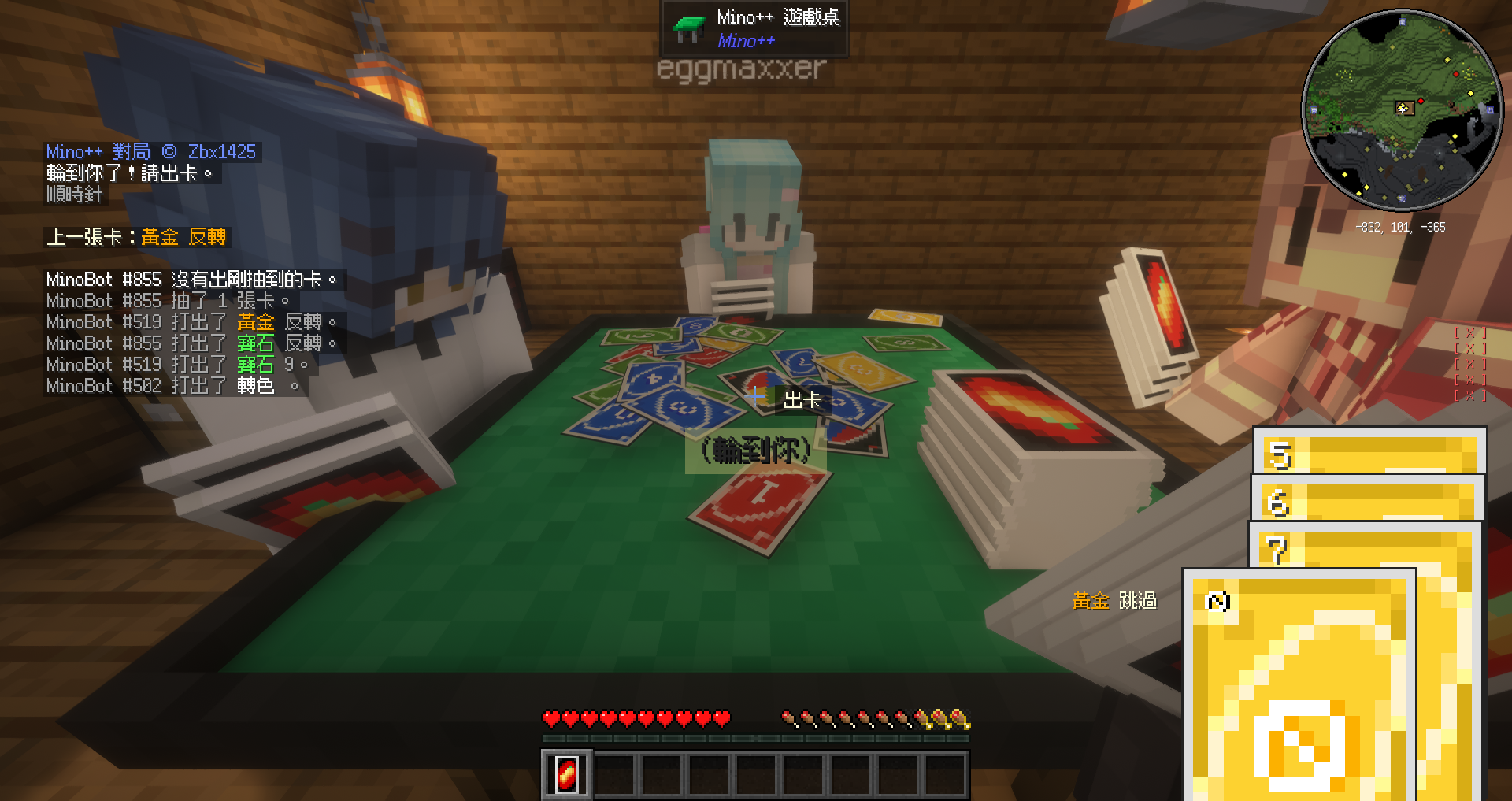
Play UNO in Minecraft. Sit down at an in-world table and play with friends or bot players.
Screenshots
About this Mod
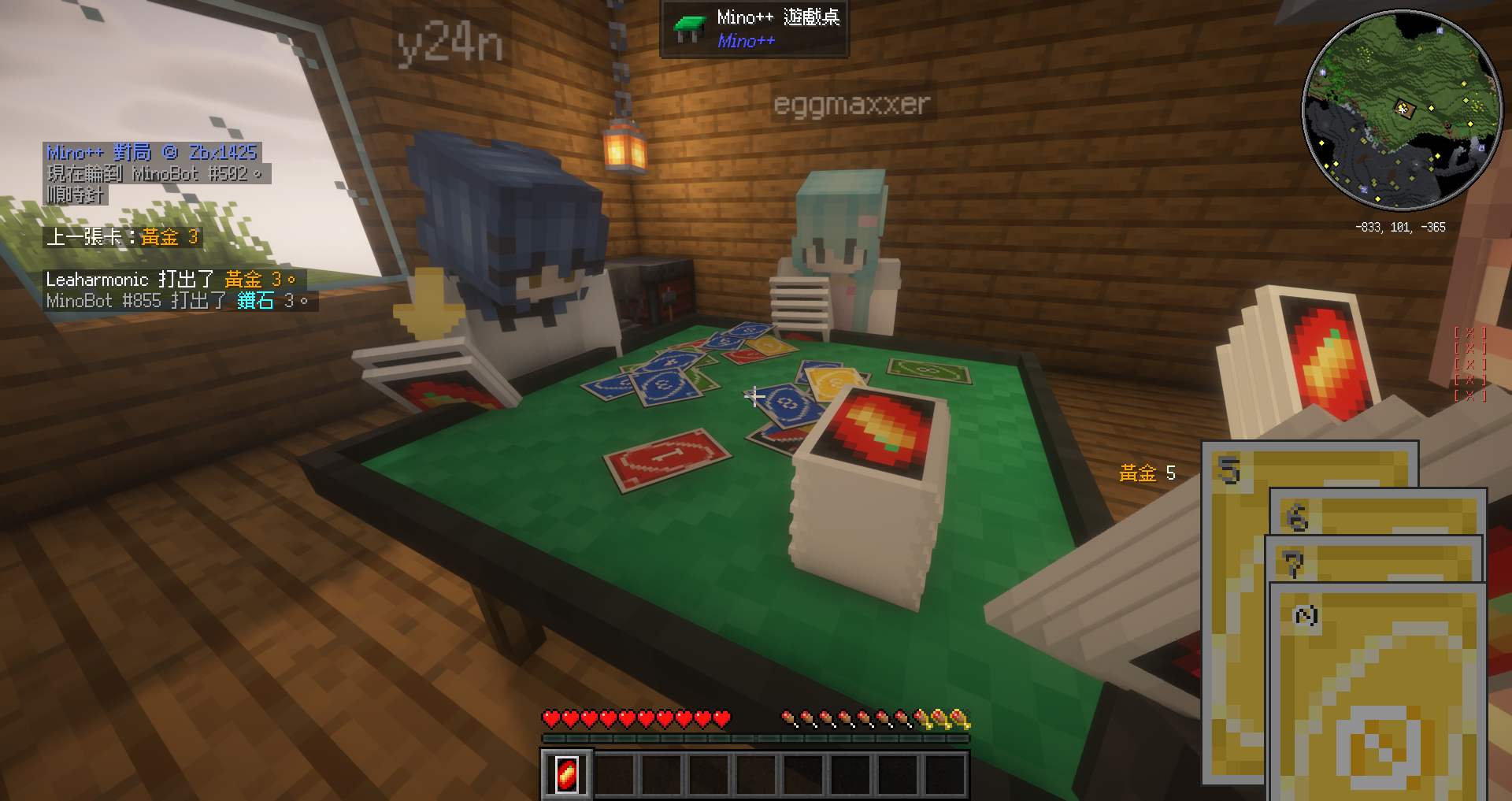
Play UNO in Minecraft. Sit down at an in-world table and play with friends or bot players.
A single-version Fabric 1.21.11 port of Mino++ by zbx1425, distributed under the original MIT license. A faithful, cleaned-up single-version fork — not a behavioral rewrite. See the source & porting notes.
Features
- Play UNO at an in-world table block — with other players or automated (bot) players
- A config screen for the bot players (powered by YACL)
- In-game hand HUD and card interactions
How to play
Controls
- Right-click a draw pile to draw a card or to pass; right-click elsewhere to play a card
- Hold
Ctrlwhile playing a card to call Mino — do it while you still have two cards in hand - Forgot to call Mino while playing? Type
Minoin chat to make up for it - To challenge someone for not calling Mino, just hit them
- If the table is destroyed while you still hold cards bound to it, right-click the sky to unbind them
Rules
- Starting hand: 7 cards; the game opens with a non-action card
- You may steal a turn by playing a card identical to the previous one, and may stack +2 and +4
- You may not play a wild +4 while you still have another playable card (it's an illegal play, so there's no challenge rule)
- You may play an action card as your final card
- Calling Mino while you have more than 1 card in hand incurs a 2-card penalty draw
- After drawing, you may still play another card from your hand
Requirements
Requires Fabric API and YACL (Yet Another Config Lib) — both are listed under Dependencies.
Runs on both client and server; for multiplayer, install it (and its dependencies) on the server as well as every client.
Credits & License
- Original mod: Mino++ by zbx1425 — MIT
- This fork: Fabric 1.21.11 port — MIT
- Source & porting notes on GitHub
Available Versions
How to Install Mino++ (Unofficial 1.21.11 Port) on Your Server
Order Server
Order a Minecraft Java server with at least 3 GB RAM (4 GB recommended).
Set fabric Loader
In the panel under "Egg", select the fabric loader and matching Minecraft version (1.21.11).
Install Mod
Open the mod browser in the dashboard and search for "Mino++ (Unofficial 1.21.11 Port)". Click "Install" – done! Alternatively, upload the .jar via SFTP to the /mods folder.
Compatibility
Mod Loaders
Minecraft Versions
1.21.11
Server-side
✓ RequiredRecommended RAM
4 GB(min. 3 GB)Frequently Asked Questions
Mino++ (Unofficial 1.21.11 Port) server crashes on startup – what to do?
Most common cause: wrong fabric version or insufficient RAM. Check the server log (latest.log) for "OutOfMemoryError" or "Mixin" errors. With Mado Hosting: ensure at least 3 GB RAM is allocated and the loader matches the mod version (1.21.11). You can switch loaders with one click in the panel.
Is Mino++ (Unofficial 1.21.11 Port) compatible with fabric?
Mino++ (Unofficial 1.21.11 Port) officially supports fabric for Minecraft 1.21.11. The Mado dashboard automatically detects incompatible loader combinations.
Server lagging with Mino++ (Unofficial 1.21.11 Port) – how to optimize performance?
Recommended RAM: 4 GB (per 8 players). Use /spark profiler to check if Mino++ (Unofficial 1.21.11 Port) consumes the most tick time. Common fixes: reduce server view-distance to 8-10, install "performant" or "starlight" as supplementary mods on Forge. With Mado Hosting, your server runs on NVMe SSDs with dedicated CPU cores for minimal latency.
Similar Mods




Rent Modded Server
Install Mino++ (Unofficial 1.21.11 Port) with just one click on your server.