
Miraculous Mod
A WIP Mod adding content from Miraculous Ladybug & Cat Noir, in Minecraft.
Screenshots

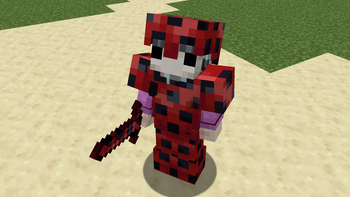
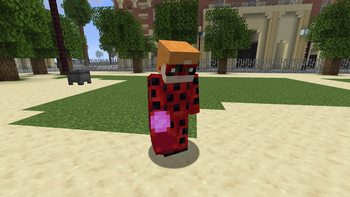
About this Mod

A WIP Mod adding content from Miraculous Ladybug & Cat Noir, in Minecraft.
About
The mod currently includes the basics of the Ladybug Miraculous - Lucky Charm, transformations, and power boosts! In future updates, I plan to add even more content, including Tikki, Miraculous Ladybug abilities, and other Miraculouses!
This mod is also currently in early development, and so bugs will be expected!
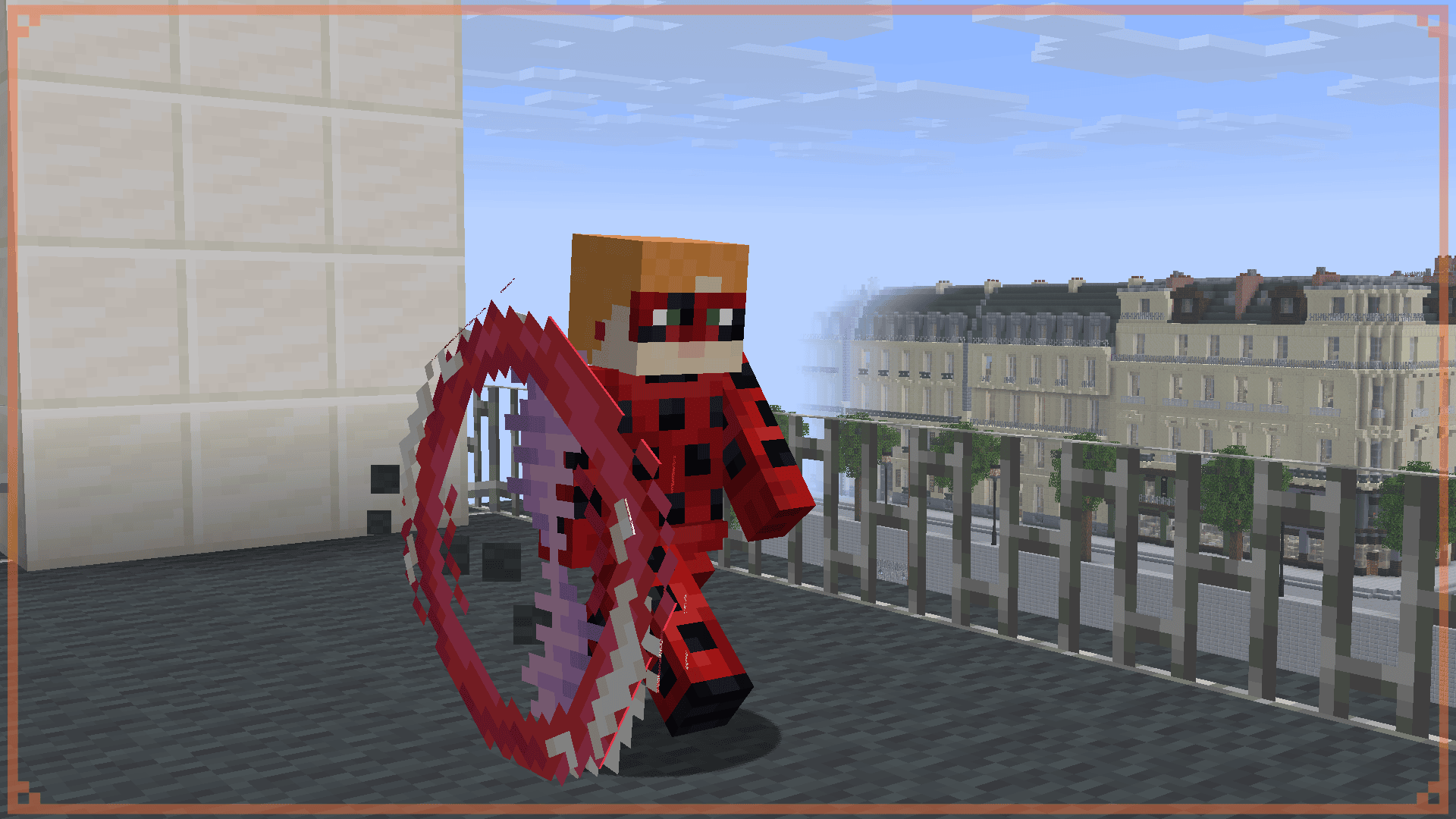
Features
By pressing 'J' or by saying in chat 'spots on' with the Ladybug Miraculous in your head slot, you can transform into Ladybug! Your chat gets masked and you get the Yo-Yo item! Shift clicking the Yo-Yo allows you to insert any item into your Yo-Yo's Probablility Storage. If the Yo-Yo is closed and you use the Yo-Yo it will allow you to turn it into a shield.
By pressing 'G' or saying in chat 'lucky charm' will spawn in a random lucky charm for you to use and try to figure out with, this can be configurable with tags with adding your own blocks to the list of summonable lucky charms!
Plan
- Survival Obtaining
- Tikki
- Miraculous Ladybug (maybe using ledger compatability?)
- Food Related Items
- More Lucky Charms
- Plagg & Cat Noir
Credits
- Maketendo - Devloper/Owner
- Westankrang - Artist/Modeler
© 2026 Maketendo & Westankrang
Available Versions
How to Install Miraculous Mod on Your Server
Order Server
Order a Minecraft Java server with at least 3 GB RAM (4 GB recommended).
Set fabric Loader
In the panel under "Egg", select the fabric loader and matching Minecraft version (26.1.2).
Install Mod
Open the mod browser in the dashboard and search for "Miraculous Mod". Click "Install" – done! Alternatively, upload the .jar via SFTP to the /mods folder.
Compatibility
Mod Loaders
Minecraft Versions
26.1.2
Server-side
✓ RequiredRecommended RAM
4 GB(min. 3 GB)Frequently Asked Questions
Miraculous Mod server crashes on startup – what to do?
Most common cause: wrong fabric version or insufficient RAM. Check the server log (latest.log) for "OutOfMemoryError" or "Mixin" errors. With Mado Hosting: ensure at least 3 GB RAM is allocated and the loader matches the mod version (26.1.2). You can switch loaders with one click in the panel.
Is Miraculous Mod compatible with fabric?
Miraculous Mod officially supports fabric for Minecraft 26.1.2. The Mado dashboard automatically detects incompatible loader combinations.
Server lagging with Miraculous Mod – how to optimize performance?
Recommended RAM: 4 GB (per 8 players). Use /spark profiler to check if Miraculous Mod consumes the most tick time. Common fixes: reduce server view-distance to 8-10, install "performant" or "starlight" as supplementary mods on Forge. With Mado Hosting, your server runs on NVMe SSDs with dedicated CPU cores for minimal latency.
Similar Mods




Rent Modded Server
Install Miraculous Mod with just one click on your server.