
Mob Journal
A Journal for all the mobs you've seen / discovered!
About this Mod

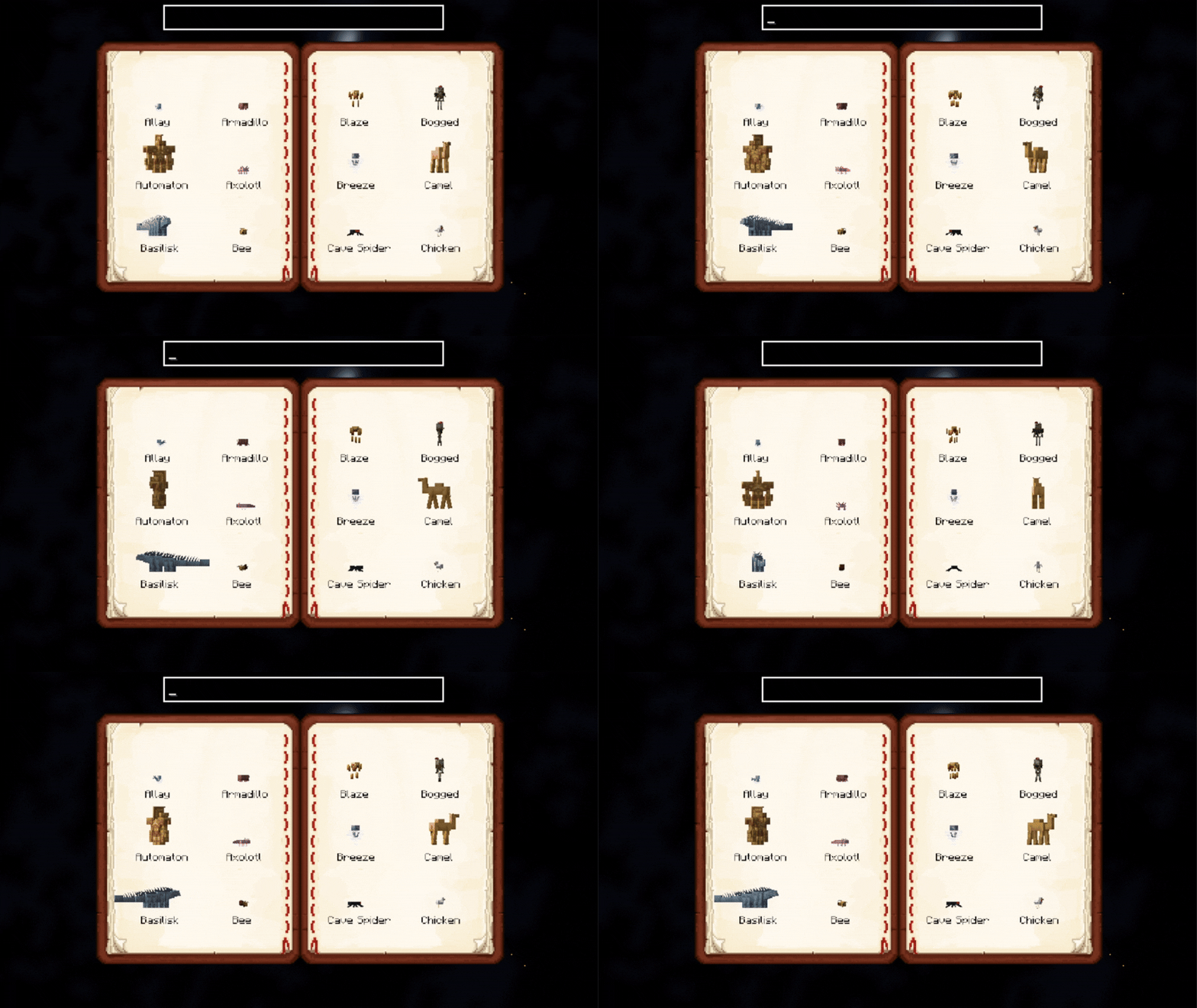
Mob Journal is a lightweight and immersive mod that automatically records every mob you've encountered in your world. Track your discoveries, see detailed descriptions, and browse mobs by name or mod.
🧠 Features
- 📝 Auto-Discovery – Mobs are added as you wander close to them.
- 📚 In-Game Journal UI – A beautifully rendered double-page book to browse mobs.
- 🔍 Search & Filters – Search by name or mod (e.g.
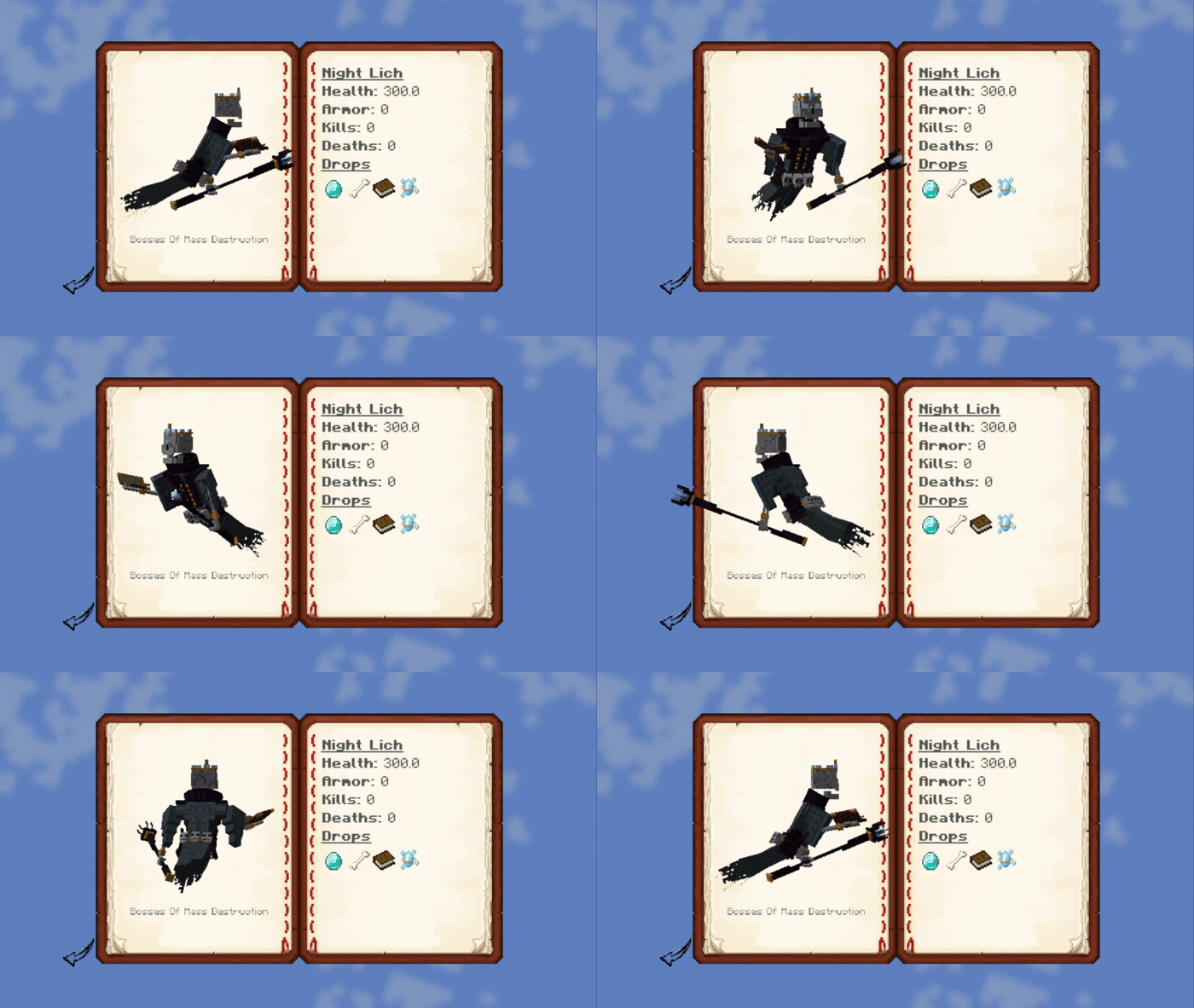
@mythology). - 🧟 Mob Details – Health, armor, drop preview, and kill/death stats.
- 🔔 Toasts – Get a custom notification when you discover a new mob.
- 🎨 Custom Descriptions – Add your own JSON-based mob descriptions (optional).
💡 Usage
- Open the journal with
J(configurable in controls) (Only works if you have the Mob Journal item in your inventory) - Scroll through pages using the arrow buttons.
- Click on a mob to view its details.
- Use the search bar to find mobs quickly.
- Search by mod using
@modid, e.g.@minecraftor@mobs_of_mythology.
- Search by mod using
- Alt + Left click on a mob inside the grid list or detail will open up its render config!
🛠️ Custom Descriptions
Descriptions can be provided per mob or by default per mod. More on this in the README.
You can add custom mob descriptions using JSON files in:
assets/journal/mobs_desc/<mob_namespace>/<mob_name>.json
Supports simple Markdown with in-game formatting, icons, and loot placeholders.
✅ Requirements
- Porting to Forge is not planned
Available Versions
How to Install Mob Journal on Your Server
Order Server
Order a Minecraft Java server with at least 3 GB RAM (4 GB recommended).
Set fabric Loader
In the panel under "Egg", select the fabric loader and matching Minecraft version (1.21.1).
Install Mod
Open the mod browser in the dashboard and search for "Mob Journal". Click "Install" – done! Alternatively, upload the .jar via SFTP to the /mods folder.
Compatibility
Mod Loaders
Minecraft Versions
1.21.1, 1.20.1
Server-side
✓ RequiredRecommended RAM
4 GB(min. 3 GB)Frequently Asked Questions
Mob Journal server crashes on startup – what to do?
Most common cause: wrong fabric version or insufficient RAM. Check the server log (latest.log) for "OutOfMemoryError" or "Mixin" errors. With Mado Hosting: ensure at least 3 GB RAM is allocated and the loader matches the mod version (1.21.1). You can switch loaders with one click in the panel.
Is Mob Journal compatible with fabric?
Mob Journal officially supports fabric for Minecraft 1.21.1, 1.20.1. The Mado dashboard automatically detects incompatible loader combinations.
Server lagging with Mob Journal – how to optimize performance?
Recommended RAM: 4 GB (per 8 players). Use /spark profiler to check if Mob Journal consumes the most tick time. Common fixes: reduce server view-distance to 8-10, install "performant" or "starlight" as supplementary mods on Forge. With Mado Hosting, your server runs on NVMe SSDs with dedicated CPU cores for minimal latency.
Similar Mods




Rent Modded Server
Install Mob Journal with just one click on your server.