
ModelViewer
A tool for viewing item models and resource packs, and for opening models in Blockbench directly from within the game.
Screenshots
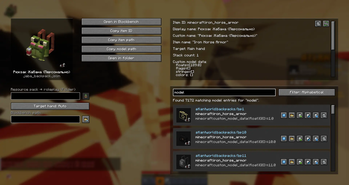
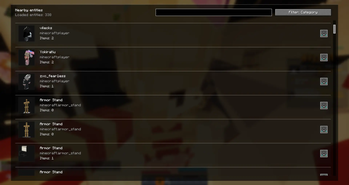

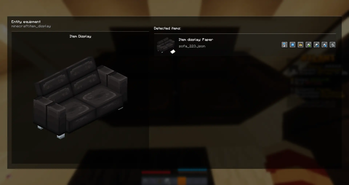
About this Mod
Discord for communication and bug reports: @swakoza
ModelViewer is a client-side Fabric mod for Minecraft Java Edition that helps you understand which item model is actually being used in the game.
The mod shows the model path, the active resource pack, the final model JSON, the parent chain, bound textures, missing resources, and the full path Minecraft followed to reach the selected model.
It is especially useful for people working with resource packs, custom items, custom_model_data, and Blockbench models.
What is this mod for?
Usually, when an item model does not display correctly or does not display at all, you have to manually search for the correct file in the resource pack, check overrides, paths, textures, parents, and other JSON files.
ModelViewer does this directly in-game.
You select an item, and the mod shows where its model came from, which resource pack won, which files were found, which ones are missing, and what exactly Minecraft is trying to render.
What can ModelViewer do?
- Inspect the item in the main hand.
- Inspect the item in the offhand.
- Inspect the item under the cursor in the inventory.
- Inspect nearby items: item entities, item frames, and item displays.
- Show the active
minecraft:item_model. - Find the item definition from the active resource packs.
- Show the resource pack that actually won.
- Show overridden variants from other resource packs.
- Recursively analyze the item model tree.
- Show the final model JSON, if it exists.
- Show the model parent chain.
- Show texture bindings.
- Find missing item definitions, models, and textures.
- Update after resource reloads, for example after pressing
F3 + T.

Support for modern item models
ModelViewer can analyze modern item model structures, including:
modelconditionselectrange_dispatchcompositeemptybundle_selected_itemspecial
It also supports the modern minecraft:custom_model_data format:
floatsflagsstringscolors
This is useful when a resource pack uses complex conditions, different model variants, or custom item data.
Opening models in Blockbench
ModelViewer can open the found model directly in Blockbench.
If the model is located in a regular resource pack folder, the mod opens the original JSON file.
If the model is located inside a zipped resource pack, the mod creates a local working folder and copies the required model files, parent models, and linked textures there, so Blockbench can open the model correctly.
This removes the need to manually search for files inside resource packs.
Inspector screen
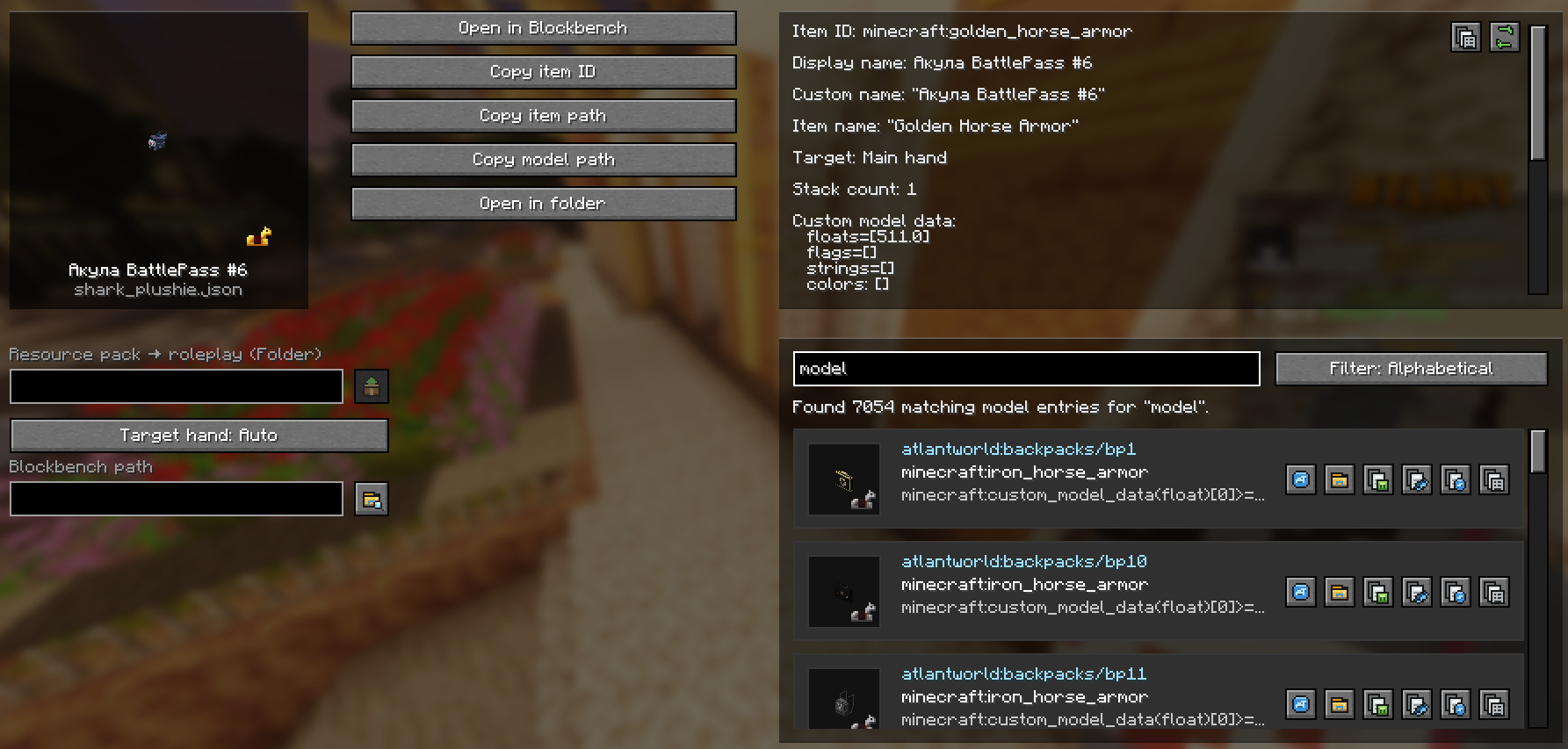
In the detailed inspector window, you can see:
- an item preview;
- the active
item_model; - the path to the item definition;
- the winning resource pack;
- the model trace tree;
- the final model path;
- the parent chain;
- bound textures;
- warnings and missing resources.
Available actions:
- switch the inspection target;
- copy the item ID;
- copy the item path;
- copy the model path;
- copy metadata;
- refresh data;
- find models;
- open the model in Blockbench;
- open the folder containing the file;
- extract the resource pack;
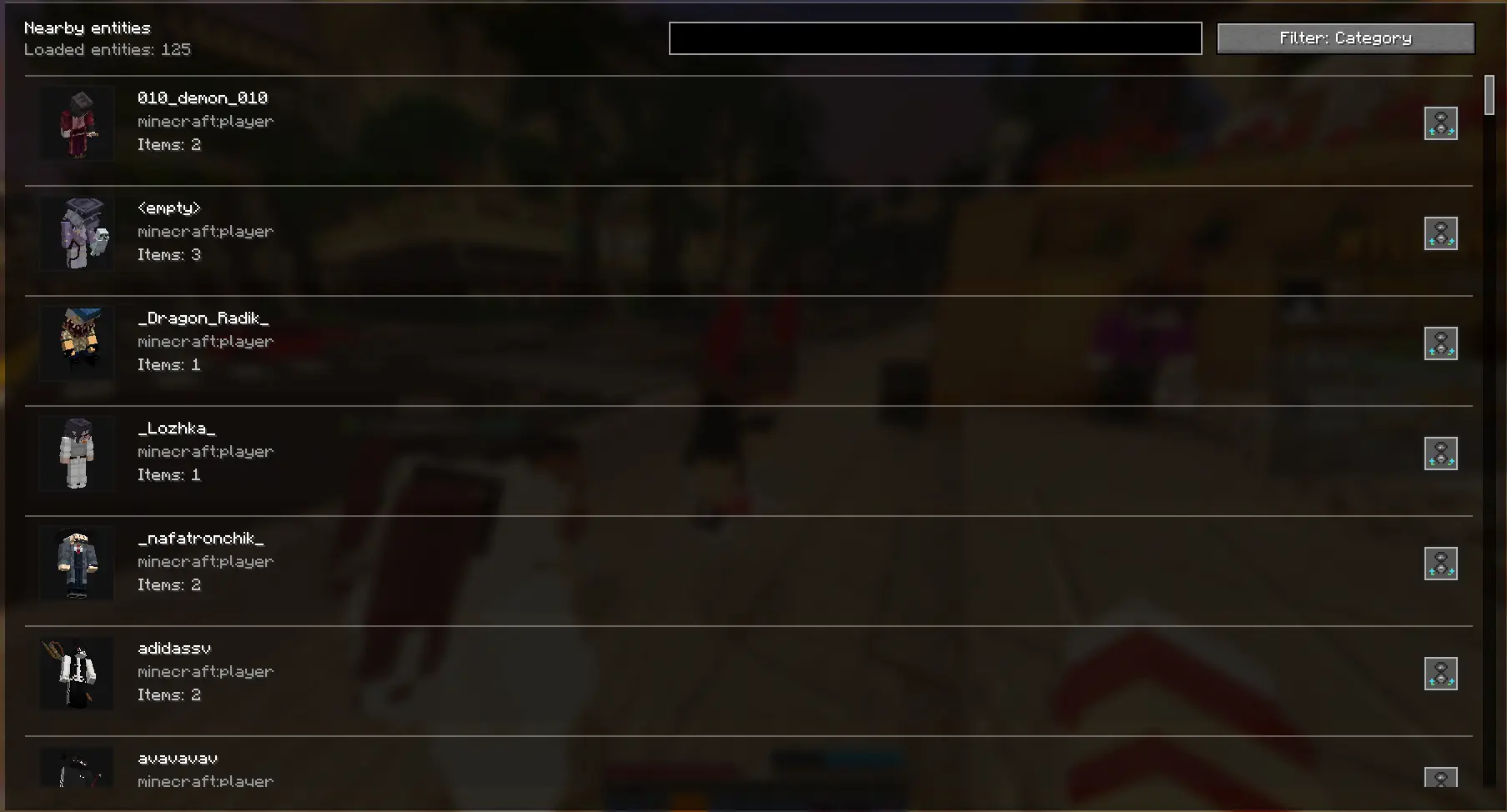
- inspect nearby entities;
- copy the visible player’s PNG skin.
Inspecting nearby entities
The mod can show nearby entities and items that can be inspected.
The menu includes search and sorting:
- alphabetically;
- by distance;
- by category.
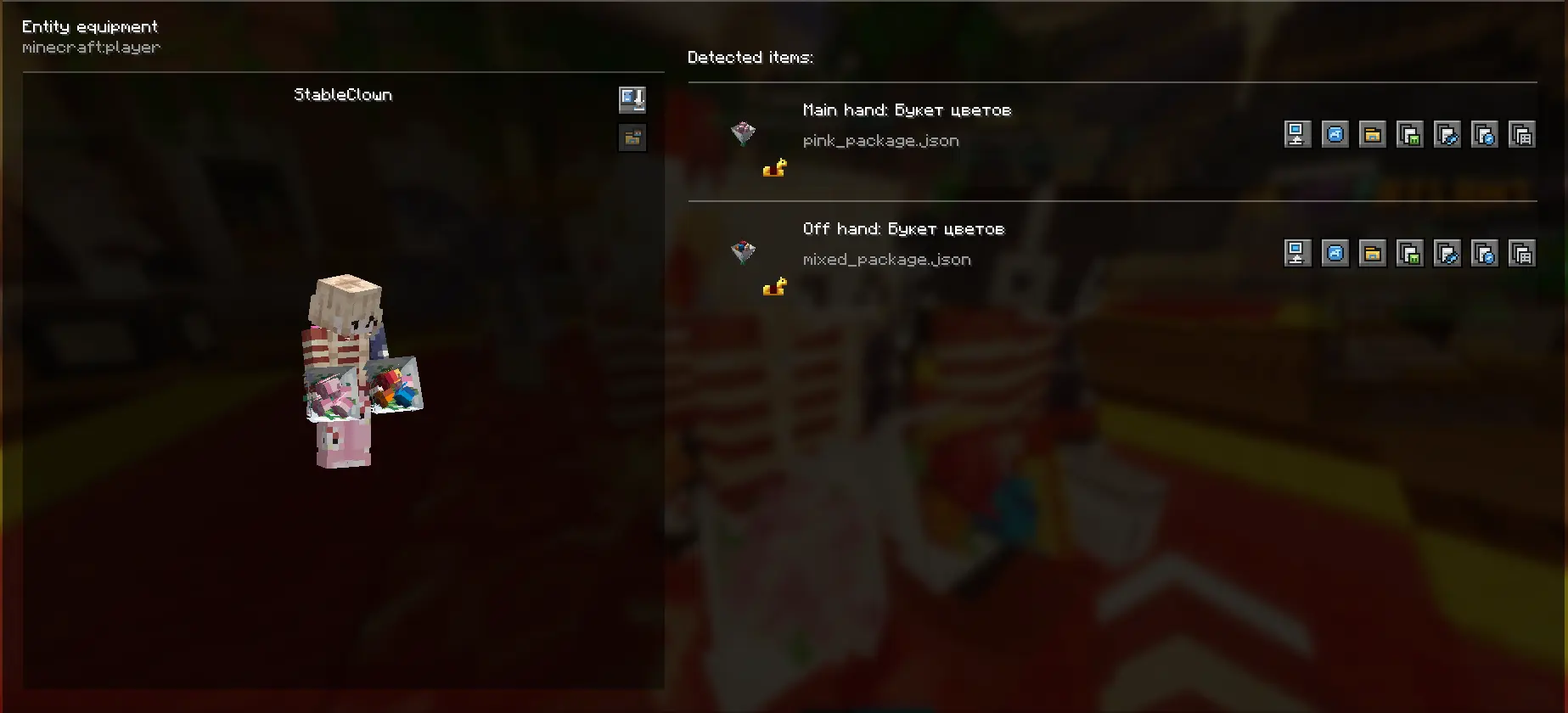
You can also open the equipment screen of the selected entity or player and inspect the items they are holding or wearing in armor slots.
Hotkeys
| Key | Action |
|---|---|
F6 |
Switch inspection target: auto / main hand / offhand |
F7 |
Open the detailed inspector screen |
F8 |
Toggle the HUD overlay on or off |
F9 |
Toggle auto-inspect on or off |
F10 |
Copy a short result to the clipboard |
Who is this mod for?
ModelViewer is useful for:
- resource pack creators;
- model authors;
- Blockbench users;
- modpack developers;
- server administrators using custom items;
- anyone fixing broken models;
- anyone working with
custom_model_data.
If you need to understand why an item is showing the wrong model, which resource pack is overriding it, or where the required JSON file is located, this mod can greatly speed up your work.
Available Versions
How to Install ModelViewer on Your Server
Order Server
Order a Minecraft Java server with at least 3 GB RAM (4 GB recommended).
Set fabric Loader
In the panel under "Egg", select the fabric loader and matching Minecraft version (26.1.2).
Install Mod
Open the mod browser in the dashboard and search for "ModelViewer". Click "Install" – done! Alternatively, upload the .jar via SFTP to the /mods folder.
Compatibility
Mod Loaders
Minecraft Versions
26.1.2, 26.1.1, 26.1 (+5 more)
Server-side
✗ UnsupportedRecommended RAM
4 GB(min. 3 GB)Frequently Asked Questions
ModelViewer server crashes on startup – what to do?
Most common cause: wrong fabric version or insufficient RAM. Check the server log (latest.log) for "OutOfMemoryError" or "Mixin" errors. With Mado Hosting: ensure at least 3 GB RAM is allocated and the loader matches the mod version (26.1.2). You can switch loaders with one click in the panel.
Is ModelViewer compatible with fabric?
ModelViewer officially supports fabric for Minecraft 26.1.2, 26.1.1, 26.1. The Mado dashboard automatically detects incompatible loader combinations.
Server lagging with ModelViewer – how to optimize performance?
Recommended RAM: 4 GB (per 8 players). Use /spark profiler to check if ModelViewer consumes the most tick time. Common fixes: reduce server view-distance to 8-10, install "performant" or "starlight" as supplementary mods on Forge. With Mado Hosting, your server runs on NVMe SSDs with dedicated CPU cores for minimal latency.
Similar Mods






Rent Modded Server
Install ModelViewer with just one click on your server.