Modopedia
In-game guidebooks and documentation driven by data and resource packs.
Screenshots
About this Mod



Description
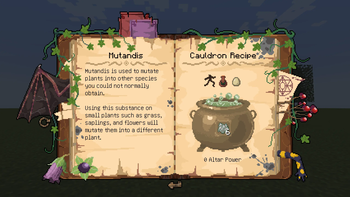
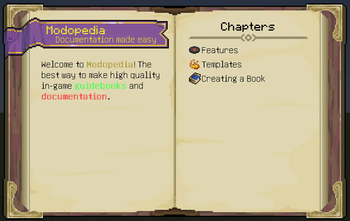
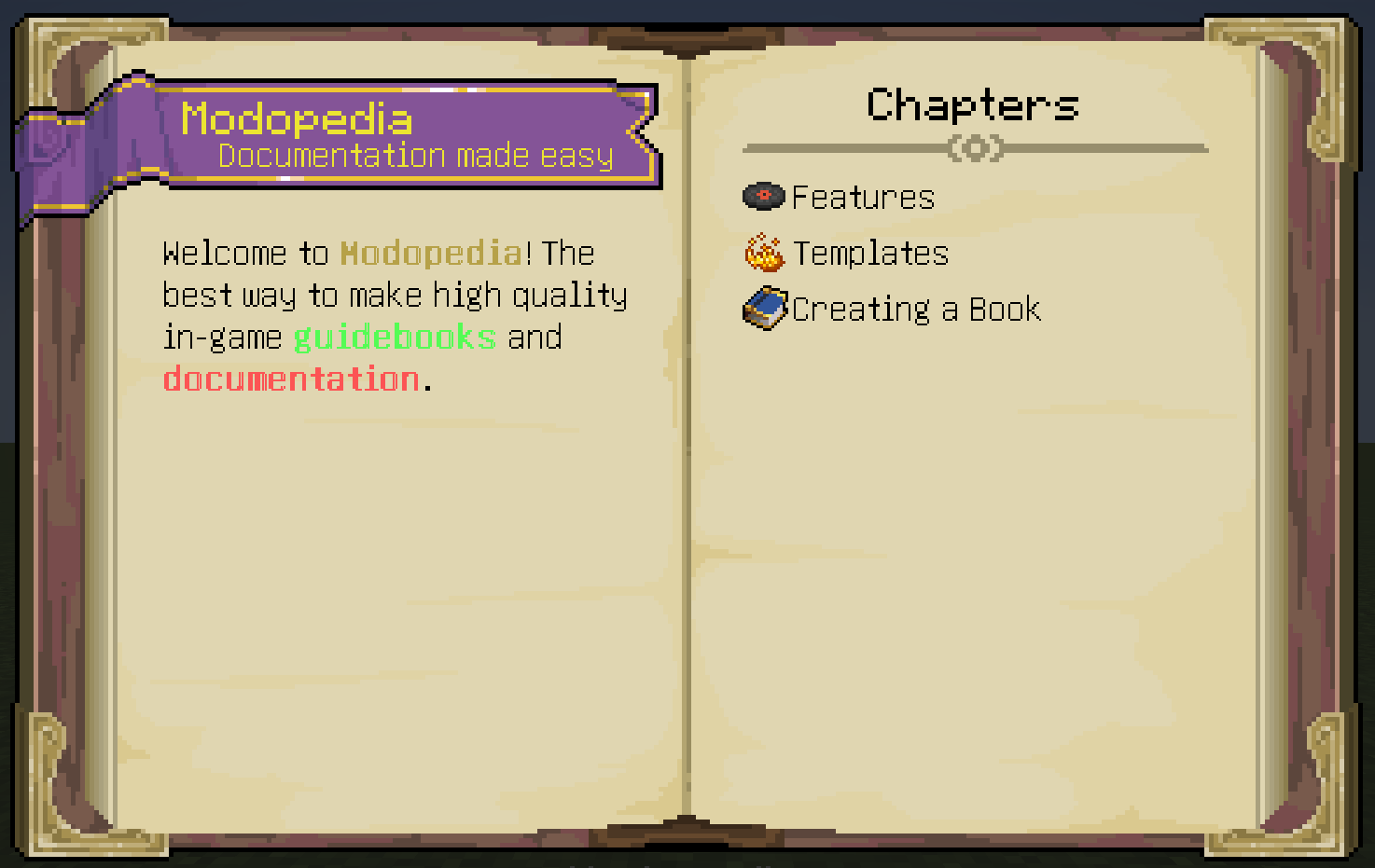
Modopedia is a resource-driven guidebook and in-game documentation mod for Minecraft available on Neoforge and Fabric featuring an extensive API and a wide range of out-of-the-box content. The keen eyed among you may be thinking "Well, isn't this just Patchouli?". No! Modopedia sports numerous API improvements for mod developers and gives much more freedom in creating customised content, such as:
Customisable textures, including the dimensions and number of pages. You control almost everything about how the book renders.
Ability to quickly find the page for a specific item using the "Study" key with no extra setup.
JSON format supporting circular dependencies and multiple categories per entry.
Clear error handling on a per-component level. No more nuking the entire entry!
Multiple templates on a single page.
And much, much more!
Support Development
Modopedia has taken many hours of my time and was made possible by the wonderful modding community and players of my other mod, Enchanted: Witchcraft. I greatly appreciate any support and feedback. If you would like to help buy new assets for Modopedia and my other projects, show some appreciation or fund my crippling potion addiction, then consider supporting me on Ko-Fi.
Documentation
Modopedia's Entry JSONs are slightly less abstracted than most other book mods. Rather than working with pages, you place components either directly or by using templates. While this does take a little effort to set up initially, it provides far more extensive customisability than alternatives like Patchouli.
The GitHub Wiki can be used to view how to create books and integrate with your own mods, if something isn't covered or you need help you can also join the Discord and ask in there.
FAQs
- Can I add this to my modpack? - Of course! Just please don't redistribute the mod elsewhere without asking me first and don't claim credit for creating it.
- Can you add X thing? - Feel free to leave suggestions on the discord. I read and consider all feedback.
Available Versions
How to Install Modopedia on Your Server
Order Server
Order a Minecraft Java server with at least 3 GB RAM (4 GB recommended).
Set fabric Loader
In the panel under "Egg", select the fabric loader and matching Minecraft version (1.21.1).
Install Mod
Open the mod browser in the dashboard and search for "Modopedia". Click "Install" – done! Alternatively, upload the .jar via SFTP to the /mods folder.
Compatibility
Mod Loaders
Minecraft Versions
1.21.1
Server-side
✓ RequiredRecommended RAM
4 GB(min. 3 GB)Frequently Asked Questions
Modopedia server crashes on startup – what to do?
Most common cause: wrong fabric version or insufficient RAM. Check the server log (latest.log) for "OutOfMemoryError" or "Mixin" errors. With Mado Hosting: ensure at least 3 GB RAM is allocated and the loader matches the mod version (1.21.1). You can switch loaders with one click in the panel.
Is Modopedia compatible with fabric and neoforge?
Modopedia officially supports fabric, neoforge for Minecraft 1.21.1. The Mado dashboard automatically detects incompatible loader combinations.
Server lagging with Modopedia – how to optimize performance?
Recommended RAM: 4 GB (per 8 players). Use /spark profiler to check if Modopedia consumes the most tick time. Common fixes: reduce server view-distance to 8-10, install "performant" or "starlight" as supplementary mods on Forge. With Mado Hosting, your server runs on NVMe SSDs with dedicated CPU cores for minimal latency.
Similar Mods



Rent Modded Server
Install Modopedia with just one click on your server.