
MoreMetals MITE
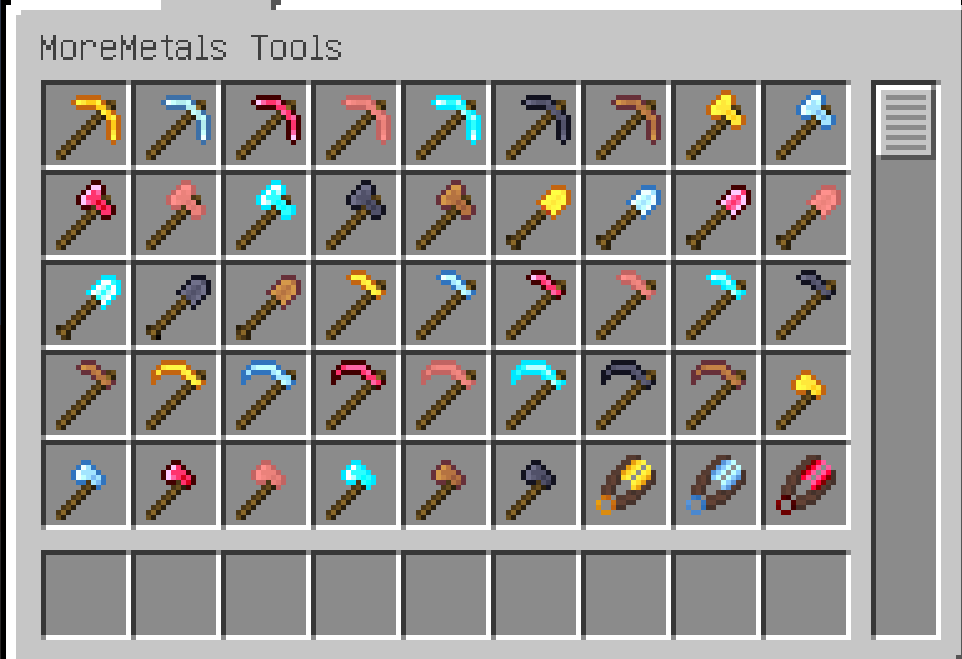
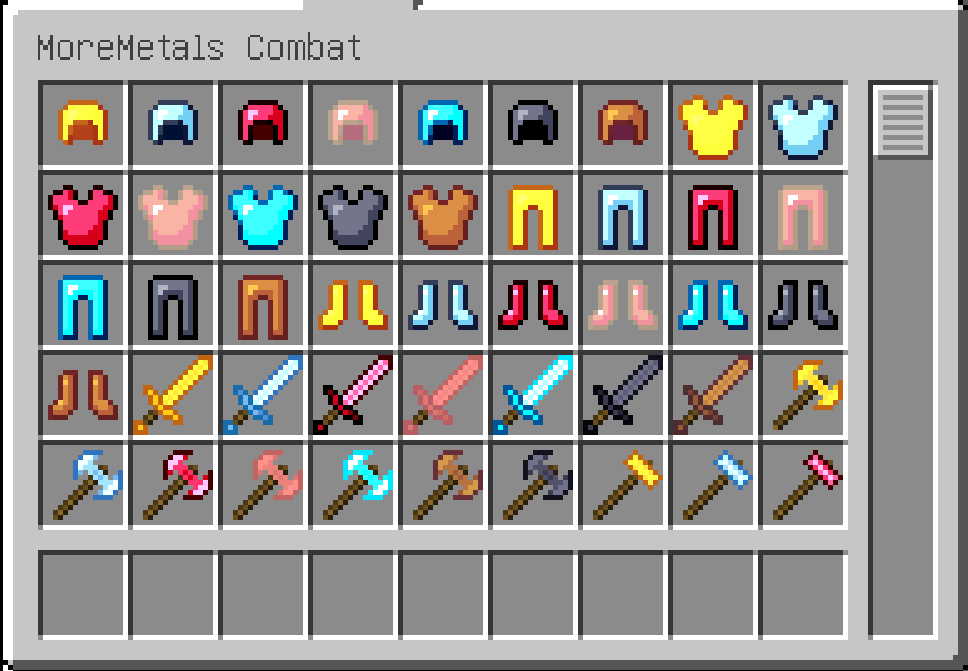
More metal and its equipment tools are added to give players more choices.
Screenshots
About this Mod
What is added to this mod?
- Seven sets of equipment and tools have been added to give players more equipment options.
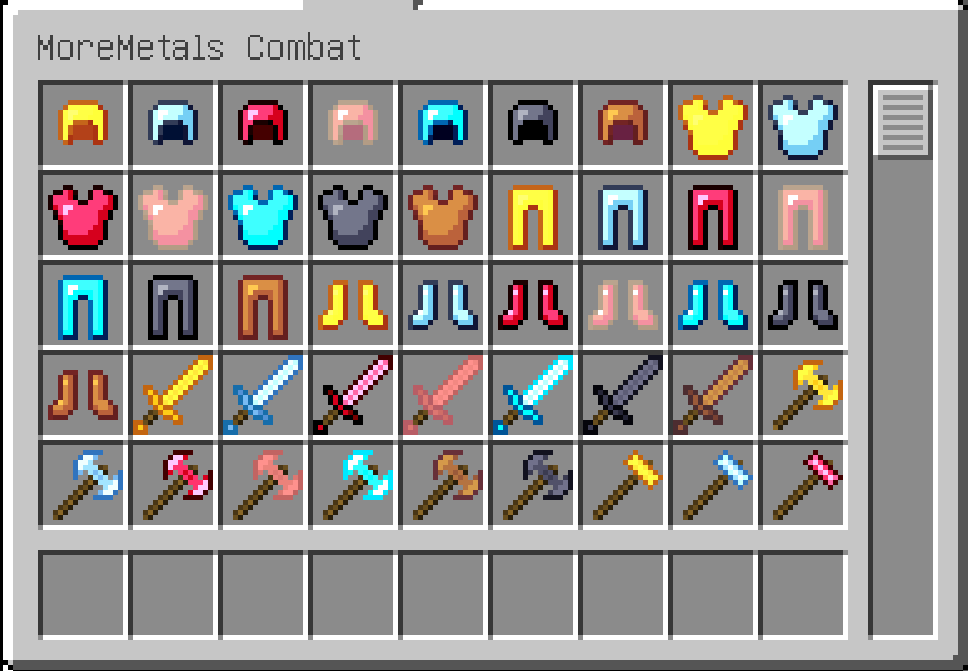
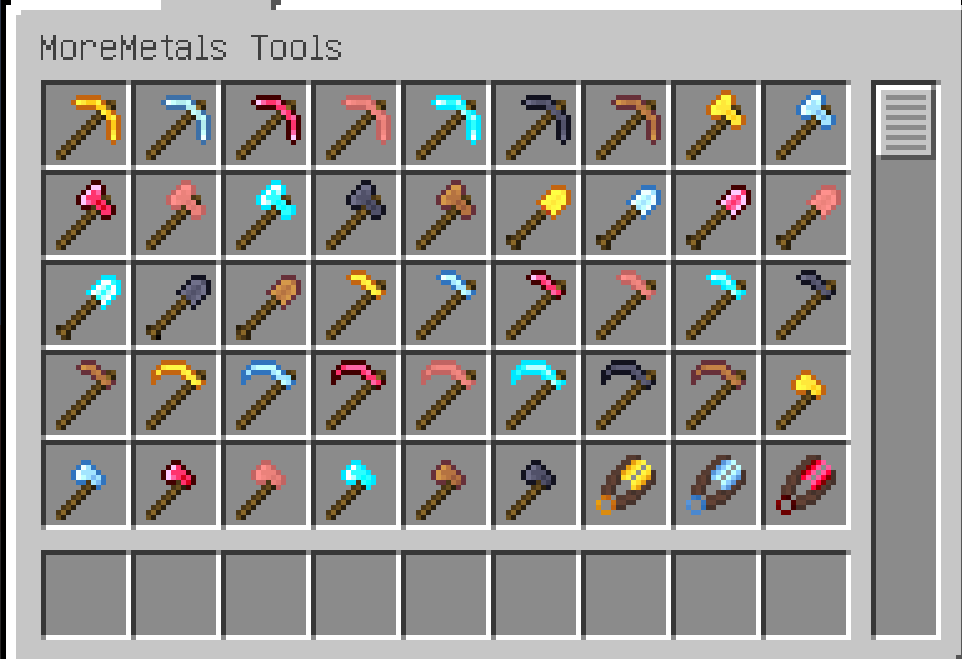
What are the functions of these equipment?
- equipment represented by titanium alloy sets, equipment with high armor value and anti-Schreim corrosion characteristics but low upper limit of enchantment.
- For the equipment represented by Midas gold, the armor value is low but the upper limit of the demon is high. Wearing a complete set will also give players some buff.
How to obtain these ore?
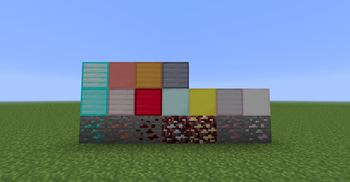
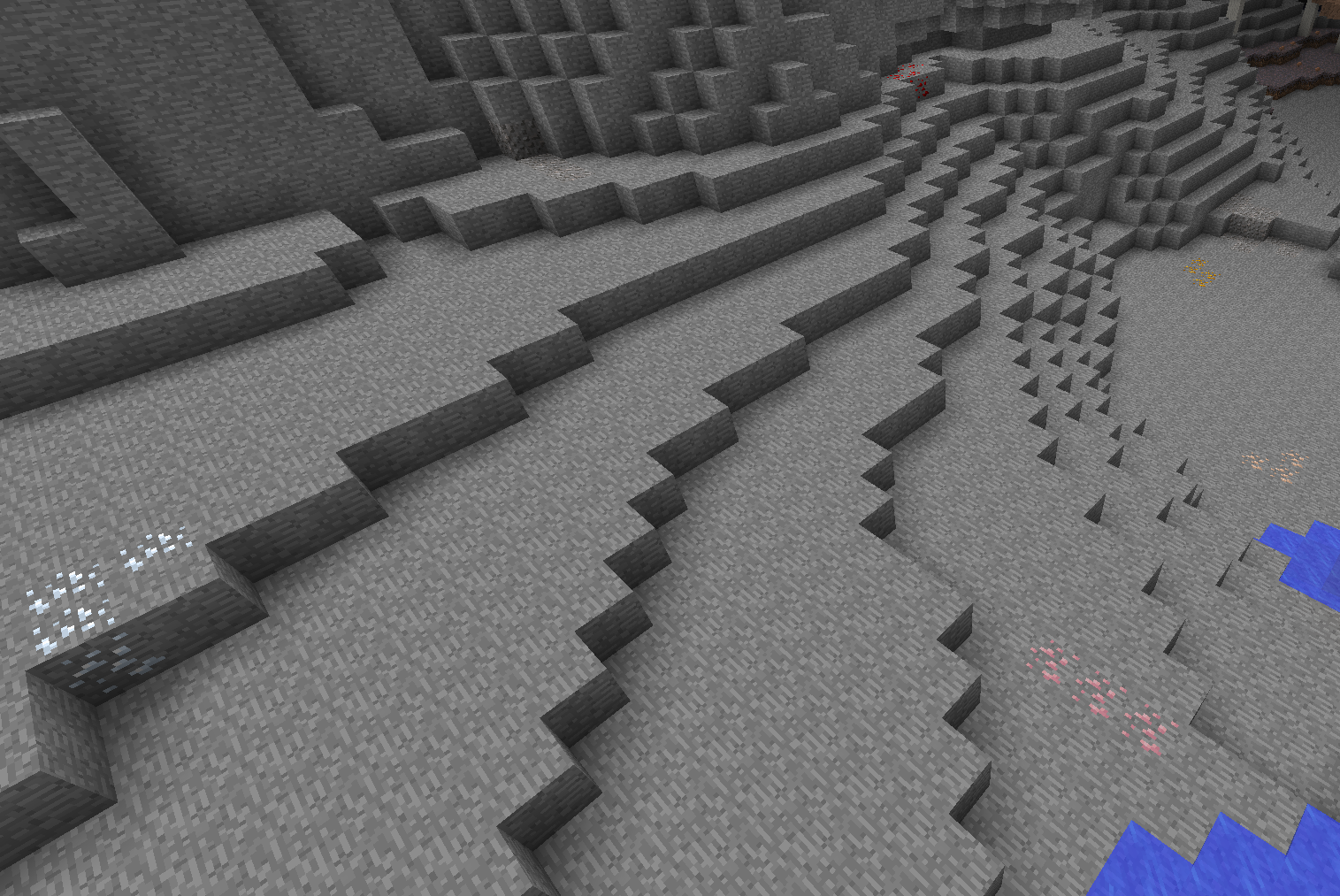
- The Overworld will generate tin ore.
- The Underworld will generate manganese ore, aluminum ore, titanium ore, and Admantium alloy ore.
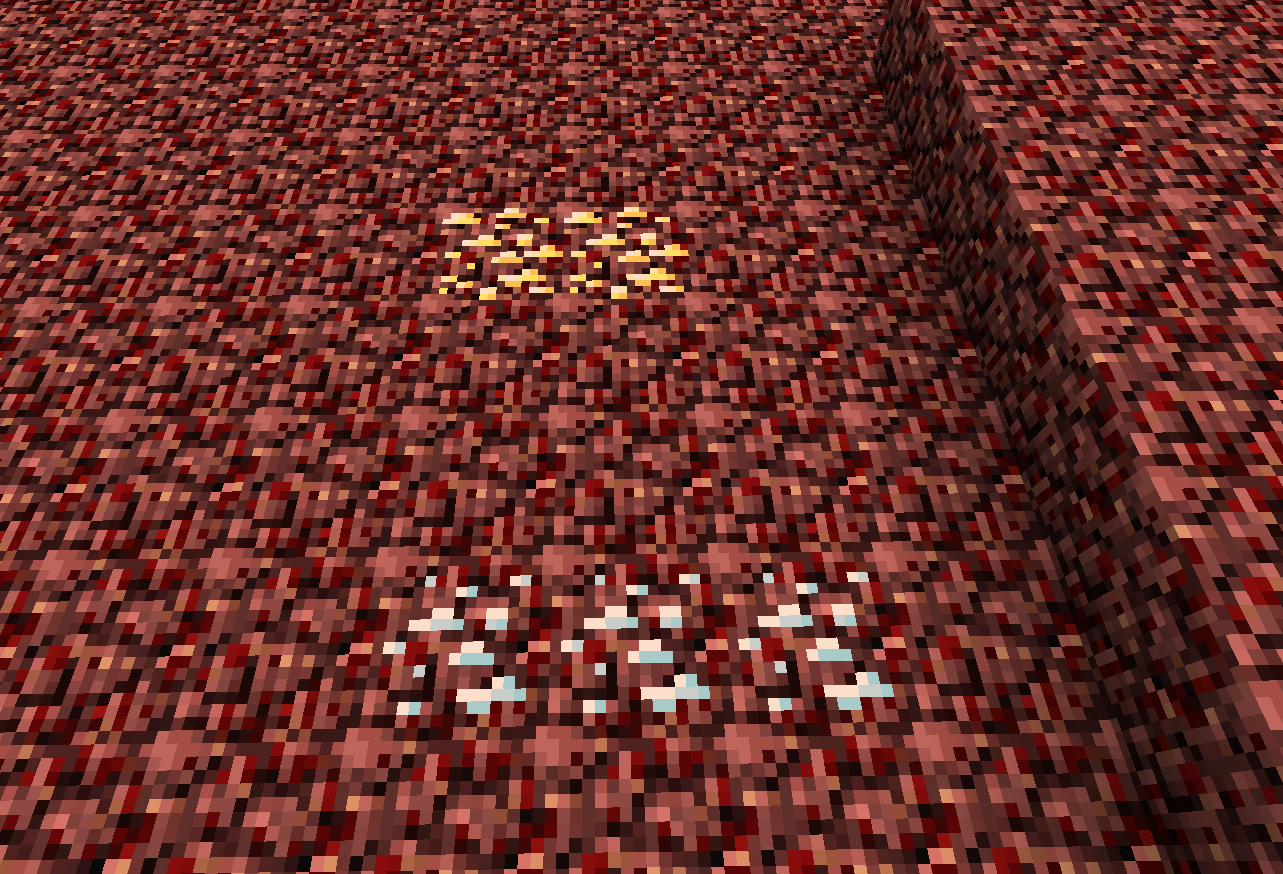
- The nether will generate platinum ore, Midas gold mine.
- Bronze is synthesized by copper ingot and tin ingot.
- Iron and manganese are synthesized for steel.
- Titanium alloy is synthesized from titanium and aluminum.
- Rose gold is synthesized from copper and gold.
- Adamantium alloy equipment is synthesized from Adamantium and Adamantium alloys and corresponding ancient metal equipment.
Extra
- There are Adamantium alloy equipment to replace the original Adamantium equipment.
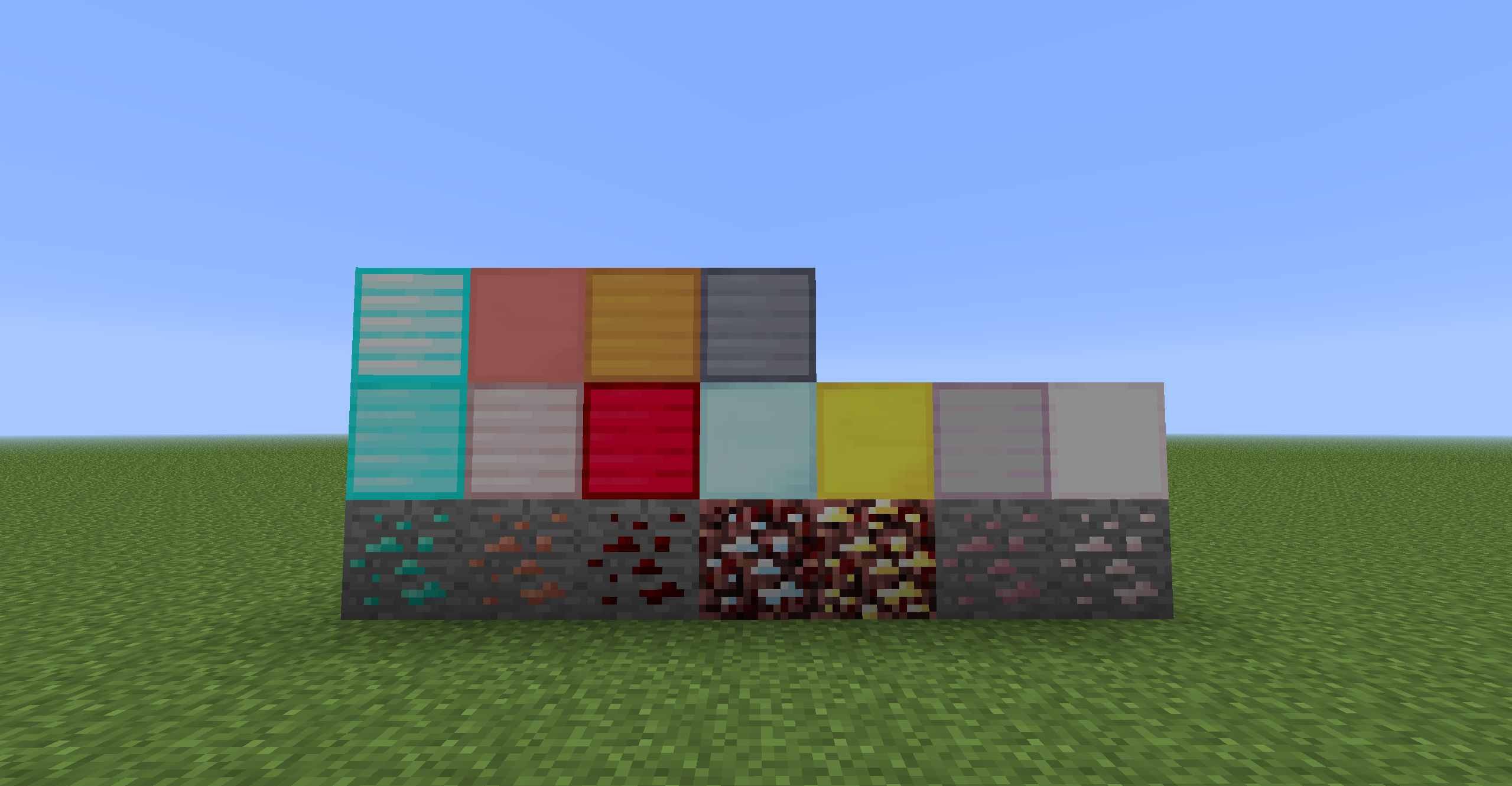
- The screenshot of block's resource.
Available Versions
How to Install MoreMetals MITE on Your Server
Order Server
Order a Minecraft Java server with at least 3 GB RAM (4 GB recommended).
Set legacy-fabric Loader
In the panel under "Egg", select the legacy-fabric loader and matching Minecraft version (1.6.4).
Install Mod
Open the mod browser in the dashboard and search for "MoreMetals MITE". Click "Install" – done! Alternatively, upload the .jar via SFTP to the /mods folder.
Compatibility
Mod Loaders
Minecraft Versions
1.6.4
Server-side
✓ RequiredRecommended RAM
4 GB(min. 3 GB)Frequently Asked Questions
MoreMetals MITE server crashes on startup – what to do?
Most common cause: wrong legacy-fabric version or insufficient RAM. Check the server log (latest.log) for "OutOfMemoryError" or "Mixin" errors. With Mado Hosting: ensure at least 3 GB RAM is allocated and the loader matches the mod version (1.6.4). You can switch loaders with one click in the panel.
Is MoreMetals MITE compatible with legacy-fabric?
MoreMetals MITE officially supports legacy-fabric for Minecraft 1.6.4. The Mado dashboard automatically detects incompatible loader combinations.
Server lagging with MoreMetals MITE – how to optimize performance?
Recommended RAM: 4 GB (per 8 players). Use /spark profiler to check if MoreMetals MITE consumes the most tick time. Common fixes: reduce server view-distance to 8-10, install "performant" or "starlight" as supplementary mods on Forge. With Mado Hosting, your server runs on NVMe SSDs with dedicated CPU cores for minimal latency.
Similar Mods




Rent Modded Server
Install MoreMetals MITE with just one click on your server.