
Mouse Danmu
A Minecraft Fabric MOD for displaying Bilibili live chat danmu.
Screenshots
About this Mod
Features
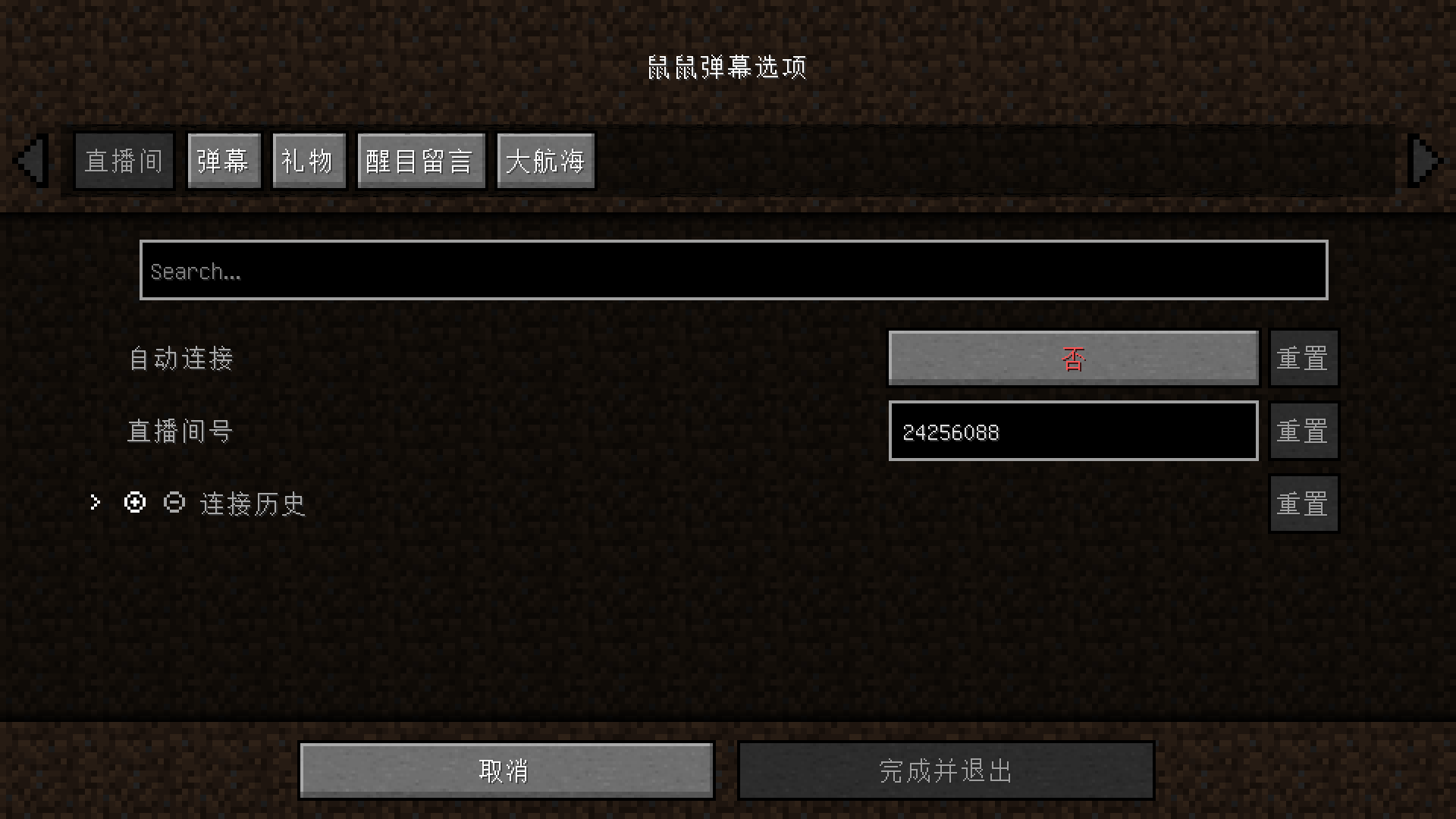
- Customizable danmu colors
- Customizable display information
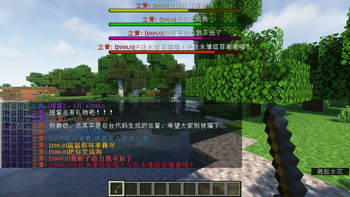
- BoosBar display for highlighted messages
- Close to the official style
Usage Instructions
After installation, a /mousedanmu command will be added to the game, which can be used to control live room operations.
If /mousedanmu is too long for you, you can use the /dm alias command, which redirects to /mousedanmu.
The following operations will use the /dm alias command.
Press the T key in the game to open the chat box and enter the following commands to execute them.
Command List
/dm connect <roomId>Connect to a live room,<roomId>is the room number.Example:
/dm connect 24256088will connect to my live room./dm closeDisconnect from the live room./dm statusCheck the live room connection status./dm test [<delay>]Display some test danmu.[<delay>]is an optional parameter in milliseconds, default is 500ms, used to control the interval between test danmu.Example:
/dm test 1000sends one test danmu per second./dm <message>Send a danmu (requires Cookie),<message>is the content to be sent.Example:
/dm Haha this is funwill sendHaha this is funto the current live room.
More
Some live room IDs are redirected. For example, for the live room https://live.bilibili.com/1, you need to open it in the browser, press F12 to open the developer tools, and execute the following code in the console to get the real room ID:
window.__NEPTUNE_IS_MY_WAIFU__.roomInitRes.data.room_id
The English language file is unavailable. Contributions to the language file are welcome, as well as participation in development.
If you encounter any issues, you can submit issues or provide feedback in the QQ group.
Danmu with emojis can be clicked to open a webpage, and usernames can also be clicked to view profiles.
The project depends on the library bili-live-danmu.
Disclaimer
This mod is used to obtain danmu from Bilibili live broadcasts and display them in the Minecraft game chat box. It provides the functionality to use user Cookies to obtain danmu information and send danmu.
Please note:
- Using user Cookies to obtain or send danmu may carry the risk of your Bilibili account being banned, although there are no clear cases currently.
- If you live stream Minecraft while using this mod, although the danmu displayed in the game chat box comes from Bilibili, non-compliant danmu may cause your live room to be banned.
Using this mod means you understand and accept these risks. The developer is not responsible for any account or live room bans resulting from the use of this mod.
Available Versions
How to Install Mouse Danmu on Your Server
Order Server
Order a Minecraft Java server with at least 3 GB RAM (4 GB recommended).
Set fabric Loader
In the panel under "Egg", select the fabric loader and matching Minecraft version (1.20.4).
Install Mod
Open the mod browser in the dashboard and search for "Mouse Danmu". Click "Install" – done! Alternatively, upload the .jar via SFTP to the /mods folder.
Compatibility
Mod Loaders
Minecraft Versions
1.20.4, 1.20.3, 1.20.2 (+7 more)
Server-side
✗ UnsupportedRecommended RAM
4 GB(min. 3 GB)Frequently Asked Questions
Mouse Danmu server crashes on startup – what to do?
Most common cause: wrong fabric version or insufficient RAM. Check the server log (latest.log) for "OutOfMemoryError" or "Mixin" errors. With Mado Hosting: ensure at least 3 GB RAM is allocated and the loader matches the mod version (1.20.4). You can switch loaders with one click in the panel.
Is Mouse Danmu compatible with fabric?
Mouse Danmu officially supports fabric for Minecraft 1.20.4, 1.20.3, 1.20.2. The Mado dashboard automatically detects incompatible loader combinations.
Server lagging with Mouse Danmu – how to optimize performance?
Recommended RAM: 4 GB (per 8 players). Use /spark profiler to check if Mouse Danmu consumes the most tick time. Common fixes: reduce server view-distance to 8-10, install "performant" or "starlight" as supplementary mods on Forge. With Mado Hosting, your server runs on NVMe SSDs with dedicated CPU cores for minimal latency.
Rent Modded Server
Install Mouse Danmu with just one click on your server.