![[MTR] Mezzo's Money & Balance Addon](https://cdn.modrinth.com/data/XCjZuXqy/8130807d458001dc1b3ce050628cd178c572c0d5_96.webp)
[MTR] Mezzo's Money & Balance Addon
Connects Mezzo's Money mod with the MTR mod. Now you are able to charge your balance with real money; not emeralds
Screenshots
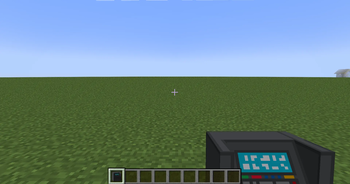
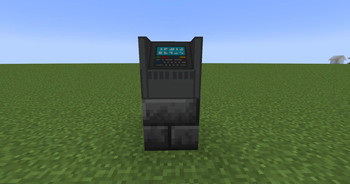
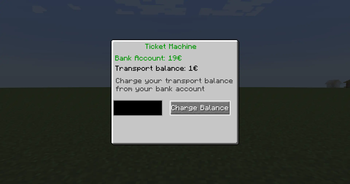
About this Mod
Welcome to Mezzo's Money and Balance Addon for the Minecraft Transit Railway Mod
Are you tired of charging your balance with emeralds in the Minecraft Transit Railway Mod? Emeralds are looking boring: especially when playing on roleplay or build servers where everything is used to look realistic. This mod fixes your problems!
🔥This mod connects the MTR mod with Mezzo's Money so you are able to charge your travel balance (from the MTR mod) with real looking money.🔥
How the money looks like

Usage
- Get the "Ticket Machine" out of the redstone creative tab (Block is not craftable yet).
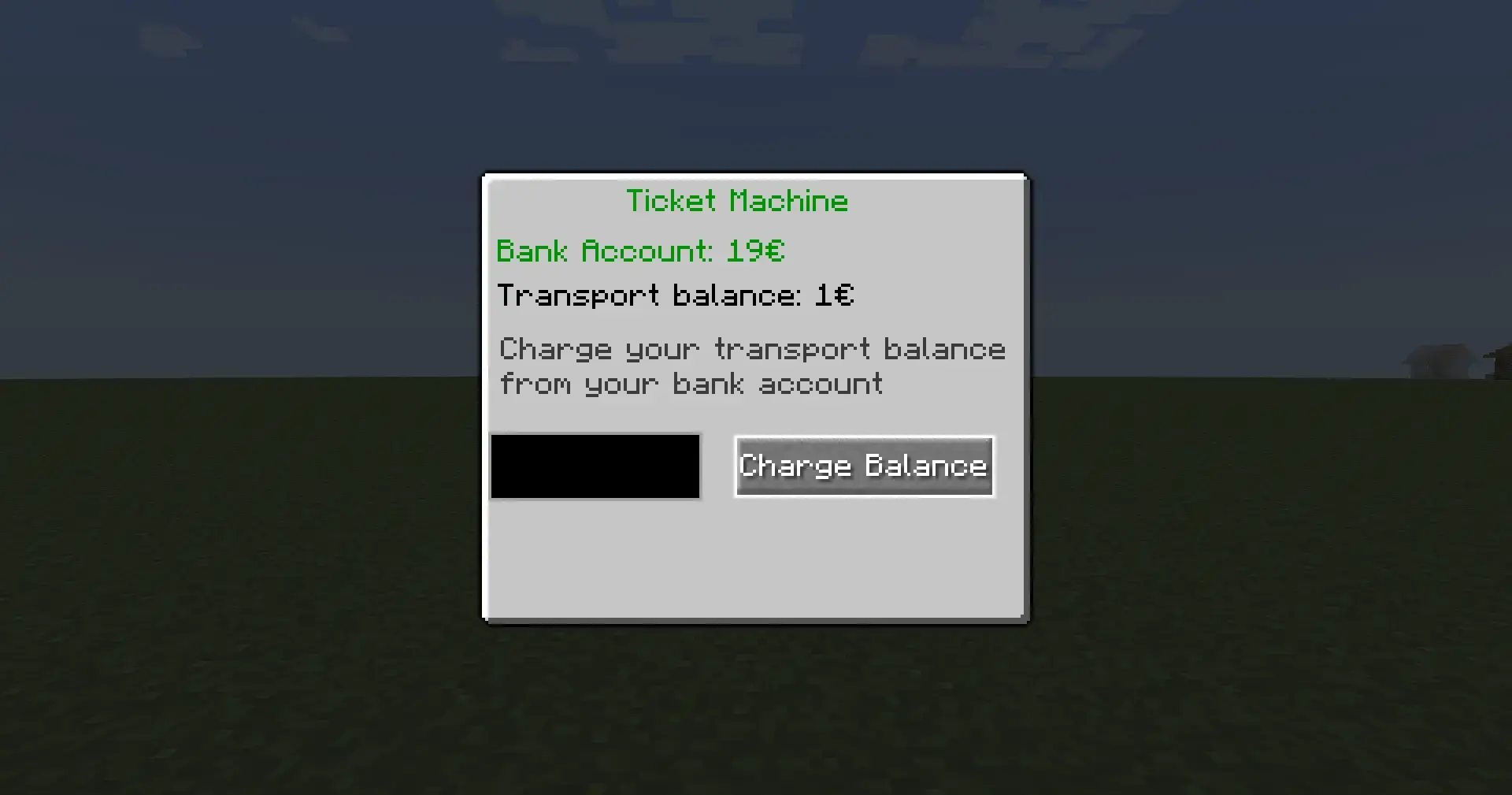
- Right click the block: a GUI opens
- Type in the amount you want to charge to your travel balance (MTR) and hit "Charge"
- The money is moving from your BankAccount to your travel balance.
- Now you can travel through your train world
How the GUI looks like
Dependencies
The mod requires following mods in order to work:
- MTR (every stable version should work: also MTR 3) Download here
- Mezzo's Money Mod (latest stable) Download with Modrinth here or Download with Curseforge here
NTE IS NOT REQUIRED
Join my Discord to REPORT BUGS and chat with our community

Other information
Due to the Minecraft scoreboard's refresh rate, the mtr scoreboard must be displayed for Team dark_auqa permanently. Otherwise the mod cannot display the correct travel balance. By default, it is not visible to any player unless they switch to Team dark_auqa using a command. So it shouldn't bother anyone.Available Versions
How to Install [MTR] Mezzo's Money & Balance Addon on Your Server
Order Server
Order a Minecraft Java server with at least 3 GB RAM (4 GB recommended).
Set fabric Loader
In the panel under "Egg", select the fabric loader and matching Minecraft version (1.20.1).
Install Mod
Open the mod browser in the dashboard and search for "[MTR] Mezzo's Money & Balance Addon". Click "Install" – done! Alternatively, upload the .jar via SFTP to the /mods folder.
Compatibility
Mod Loaders
Minecraft Versions
1.20.1, 1.19.4
Server-side
✓ RequiredRecommended RAM
4 GB(min. 3 GB)Frequently Asked Questions
[MTR] Mezzo's Money & Balance Addon server crashes on startup – what to do?
Most common cause: wrong fabric version or insufficient RAM. Check the server log (latest.log) for "OutOfMemoryError" or "Mixin" errors. With Mado Hosting: ensure at least 3 GB RAM is allocated and the loader matches the mod version (1.20.1). You can switch loaders with one click in the panel.
Is [MTR] Mezzo's Money & Balance Addon compatible with fabric and forge?
[MTR] Mezzo's Money & Balance Addon officially supports fabric, forge for Minecraft 1.20.1, 1.19.4. Note: Forge and Fabric mods are NOT cross-compatible – pick one loader and stick with it. The Mado dashboard automatically detects incompatible loader combinations.
Server lagging with [MTR] Mezzo's Money & Balance Addon – how to optimize performance?
Recommended RAM: 4 GB (per 8 players). Use /spark profiler to check if [MTR] Mezzo's Money & Balance Addon consumes the most tick time. Common fixes: reduce server view-distance to 8-10, install "performant" or "starlight" as supplementary mods on Forge. With Mado Hosting, your server runs on NVMe SSDs with dedicated CPU cores for minimal latency.
Similar Mods




![CobbleDollars [Cobblemon Addon]](https://cdn.modrinth.com/data/s7N7AsqL/684040a264fc1d7f9b856ec5d2da39767398c7ad.png)
Rent Modded Server
Install [MTR] Mezzo's Money & Balance Addon with just one click on your server.