
MultiStorage
Junkboxes, Queues, Hidden Chests, and Stacking Chests
Screenshots


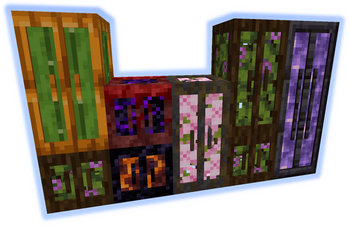
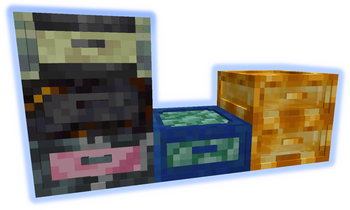
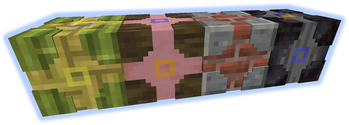
About this Mod
*** ShetiPhianCore Required! ***
Combine nearly any 2 blocks or items (modded or vanilla) for fully custom storage.
If one block used emits light the crafted item will as well.
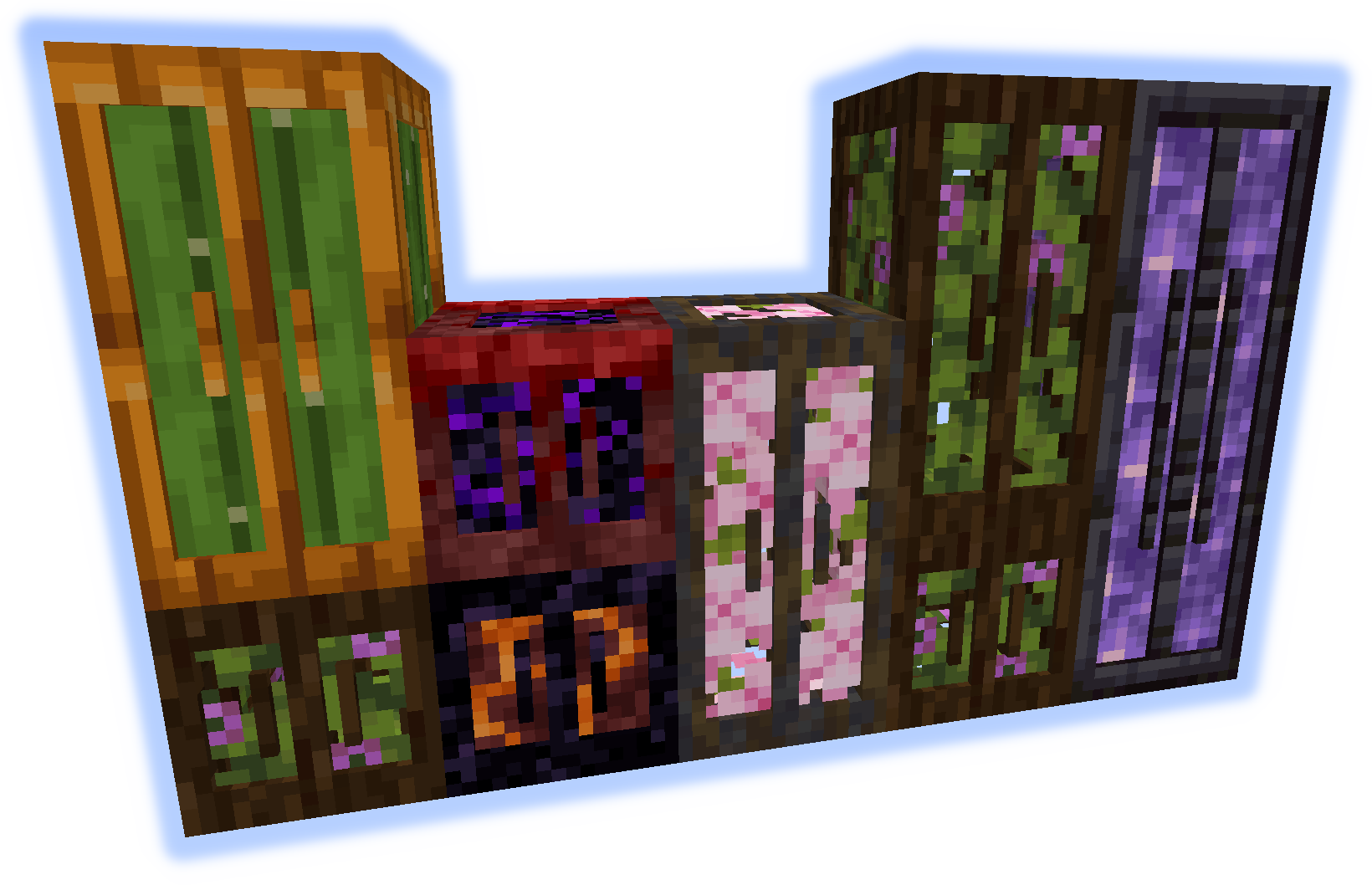
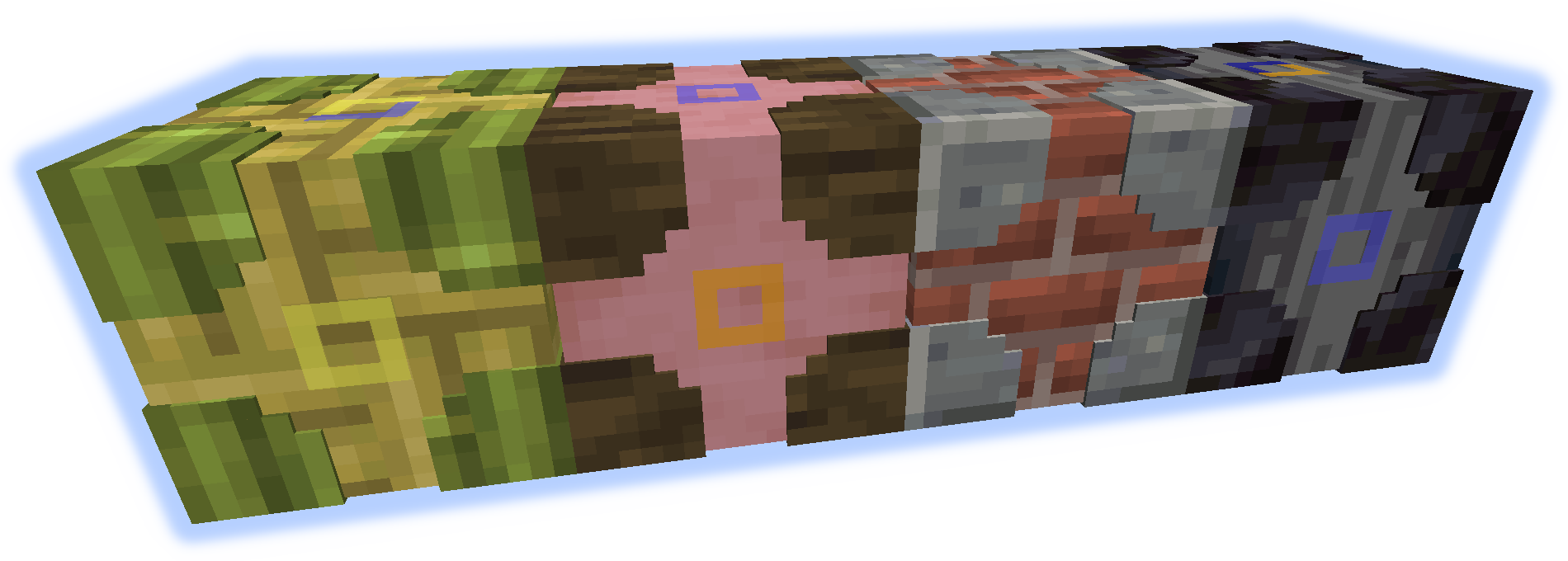
Stacking Storage
Stacks up to 3 tall. Each has 27 slots (upgradable).
Connected containers combine contents.
Junk Box
Each drawer is individually accessed and has 32 slots (upgradable).
Only 16 slots are visible at once.
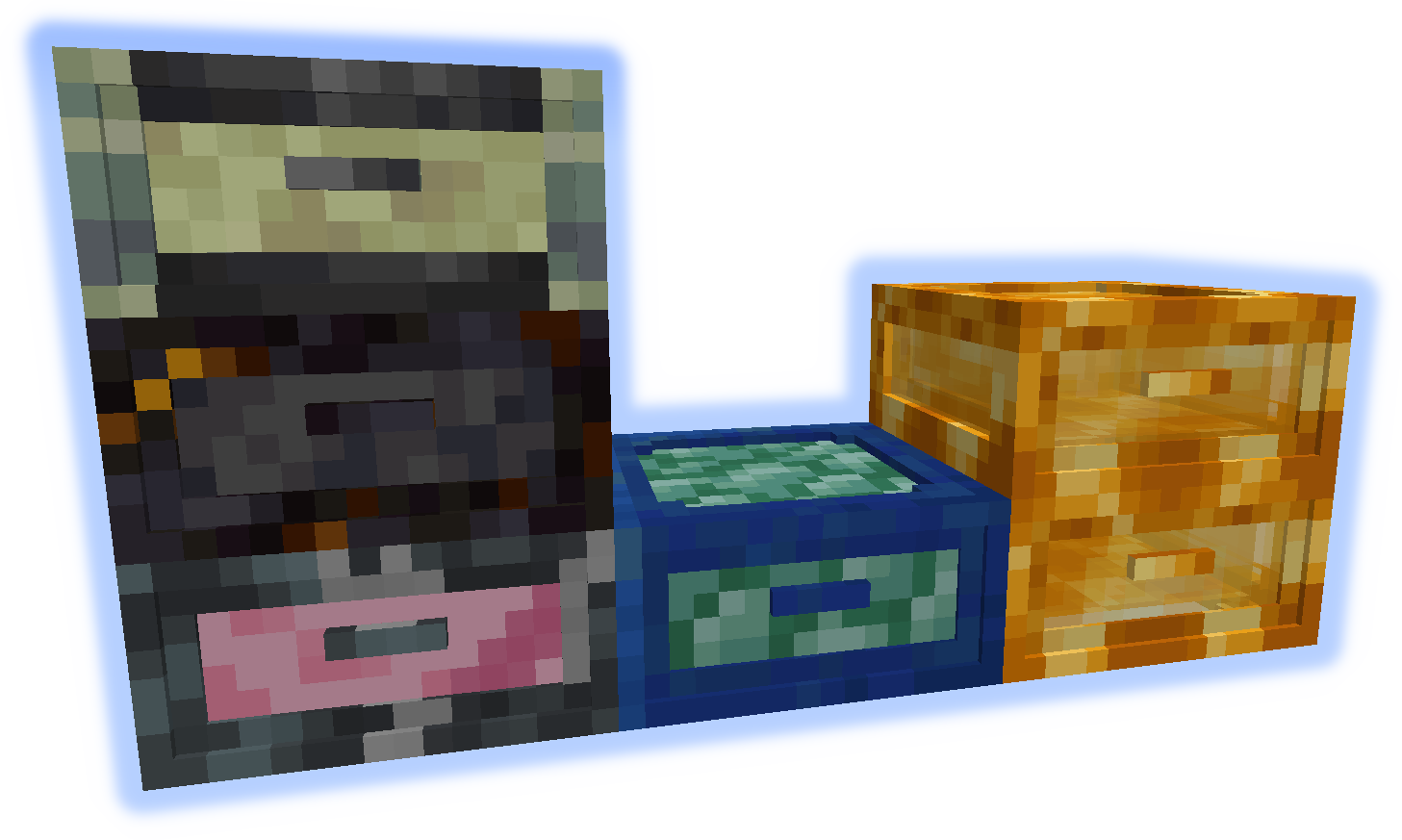
Queue Chest
Items are stored in a large list. Only add/remove from the start or end.
Holds 4096 individual items (upgradable to stacks).
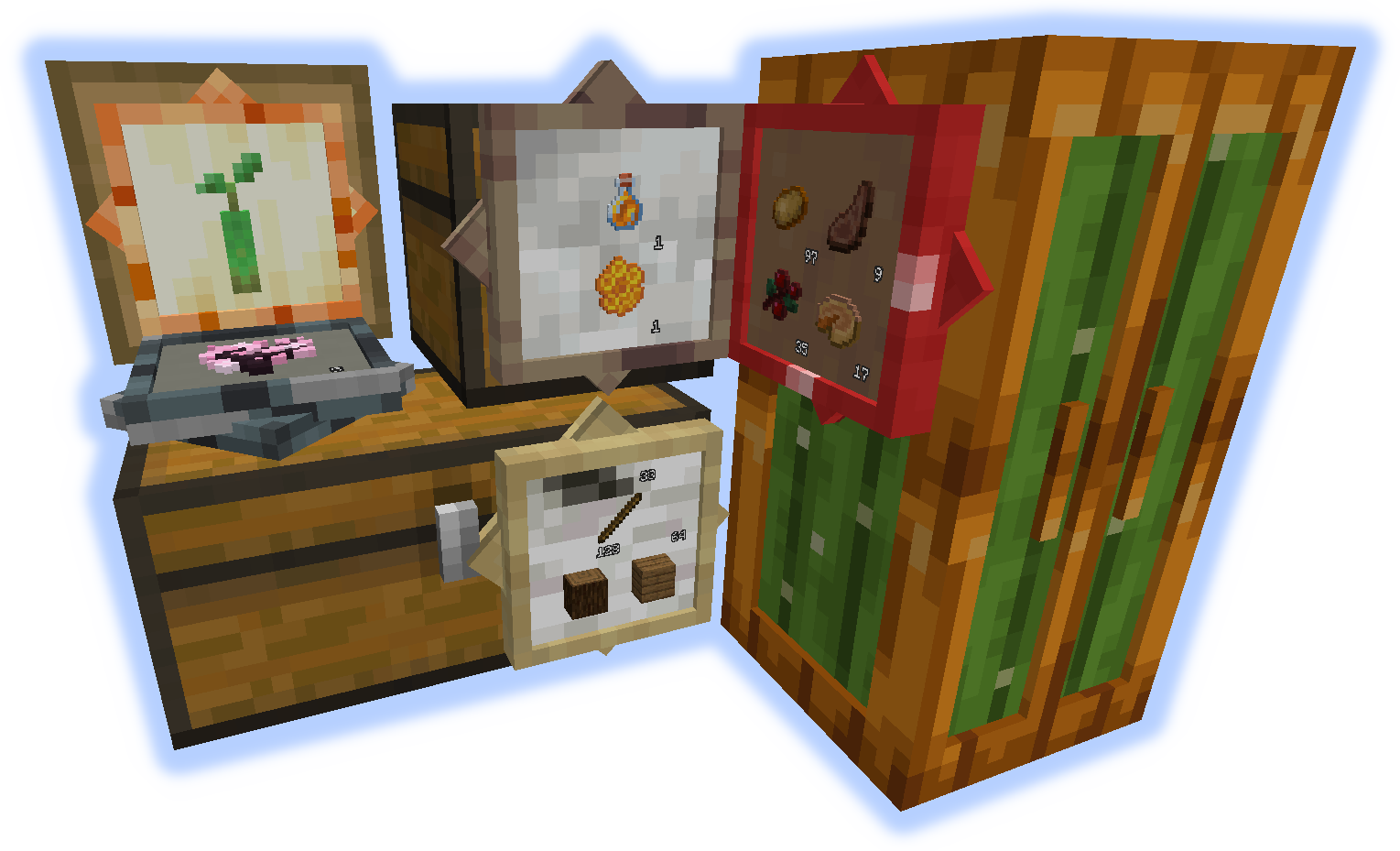
Storage Visualizer
When placed on any container allows add/remove of listed items.
When on a block functions as a simple item frame.
left-click = remove 1 item, shift-left-click = remove stack, right-click = add held stack, empty-hand-double-right-click = add all matching items
shift-right-click = add held stack to filter, empty-hand-shift-right-click = remove held stack from filter
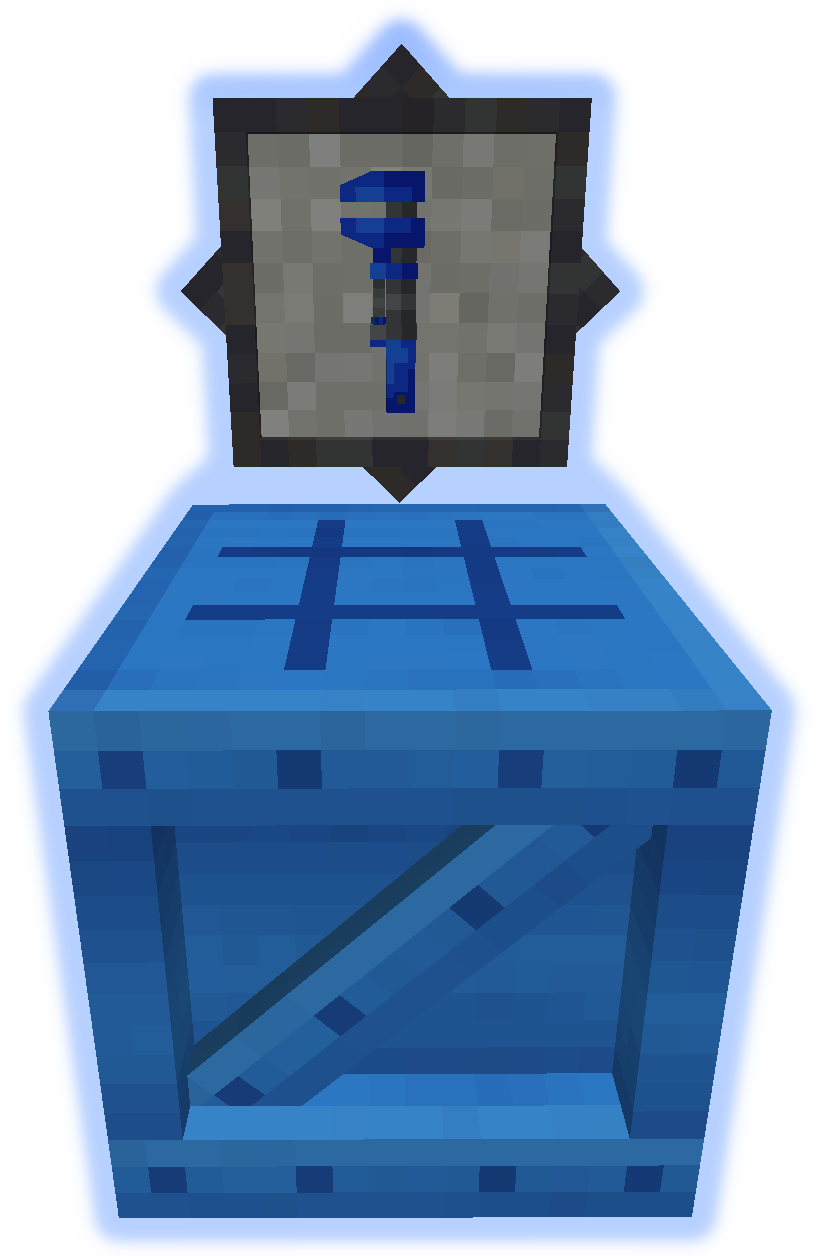
Chameleon Chest
Can mimic other blocks. Has 12 slots (upgradable).
Use wrench to set block quickly (see GIF bellow).

Upgrades
Increase the capacity of containers.
Hold shift with upgrade in hand to high-light applicable containers, right-click to apply.

Tools
The Wrench is used to manipulate containers (see GIF bellow).
The Bench is used to craft everything else from the mod.
GIFs


Available Versions
How to Install MultiStorage on Your Server
Order Server
Order a Minecraft Java server with at least 3 GB RAM (4 GB recommended).
Set fabric Loader
In the panel under "Egg", select the fabric loader and matching Minecraft version (1.21.1).
Install Mod
Open the mod browser in the dashboard and search for "MultiStorage". Click "Install" – done! Alternatively, upload the .jar via SFTP to the /mods folder.
Compatibility
Mod Loaders
Minecraft Versions
1.21.1, 1.20.4, 1.20.2 (+6 more)
Server-side
✓ RequiredRecommended RAM
4 GB(min. 3 GB)Frequently Asked Questions
MultiStorage server crashes on startup – what to do?
Most common cause: wrong fabric version or insufficient RAM. Check the server log (latest.log) for "OutOfMemoryError" or "Mixin" errors. With Mado Hosting: ensure at least 3 GB RAM is allocated and the loader matches the mod version (1.21.1). You can switch loaders with one click in the panel.
Is MultiStorage compatible with fabric and forge and neoforge?
MultiStorage officially supports fabric, forge, neoforge for Minecraft 1.21.1, 1.20.4, 1.20.2. Note: Forge and Fabric mods are NOT cross-compatible – pick one loader and stick with it. The Mado dashboard automatically detects incompatible loader combinations.
Server lagging with MultiStorage – how to optimize performance?
Recommended RAM: 4 GB (per 8 players). Use /spark profiler to check if MultiStorage consumes the most tick time. Common fixes: reduce server view-distance to 8-10, install "performant" or "starlight" as supplementary mods on Forge. With Mado Hosting, your server runs on NVMe SSDs with dedicated CPU cores for minimal latency.
Similar Mods


Rent Modded Server
Install MultiStorage with just one click on your server.