
ModpackUtils
Various utilities for modpacks!
Screenshots



About this Mod
ModpackUtils







Various utilities for modpacks!
ModpackUtils is a highly-customizeable mod for modpack developers to curate their modpacks for their users. The mod is completely open-source, and has a detailed wiki, for all its features. Need help? Join our Discord server.
Features
Chat Messages

Chat Messages are sent everytime the user joins a world.
- Chat Welcome: A customizable welcome message is sent every time a user joins a world. Info like Modpack Name and the Version Installed are entered automatically.
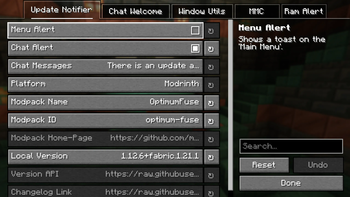
- Update Notifier: Informs users about modpack updates, with a customizable message.
- Ram Alert: Notifies the user if the RAM allocated is below the minimum required by the modpack.
Toast Notifications
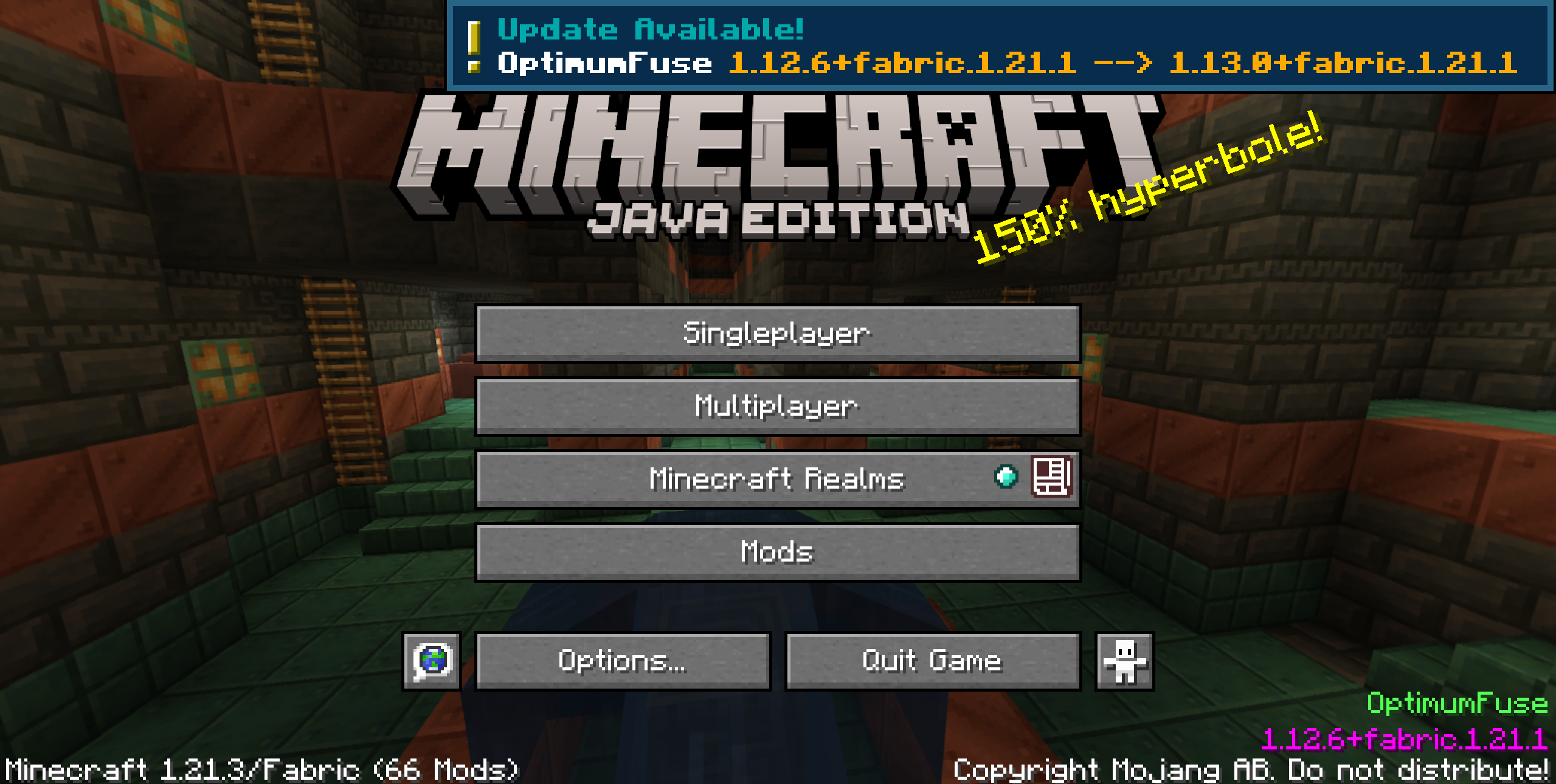
Toast notifications appear once on the Title Screen, just after loading the game.
- Update Toast: Notifies the user about modpack updates. Info like Modpack Name and the Version Installed are entered automatically.
- Ram Alert Toast: Shows a toast if the RAM allocated is below the minimum required by the modpack.
Window Utils
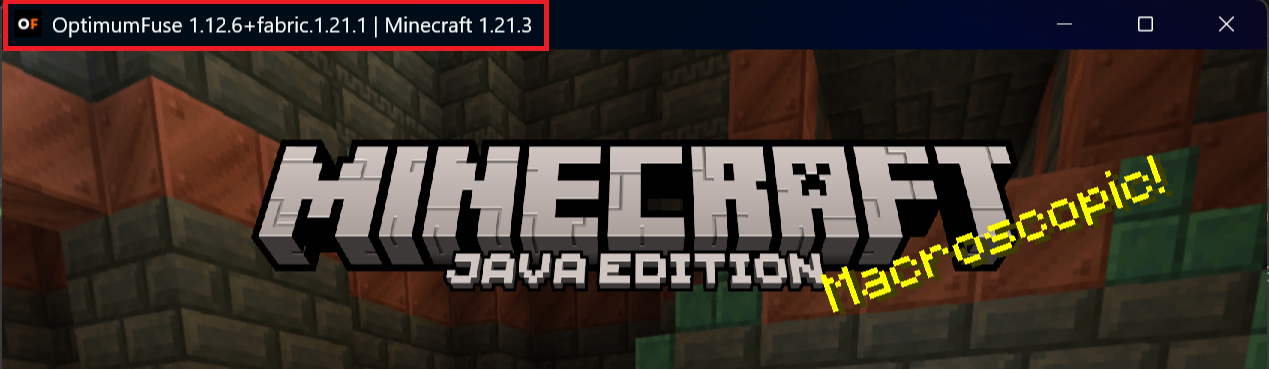
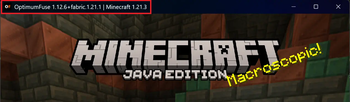
- Custom Icon: Customize the game window icon, like using your modpack logo, by placing the icon files in the
config/mutils/iconsfolder. - Custom Title: Set a custom title for the game window. Info like Modpack Name and the Version Installed are entered automatically.
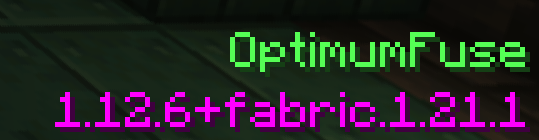
Main Menu Credits Integration
- Normal: A simple text is shown on the Title Screen.

- Fancy: Detailed, colorful lines of text are shown on the Title Screen.
- Custom: Refer to the wiki for more info.
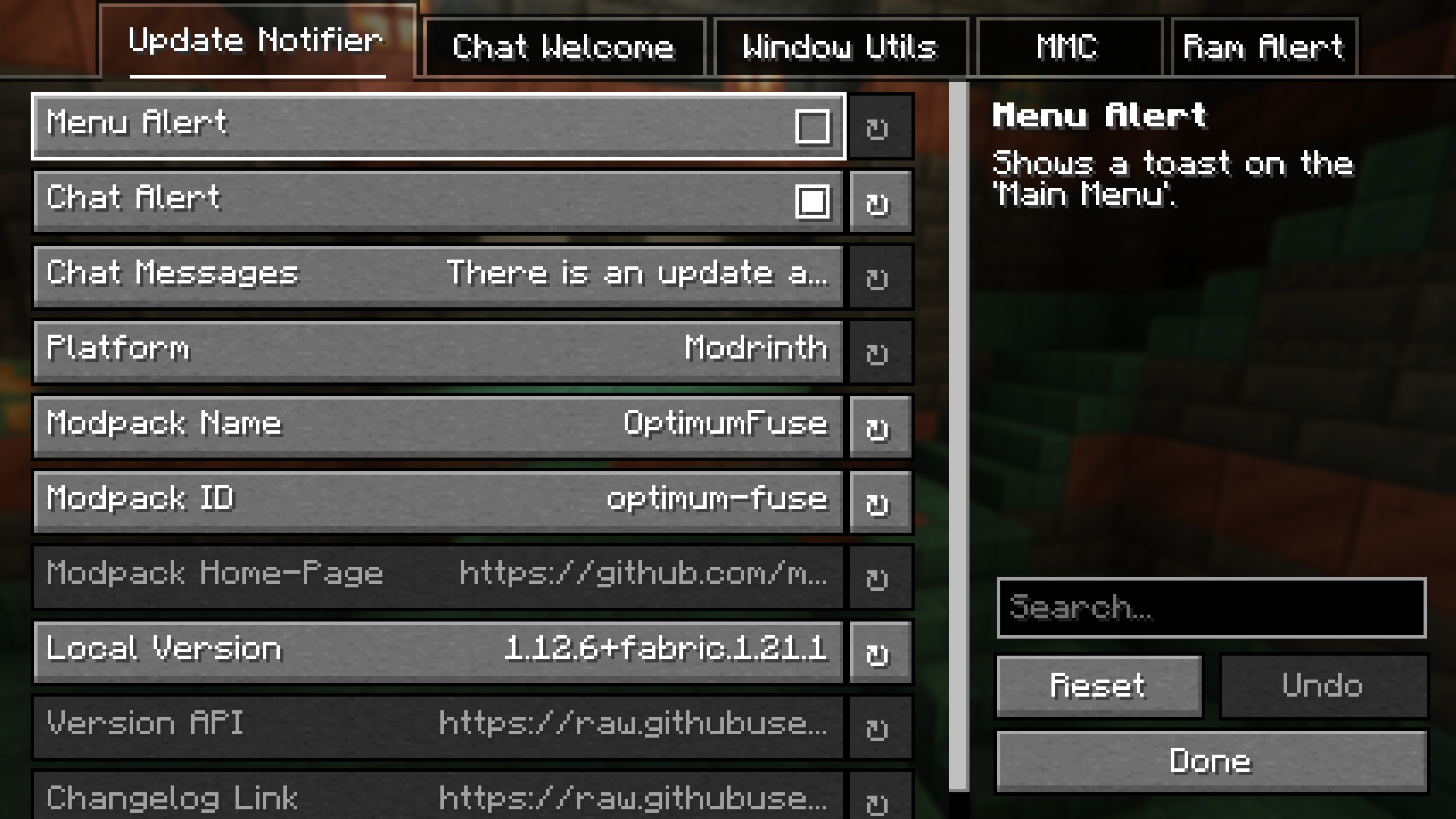
Fully Configurable
Available Versions
How to Install ModpackUtils on Your Server
Order Server
Order a Minecraft Java server with at least 3 GB RAM (4 GB recommended).
Set fabric Loader
In the panel under "Egg", select the fabric loader and matching Minecraft version (1.21.5).
Install Mod
Open the mod browser in the dashboard and search for "ModpackUtils". Click "Install" – done! Alternatively, upload the .jar via SFTP to the /mods folder.
Compatibility
Mod Loaders
Minecraft Versions
1.21.5, 1.21.4, 1.21.3 (+5 more)
Server-side
✗ UnsupportedRecommended RAM
4 GB(min. 3 GB)Frequently Asked Questions
ModpackUtils server crashes on startup – what to do?
Most common cause: wrong fabric version or insufficient RAM. Check the server log (latest.log) for "OutOfMemoryError" or "Mixin" errors. With Mado Hosting: ensure at least 3 GB RAM is allocated and the loader matches the mod version (1.21.5). You can switch loaders with one click in the panel.
Is ModpackUtils compatible with fabric and forge and neoforge and quilt?
ModpackUtils officially supports fabric, forge, neoforge, quilt for Minecraft 1.21.5, 1.21.4, 1.21.3. Note: Forge and Fabric mods are NOT cross-compatible – pick one loader and stick with it. The Mado dashboard automatically detects incompatible loader combinations.
Server lagging with ModpackUtils – how to optimize performance?
Recommended RAM: 4 GB (per 8 players). Use /spark profiler to check if ModpackUtils consumes the most tick time. Common fixes: reduce server view-distance to 8-10, install "performant" or "starlight" as supplementary mods on Forge. With Mado Hosting, your server runs on NVMe SSDs with dedicated CPU cores for minimal latency.
Similar Mods






Rent Modded Server
Install ModpackUtils with just one click on your server.