
MyATM
Simple mod that add Game-to-Site connected debit cards and Terminals for in-game payment.
Screenshots
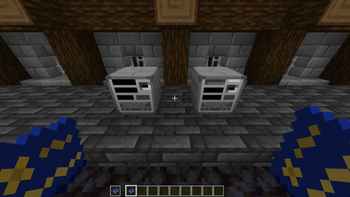
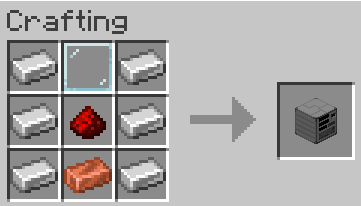
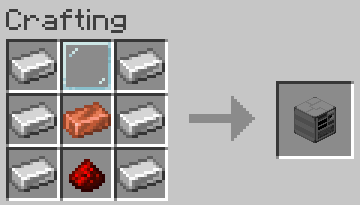
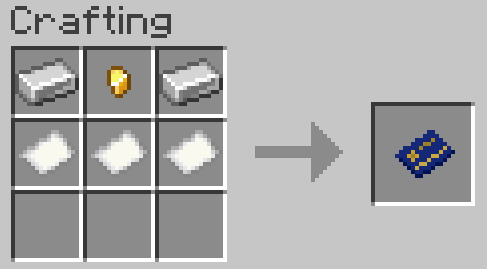
About this Mod
Attention!
- Works only with sites that has MyATM support.
- You can find example of that type of sites here.
- License - MIT
- You can get help or send bug reports on Discord
How to Setup:
- Run your site with MyATM support.
- Put MyATM.jar into the "mods" folder.
- Run the game and enter the world.
- Put your bank_name, site_link and api_password (Check README in example site), from site to - myATM.cfg (There is Example in cfg).
- Restart the game.
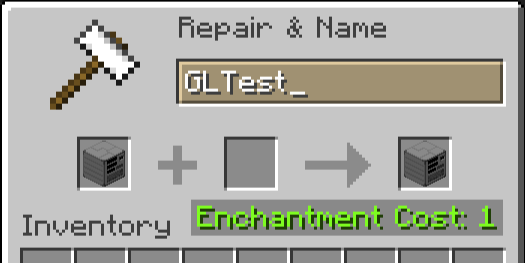
- Rename your Card Linker on anvil into Bank_Name from myATM.cfg and place it.
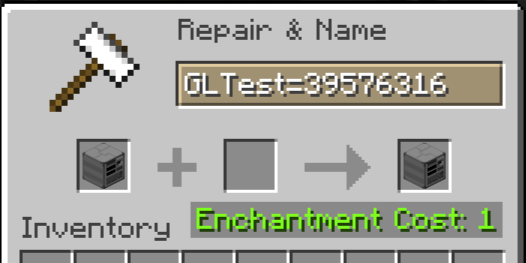
- Rename your Terminal into Bank_Name=Account_Number_From_Site (Example: GLTest=39576316) and place it.
- Profit
How to use:
- Create account on site.
- Put blank card into ATM.
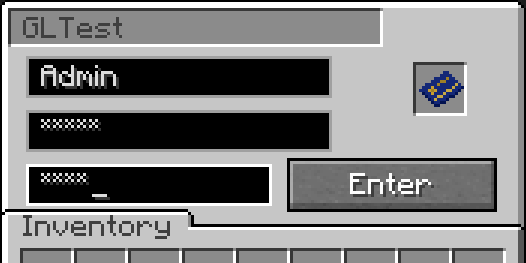
- Use you account data (Login and Password) and create PIN in ATM. It create card, linked to your account.
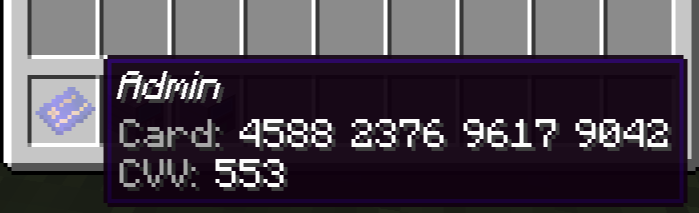
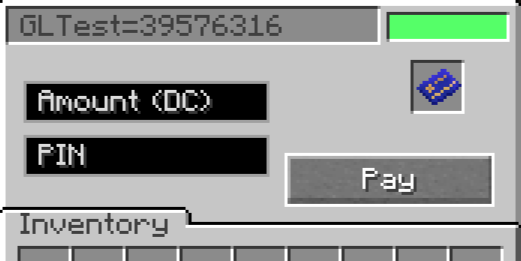
- Put your card in Terminal.
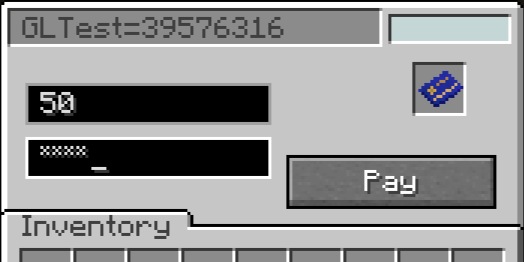
- Enter amount and PIN to pay.
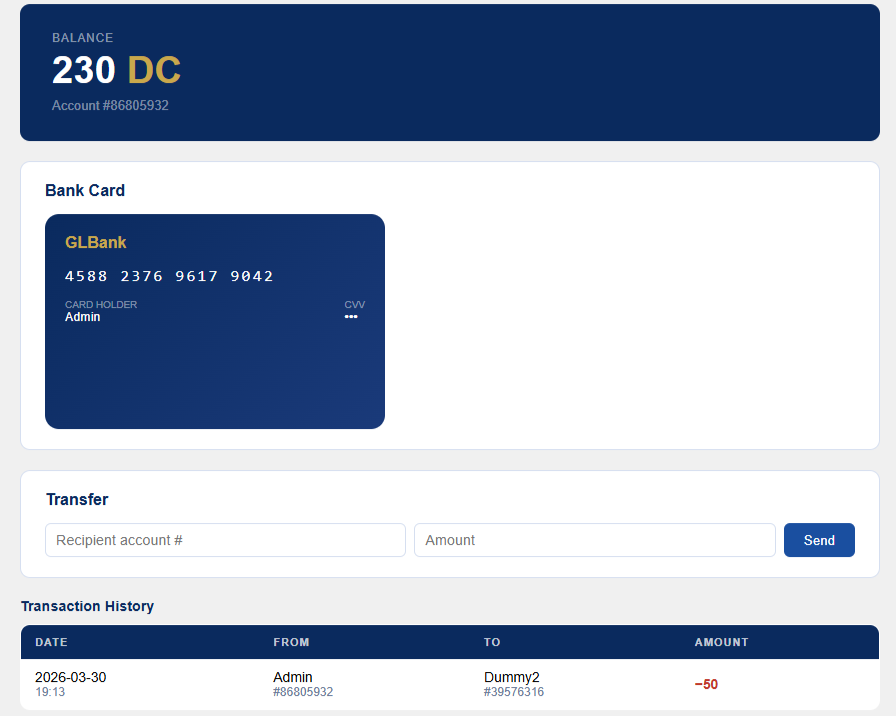
- How it looks on example site
In latest release:
- Multiple banks support. (add new lines with 'bank_name':'site_link':'api_password' in myATM.cfg)
- Simple and fast in-game payment.
- Improved block textures.
- Replace green text in Terminal with in-GUI light signal.
Soon:
- Simplified addition of new currencies (currently only through code changes).
- Multiple cards on account.
- Clear separation of cards from different banks
- Depositing and withdrawing cash from an ATM
Available Versions
How to Install MyATM on Your Server
Order Server
Order a Minecraft Java server with at least 3 GB RAM (4 GB recommended).
Set forge Loader
In the panel under "Egg", select the forge loader and matching Minecraft version (1.20.6).
Install Mod
Open the mod browser in the dashboard and search for "MyATM". Click "Install" – done! Alternatively, upload the .jar via SFTP to the /mods folder.
Compatibility
Mod Loaders
Minecraft Versions
1.20.6, 1.20.5, 1.20.4 (+3 more)
Server-side
✓ RequiredRecommended RAM
4 GB(min. 3 GB)Frequently Asked Questions
MyATM server crashes on startup – what to do?
Most common cause: wrong forge version or insufficient RAM. Check the server log (latest.log) for "OutOfMemoryError" or "Mixin" errors. With Mado Hosting: ensure at least 3 GB RAM is allocated and the loader matches the mod version (1.20.6). You can switch loaders with one click in the panel.
Is MyATM compatible with forge?
MyATM officially supports forge for Minecraft 1.20.6, 1.20.5, 1.20.4. The Mado dashboard automatically detects incompatible loader combinations.
Server lagging with MyATM – how to optimize performance?
Recommended RAM: 4 GB (per 8 players). Use /spark profiler to check if MyATM consumes the most tick time. Common fixes: reduce server view-distance to 8-10, install "performant" or "starlight" as supplementary mods on Forge. With Mado Hosting, your server runs on NVMe SSDs with dedicated CPU cores for minimal latency.
Similar Mods



![CobbleDollars [Cobblemon Addon]](https://cdn.modrinth.com/data/s7N7AsqL/684040a264fc1d7f9b856ec5d2da39767398c7ad.png)

Rent Modded Server
Install MyATM with just one click on your server.