
MyNpc
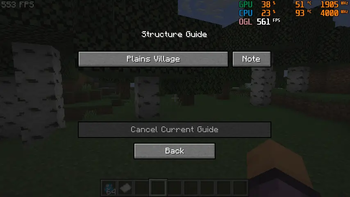
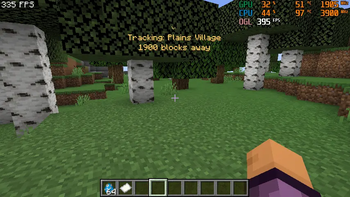
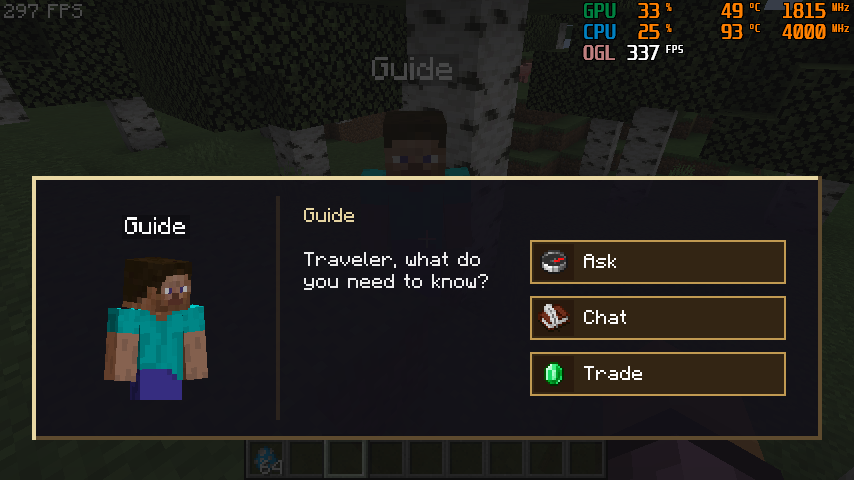
MyNPC is a Forge mod that adds customizable guide NPCs to Minecraft. NPCs can help players find structures, give direction hints, and provide teleport scrolls. You can also customize their names, appearances, dialogue, trades, and structure settings.
Screenshots
About this Mod
MyNPC
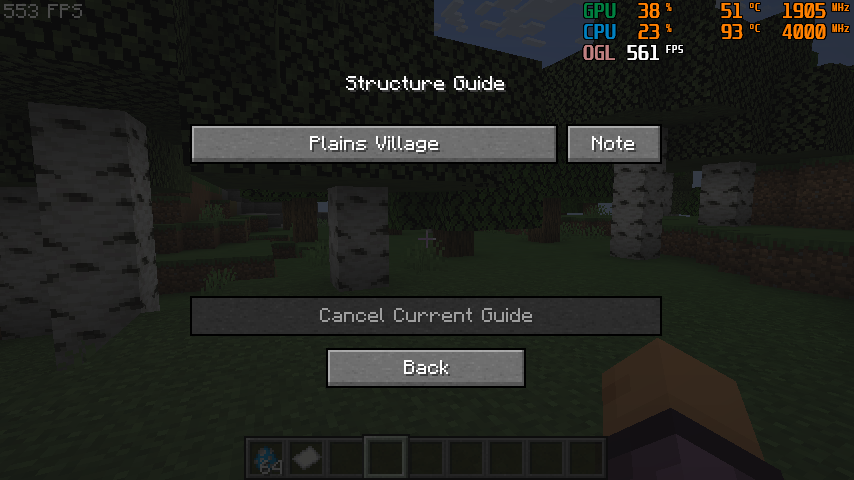
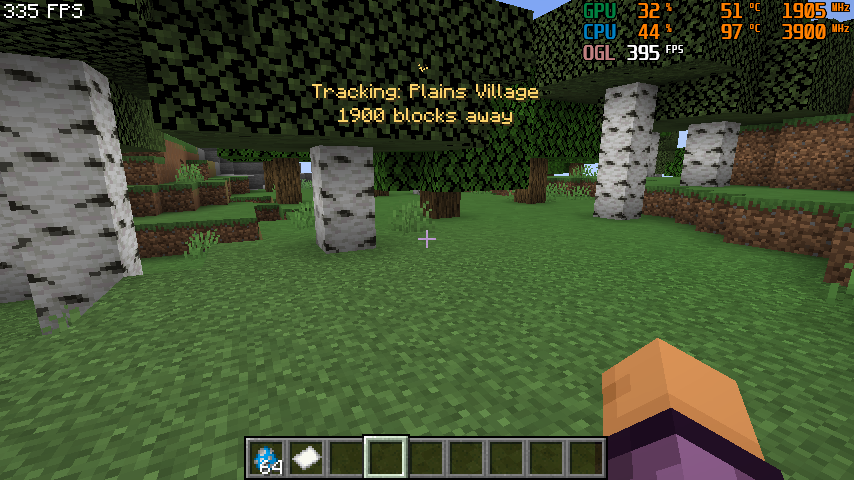
MyNPC 1.1 User Guide
Requirements
- Minecraft
1.20.1 - Forge
47.x - MyNPC
1.1
Installation
- Put the MyNPC jar into your instance
modsfolder. - Start the game once.
- The mod will create config folders automatically.
Important folders:
config/npc_typesstores NPC definition JSON files.config/mynpc_custom_assets/texturesstores custom NPC skin textures.config/mynpc_custom_assets/soundsstores custom NPC sound files.config/mynpc_custom_assets/langcan be used for extra language entries.
Default Guide NPC
The built-in guide NPC is village_guide.
By default, the guide:
- Spawns in vanilla villages.
- Has a 100% spawn chance when the village spawn check succeeds.
- Spawns at most one guide per village area.
- Knows a random set of structures.
- Can sell structure location help and teleport scrolls.
- Can fight hostile mobs, retaliate when attacked, and avoid creepers.
- Stays near its home village instead of wandering freely.
If the default config was already generated before updating, delete config/npc_types/village_guide.json and restart the game to regenerate the latest default version.
NPC Manager
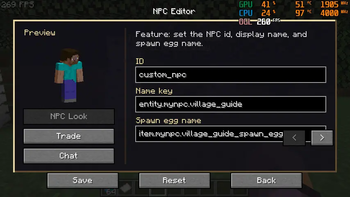
Press H in game to open the NPC manager.
Main actions:
+creates a new NPC from the default template.- Select an NPC from the left list to edit it.
- Use the small box beside NPC entries for multi-select.
Savesaves current changes.Copyduplicates the selected NPC. The copy keeps most settings but gets a unique id.Canceldiscards the current edit session.Deleteremoves selected NPC definitions after confirmation.Resetrestores selected NPCs to the built-in default guide settings.
Tabs:
Look: skin, name, entity id, and sounds.Behavior: spawn structures, spawn chance, and min/max spawn count.Structure: known structures and structure hint behavior.Trade: teleport scroll trades and custom item trades.Chat: random chat lines and structure-related dialogue.
Custom Skins
- Put PNG skin files into
config/mynpc_custom_assets/textures. - Open the NPC manager with
H. - Select an NPC.
- Go to
Look. - Use the custom skin button to choose a texture.
- Save the NPC.
The skin should use the normal Minecraft player skin layout.
Custom Sounds
- Put sound files into
config/mynpc_custom_assets/sounds. - Open the NPC manager with
H. - Select an NPC.
- Go to
Look. - Choose sounds for interaction, hurt, death, or ambient slots.
- Use the preview button to test sounds.
- Save the NPC.
Structure Selection
Structure lists support:
- Search by keyword.
- Clicking the structure name for single selection.
- Clicking the small box for multi-selection.
- Scrolling when the list is longer than the panel.
Structure names use language keys where available. Unknown structures fall back to a readable id-based name.
Trading
NPCs can offer:
- Teleport scroll trades for known structures.
- Structure location hint trades.
- Custom item trades.
For each structure trade, you can configure:
- The structure name.
- The item used as currency.
- The required item count.
- Whether the structure trade is disabled.
Chat And Hints
NPCs can have general chat lines and structure-specific hint text.
Structure hint text can use:
{structure}for the translated structure name.{direction}for the direction text.
Example:
If my memory serves, {structure} lies somewhere to the {direction}.
Spawn Eggs
Spawn egg NPCs use the same base initialization as naturally spawned NPCs:
- Default known structures can be generated.
- Home position is set when spawned.
- Random equipment can be assigned.
- Combat behavior is enabled.
Troubleshooting
If a custom skin shows as missing texture:
- Check that the file is inside
config/mynpc_custom_assets/textures. - Make sure it is a valid PNG.
- Reopen the selector and save the NPC again.
If a custom sound does not play:
- Check that the file is inside
config/mynpc_custom_assets/sounds. - Use the sound preview button in the
Looktab. - Restart the game if the asset pack was just created for the first time.
If the default guide settings look old:
- Delete
config/npc_types/village_guide.json. - Restart the game.
- The mod will regenerate the latest default config.
Available Versions
How to Install MyNpc on Your Server
Order Server
Order a Minecraft Java server with at least 3 GB RAM (4 GB recommended).
Set forge Loader
In the panel under "Egg", select the forge loader and matching Minecraft version (1.20.1).
Install Mod
Open the mod browser in the dashboard and search for "MyNpc". Click "Install" – done! Alternatively, upload the .jar via SFTP to the /mods folder.
Compatibility
Mod Loaders
Minecraft Versions
1.20.1
Server-side
✓ RequiredRecommended RAM
4 GB(min. 3 GB)Frequently Asked Questions
MyNpc server crashes on startup – what to do?
Most common cause: wrong forge version or insufficient RAM. Check the server log (latest.log) for "OutOfMemoryError" or "Mixin" errors. With Mado Hosting: ensure at least 3 GB RAM is allocated and the loader matches the mod version (1.20.1). You can switch loaders with one click in the panel.
Is MyNpc compatible with forge?
MyNpc officially supports forge for Minecraft 1.20.1. The Mado dashboard automatically detects incompatible loader combinations.
Server lagging with MyNpc – how to optimize performance?
Recommended RAM: 4 GB (per 8 players). Use /spark profiler to check if MyNpc consumes the most tick time. Common fixes: reduce server view-distance to 8-10, install "performant" or "starlight" as supplementary mods on Forge. With Mado Hosting, your server runs on NVMe SSDs with dedicated CPU cores for minimal latency.
Similar Mods




Rent Modded Server
Install MyNpc with just one click on your server.