
NarrativeCraft
Create narrative games inside Minecraft. No coding, no game engine, only text and logic.
Screenshots
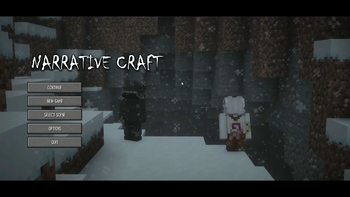
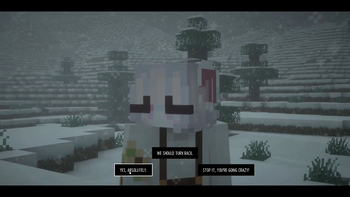
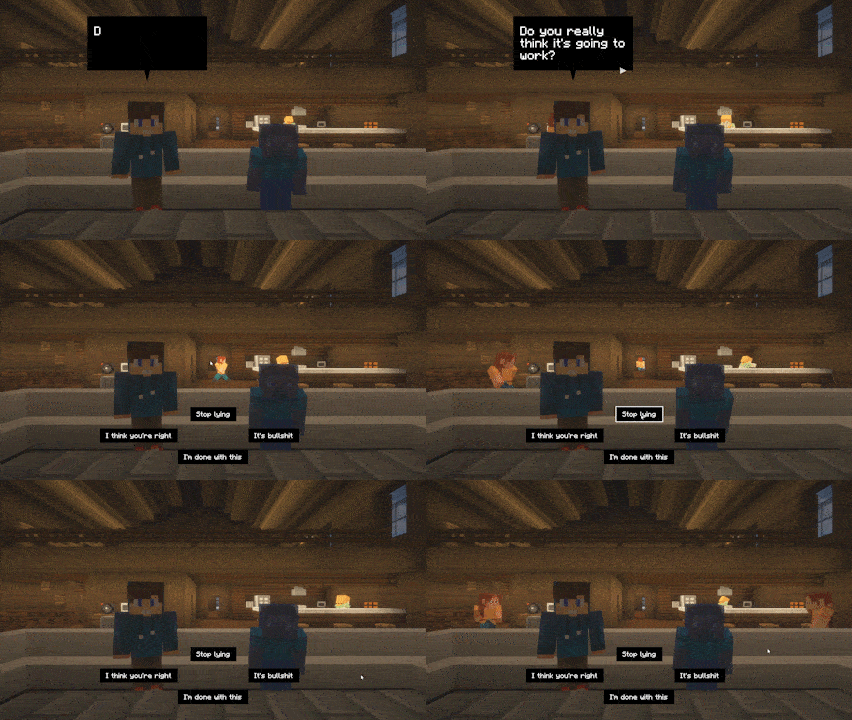
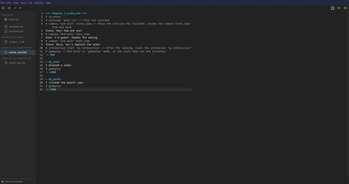
About this Mod
NarrativeCraft
NarrativeCraft is a Minecraft mod to create your own narrative games in Minecraft. If you don't want to learn a game engine to create stories with branching patterns, this mod does all the work for you.
How does this work
NarrativeCraft works thanks to the amazing open source project Ink, a narrative scripting language to write dialogs and create branching patterns. Text first, logic later.
Features
NarrativeCraft is an all-in-one system, meaning that you have everything by default.
Compatibility with other mods requires installing addons.
- Cutscenes
- Player recording
- Dialogs rendering (on screen or a character speaking)
- Camera angles for character dialog focus
- Interactions with trigger zones and clickable points
- Characters and NPCs
- Full management of your story
- Choices
- Saves
- Main screen (new game, continue...)
- Multiplayer
About Multiplayer
NarrativeCraft is singleplayer first, meaning that it is mainly developed for singleplayer. However, multiplayer is supported, but it does not mean co-op, it means that you can play a story, show cutscenes, display characters or NPCs to a single player, so you can create more immersion for your server.
Getting started
If you want to start learning NarrativeCraft, take a look at the documentation; you'll be guided there to start your first story and learn the fundamentals of the mod.
API
An API is available for use if you want to create comptability for other mod or if you want to take your story a step further.
There's an documentation for the API.
Gradle
maven {
    name "loudo"
    url "https://maven.loudo.dev"
}
compileOnly 'fr.loudo.narrativecraft:narrativecraft-api:2.0.3+mc{minecraft_version}'
Maven
<repository>
    <id>loudo</id>
    <url>https://maven.loudo.dev</url>
</repository>
<dependency>
    <groupId>fr.loudo.narrativecraft</groupId>
    <artifactId>narrativecraft-api</artifactId>
    <version>2.0.3+mc{minecraft_version}</version>
</dependency>
Current minecraft versions available: 26.2 and 1.21.1
Contributing
Thank you for your interest in the project and for helping to make it better, take a look at CONTRIBUTING.MD before making a pull request.
Credits
- ink - Scripting language
- blade-ink-java - Java adaptation of ink
Available Versions
How to Install NarrativeCraft on Your Server
Order Server
Order a Minecraft Java server with at least 3 GB RAM (4 GB recommended).
Set fabric Loader
In the panel under "Egg", select the fabric loader and matching Minecraft version (26.2).
Install Mod
Open the mod browser in the dashboard and search for "NarrativeCraft". Click "Install" – done! Alternatively, upload the .jar via SFTP to the /mods folder.
Compatibility
Mod Loaders
Minecraft Versions
26.2, 26.1.2, 1.21.11 (+11 more)
Server-side
✓ RequiredRecommended RAM
4 GB(min. 3 GB)Frequently Asked Questions
NarrativeCraft server crashes on startup – what to do?
Most common cause: wrong fabric version or insufficient RAM. Check the server log (latest.log) for "OutOfMemoryError" or "Mixin" errors. With Mado Hosting: ensure at least 3 GB RAM is allocated and the loader matches the mod version (26.2). You can switch loaders with one click in the panel.
Is NarrativeCraft compatible with fabric and forge and neoforge?
NarrativeCraft officially supports fabric, forge, neoforge for Minecraft 26.2, 26.1.2, 1.21.11. Note: Forge and Fabric mods are NOT cross-compatible – pick one loader and stick with it. The Mado dashboard automatically detects incompatible loader combinations.
Server lagging with NarrativeCraft – how to optimize performance?
Recommended RAM: 4 GB (per 8 players). Use /spark profiler to check if NarrativeCraft consumes the most tick time. Common fixes: reduce server view-distance to 8-10, install "performant" or "starlight" as supplementary mods on Forge. With Mado Hosting, your server runs on NVMe SSDs with dedicated CPU cores for minimal latency.
Similar Mods



Rent Modded Server
Install NarrativeCraft with just one click on your server.