
Naruto Mod
A mod based of the hit anime series Naruto
Screenshots
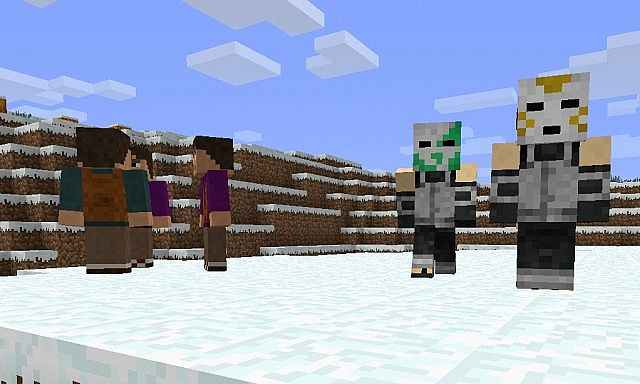
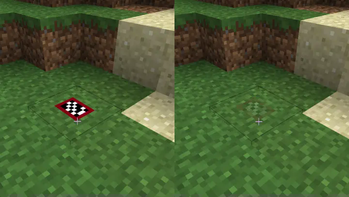
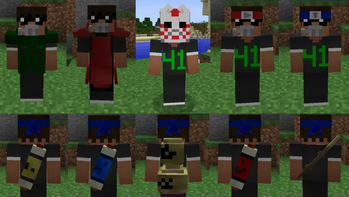
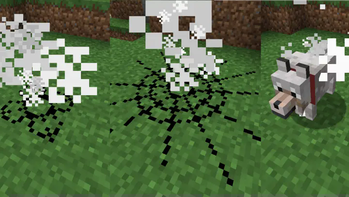
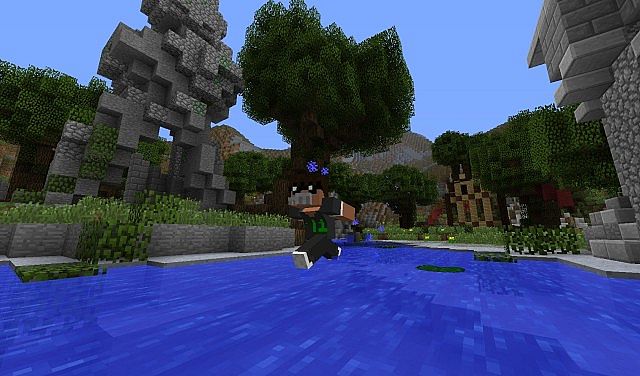
About this Mod
CONTENT 1.18+ v 1.7.10?
For more info relating to the recode and plans, check the discord or my website.
The mod is being re-coded from scratch with some temporary porting (1.18+). So a lot will be missing atm e.g. animations, armour, and some jutsus.
Now the main systems have been re-created for 1.18 it will take some time to catch up with the features of the older version. However, while we are working on it the older versions will still be available for download.
Though to reduce the gap I will be posting more updates so that there is less pressure on one giant update but rather smaller updates. Check the website for more info and I will likely make a summary video on my youtube channel when I get some time.
The Naruto mod adds various features to Minecraft such as items, mobs, weapons, new player animations and chakra. The mod is still in beta so there are a lot of features still being added.
Some Features
- New Naruto items
- New Naruto mobs
- Jutsus and other ability's from Naruto
- New Player animations (1.7.10, planned to remake for 1.18+)
- Chakra system
- Common Problems
Minecraft Crashes When Started
This problem can be caused by a few things etc trying to add mods that are not compatible or download was interrupted.
If you have any issues or want to test newer versions, feel free to join the discord and send me a message. Sending me crash logs is preferable there in the naruto-mod chat.

Available Versions
How to Install Naruto Mod on Your Server
Order Server
Order a Minecraft Java server with at least 3 GB RAM (4 GB recommended).
Set forge Loader
In the panel under "Egg", select the forge loader and matching Minecraft version (1.20.1).
Install Mod
Open the mod browser in the dashboard and search for "Naruto Mod". Click "Install" – done! Alternatively, upload the .jar via SFTP to the /mods folder.
Compatibility
Mod Loaders
Minecraft Versions
1.20.1, 1.20, 1.18.1 (+2 more)
Server-side
✓ RequiredRecommended RAM
4 GB(min. 3 GB)Frequently Asked Questions
Naruto Mod server crashes on startup – what to do?
Most common cause: wrong forge version or insufficient RAM. Check the server log (latest.log) for "OutOfMemoryError" or "Mixin" errors. With Mado Hosting: ensure at least 3 GB RAM is allocated and the loader matches the mod version (1.20.1). You can switch loaders with one click in the panel.
Is Naruto Mod compatible with forge and neoforge?
Naruto Mod officially supports forge, neoforge for Minecraft 1.20.1, 1.20, 1.18.1. The Mado dashboard automatically detects incompatible loader combinations.
Server lagging with Naruto Mod – how to optimize performance?
Recommended RAM: 4 GB (per 8 players). Use /spark profiler to check if Naruto Mod consumes the most tick time. Common fixes: reduce server view-distance to 8-10, install "performant" or "starlight" as supplementary mods on Forge. With Mado Hosting, your server runs on NVMe SSDs with dedicated CPU cores for minimal latency.
Similar Mods




Rent Modded Server
Install Naruto Mod with just one click on your server.