
Natural Camera
A mod that changes the first-person camera, making it more realistic
About this Mod
NATURAL CAMERA - ALPHA TEST ("Prototype", it may be unstable)
Disclaimer
The Natural Camera mod is focused on realism and first-person immersion. It changes how the camera moves during walking, sprinting, crouching, jumping, landing, and turning. Because of this, the camera motion may feel stronger or more noticeable than vanilla Minecraft. If you are sensitive to motion-heavy visuals, please use the mod with caution.
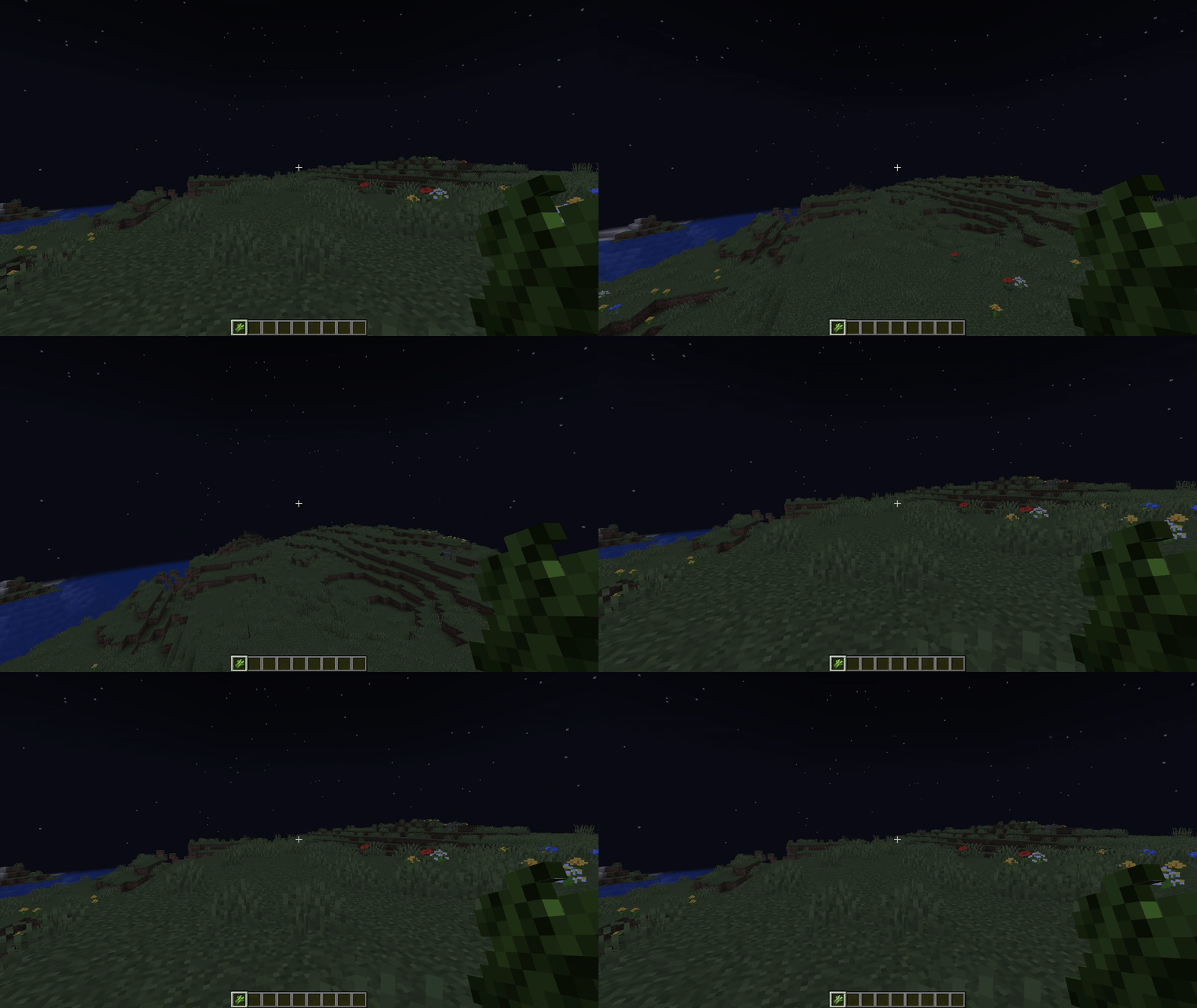
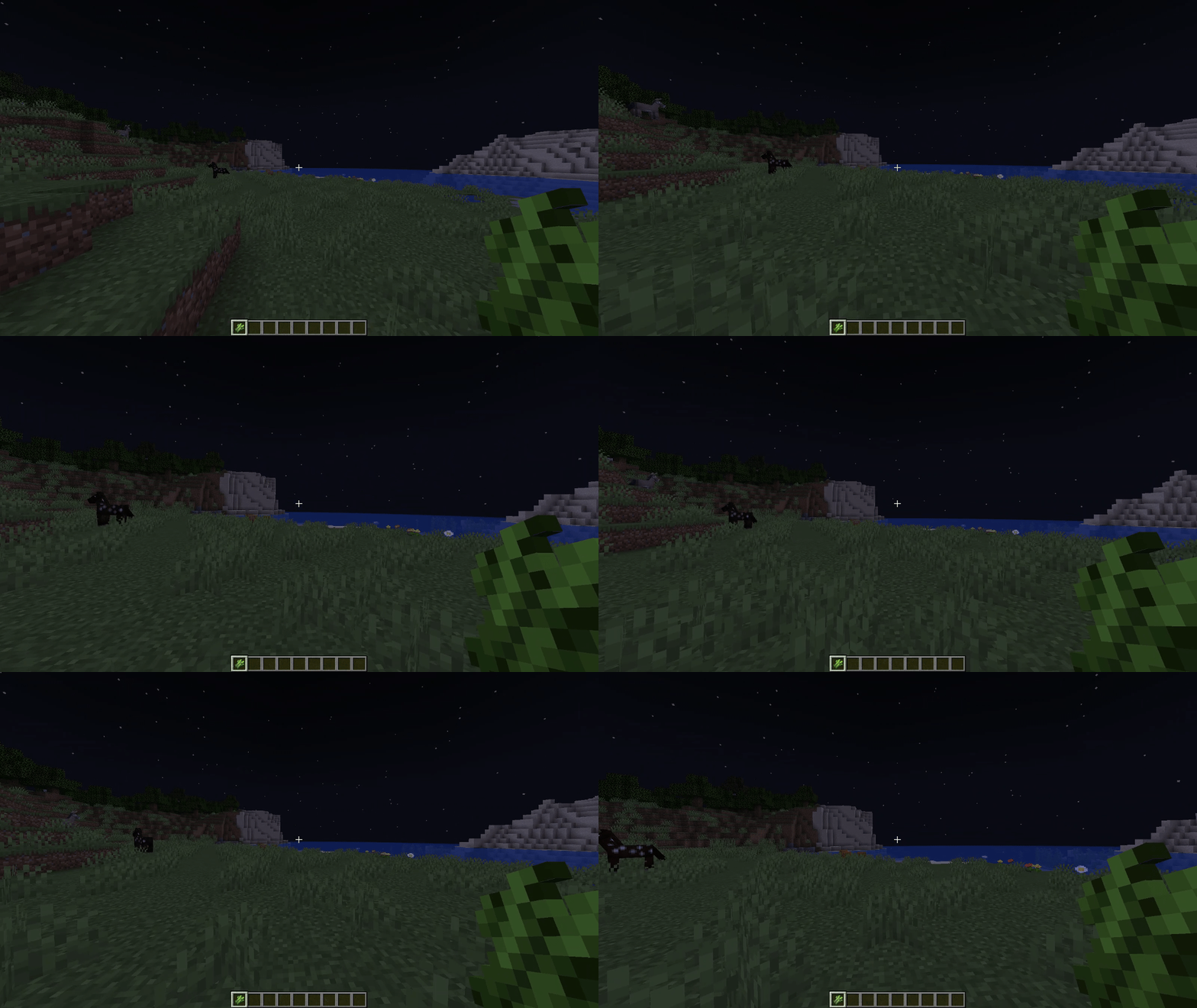

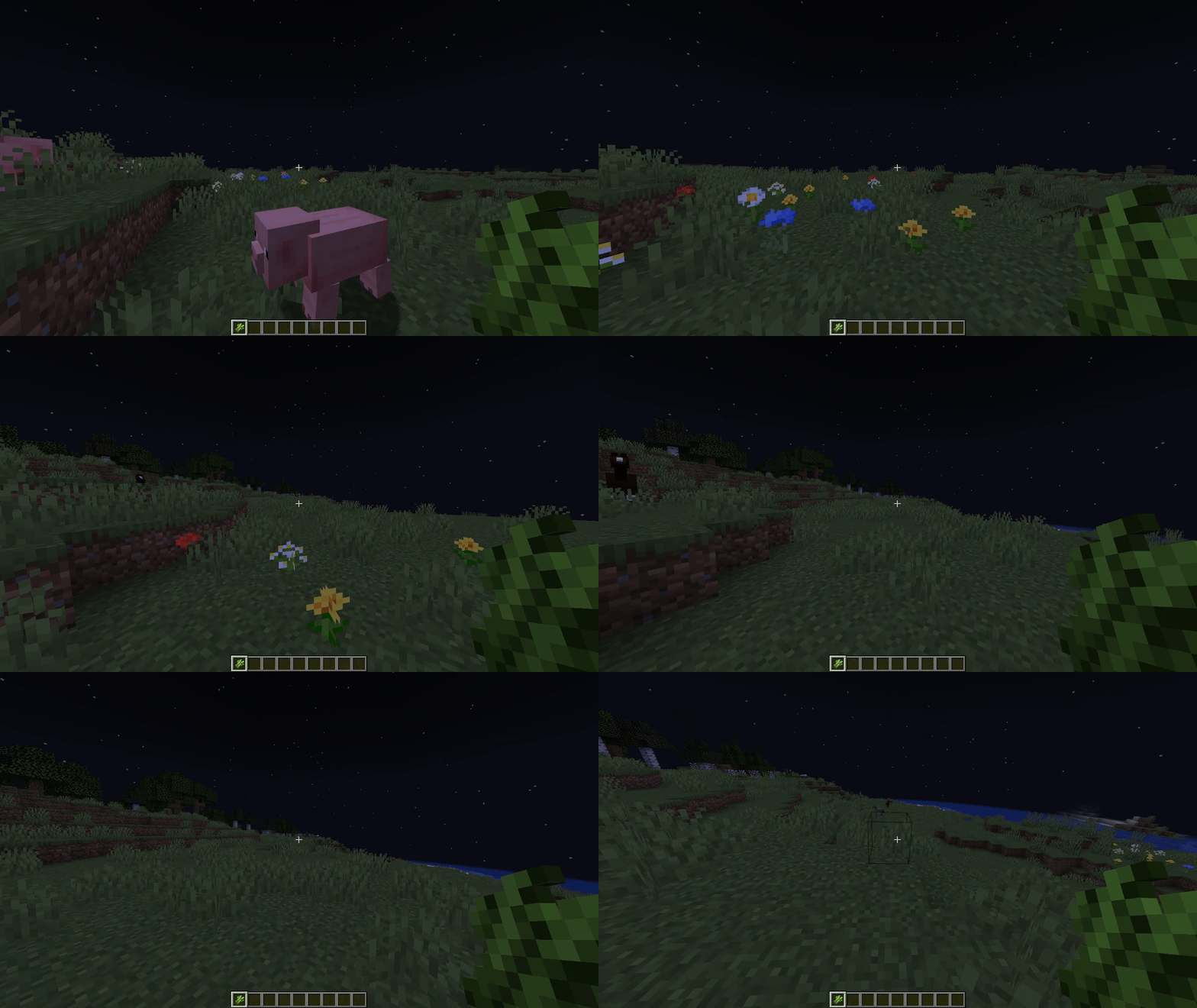
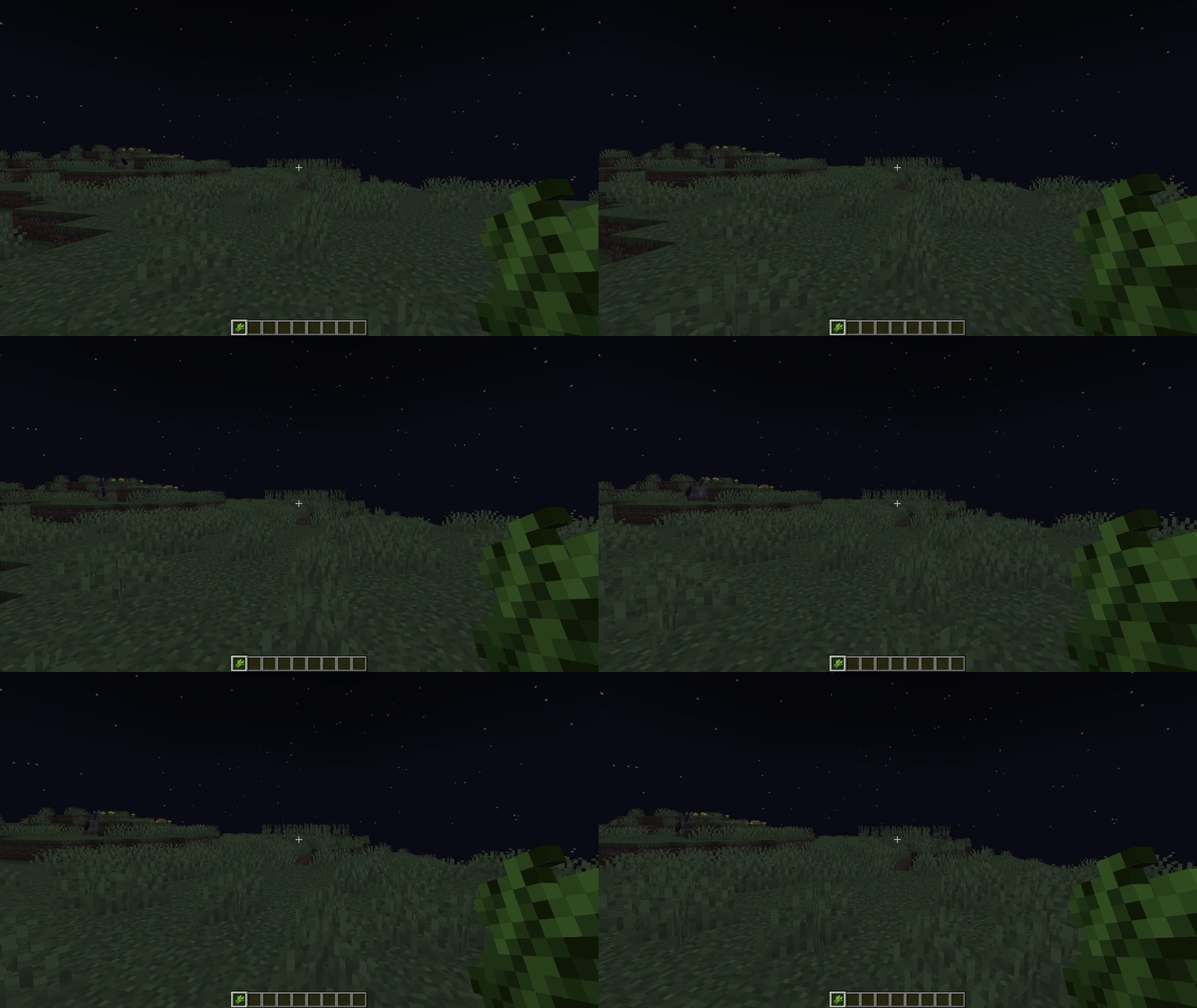
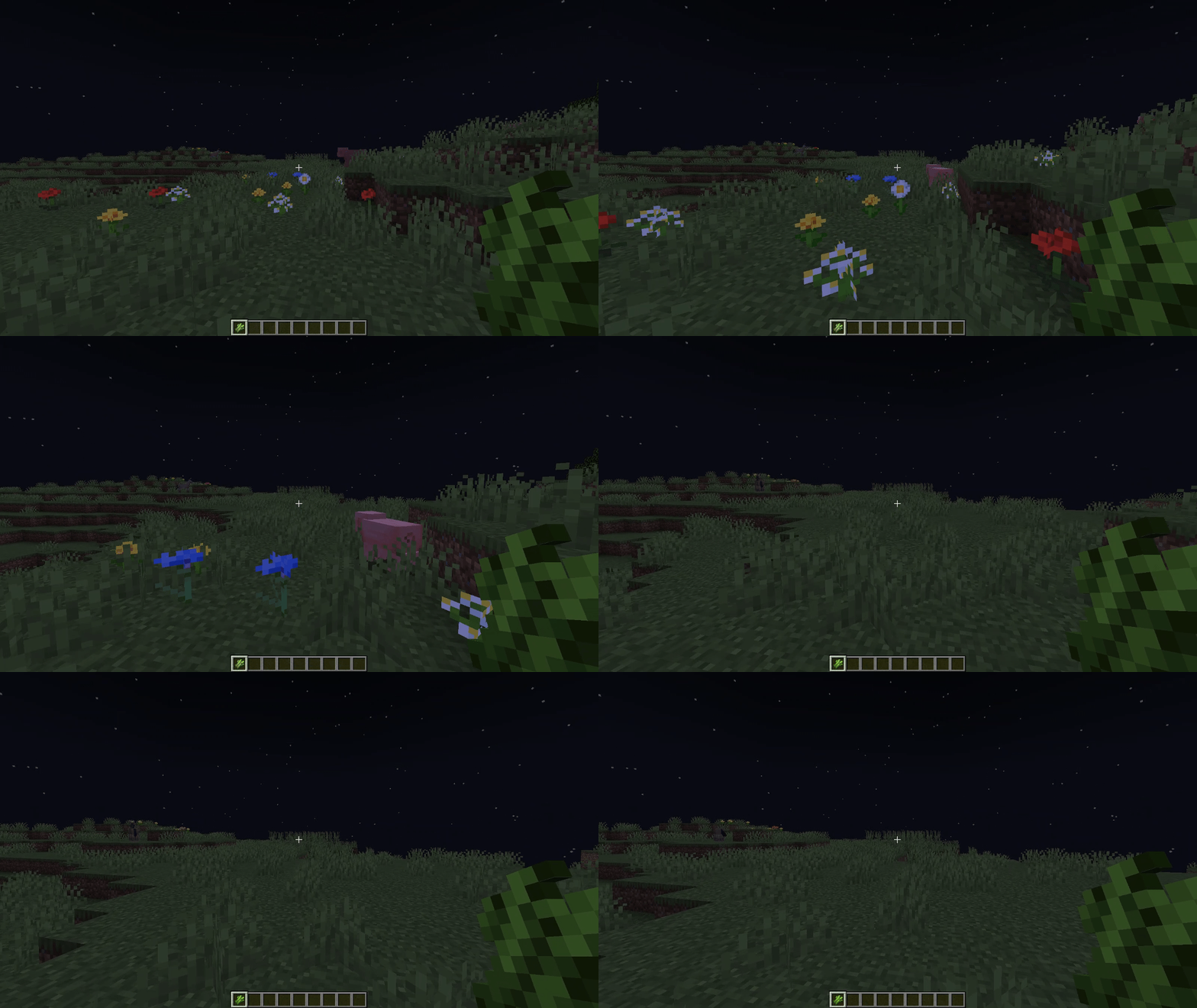
Natural Camera is a first-person realism mod that replaces the flat vanilla feel with procedural camera motion. It adds walking sway, vertical bob, lateral sway, turning motion, crouch movement, jump and landing impact, and a slow-walk mode for more natural movement.
The goal of the mod is simple: make Minecraft movement feel heavier, more physical, and more believable without breaking normal gameplay.
REQUIRES: Forge + VinConfig
Functionality as of 0.0.2-a:
Procedural Camera Movement
- Walk sway: The camera sways naturally while walking instead of moving in a flat vanilla way.
- Vertical bob: The camera moves up and down during steps for a more physical walking feeling.
- Lateral sway: Side-to-side motion adds extra weight and realism to movement.
- Yaw rotation: The camera reacts to turning and movement with smoother rotational motion.
- Pitch tilt: The camera tilts slightly up and down based on movement, impact, and motion state.
- Crouch motion: Sneaking changes the camera pose in a subtle but noticeable way.
- Jump and landing impact: Jumping and landing now produce stronger camera reactions, especially after real falls.
Landing and Fall Behavior
- Fall-based strength tiers: Bigger falls create stronger landing reactions.
- Left Alt keybind: Hold the key to activate a slower, more realistic walk mode.
- Changeable in Controls: The keybind can be remapped in Minecraft’s key settings.
- Better realism: Walking and sneaking feel calmer and less like mini-sprinting.
- Walk Sway Strength: Controls how strong the overall step sway feels.
- Vertical Bob Strength: Controls how much the camera rises and falls while moving.
- Lateral Sway Strength: Controls side movement and sideways weight.
- Yaw Rotation Strength: Controls the amount of turn-based camera rotation.
- Pitch Tilt Strength: Controls how strong the camera tilts up and down.
- Crouch Strength: Controls how much sneaking changes the camera motion.
- Jump and Landing Strength: Controls jump lift and landing impact.
- Speed Sensitivity: Controls how strongly movement speed affects the camera response.
- First-person focused: The mod is designed for first-person realism.
- Vanilla gameplay intact: The mod changes camera and movement feel without replacing core Minecraft gameplay systems.
- Better immersion: The camera reacts more like a real body moving through space instead of a fixed floating view.
- Movement style: Sprint remains fast and sharp, while normal walking and sneaking are intentionally calmer and slower.
- Anti-cheat servers: Some servers with anti-cheat may not fully allow slow-walk behavior or may treat movement changes differently.
Real Walk Mode
Configurable Camera Tuning
Gameplay Notes
Known Limitation
Links
Available Versions
How to Install Natural Camera on Your Server
Order Server
Order a Minecraft Java server with at least 3 GB RAM (4 GB recommended).
Set forge Loader
In the panel under "Egg", select the forge loader and matching Minecraft version (1.20.1).
Install Mod
Open the mod browser in the dashboard and search for "Natural Camera". Click "Install" – done! Alternatively, upload the .jar via SFTP to the /mods folder.
Compatibility
Mod Loaders
Minecraft Versions
1.20.1
Server-side
✗ UnsupportedRecommended RAM
4 GB(min. 3 GB)Frequently Asked Questions
Natural Camera server crashes on startup – what to do?
Most common cause: wrong forge version or insufficient RAM. Check the server log (latest.log) for "OutOfMemoryError" or "Mixin" errors. With Mado Hosting: ensure at least 3 GB RAM is allocated and the loader matches the mod version (1.20.1). You can switch loaders with one click in the panel.
Is Natural Camera compatible with forge?
Natural Camera officially supports forge for Minecraft 1.20.1. The Mado dashboard automatically detects incompatible loader combinations.
Server lagging with Natural Camera – how to optimize performance?
Recommended RAM: 4 GB (per 8 players). Use /spark profiler to check if Natural Camera consumes the most tick time. Common fixes: reduce server view-distance to 8-10, install "performant" or "starlight" as supplementary mods on Forge. With Mado Hosting, your server runs on NVMe SSDs with dedicated CPU cores for minimal latency.
Similar Mods




Rent Modded Server
Install Natural Camera with just one click on your server.