
Neo Hammers
Adds hammers that let you mine large areas in no time!
About this Mod
Neo Hammers

About 📖
This mod adds hammers that let you mine large areas in no time!
Hammers are new multi-tool items. They allow you to mine almost anything!
But they don't allow you large areas yet. That's what the new enchantment,
Hammering, is for.
Hammering has a total of 6 levels. Each level increases the area that can
be mined with a hammer. For the first 3 levels, it increases the mining area to 3x3,
with the depth being based on the level. Starting at level 4,
it enlarges the mining area to 5x5.
You can get Hammering 1 to 3 from an enchanting table or a librarian. Every level after 3 can only
be obtained from ominous vaults.
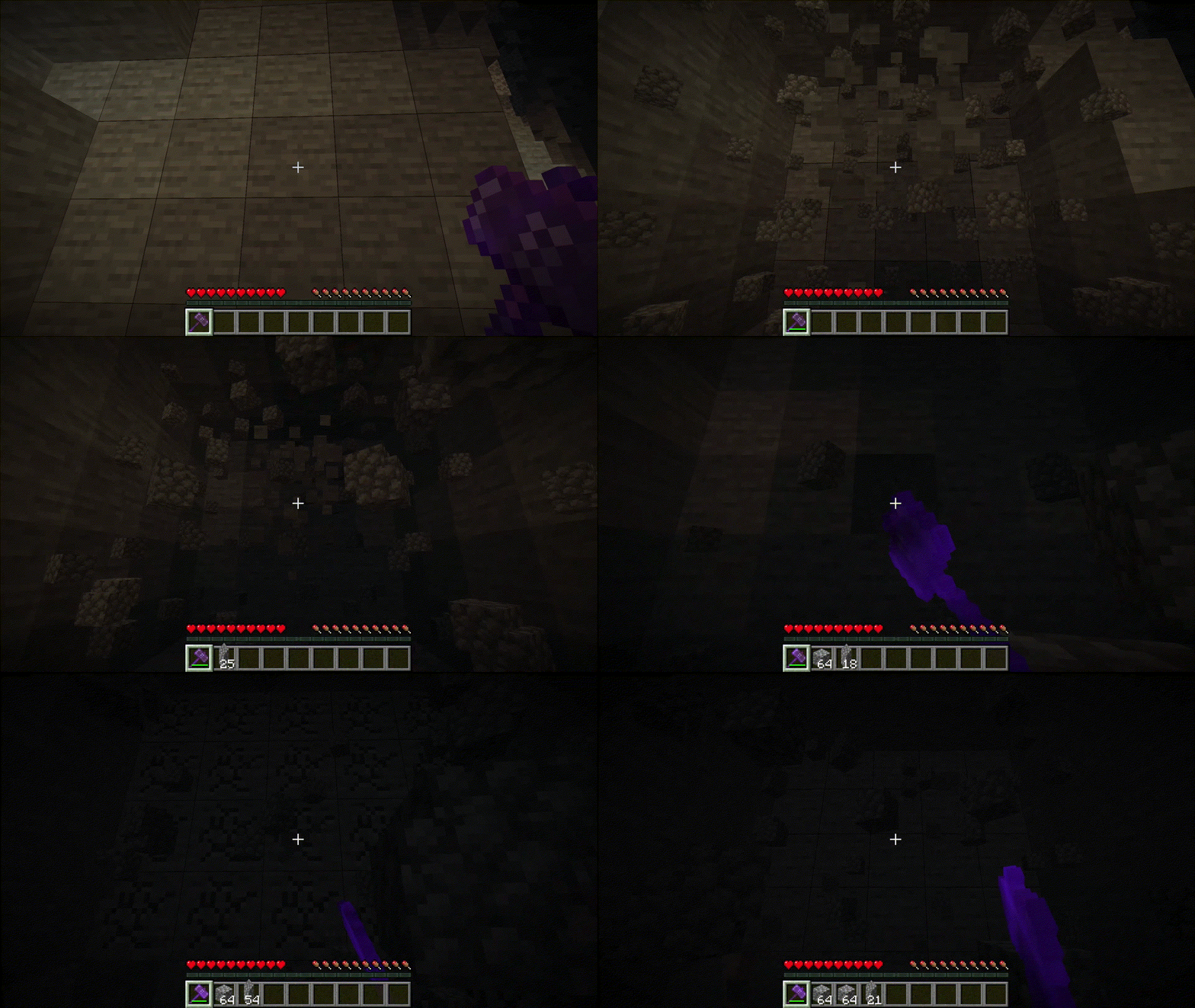
Showcase 🖼️
Hammering (Enchantment) 📕
Hammering III
Hammering VI
FAQ ❓
Where can I see the recipes for this mod?
You can either install a recipe viewer like JEI/EMI or use Minecraft's recipe book.
What's going to happen to Hammering?
It's being archived. Since Architectury has barely received ports or updates,
it's becoming increasingly difficult to work with. Because of this,
I've spent a lot of time thinking about the future of my (three) mods and how
to maintain them.
At first, I considered creating another library, but I decided against that because
of some other factors.
In the end, I decided to switch to NeoForge. It offers many useful utilities
for this mod and is updated more frequently than Architectury.
Where can I report issues? // Where can I create feature requests?
You can report issues and create feature request here.
Available Versions
How to Install Neo Hammers on Your Server
Order Server
Order a Minecraft Java server with at least 3 GB RAM (4 GB recommended).
Set neoforge Loader
In the panel under "Egg", select the neoforge loader and matching Minecraft version (26.1.2).
Install Mod
Open the mod browser in the dashboard and search for "Neo Hammers". Click "Install" – done! Alternatively, upload the .jar via SFTP to the /mods folder.
Compatibility
Mod Loaders
Minecraft Versions
26.1.2, 26.1.1, 26.1 (+2 more)
Server-side
✓ RequiredRecommended RAM
4 GB(min. 3 GB)Frequently Asked Questions
Neo Hammers server crashes on startup – what to do?
Most common cause: wrong neoforge version or insufficient RAM. Check the server log (latest.log) for "OutOfMemoryError" or "Mixin" errors. With Mado Hosting: ensure at least 3 GB RAM is allocated and the loader matches the mod version (26.1.2). You can switch loaders with one click in the panel.
Is Neo Hammers compatible with neoforge?
Neo Hammers officially supports neoforge for Minecraft 26.1.2, 26.1.1, 26.1. The Mado dashboard automatically detects incompatible loader combinations.
Server lagging with Neo Hammers – how to optimize performance?
Recommended RAM: 4 GB (per 8 players). Use /spark profiler to check if Neo Hammers consumes the most tick time. Common fixes: reduce server view-distance to 8-10, install "performant" or "starlight" as supplementary mods on Forge. With Mado Hosting, your server runs on NVMe SSDs with dedicated CPU cores for minimal latency.
Similar Mods




![[TaCZ] Timeless and Classics Zero](https://cdn.modrinth.com/data/SzzJttH8/fd27766d2bb8390d284696b1dbd358f87e081439_96.webp)

Rent Modded Server
Install Neo Hammers with just one click on your server.