
Nether-Xtreme
Venture into the Abyss: NetherXtreme takes your Minecraft experience to new depths with an expansive reimagining of the Nether.
Screenshots
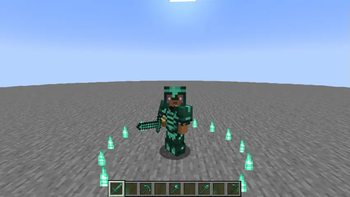
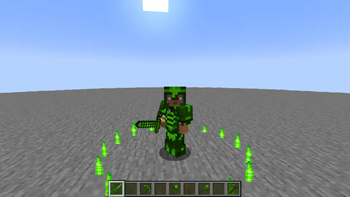
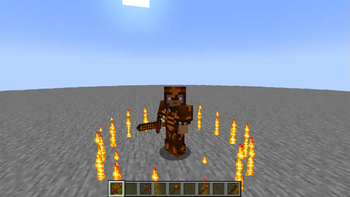

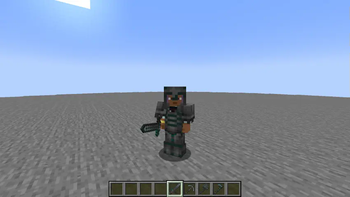
About this Mod

Venture into the Abyss: NetherXtreme takes your Minecraft experience to new depths with an expansive reimagining of the Nether. Discover perilous biomes, unearth powerful new ores like AbyssalPlate and Emberstone, and forge legendary armor sets that grant unique abilities. From the blazing Emberstone jungles to the eerie depths where ancient forces lurk, every corner of the Nether holds new challenges and rewards. Prepare for an adventure where the very ground beneath you could reveal untold secrets—or lead to your doom. Are you ready to face the true power of the Nether
the mod is a wip made with mcreator, comment to ask me to fix any bug or improvement
i am an italian creator and the mod is made with mcreator
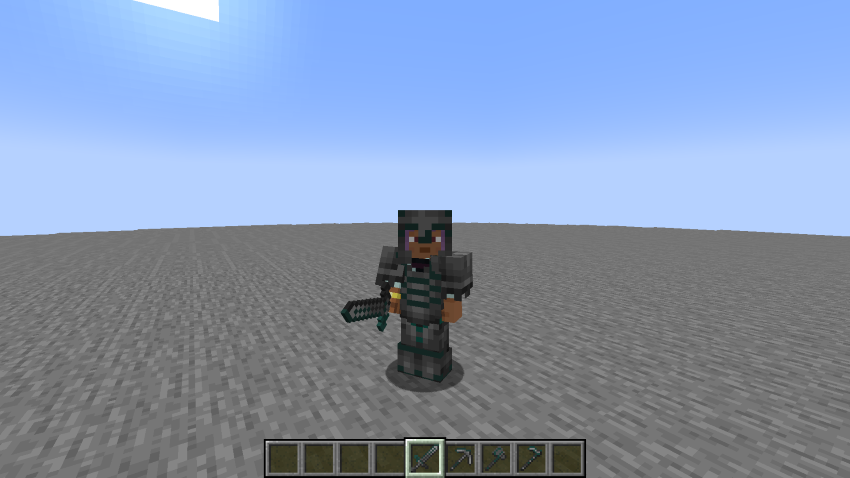
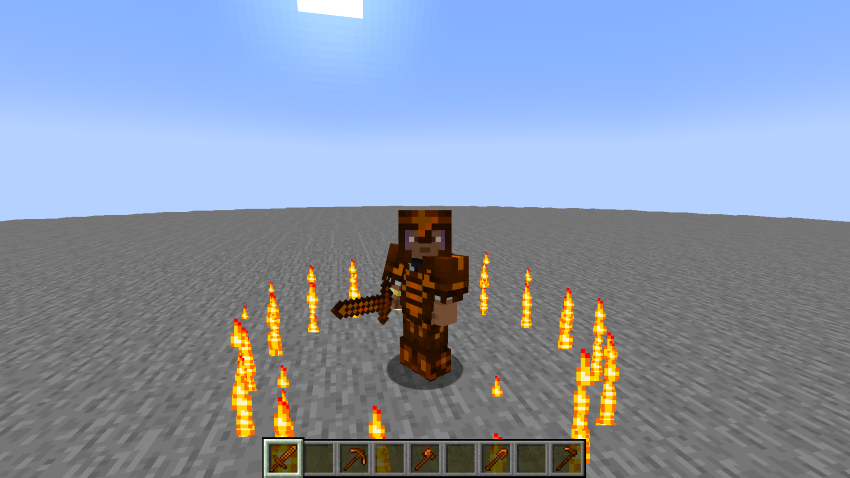
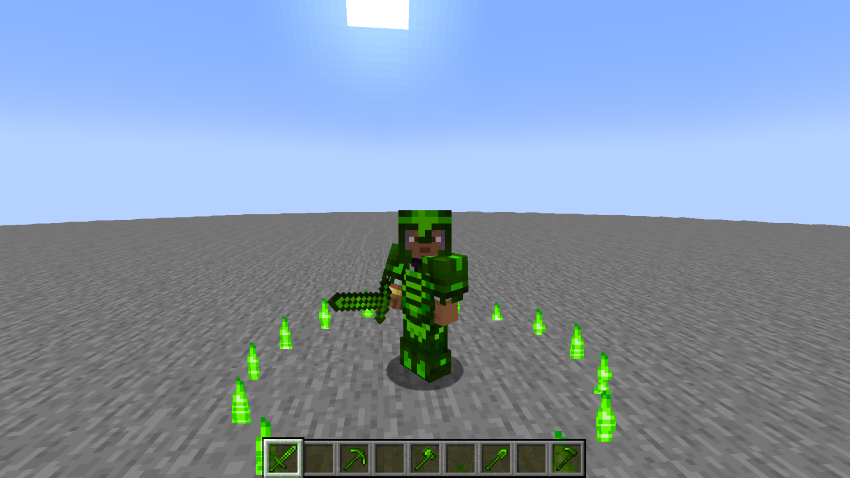
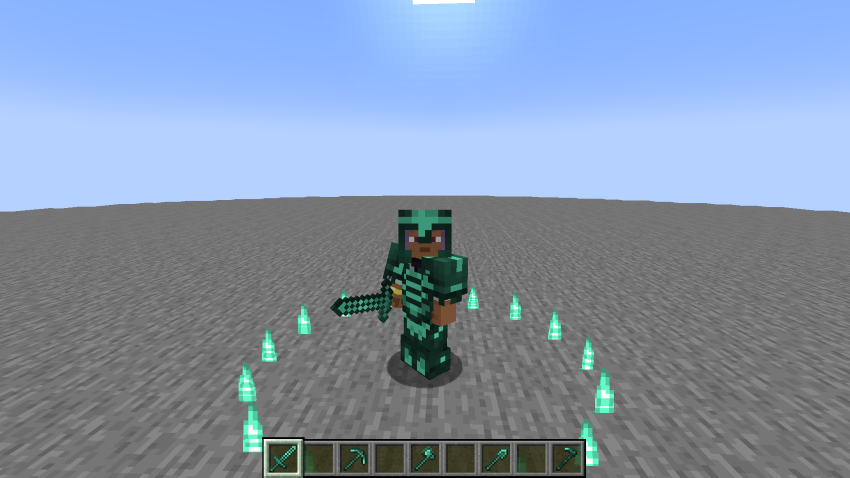
mod features 4 new sets of armor and tools
- Abyssalplate
- Emberstone
- Chlorophyte
- Mythril
biomes in the nether are still a W.I.P and will no be developed until i learn to use terrablender.
P.S. if you know how to edit vanilla loot tables please tell me and i will make loot tables for templates instead of crafting them
Available Versions
How to Install Nether-Xtreme on Your Server
Order Server
Order a Minecraft Java server with at least 4 GB RAM (6 GB recommended).
Set neoforge Loader
In the panel under "Egg", select the neoforge loader and matching Minecraft version (1.20.6).
Install Mod
Open the mod browser in the dashboard and search for "Nether-Xtreme". Click "Install" – done! Alternatively, upload the .jar via SFTP to the /mods folder.
Compatibility
Mod Loaders
Minecraft Versions
1.20.6
Server-side
✓ RequiredRecommended RAM
6 GB(min. 4 GB)Frequently Asked Questions
Nether-Xtreme server crashes on startup – what to do?
Most common cause: wrong neoforge version or insufficient RAM. Check the server log (latest.log) for "OutOfMemoryError" or "Mixin" errors. With Mado Hosting: ensure at least 4 GB RAM is allocated and the loader matches the mod version (1.20.6). You can switch loaders with one click in the panel.
Is Nether-Xtreme compatible with neoforge?
Nether-Xtreme officially supports neoforge for Minecraft 1.20.6. The Mado dashboard automatically detects incompatible loader combinations.
Server lagging with Nether-Xtreme – how to optimize performance?
Recommended RAM: 6 GB (per 5 players). Use /spark profiler to check if Nether-Xtreme consumes the most tick time. Common fixes: reduce server view-distance to 8-10, install "performant" or "starlight" as supplementary mods on Forge. With Mado Hosting, your server runs on NVMe SSDs with dedicated CPU cores for minimal latency.
Similar Mods




Rent Modded Server
Install Nether-Xtreme with just one click on your server.