Netherite Extras
A vanilla-friendly mod that adds more uses for Netherite, including Nuggets, Wolf Armor, Horse Armor, Apples and a multi-use Totem.
Screenshots
About this Mod
Netherite Extras
A mod that adds more uses for Netherite while trying to stay balanced.
Most of the additions are quite powerful, but also very expensive. This makes them ideal for the Late Game.




Features
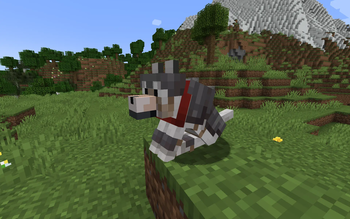
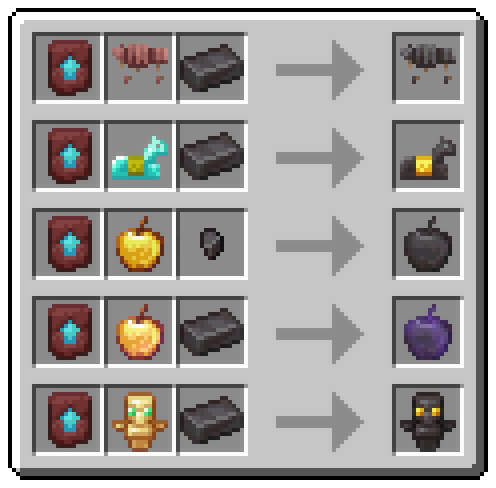
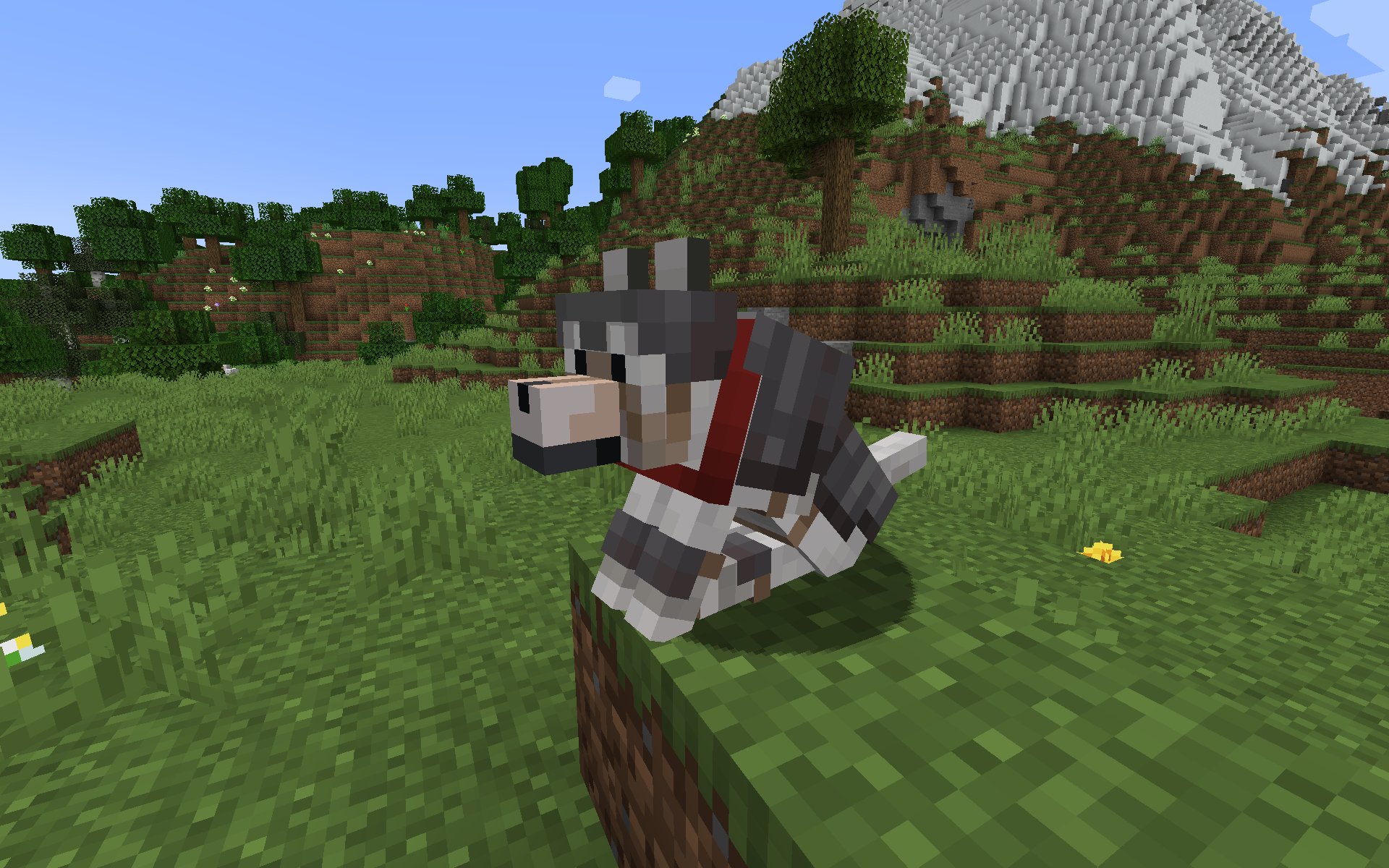
NEW: Netherite Wolf Armor (1.20.5+)
- Upgrade Wolf Armor to Netherite in the Smithing Table
- Protects wolf completely, like normal Wolf Armor
- Double durability of normal Wolf Armor
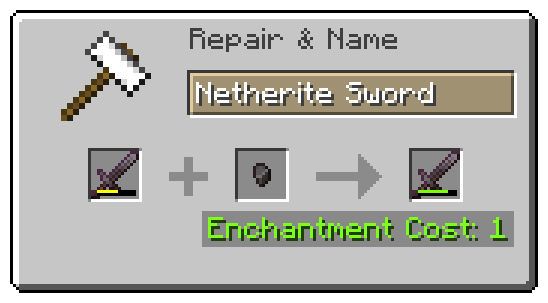
- Can be repaired with Netherite Nuggets (each restores 1/4 durability)
- Item is fireproof
Netherite Nuggets
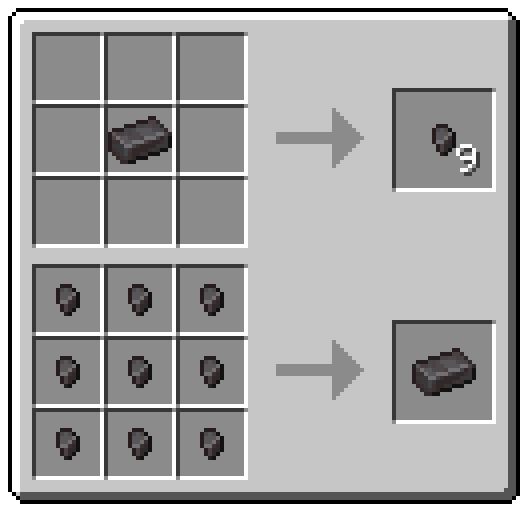
- Craft a Netherite Ingot into nine Nuggets
- Use them to repair Netherite Tools
- Use them as currency on multiplayer
- Piglin Brutes have a 50% chance of dropping a Netherite Nugget on death
- Drop chance is configurable with ModMenu or in config file
- Item is fireproof
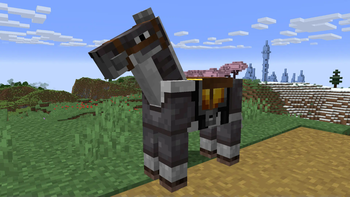
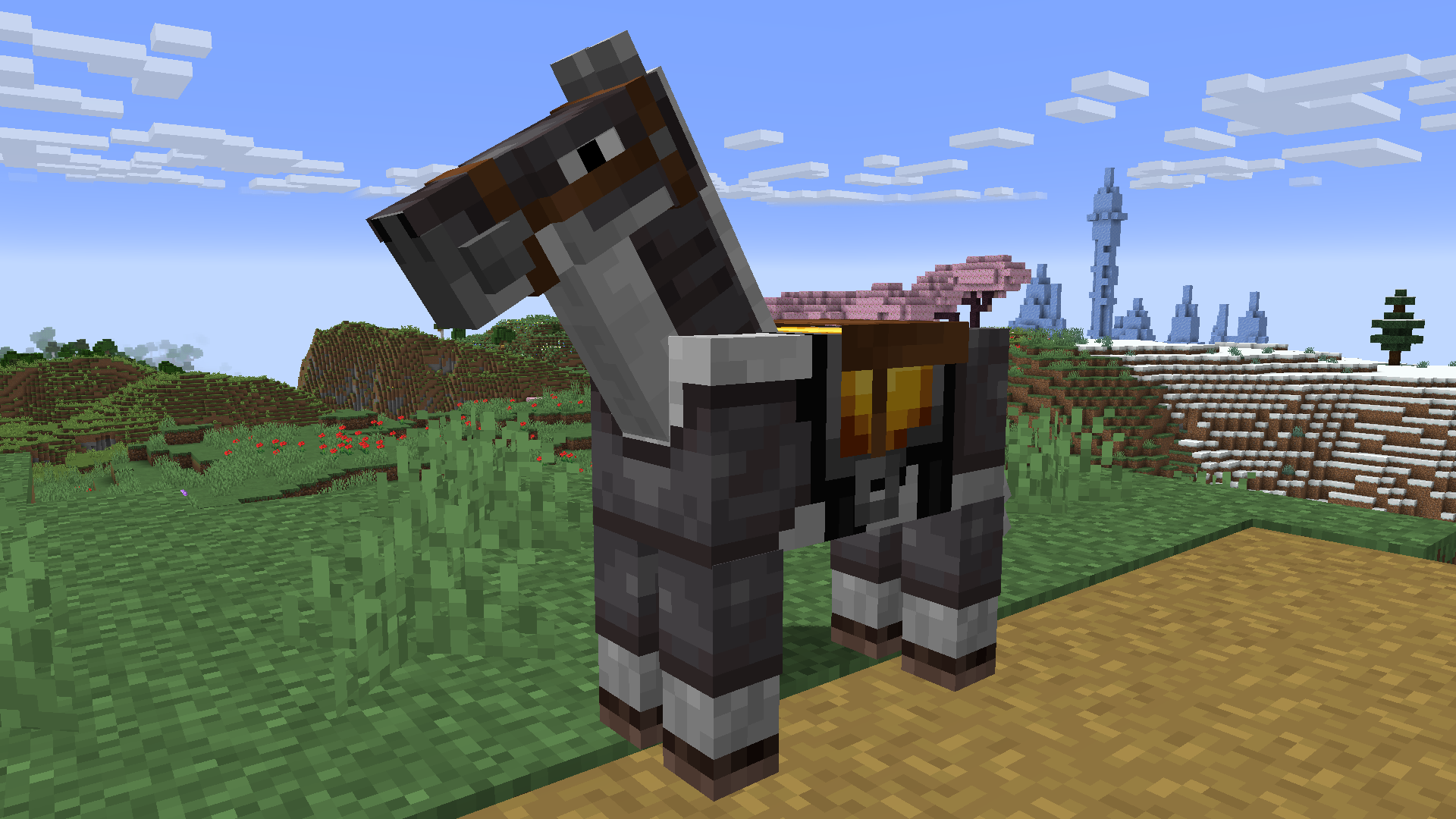
Netherite Horse Armor
- Upgrade Diamond Horse Armor to Netherite in the Smithing Table
- More protection from all damage sources, especially lava damage
- Item is fireproof
Totem of Neverdying
- Upgrade a Totem of Undying with Netherite to turn it into a Totem of Neverdying
- Can be used four times instead of just once
- Behaves like a regular Totem of Undying otherwise
- Item is fireproof
Netherite Apple
- Upgrade Golden Apples to Netherite in the Smithing Table
- Higher effect levels
- Increased effect duration
- Additional effect: Fire Resistance
- Item is fireproof
Enchanted Netherite Apple
- Upgrade Enchanted Golden Apples to Netherite in the Smithing Table
- Higher effect levels
- Increased effect duration
- Additional effects for a short amount of time
- Item is fireproof
Recipes
Contact Me
Do you have a suggestion or an idea? Did you find a bug?
Open an issue on GitHub and let me know!
Available Versions
How to Install Netherite Extras on Your Server
Order Server
Order a Minecraft Java server with at least 3 GB RAM (4 GB recommended).
Set fabric Loader
In the panel under "Egg", select the fabric loader and matching Minecraft version (1.21.1).
Install Mod
Open the mod browser in the dashboard and search for "Netherite Extras". Click "Install" – done! Alternatively, upload the .jar via SFTP to the /mods folder.
Compatibility
Mod Loaders
Minecraft Versions
1.21.1, 1.21, 1.20.6 (+7 more)
Server-side
✓ RequiredRecommended RAM
4 GB(min. 3 GB)Frequently Asked Questions
Netherite Extras server crashes on startup – what to do?
Most common cause: wrong fabric version or insufficient RAM. Check the server log (latest.log) for "OutOfMemoryError" or "Mixin" errors. With Mado Hosting: ensure at least 3 GB RAM is allocated and the loader matches the mod version (1.21.1). You can switch loaders with one click in the panel.
Is Netherite Extras compatible with fabric and quilt?
Netherite Extras officially supports fabric, quilt for Minecraft 1.21.1, 1.21, 1.20.6. The Mado dashboard automatically detects incompatible loader combinations.
Server lagging with Netherite Extras – how to optimize performance?
Recommended RAM: 4 GB (per 8 players). Use /spark profiler to check if Netherite Extras consumes the most tick time. Common fixes: reduce server view-distance to 8-10, install "performant" or "starlight" as supplementary mods on Forge. With Mado Hosting, your server runs on NVMe SSDs with dedicated CPU cores for minimal latency.
Similar Mods




Rent Modded Server
Install Netherite Extras with just one click on your server.